
oldiefan
Members
-
Joined
-
Last visited
Everything posted by oldiefan
-
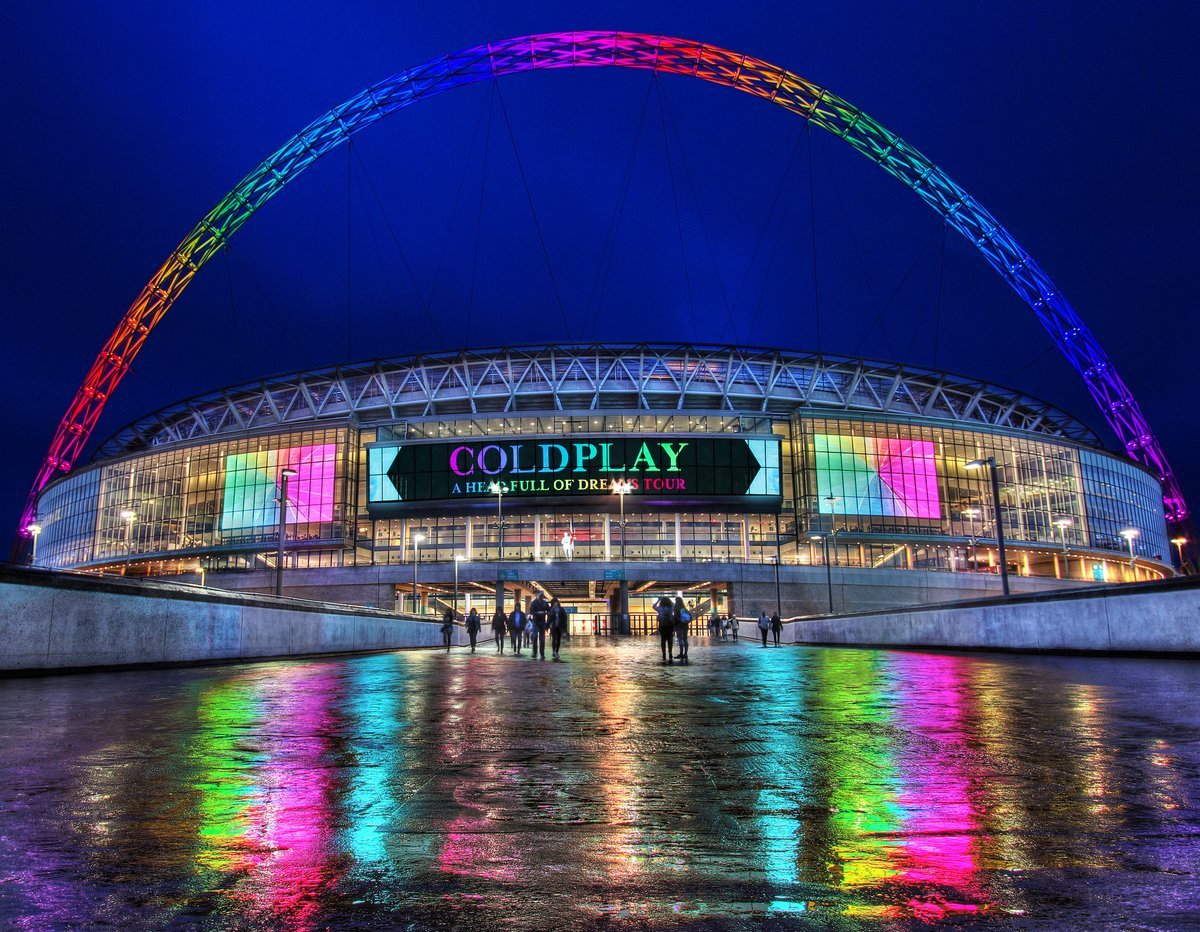
3 more sleeps - sooooooo excited ! Just wondering - is anyone going to see anyone other than Coldplay ?
-
Dress code ?????... never thought of that. At this age it's all about COMFORT ! So - better get digging in the wardrobe then.
-
Thanks for posting the photos Great photos of theatre - thanks. I can actually see my seat !!!! WOW - just can't wait !
-
Coming on your own ? - don't hesitate - do it. I'm lucky enough to have my daughter coming with me but I would happily have come on my own...... there's always someone to chat to... well as a 'Scouser' that's how I find it is. ( 'Scouser':- Liverpool person)
-
Yeah - me too. I'm only going to see them... might just stay in the bar for the rest of the show !
-
Got 2 'Bronze' package seats - well, why not ? At 63 years old, retired, the wonderful Coldplay make me feel like a crazy teenager again ! Just cannot wait. Probably end up in A&E with a heart attack. OMG - will they be at the party afterwards?????? Aghhhhhh..........