Skip to content
View in the app

A better way to browse. Learn more.

Coldplaying

A full-screen app on your home screen with push notifications, badges and more.

To install this app on iOS and iPadOS
  1. Tap the Share icon in Safari
  2. Scroll the menu and tap Add to Home Screen.
  3. Tap Add in the top-right corner.
To install this app on Android
  1. Tap the 3-dot menu (⋮) in the top-right corner of the browser.
  2. Tap Add to Home screen or Install app.
  3. Confirm by tapping Install.

MurdaBey

Members
  • Joined

  • Last visited

Everything posted by MurdaBey

  1. I put so much heart and time into this, it makes me really sad... I guess i just have to get over it and move on :-/
  2. I sent my package a month ago, is it normal that my match still hasn't received it?? We both live in europe :-(
  3. He sure did! He said this is the first thing he's going to buy next time he's travelling to Brussels
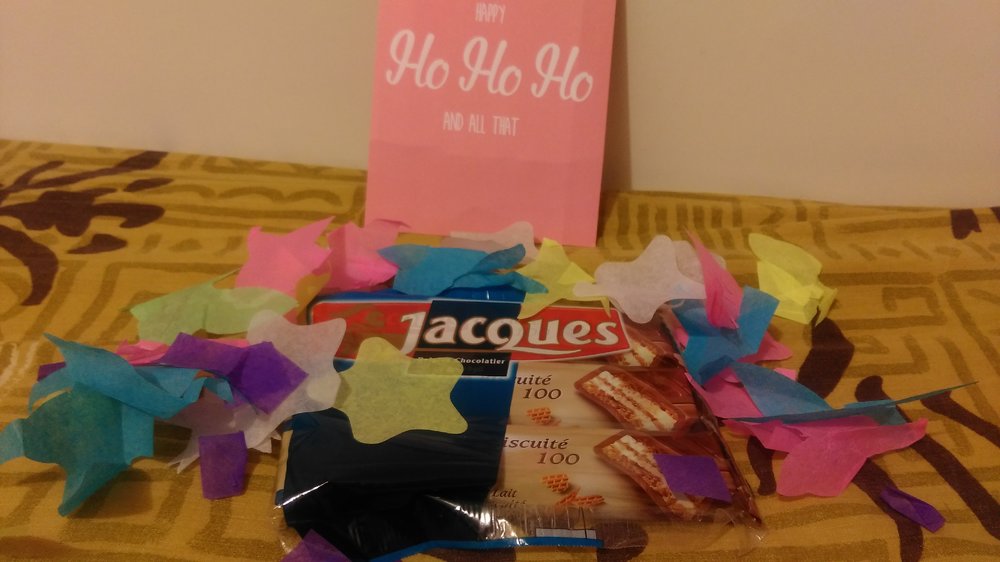
  4. Hello Hannah, your package arrived!! It cheered me up Thank you so much for the lovely card (pink is my fav colour ), the confettis (i will probably frame them ) and the chocolate that i didn't get to enjoy because my brother helped himself (he's 25 )! I wish you a merry christmas as well
  5. Sign me up please!! I have been a coldplayer for 2 years now but i just found out abt this tradition, i'm exciting


Account

Navigation

Search

Search

Configure browser push notifications

Chrome (Android)
  1. Tap the lock icon next to the address bar.
  2. Tap Permissions → Notifications.
  3. Adjust your preference.
Chrome (Desktop)
  1. Click the padlock icon in the address bar.
  2. Select Site settings.
  3. Find Notifications and adjust your preference.