
TheSavage_
Members
-
Joined
-
Last visited
Everything posted by TheSavage_
-
@flockofbirds222 Happy birthday! I hope you will have a wonderful year with many lovely events, Coldplay being a big part of that :D!
-
Of course I chose the worst picture Sent from my A0001 using Coldplaying mobile app
-
Here's what I got from foolsgoldthunder last week! Such a lovely package! Sent from my A0001 using Coldplaying mobile app
-
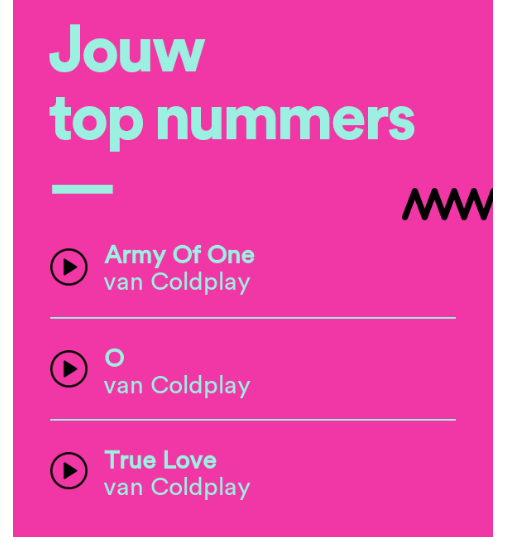
I barely use spotify, but when I use it I use it for the right things
-
I've been in a such a good mood these last few days! Approaching Christmas, finished exams, finishing some last assignments, had a cool date yesterday :D. For what a year 2016 has been it is certainly ending on a high note for me
-
That looks lovely! I can see a Kaleidoscope cover looking something like this
-
What has been seen cannot be unseen!
-
I hope this hasn't been posted yet but i got the biggest smile seeing Chris in this! Luckily this uni library is quite empty at the moment so no body caught me :D
-
AAWWWWWW Christmas Theme on the forum! Absolutely loving it
-
I received my package today! Thank you soooo much foolsgoldthunder for these wonderful treats! I'll take a picture of it all later but i basically had to pick a ton of tiny stars out of the carpet upon opening it :D
-
Having finally updated my profile picture after the big maintenance I still have to get used to it :)
-
Those are stunning! If I were a girl I'd be wearing those
-
We're gonna need a picture of that! (Or well I do cause I envy those shoes)
-
Aaaah alright. I only realised I forgot to take pictures on my way to the post office so I only have one or two progress pictures. We'll have to see if my match gets it and/or logs onto the forum some time
-
Yeah, well maybe not publicly but by the organisers. Idk if it would be of any use though
-
Keeps being cool to see more Dutch people here haha :D
-
Will there be a check up at the end to tally what arrived and what not?
-
Have you got the green pants to rock with it
-
I don't think that's a coincidence is it
-
What a bunch of lovely packages am I seeing here! I was wondering, are matches mutual, or does the match you get not necessarily equal the one sending to you?
-
So I've sent it now. Very expensive to send, probably next year it will be just a card. Kinda feel like ive been peer pressured into making a package instead of a card hahaha
-
Finally about to send my package, it's quite small so hopefully will go as letterpost and be there still on time. To my match: it's not very big but I hope you like it.
-
I've also just found that my match has never even posted a message on these forums :(. I hope this wont be a problem.
-
Im working on my package way too late, and now seeing these beautiful gifts I already feel super inadequate :(
-
I've been busy with some personal issues, I'll start working on my package soon. I'm so sorry for my match already :(