giorgina19
Members
-
Joined
-
Last visited
-
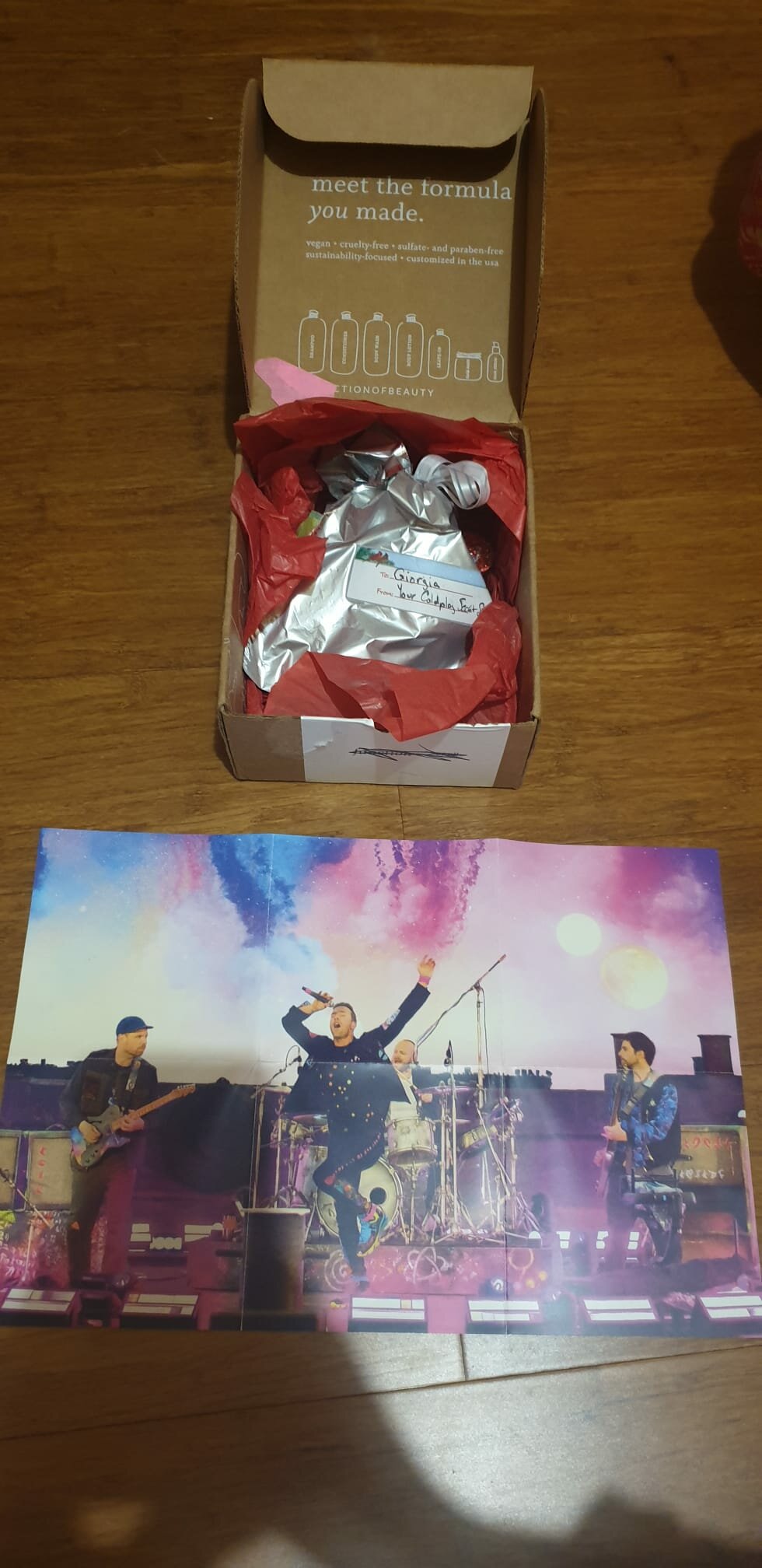
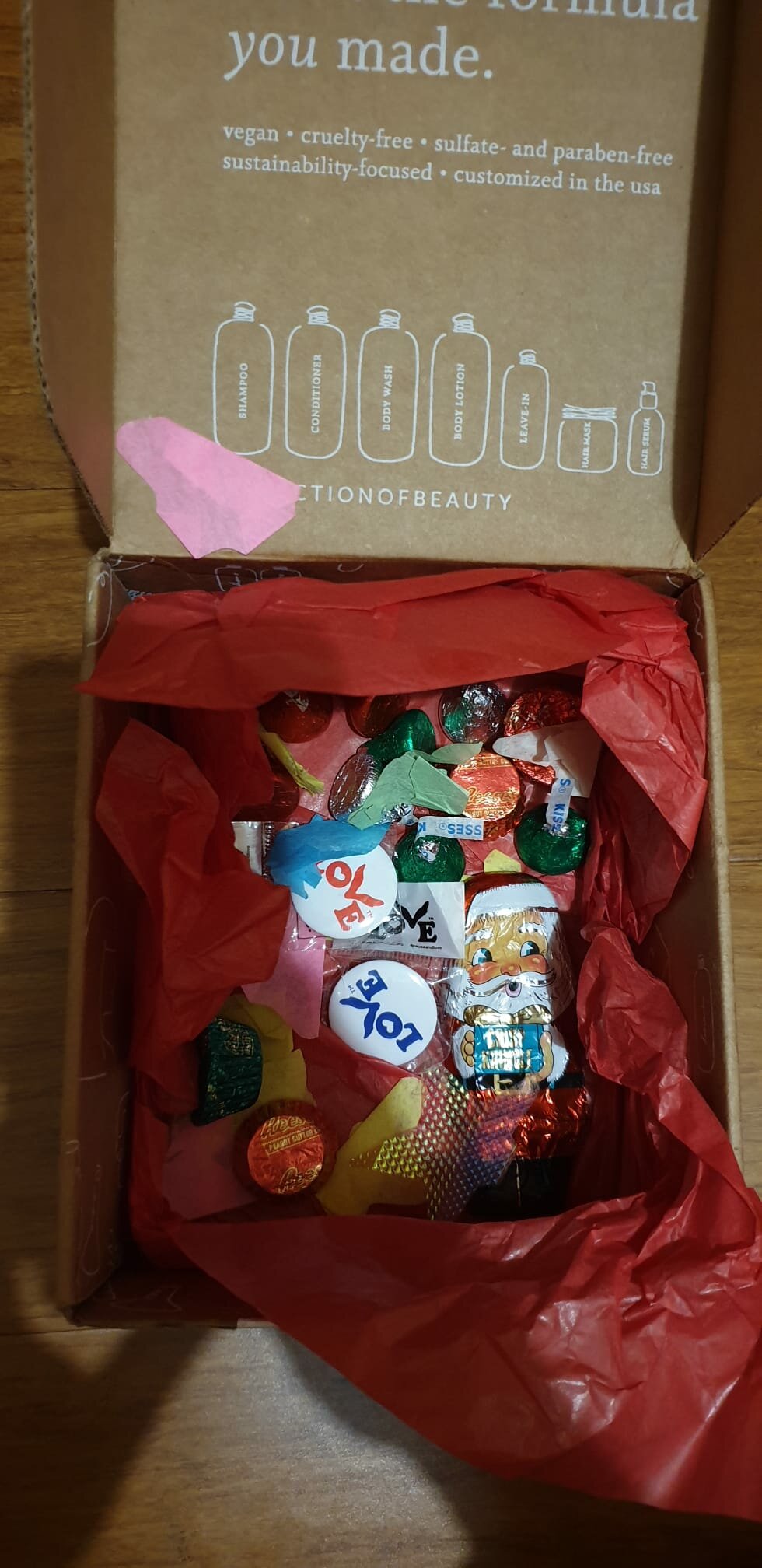
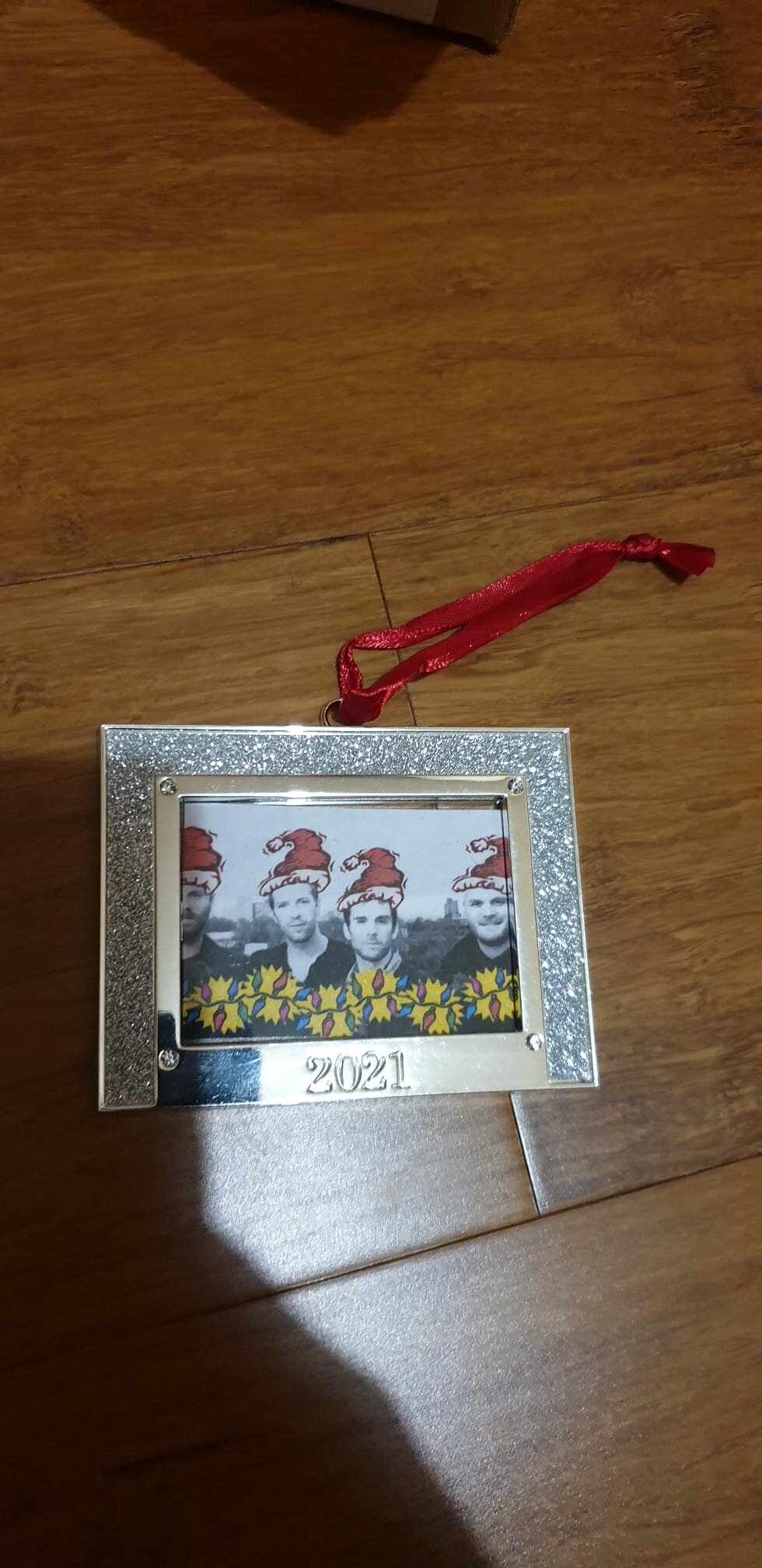
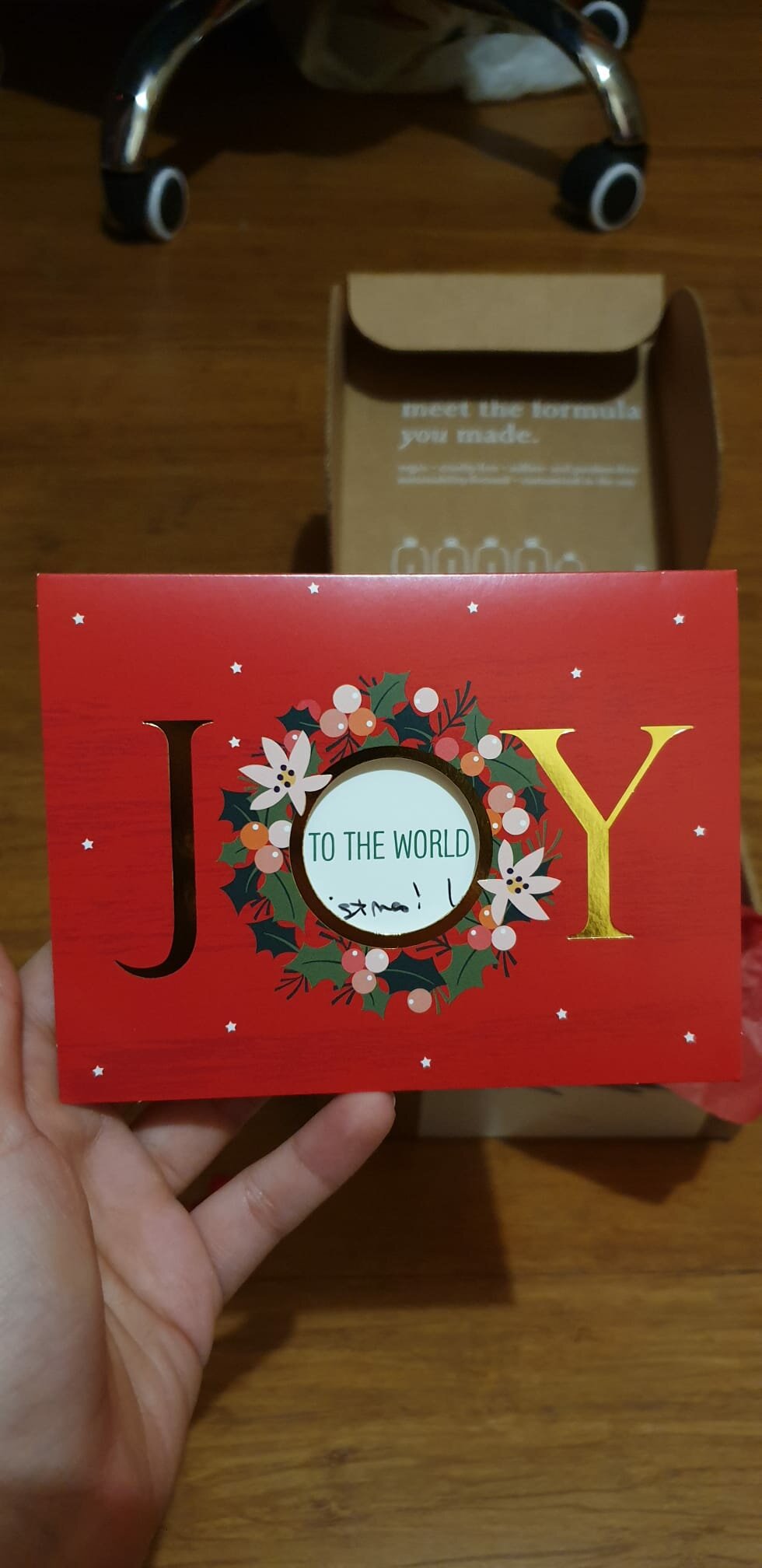
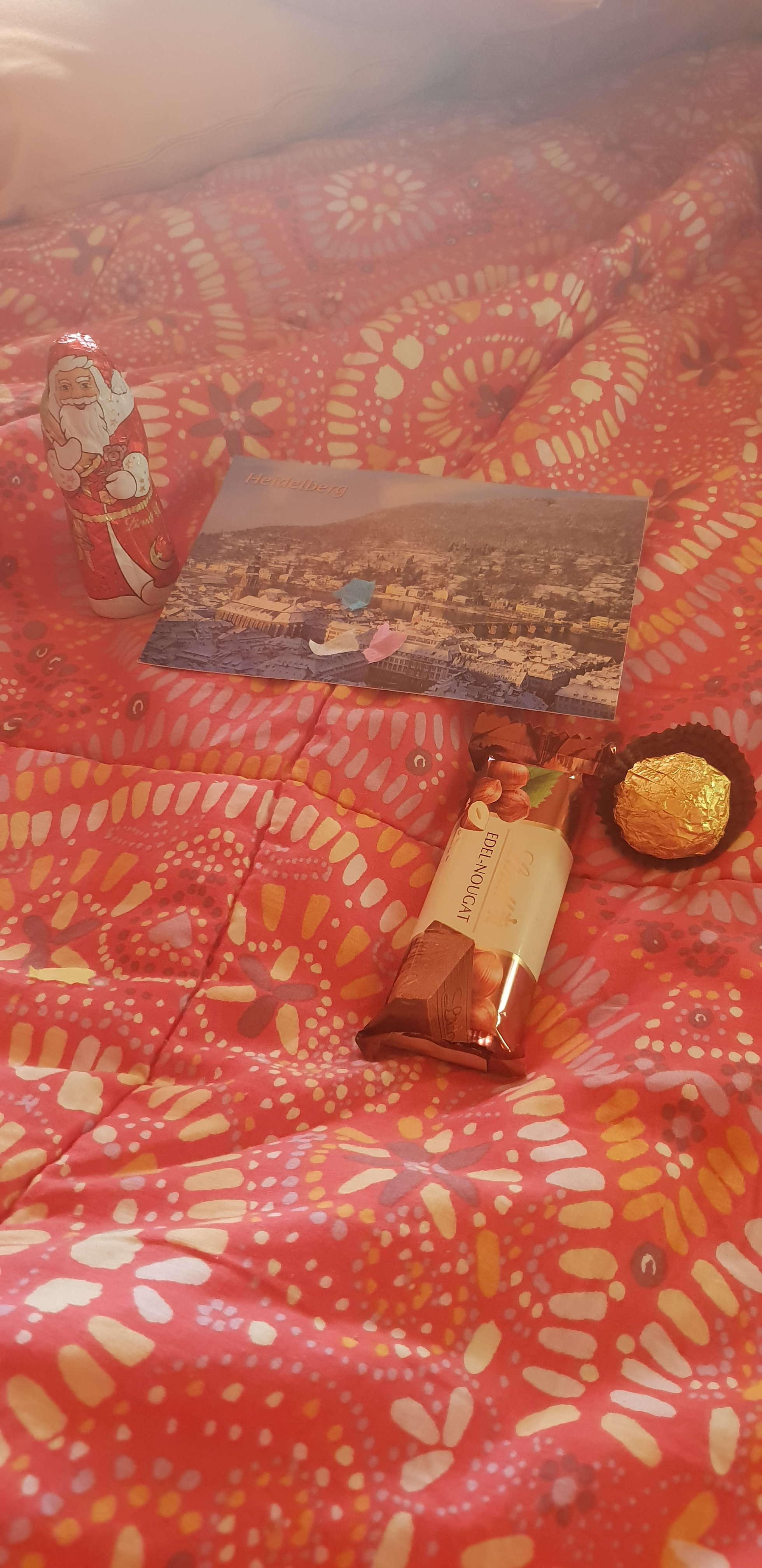
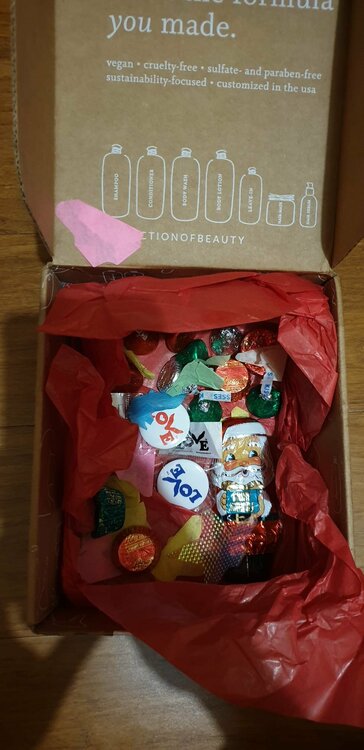
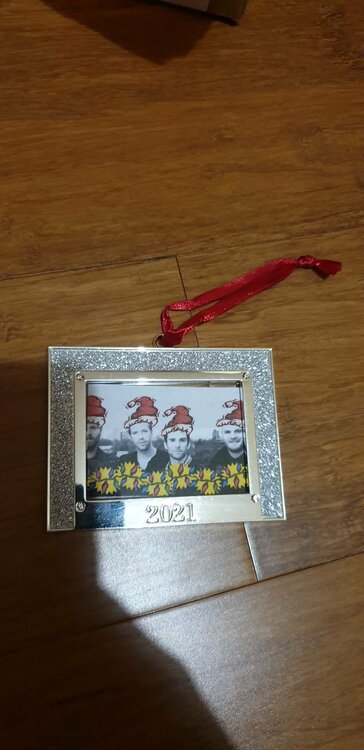
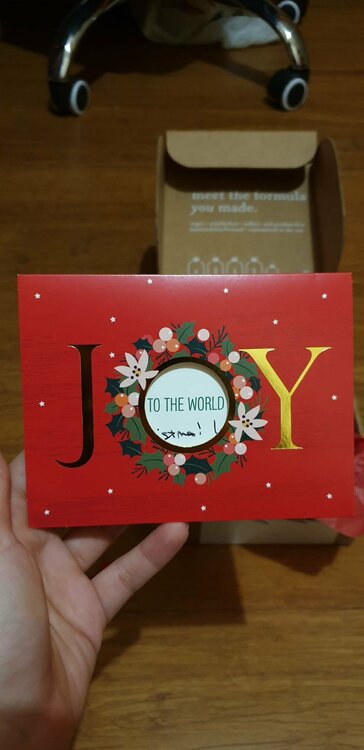
Today my Secret Santa parcel arrived from @JillyBlue . You put a smile upon my face when I opened it. The gifts are amazing and chocolate is yummy! It was so lovely and thoughtful of you to make me feel happy like that🥰 Thank you so much! I wish you all the best for the New Year and I hope you spent joyful Christmas holidays😁
-
The Escapist vs Chinese Sleep Chant
-
DLIBYH vs Postcards From Far Away
-
I'm in?
-
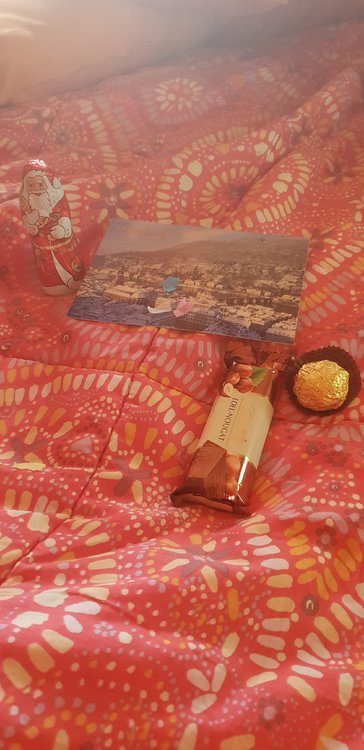
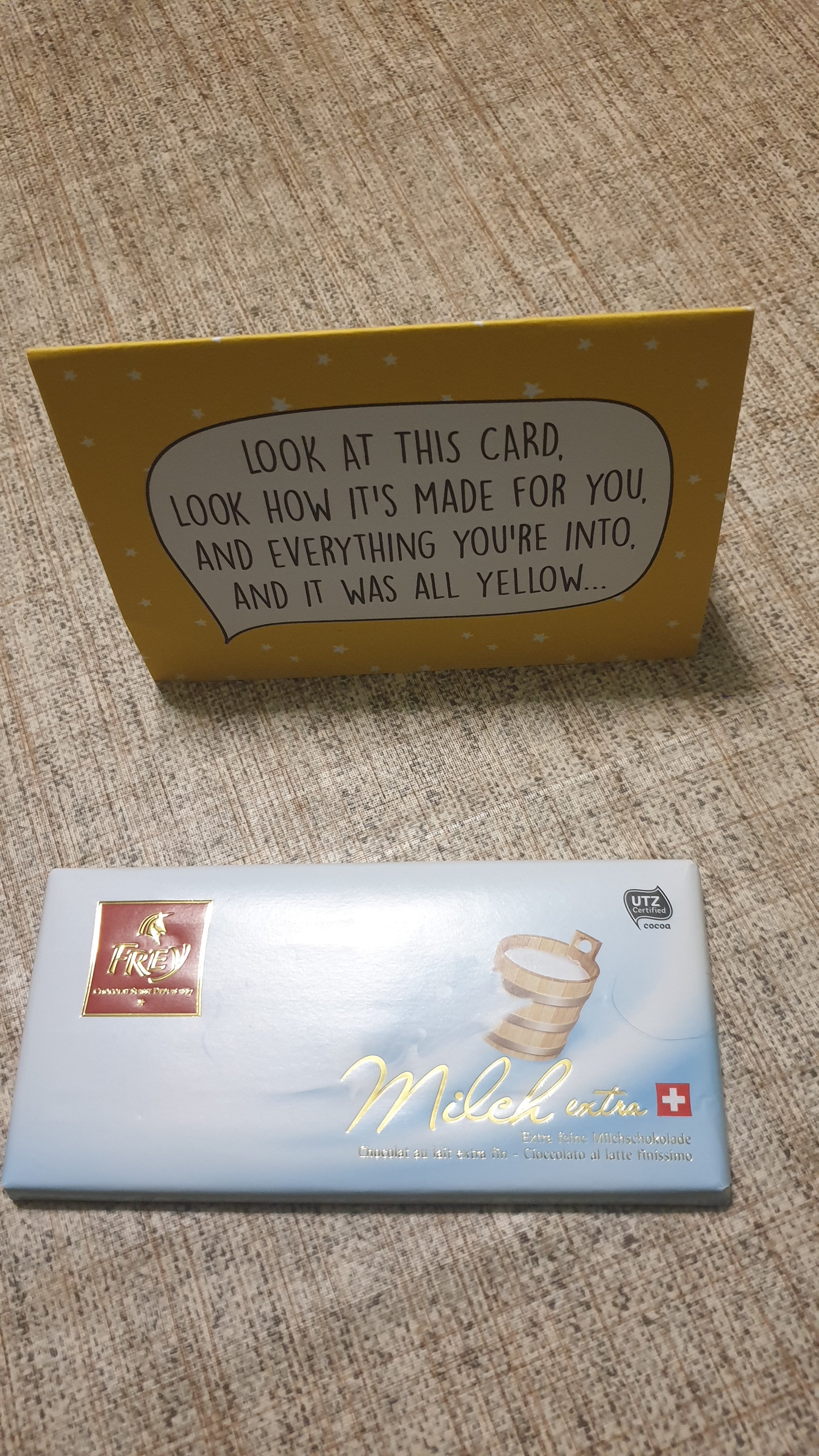
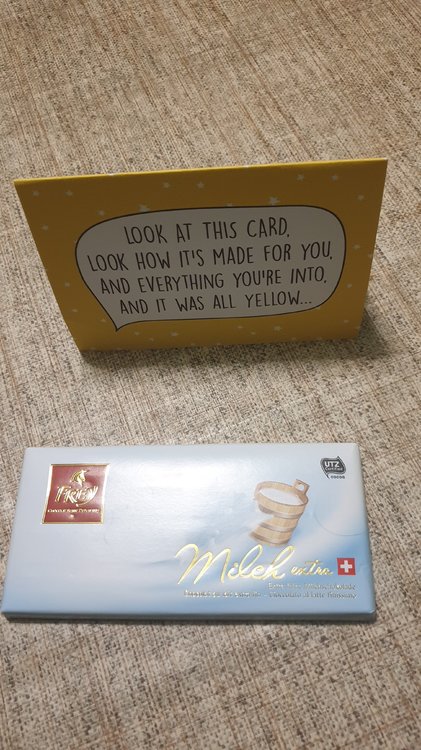
Today the doorbell rang and I got mail. Delicious Swiss chocolate and a very original card:heart_eyes: from @romirauseo
-
I'm so glad you like it. Have a wonderful year :blush:
-
I suggest that communicating if your package arrived or not is the right thing to do and not doing it is impolite. I had put so much effort into preparing this package but no one has expressed gratitude so far[emoji22][emoji22] Giorgia Inviato dal mio SM-G960F utilizzando Tapatalk
-
I'm worried about my match. I haven't had updates about my match from Slovakia yet :(
-
Thank you so much @Sarita♡ for your card, I'm happy it got to me today. I'll contact you later!;) Greetings from Giorgia, Italy