YGillot
Members
-
Joined
-
Last visited
-
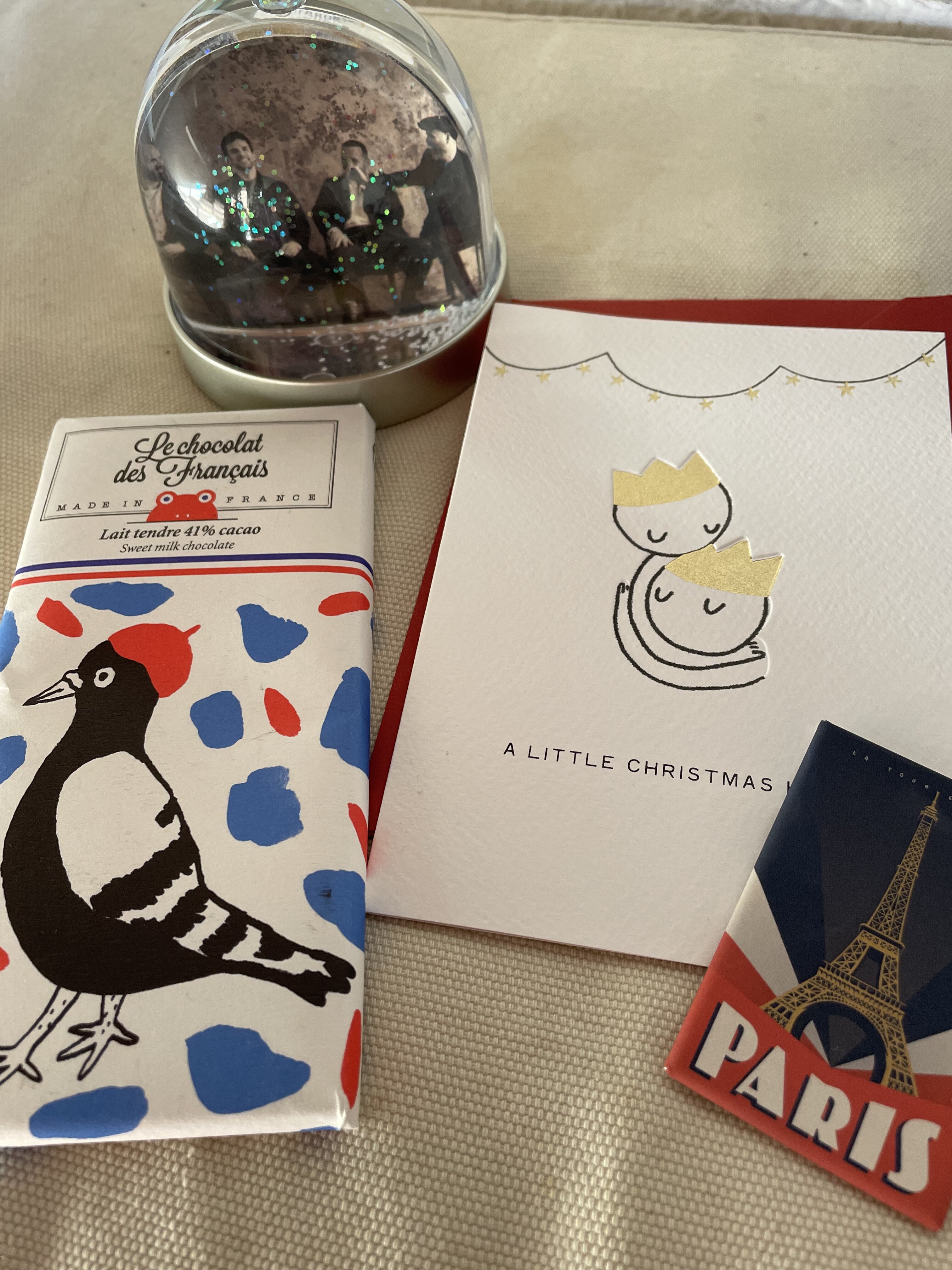
Exciting times as I completely forgot about it 🙈 Thank you very much for this wonderful surprise🎄🎅🏻 Merry christmas!
-
No idea why it didn't show when I checked before I asked, but I found it now. Thank you very much!
-
Are the matches sent out yet?
-
when your 5 year old (german) wants you to play her a music video "... you know, where the boy sings sometimes softly, sometimes loud ..." ... how much better can you described "something just like this"? :p
-
my parcel just got returned to sender :(
-
Thank you! I don't know how the postal service there is, so lets wait and see and hope it gets there one day ... you are right, it has to travel a very long way.
-
So pretty much every song ;)
-
I know how you feel, also still waiting for a message here
-
and it got even better, thank you Petra :kissing_heart:
-
besides seeing my kids while we decorate the tree and make things like candied almonds, it's the best part for me :)
-
whatever it is, i love it :)
-
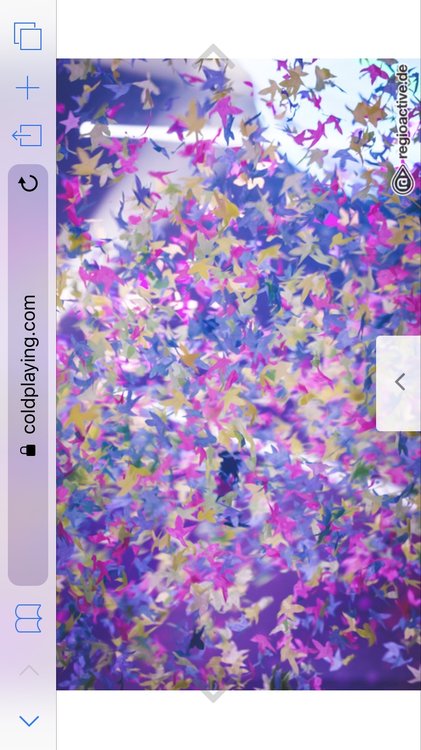
this is a picture from Frankfurt, looks simular to me, but as I said, I am relativly new to all of this
-
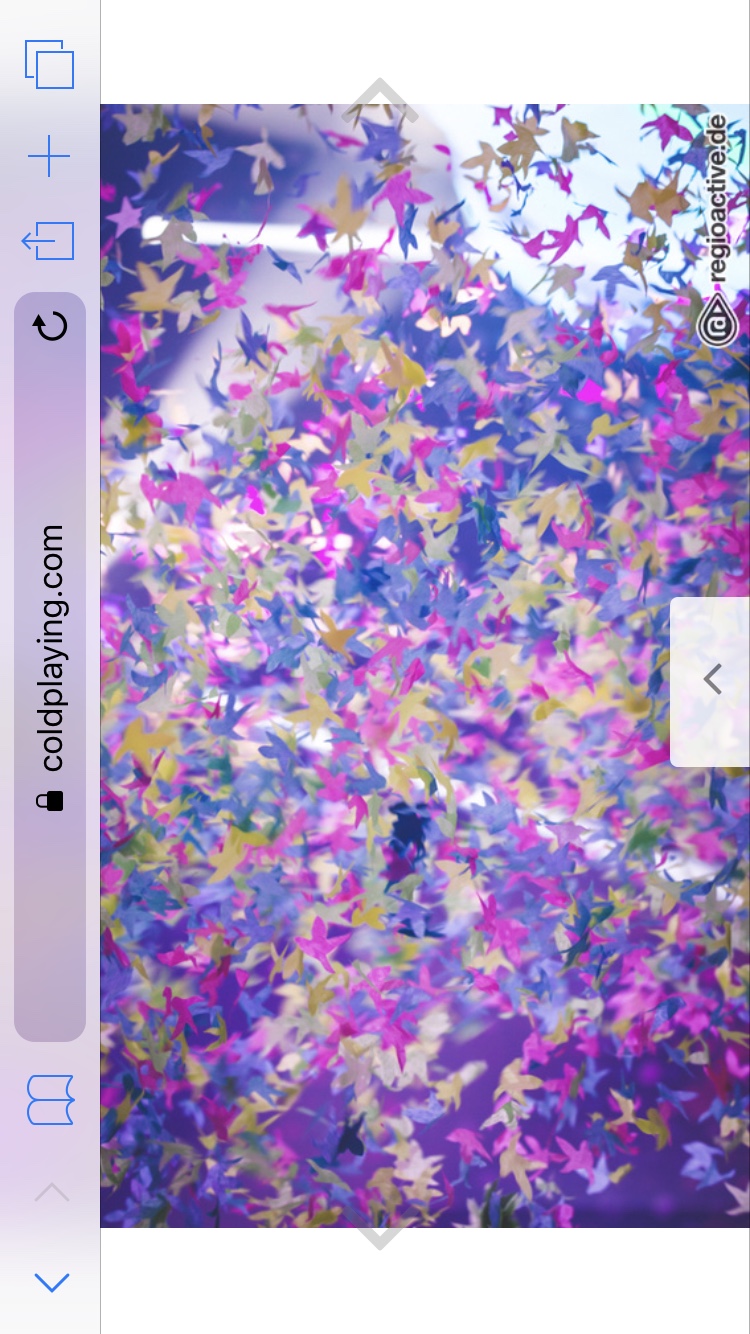
Wasn't the butterfly confetti used during the AHFOD tour? I am sure it's the same ones ... but since I am only "infected" since the 30.6.2017, I wouldn't even know
-
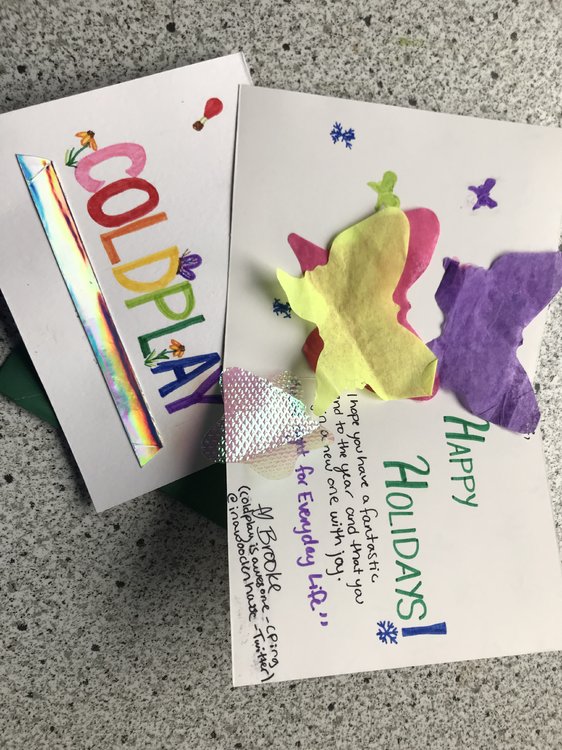
So excited, i just got mail :kissing_heart: Merry Christmas!
-
I do while driving a car, which doesn't happen very often and usually just for short distances. Funny enough when I started the car earlier, Paradise was playing on the radio :p