Skip to content
View in the app

A better way to browse. Learn more.

Coldplaying

A full-screen app on your home screen with push notifications, badges and more.

To install this app on iOS and iPadOS
  1. Tap the Share icon in Safari
  2. Scroll the menu and tap Add to Home Screen.
  3. Tap Add in the top-right corner.
To install this app on Android
  1. Tap the 3-dot menu (⋮) in the top-right corner of the browser.
  2. Tap Add to Home screen or Install app.
  3. Confirm by tapping Install.

gingaudas

Members
  • Joined

  • Last visited

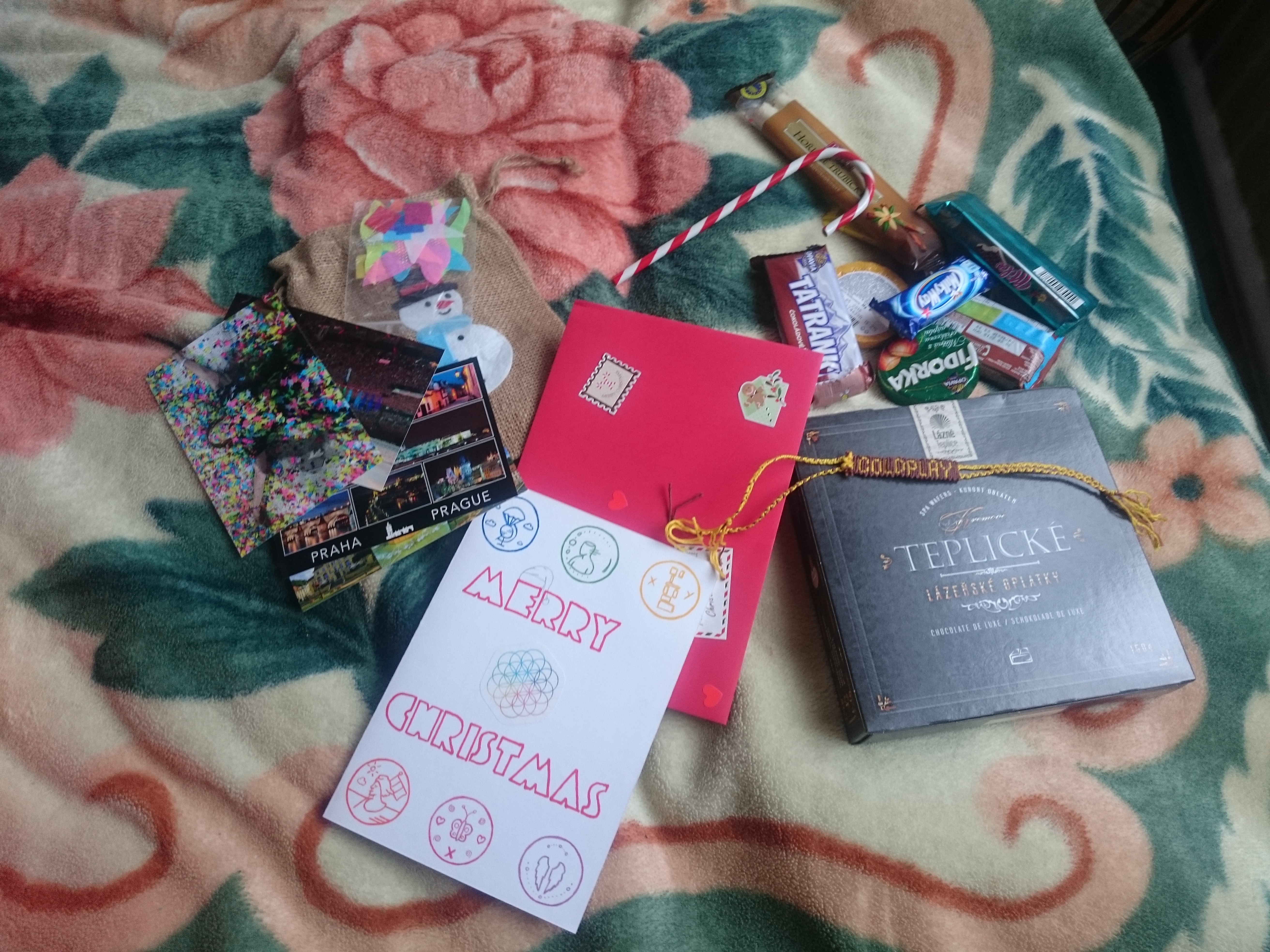
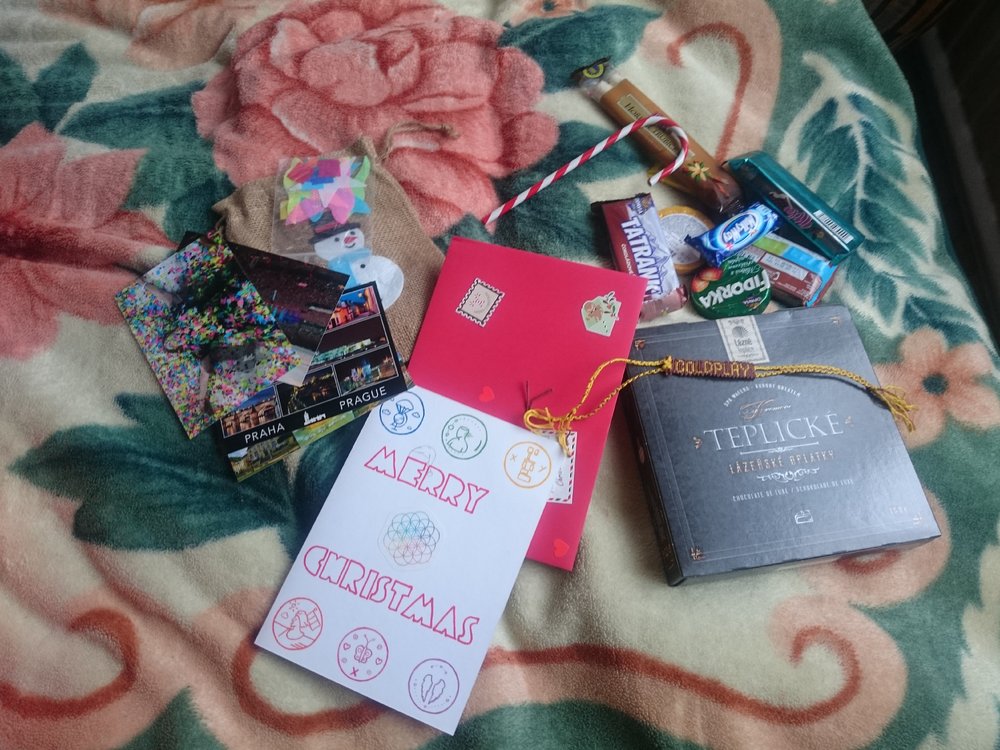
  1. Hello! Few days ago I received a package from my Secret Santa, who turns out to be Barbora G. form Czech Republic! There were so many things inside the box, I could't believe how kind and friendly people from all over the world are. Although my gift arrived after Christmas, it was the best New Year's gift I had ever received :) Thank you, Barbora, and may your 2018 be bright and full of dreams <3 Thanks! Rūta G. Lithuania, Vilnius

Account

Navigation

Search

Search

Configure browser push notifications

Chrome (Android)
  1. Tap the lock icon next to the address bar.
  2. Tap Permissions → Notifications.
  3. Adjust your preference.
Chrome (Desktop)
  1. Click the padlock icon in the address bar.
  2. Select Site settings.
  3. Find Notifications and adjust your preference.