


Skip to content
View in the app

A better way to browse. Learn more.

Coldplaying

A full-screen app on your home screen with push notifications, badges and more.

To install this app on iOS and iPadOS
  1. Tap the Share icon in Safari
  2. Scroll the menu and tap Add to Home Screen.
  3. Tap Add in the top-right corner.
To install this app on Android
  1. Tap the 3-dot menu (⋮) in the top-right corner of the browser.
  2. Tap Add to Home screen or Install app.
  3. Confirm by tapping Install.

AlienSomewhere

Members
  • Joined

  • Last visited

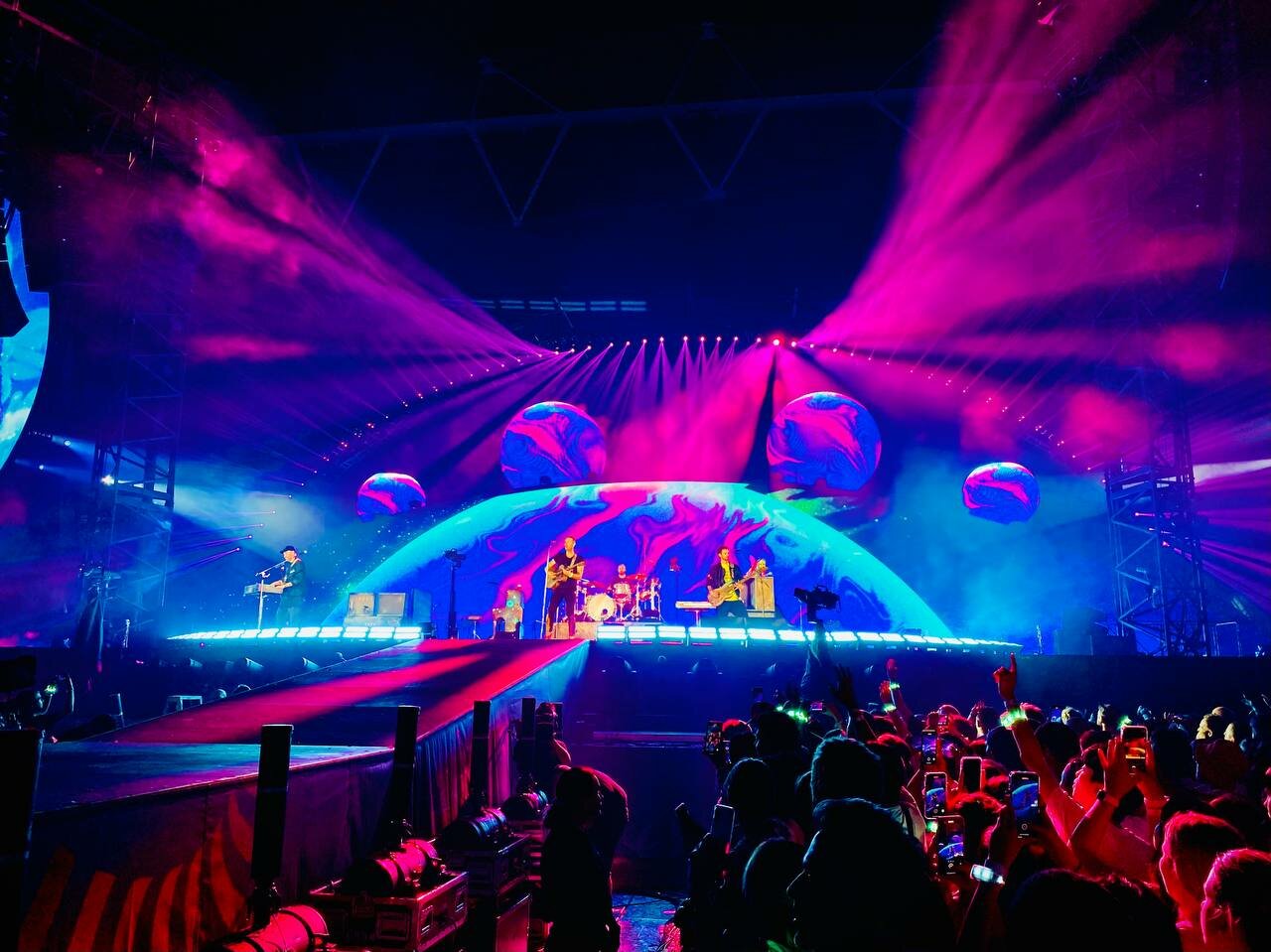
  1. Found a video from Paris (I think? I'll have to find it again) where he messes up during a moment on Higher Power and it was obvious to see he was lip-syncing. It could be that a lot of songs he can't perform live anymore because it would be too much for his voice, especially with the length of tours.
  2. @auroraa_4 this is pretty normal for concerts nowadays, especially after Chris has been unwell and the amount of the touring coldplay do. I imagine quite a few of the songs are lipsynced, I know Higher Power is (or was at several concerts atleast) but that doesn't take away from the magic and music we all enjoy together and celebrate.
  3. Can someone send me a link for the video and audio? Much appreciated!

Account

Navigation

Search

Search

Configure browser push notifications

Chrome (Android)
  1. Tap the lock icon next to the address bar.
  2. Tap Permissions → Notifications.
  3. Adjust your preference.
Chrome (Desktop)
  1. Click the padlock icon in the address bar.
  2. Select Site settings.
  3. Find Notifications and adjust your preference.
