
Skip to content
View in the app

A better way to browse. Learn more.

Coldplaying

A full-screen app on your home screen with push notifications, badges and more.

To install this app on iOS and iPadOS
  1. Tap the Share icon in Safari
  2. Scroll the menu and tap Add to Home Screen.
  3. Tap Add in the top-right corner.
To install this app on Android
  1. Tap the 3-dot menu (⋮) in the top-right corner of the browser.
  2. Tap Add to Home screen or Install app.
  3. Confirm by tapping Install.

panayiotav

Members
  • Joined

  • Last visited

Everything posted by panayiotav

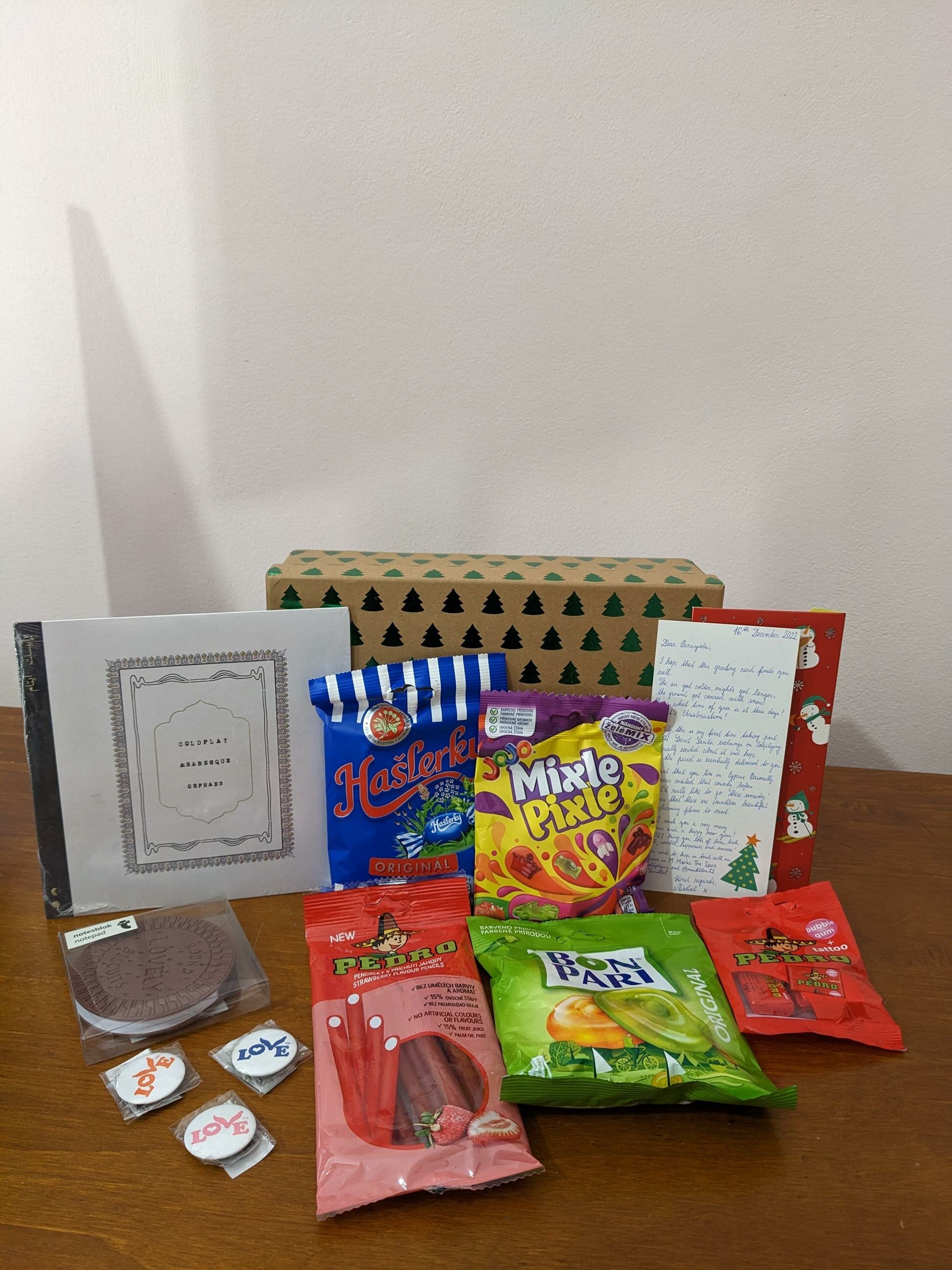
  1. Happy holidays everyone!🎄🎁❤️ I have received my gift from @M Marks The Spot yesterday . Thank you so much! This is my first time participating in Coldplaying's Secret Santa as well. I loved everything about your gift and your handwriting is very pretty! I didn't have any love buttons so I was very excited to receive them. I also didn't have any Coldplay vinyl records, but fortunately I've got a record player! The candies are delicious and the card was very lovely! I have followed you on twitter. Ευτυχισμένο το νέο έτος - Happy new year 2023! 🎇


Account

Navigation

Search

Search

Configure browser push notifications

Chrome (Android)
  1. Tap the lock icon next to the address bar.
  2. Tap Permissions → Notifications.
  3. Adjust your preference.
Chrome (Desktop)
  1. Click the padlock icon in the address bar.
  2. Select Site settings.
  3. Find Notifications and adjust your preference.