papeman
Members
-
Joined
-
Last visited
-
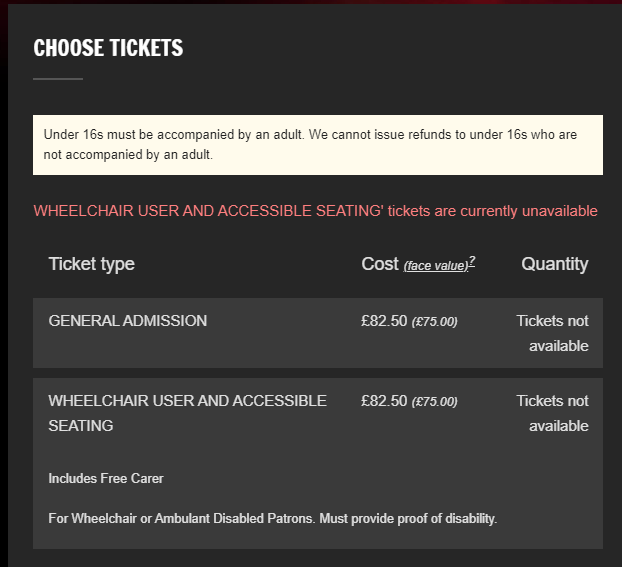
Well, a second date came on for the RHA.....you never know....
-
Heart skips a beat followed by crushing disappointment!
-
I've had the GA dropdown a few times, but never any further than that. Feeling like we might be done here
-
Sad face
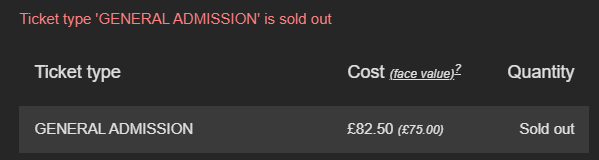 No tickets found. All gone by the looks of it0044 115 9934400Somehow, and I don't know how, I just got 2 in the Circle. Dont' stop trying!I've just had an e-mail to say that I have two tickets! Wooooo! Hope it isnt just the one song......!Awesome, just bloody awesomeWahey, twat again!Ooh, sweary Chris! Love it........