nataliafrs
Members
-
Joined
-
Last visited
-
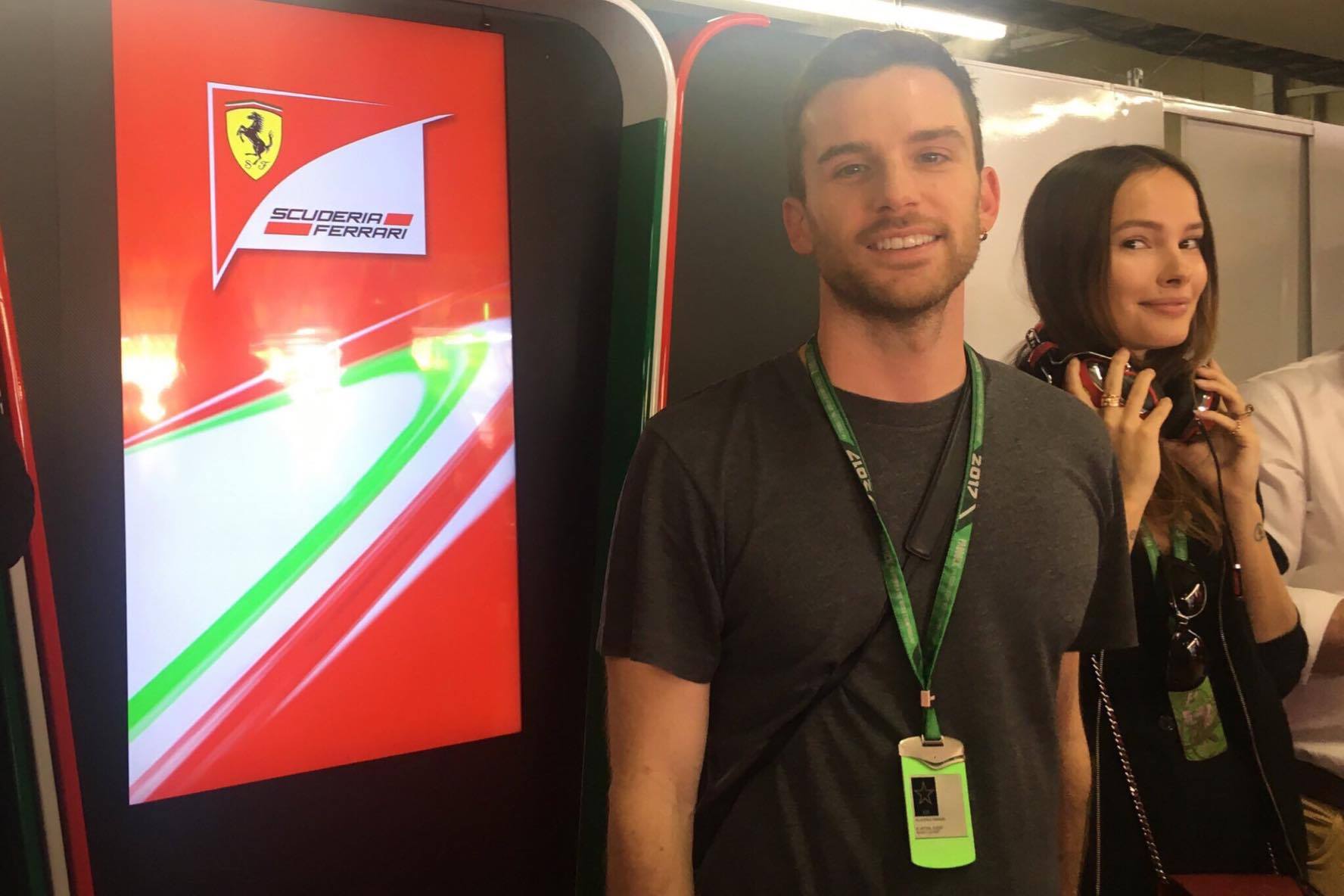
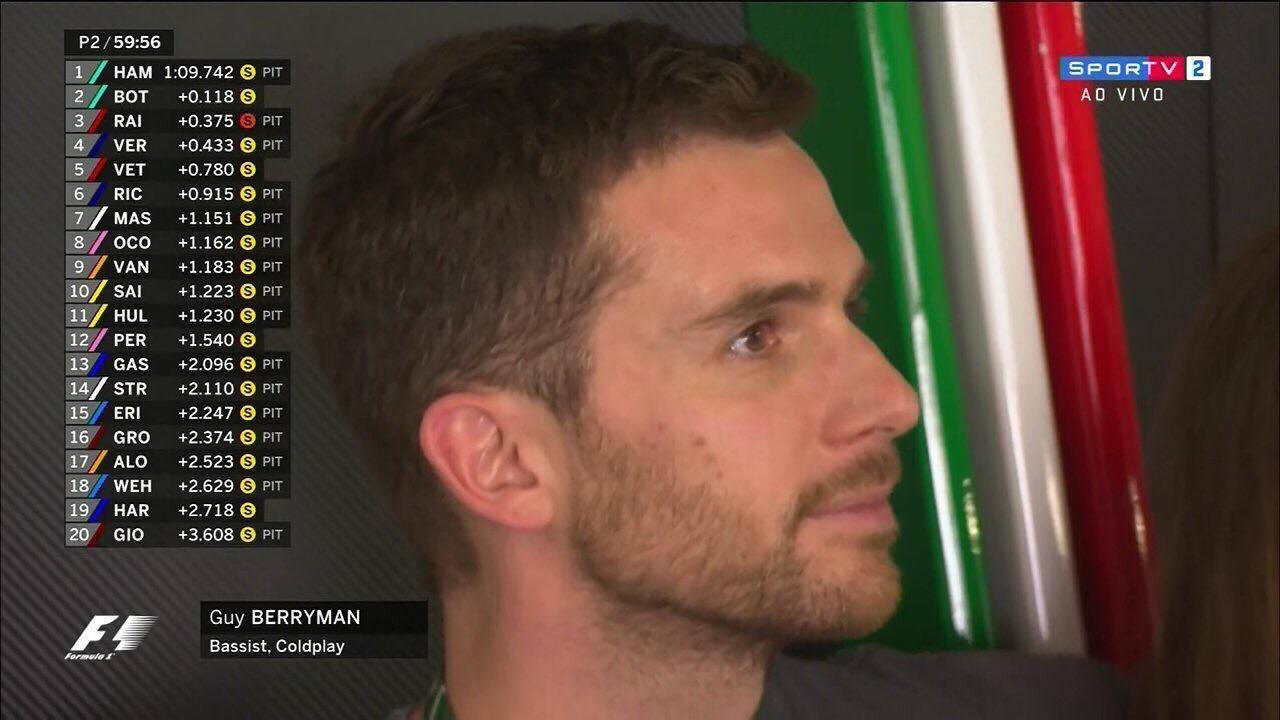
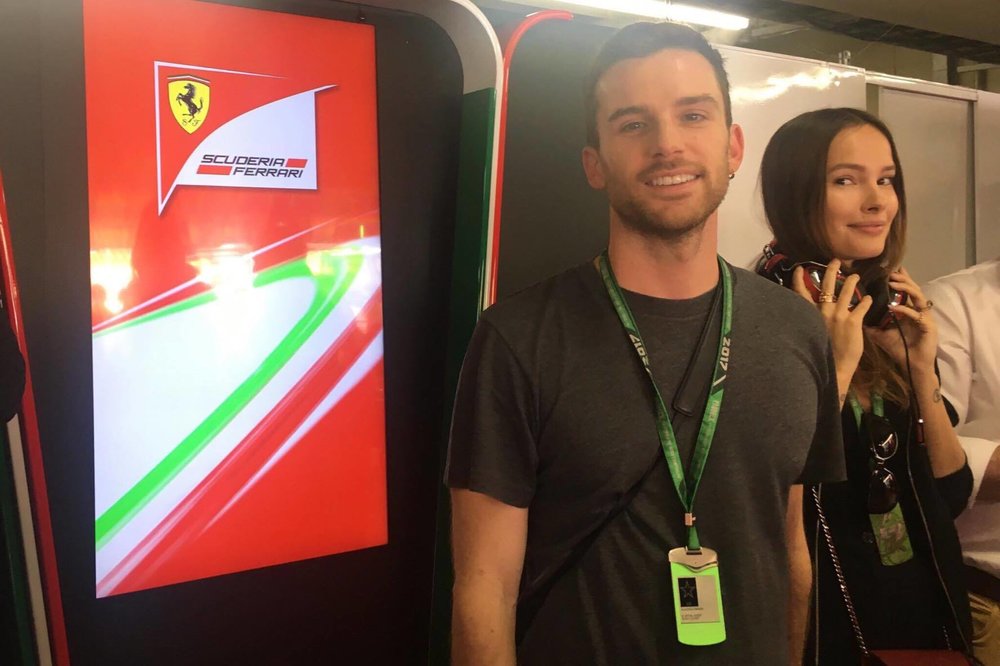
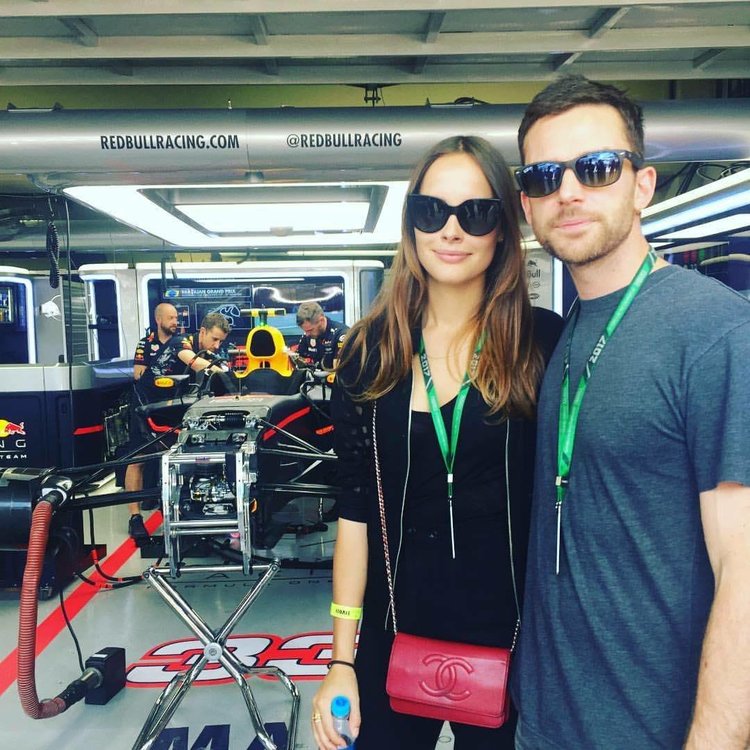
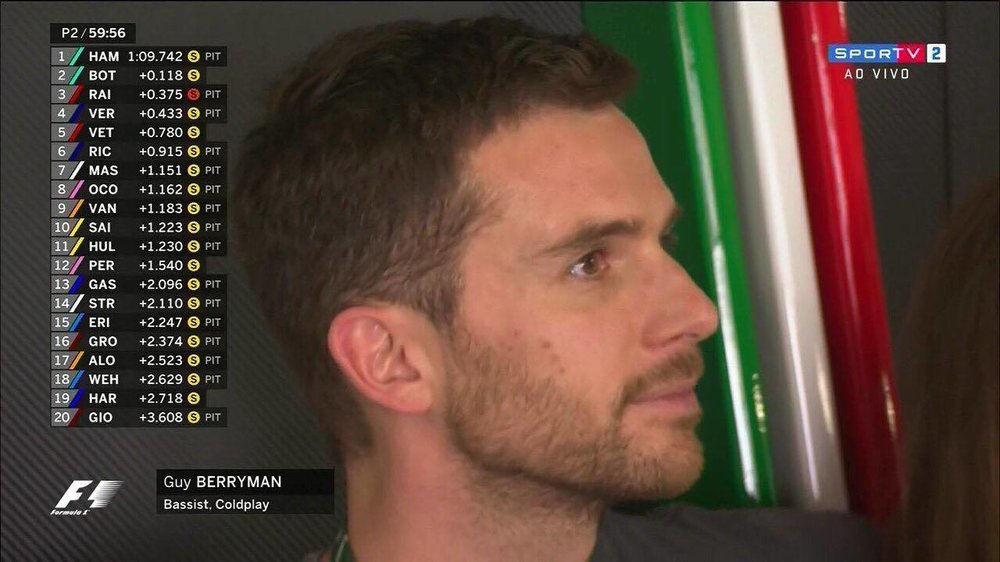
Guy and Keshia in São Paulo today!
-
hehehehe

-
So, I went to Rio, best night of my life yaaay Aaaaaaand i had a Guy experience. Well, i went to visit a friend that was staying at the same hotel he boys were on Guy's bday. Just when i arrived i saw him with a friend getting out to run. Later i saw him just as when he got back getting in the elevator, i asked for a pic but he said sorry but he couldn't booo but it's fine. I found Jonny and Will after, we talked and took pics :). I also saw him as he gave autographs for the people outside the hotel, but didn't take any pics too, i just stared at him LOL and he's really really so. That's it HAHAHAHA it was nice to see him SO CLOSE. SO DREAMYLEGSSSSSHope i can meet him Rio!!! I FEEL SO ALIVE RIGHT NOW!!SO HANDSOMEmiss him so much!why can't i live near the Bakery?? :( i wanna meet him!!!oh my!OH. MY. GOD. :o :o :o :oI'm looooving having new pics every day! yaaaaylinkyes! They're from today! :)