Lliam95
Members
-
Joined
-
Last visited
Everything posted by Lliam95
-
-
I also made this a while back as well xD
-
My name is Lliam Evans :D
-
I'm really glad you all like it c:
-
Yes Sir :3 I just noticed that i wrote "We can run wild" instead of "we'll run wild" so yeah, i messed up on that -_-
-
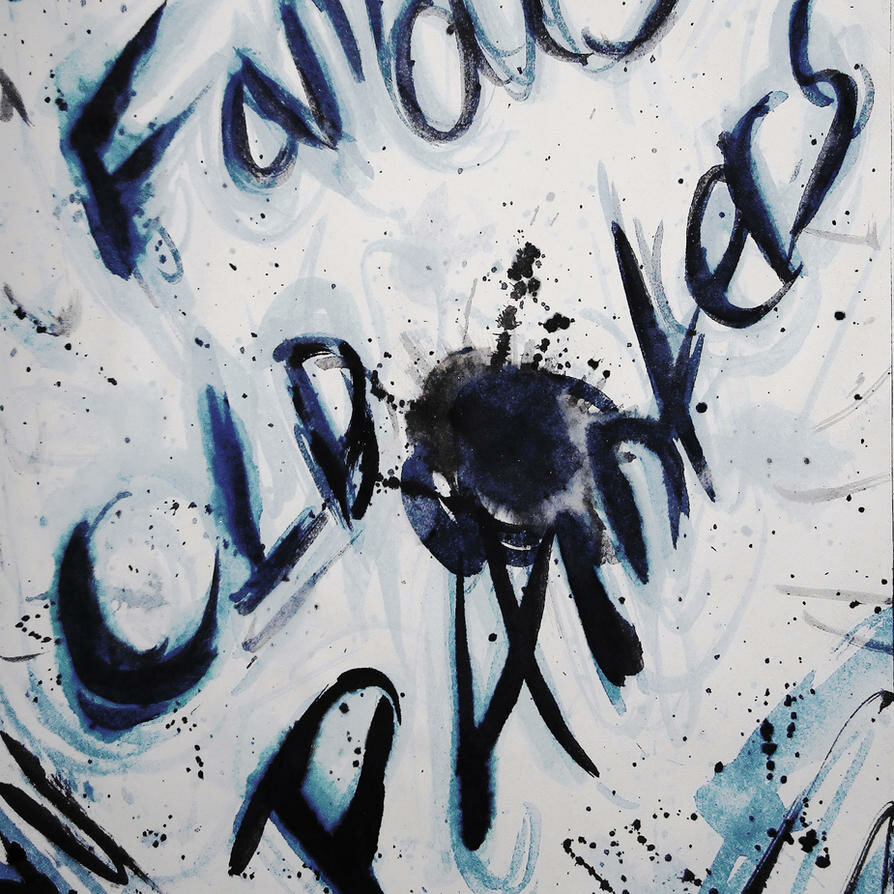
I have come up with my own Rendition of the MX Graffiti cover art :3 I hope you all enjoy it! here is the plain Graffiti art
-
Mylo Xyloto/Hurts like Heaven. That is all.
-
-
I guess I shouldn't of put the :cool: symbol as the thread icon. That might throw people off, Such as yourself.Who ever said I was showing off? Either way, I have every right to "show off" my artwork to newly emerging coldplaying.com members and such. Plus, i'm pretty sure Not EVERYONE in the Coldplay fan-base has seen it yet.Why does it bother you so much?Maybe because I created it and want people to see it. The song is UnderratedBut Will People Notice it?I Don't Know. I just thought I'd share it again o_o Lol, I didn't want to come off as a douchebag or anythingit's not self explanatory?Famous Old Painters, you Say? THERES Famous Old Painters, For Ya!I thought alien radio and Space Symphony turned into Moving to MarsThanks! :Dhah, thank you :P I'm glad they are even recognized at allPromo for Yes Cover Art :) [ame=http://www.youtube.com/watch?v=3hSuWifMquo]http://www.youtube.com/watch?v=3hSuWifMquo[/ame]Yes, it is :) lol