
merilix
Members
-
Joined
-
Last visited
-
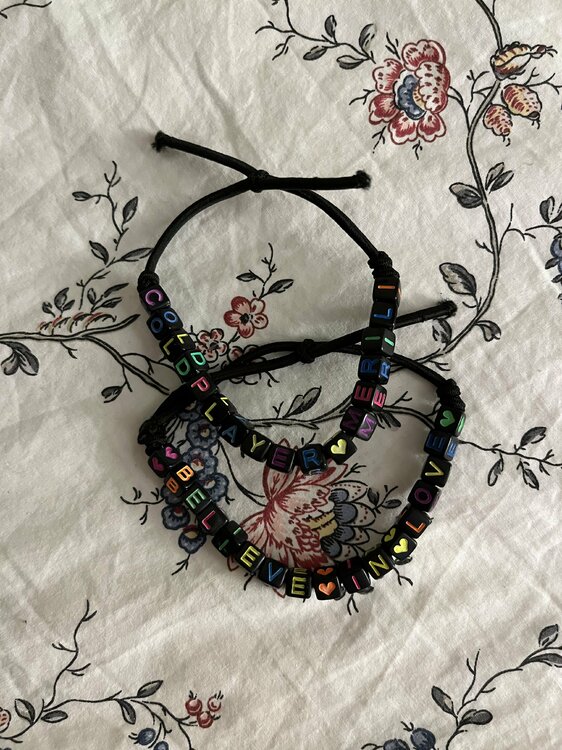
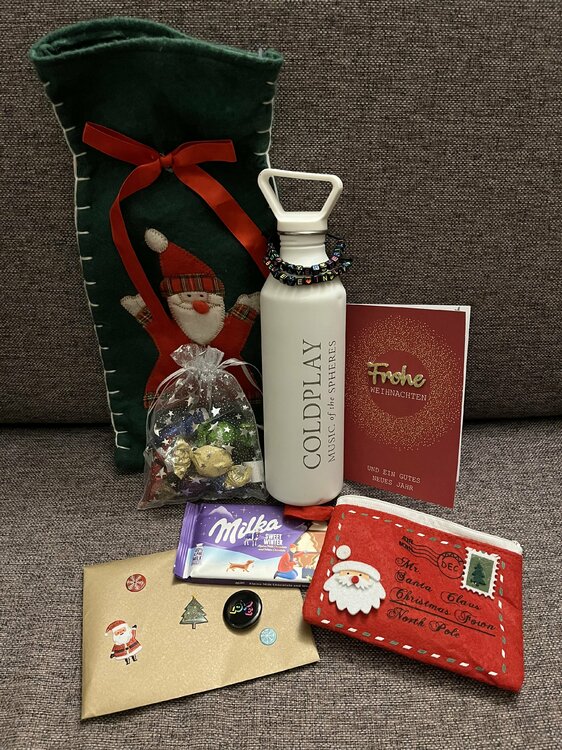
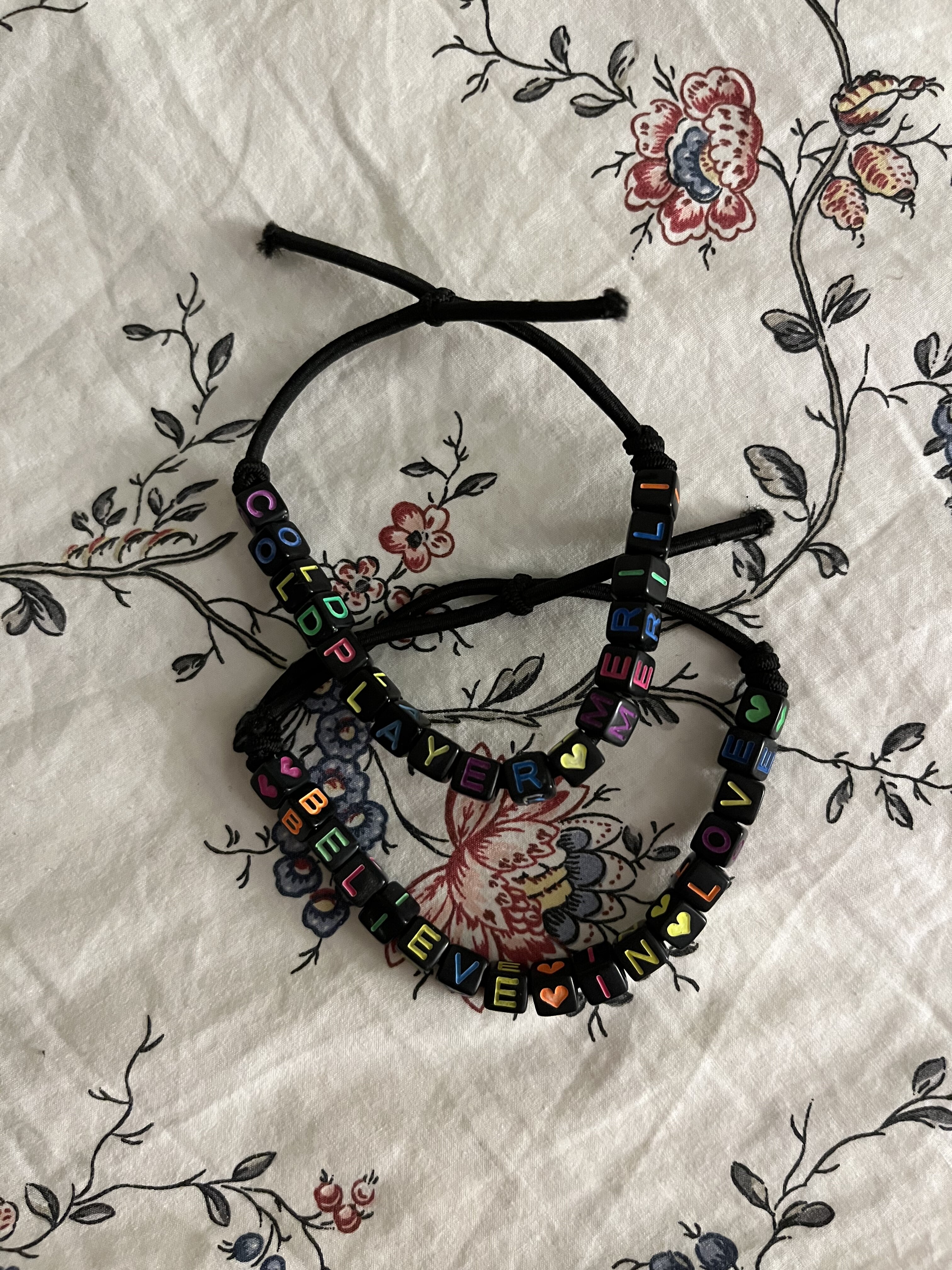
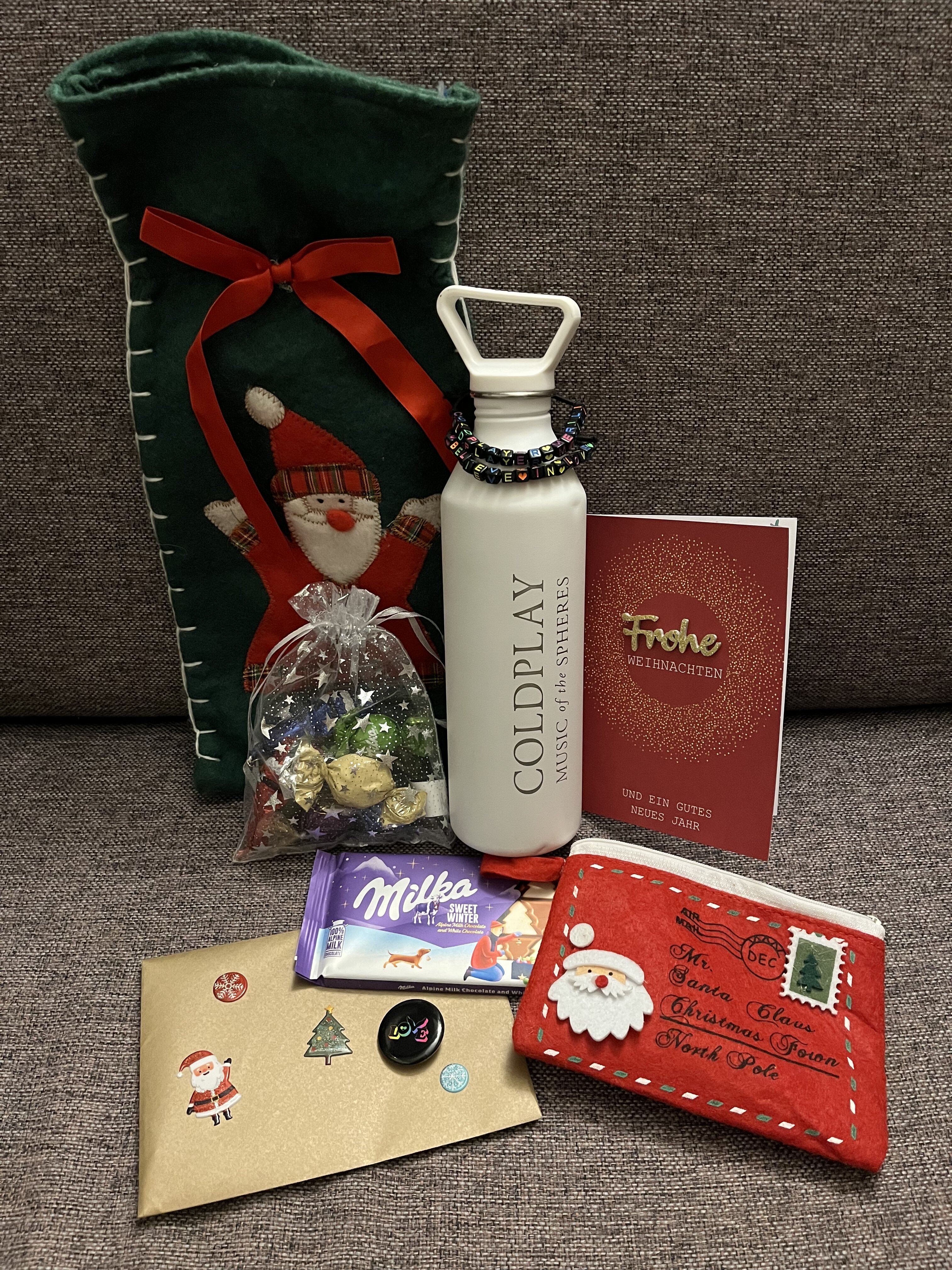
Hi! I received my Secret Santa gift from @BuckinParadisea few days ago but I couldn’t wait until Christmas and opened it today. It’s honestly the cutest thing ever 🥹 truly made my day! My favourite thing about it are the handmade bracelets that I am absolutely never taking off. They are just the cutest! Also the card had star-shaped confetti inside it so when I opened it just spilled all over my floor but honestly.. it made my day. I then proceeded to clean it all up while ASFOS was stuck in my head 😅 This is the first year I actually participated in Secret Santa after seeing and thinking about it for so many years. Let’s just say it definitely won’t be my last! Thank you for organising this. And of course a big thank you again to the lovely Maren who sent me this and a very happy Christmas to all of you here! 💛💛💛