Nie
Members
-
Joined
Everything posted by Nie
-
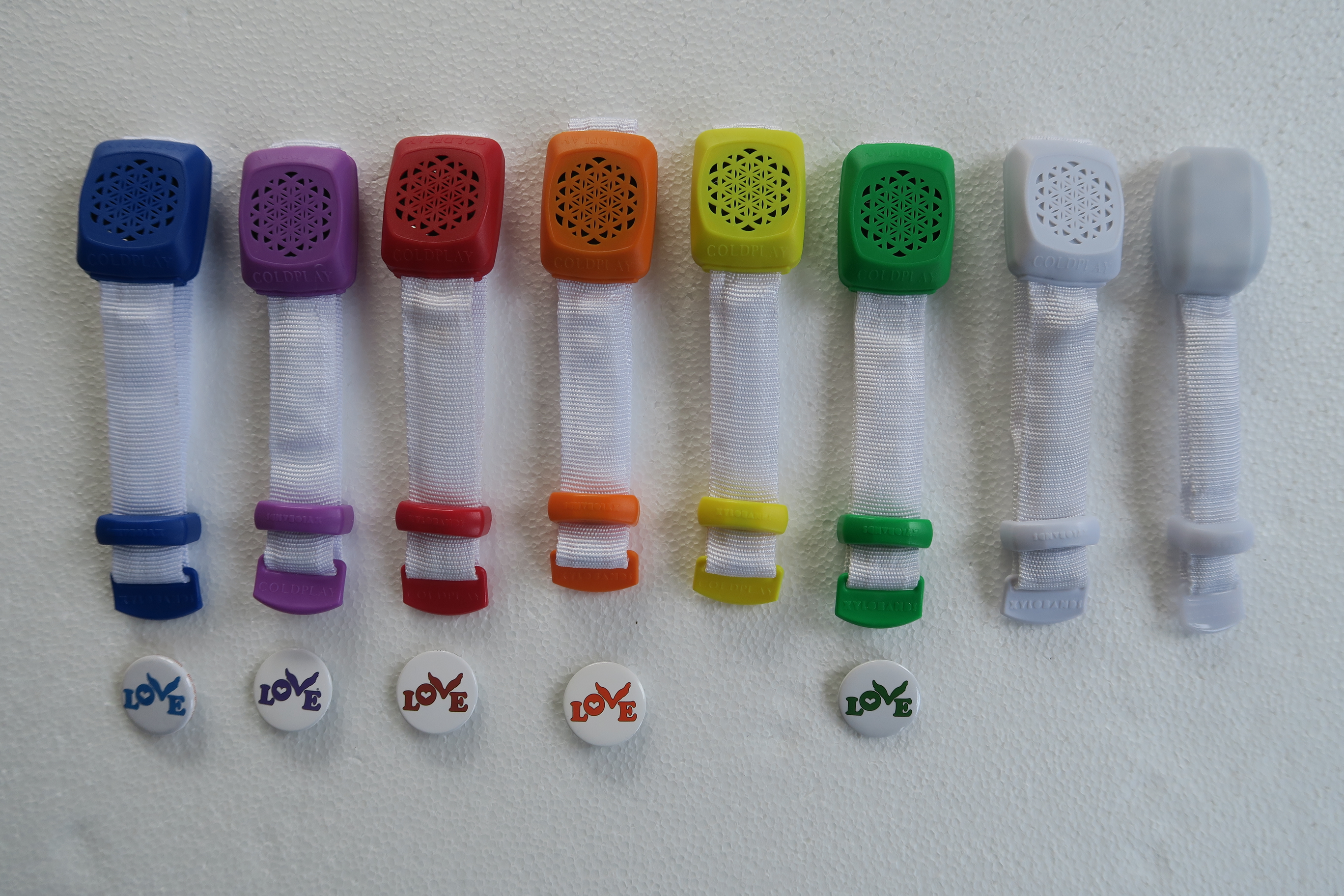
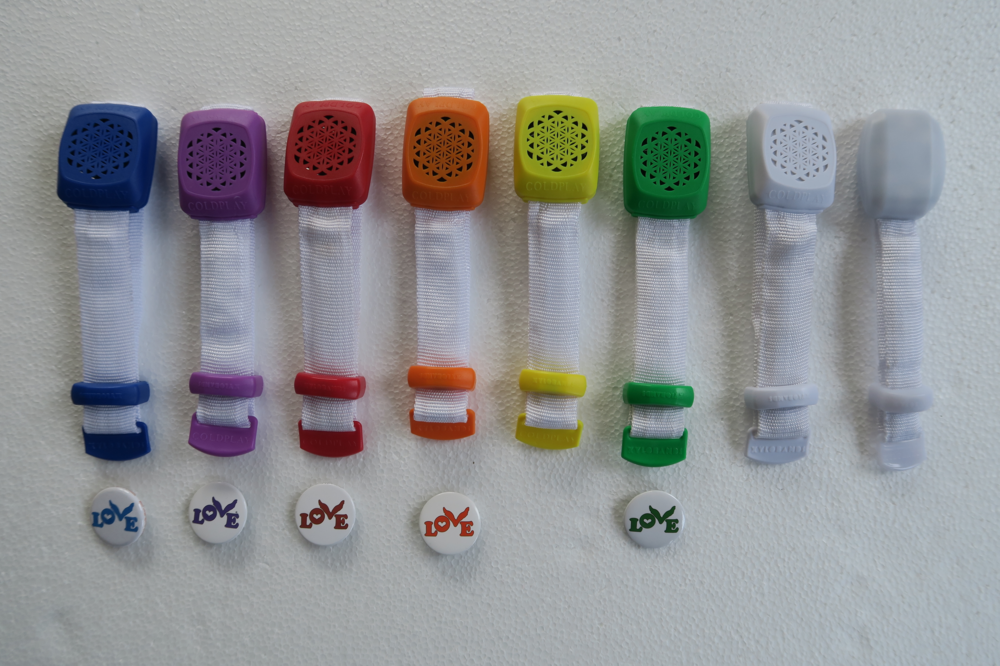
Those were handed out in the EU tour in 2016. In 2017 we got the white version (Brussels - Frankfurt - Hamburg). The one that is all the way on the right is from Paris.
-
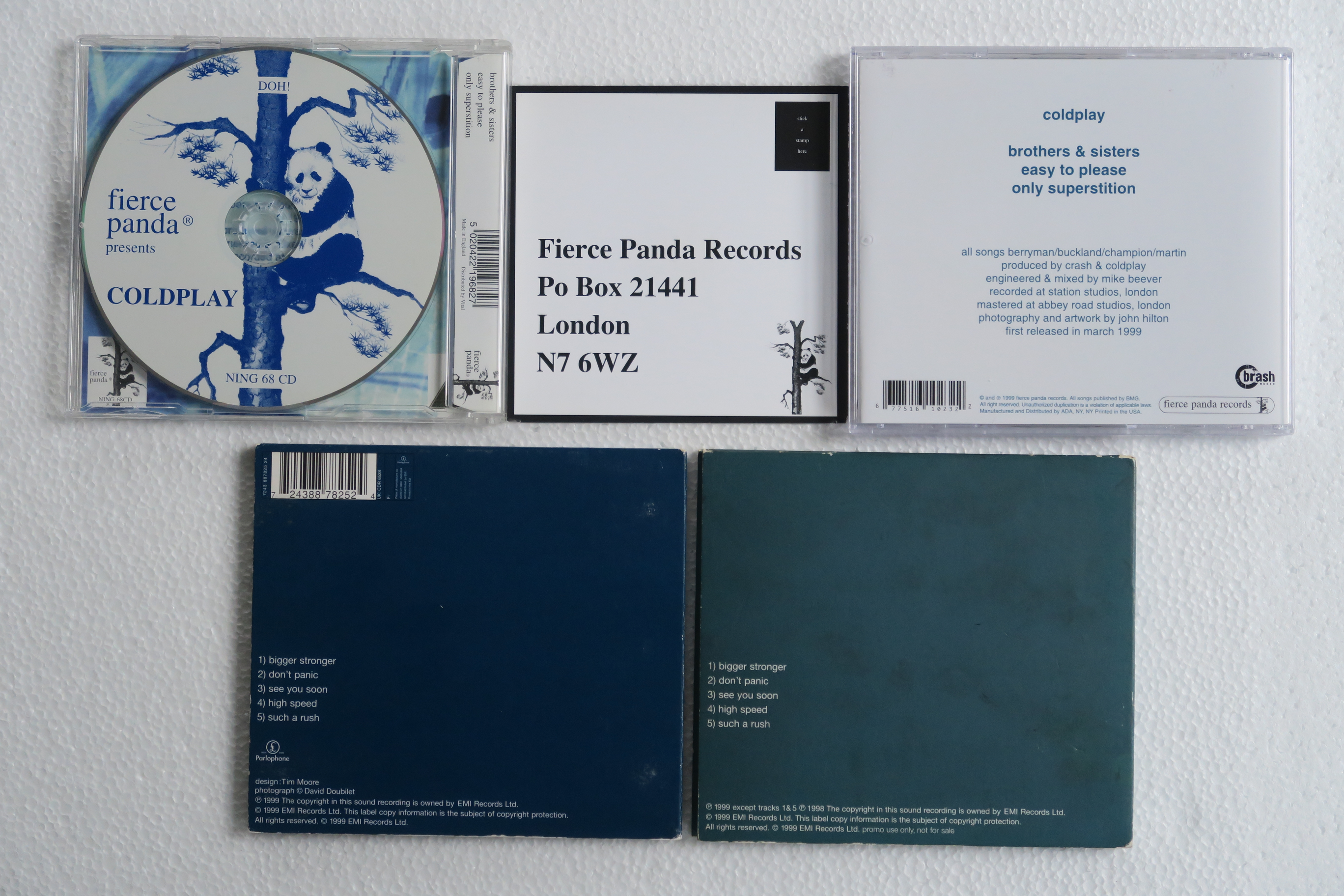
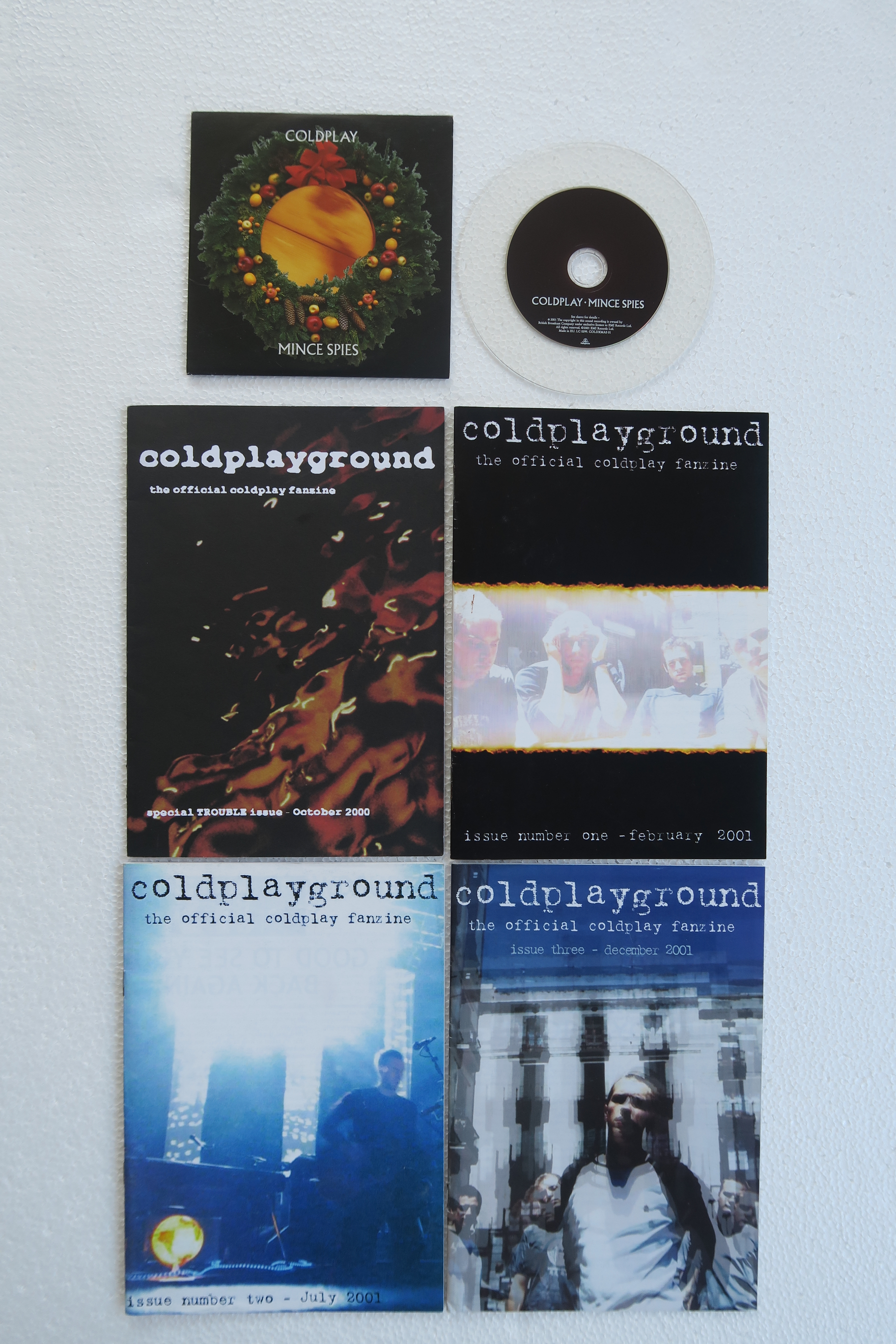
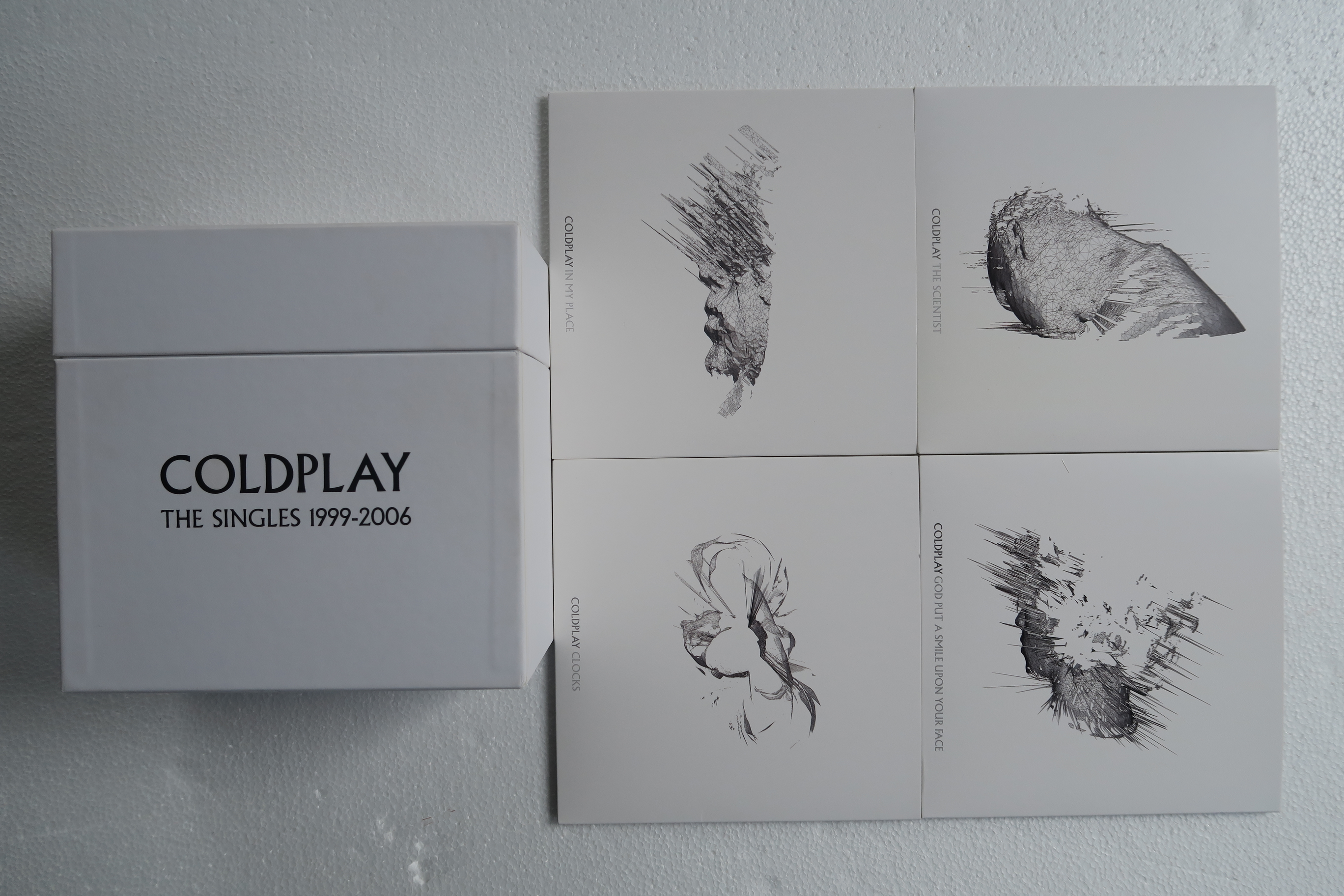
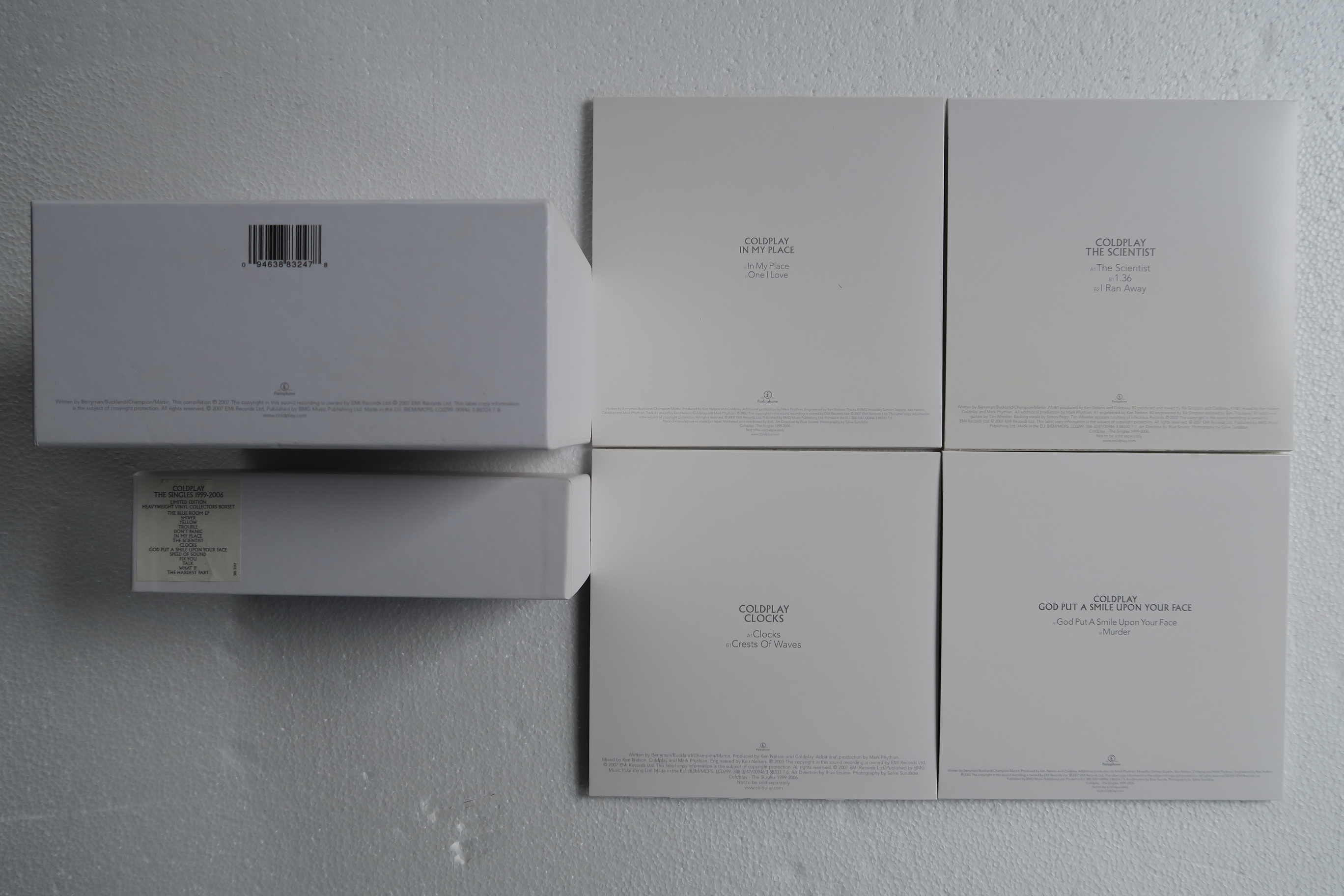
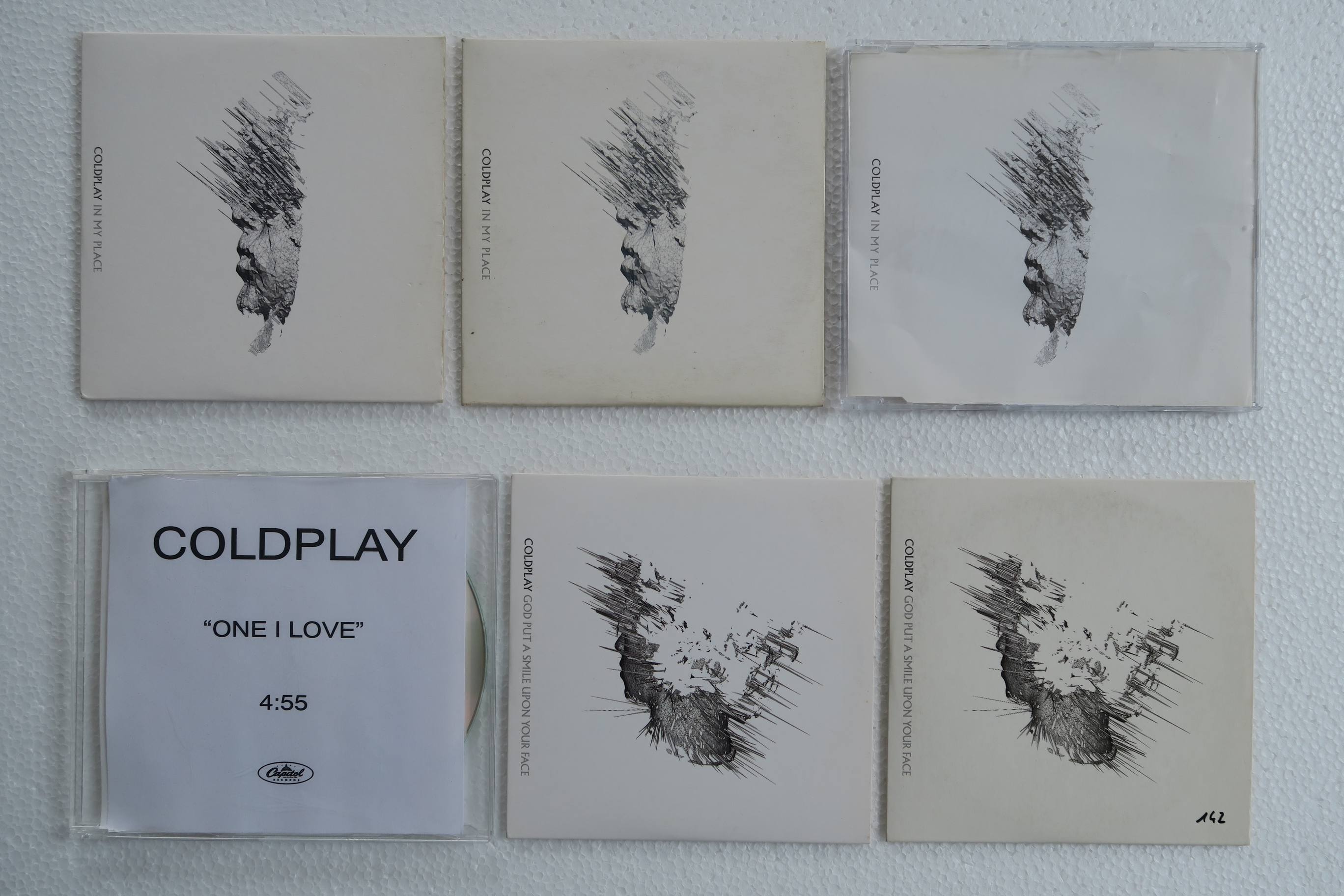
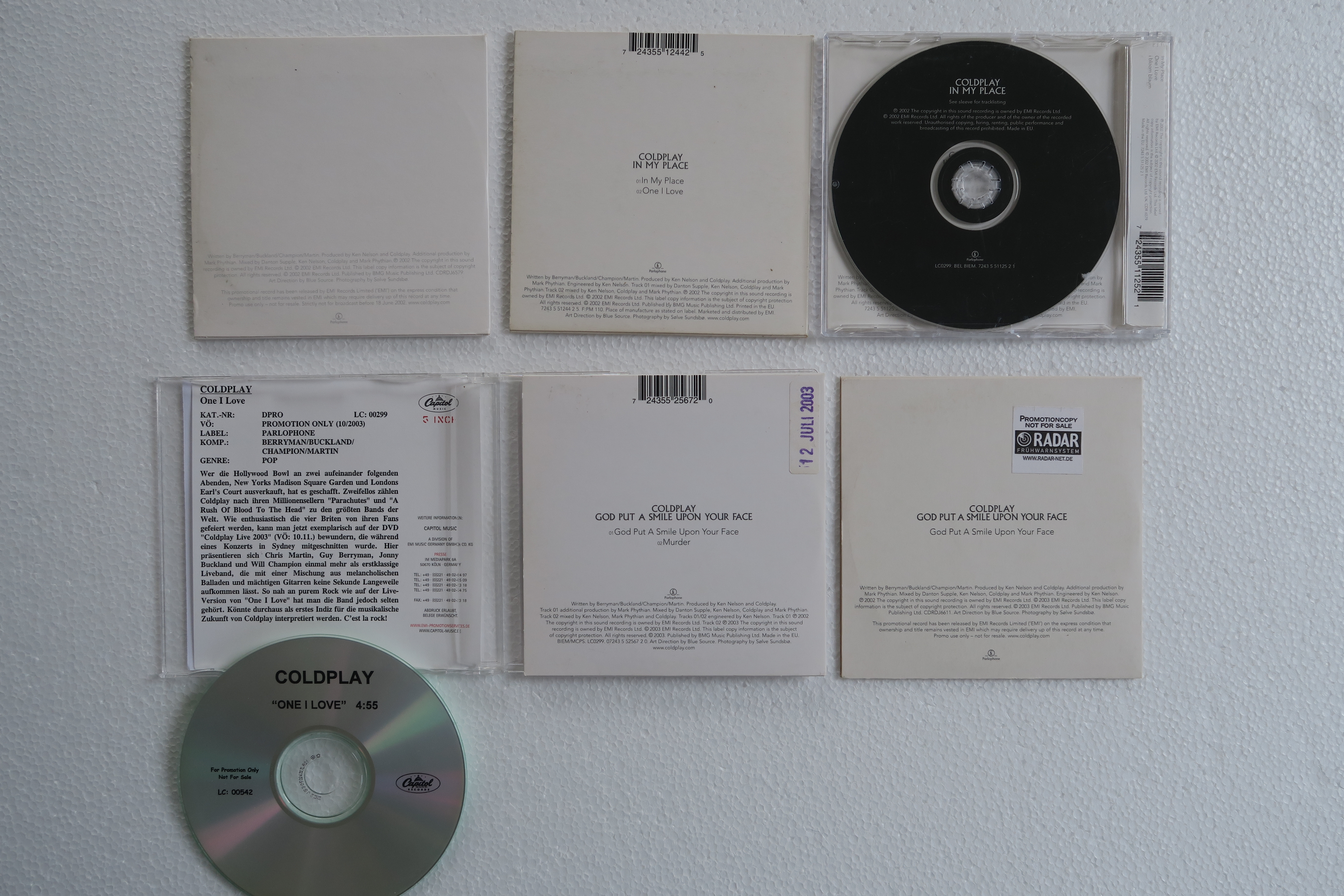
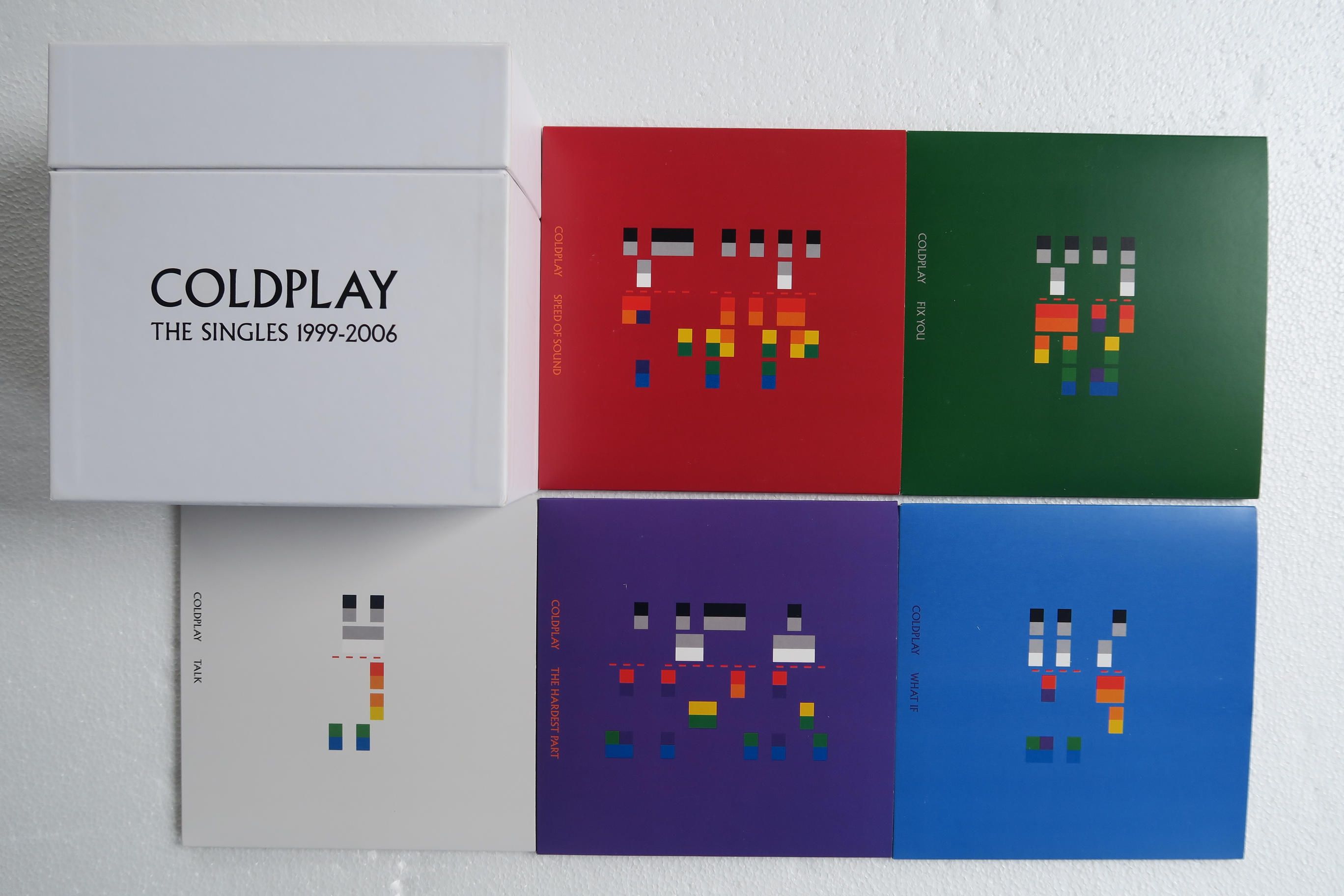
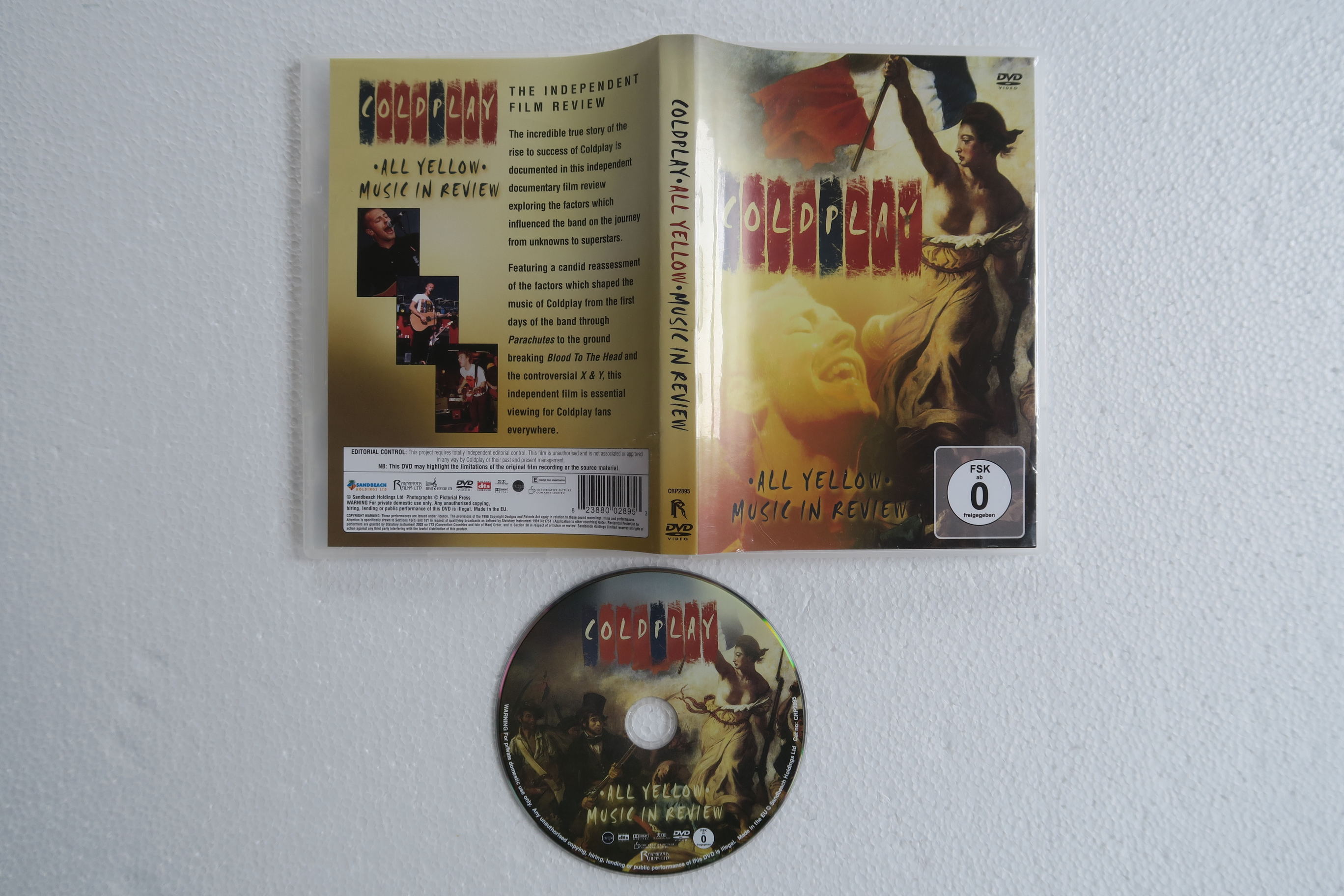
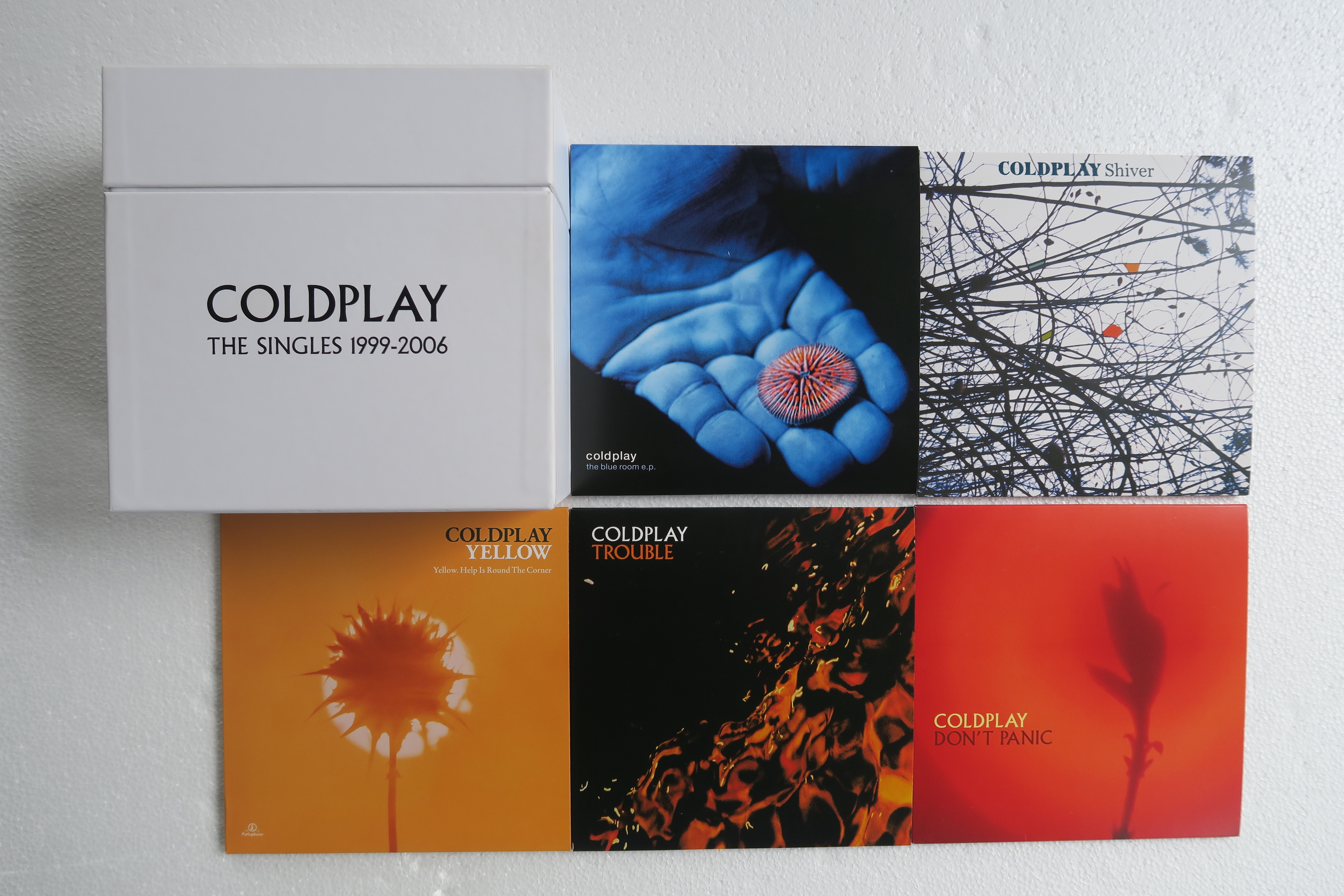
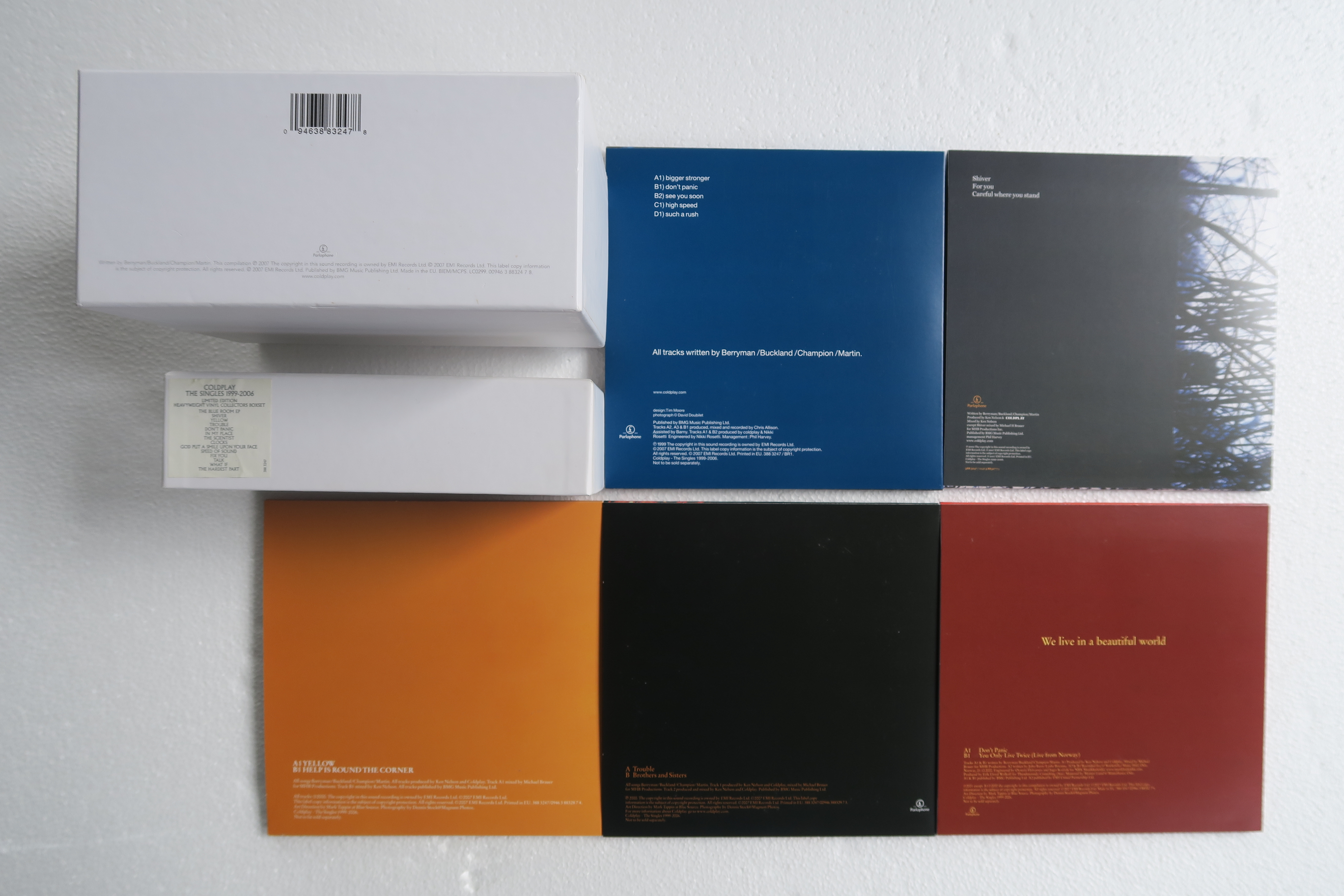
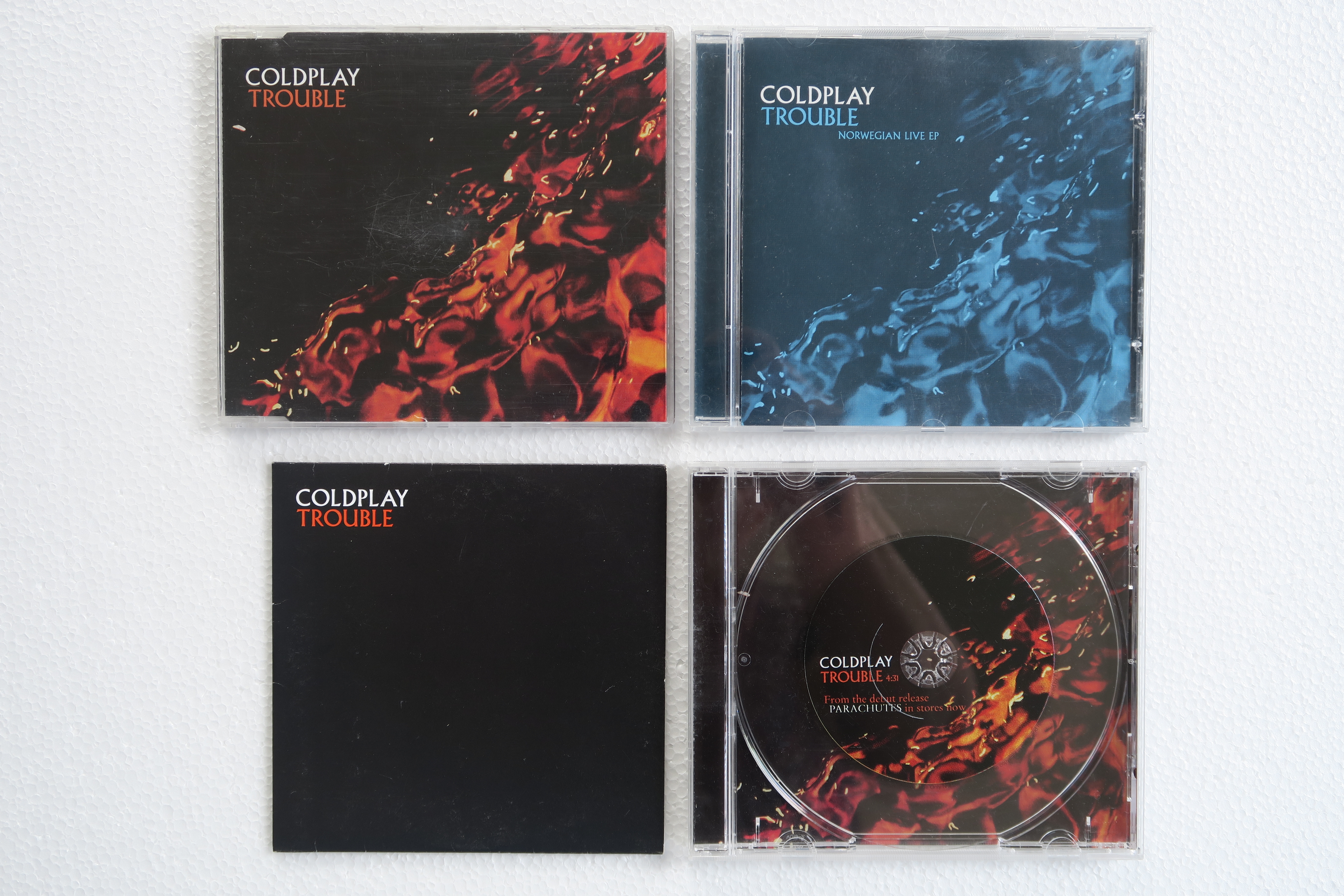
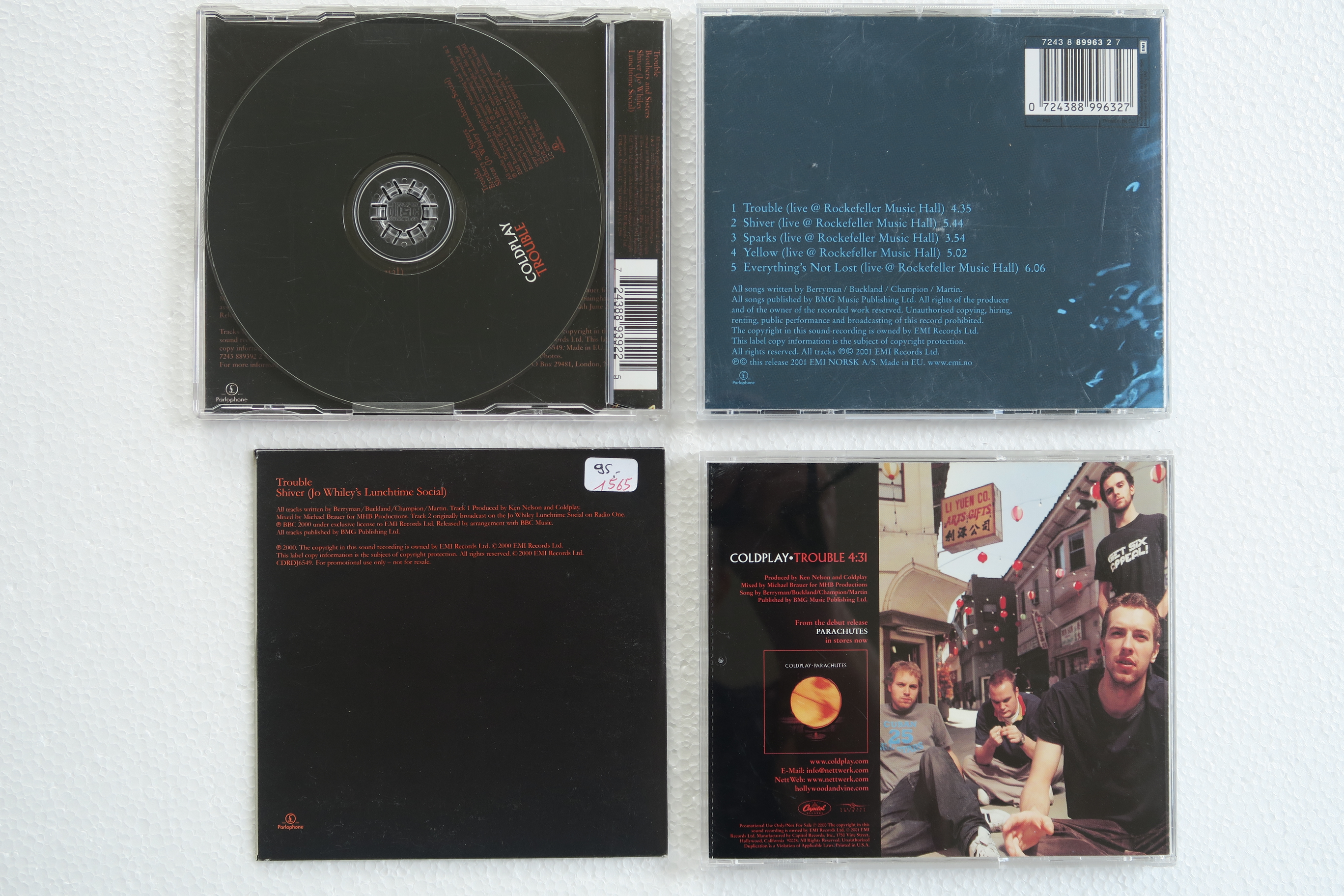
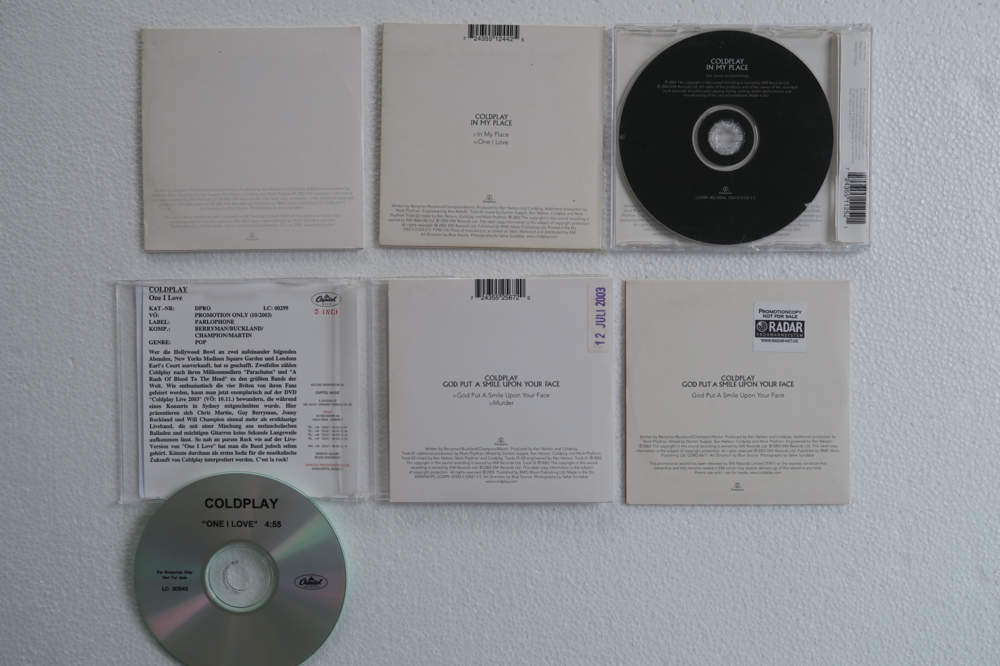
The Singles collection - (Pre-)Parachutes ERA
-
Singles:
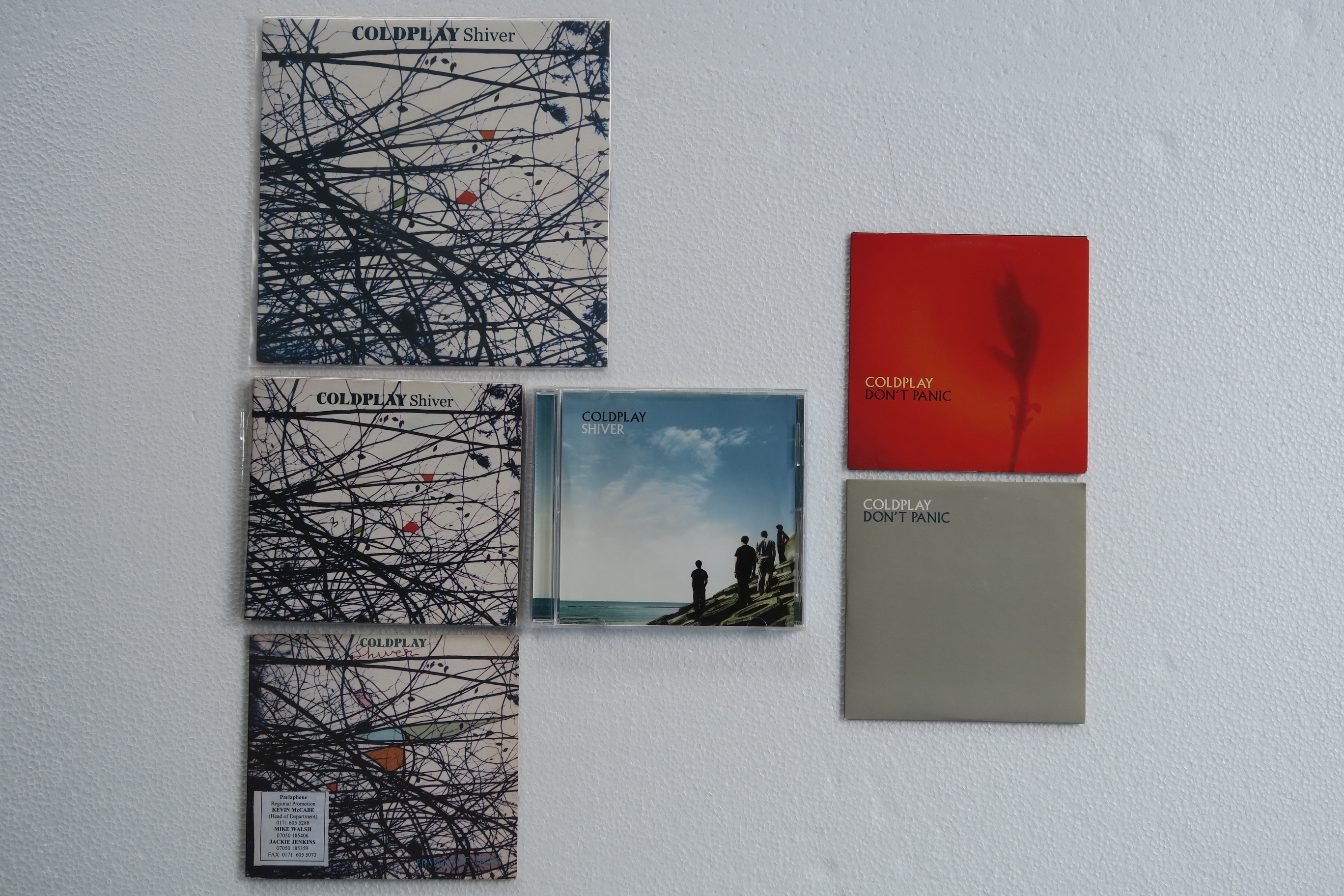
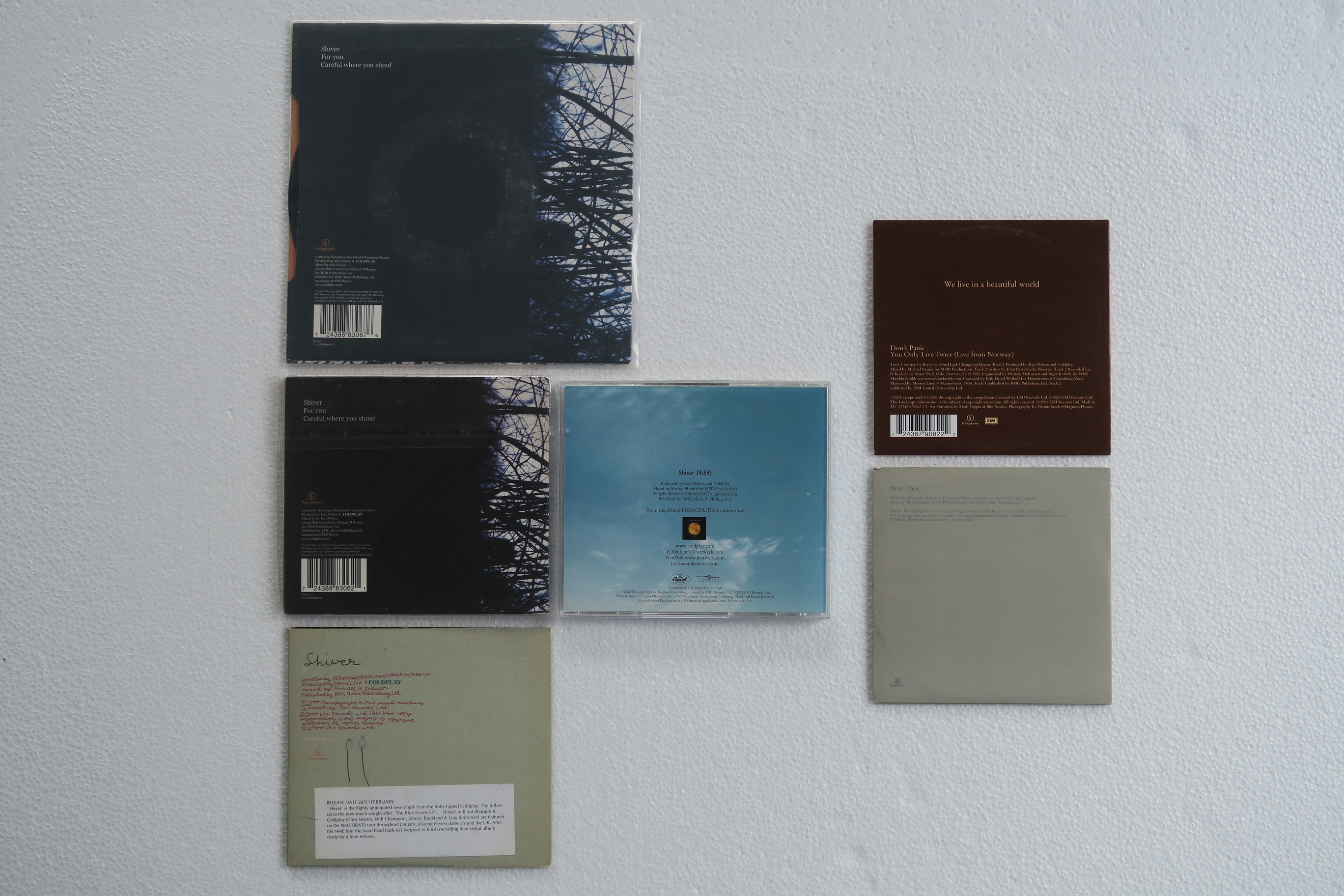
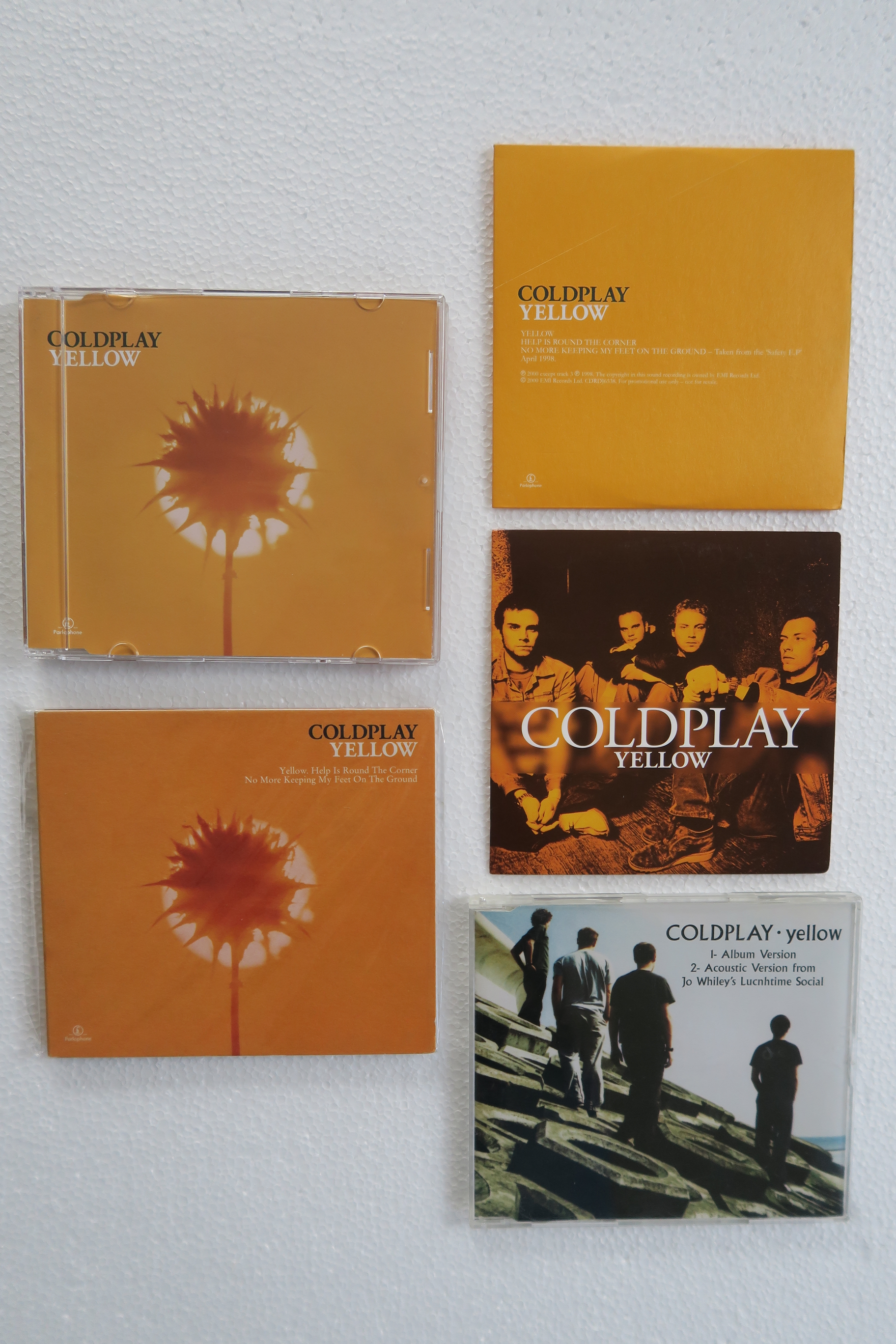
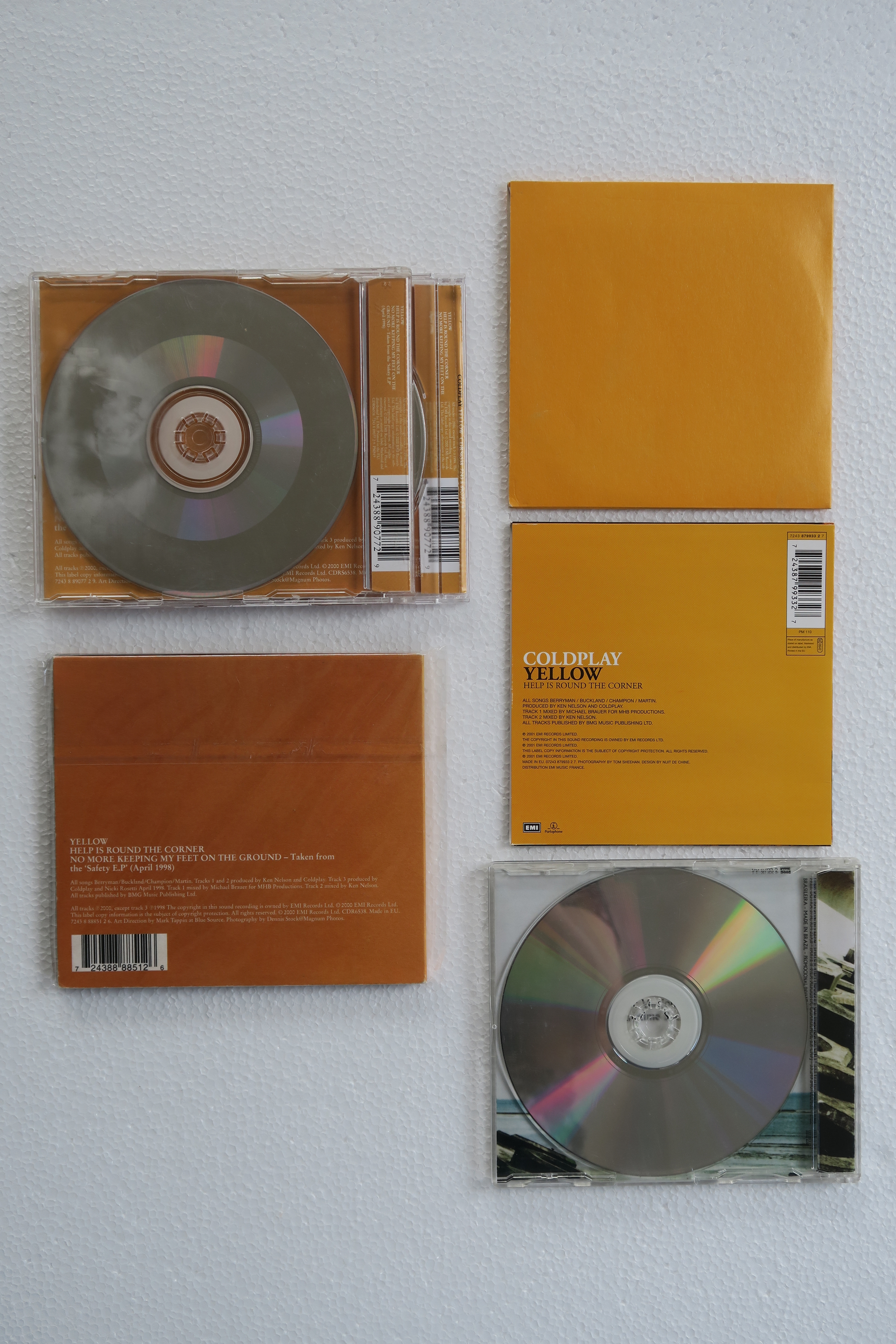
-
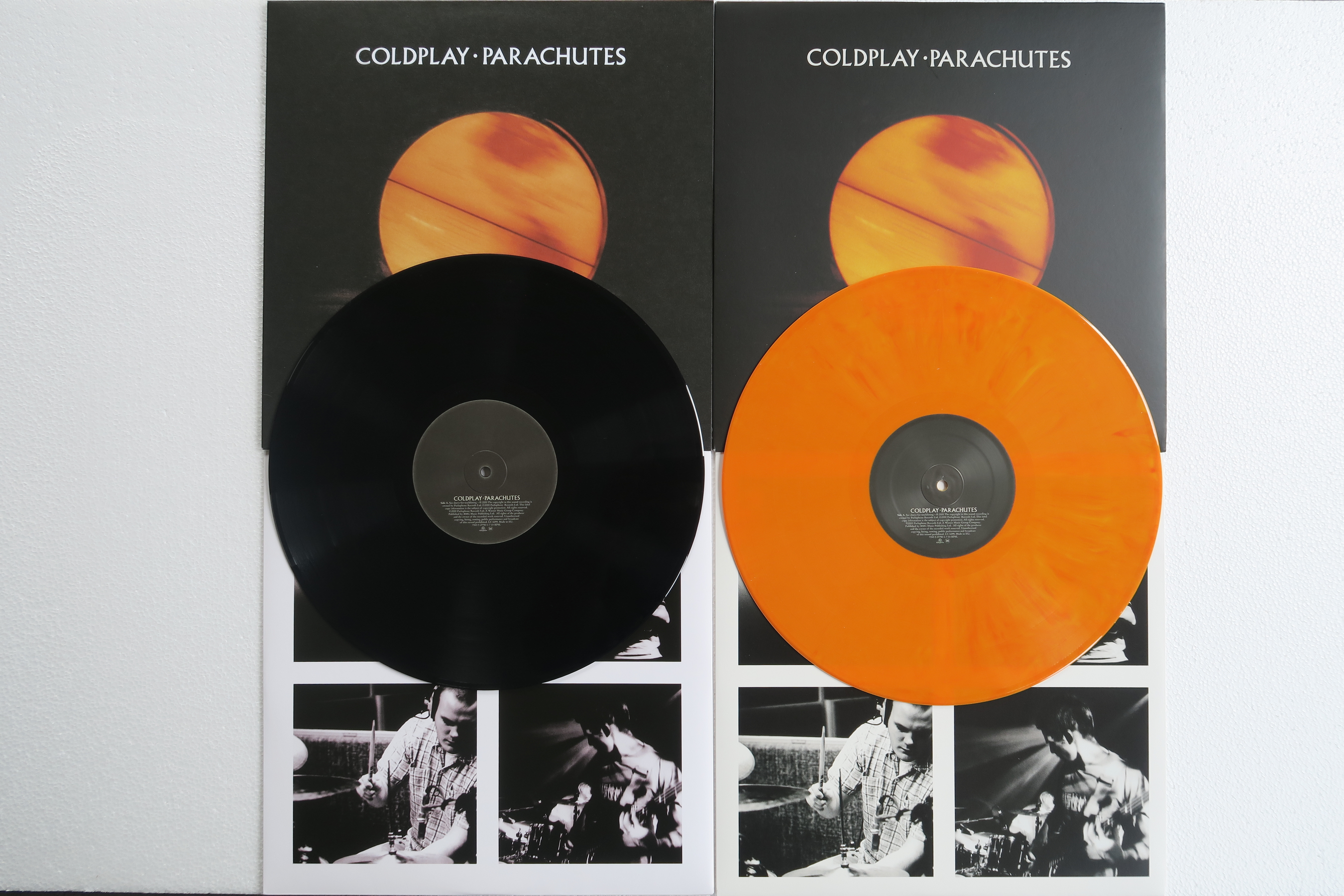
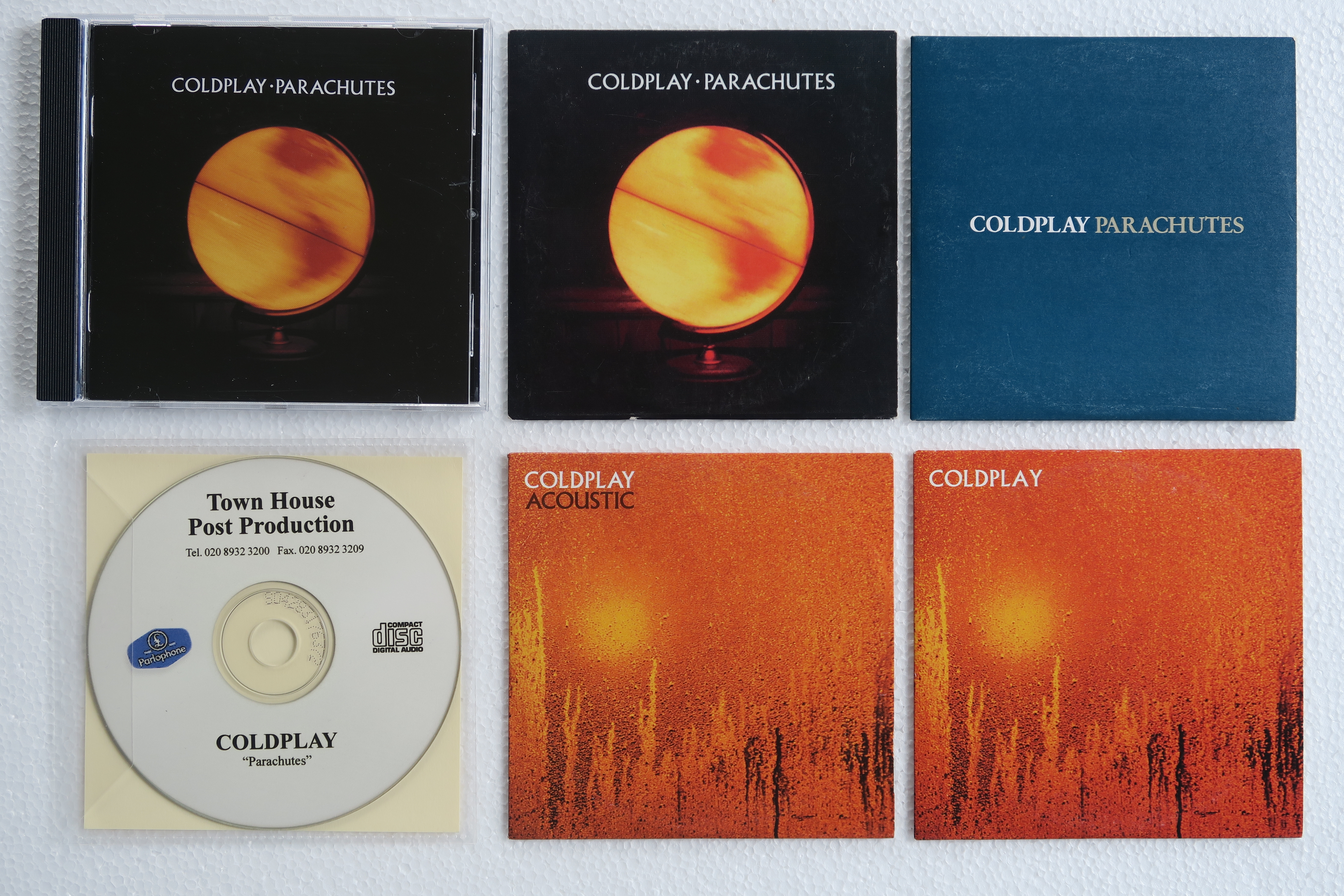
My Parachutes collection: Vinyl CD


-
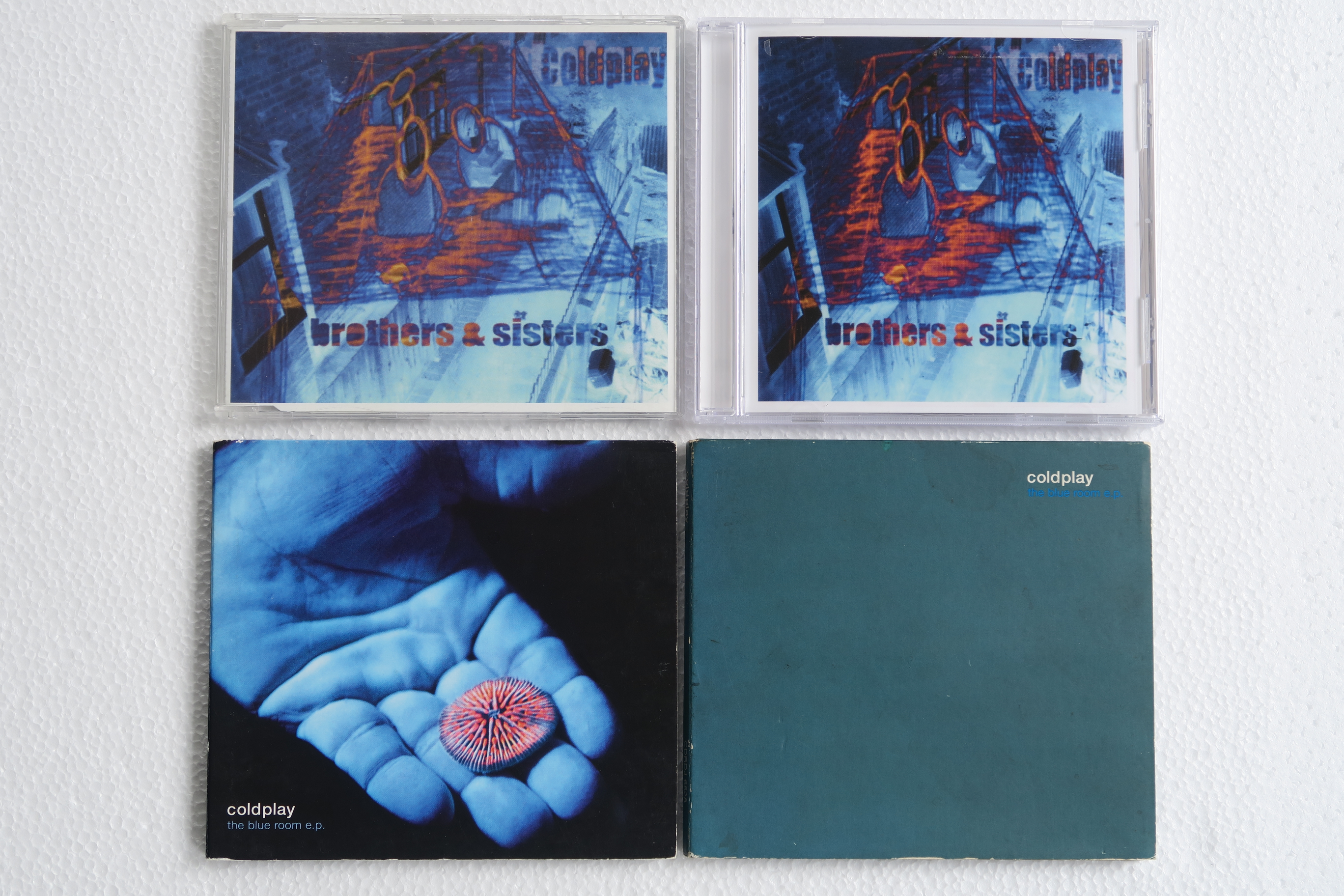
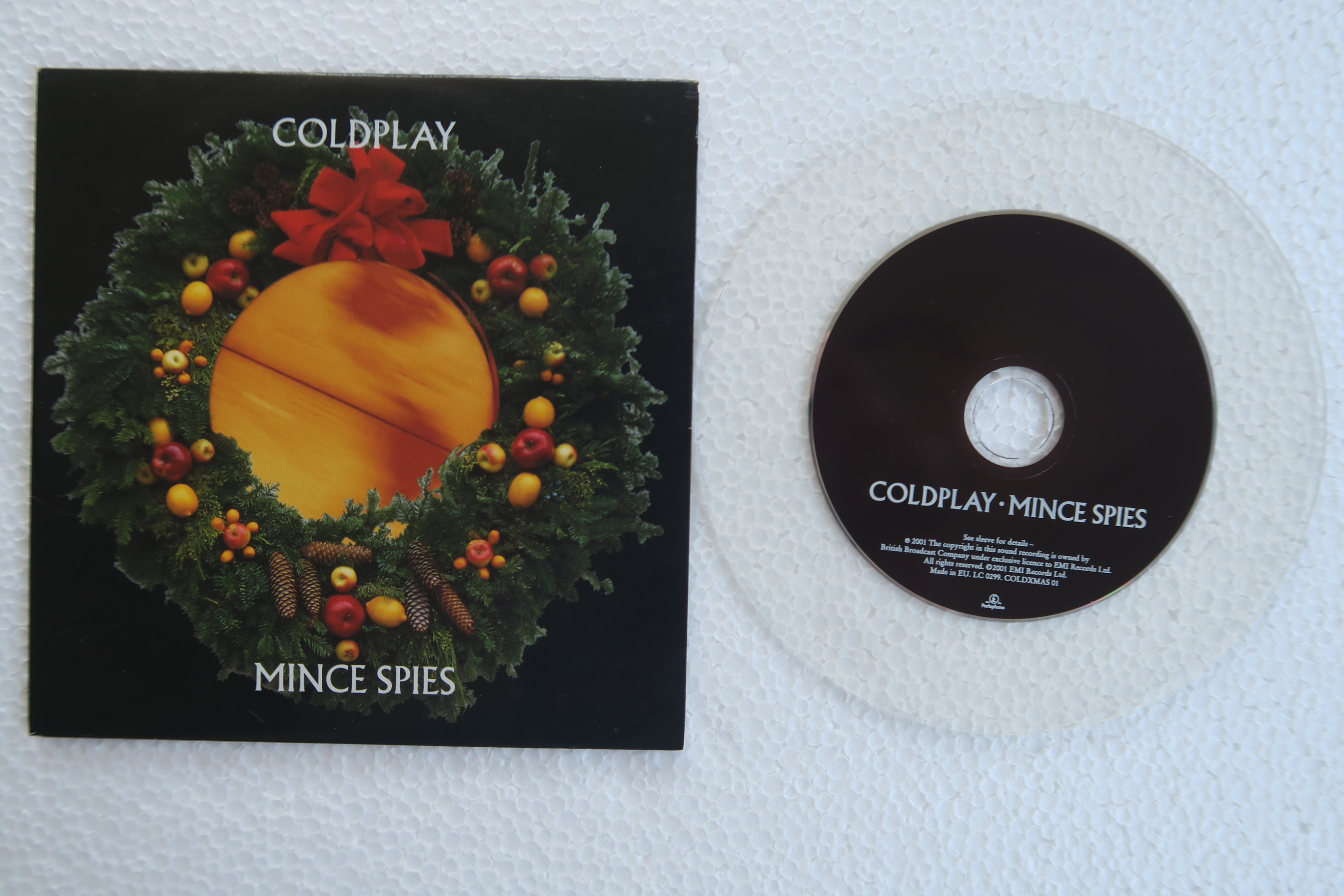
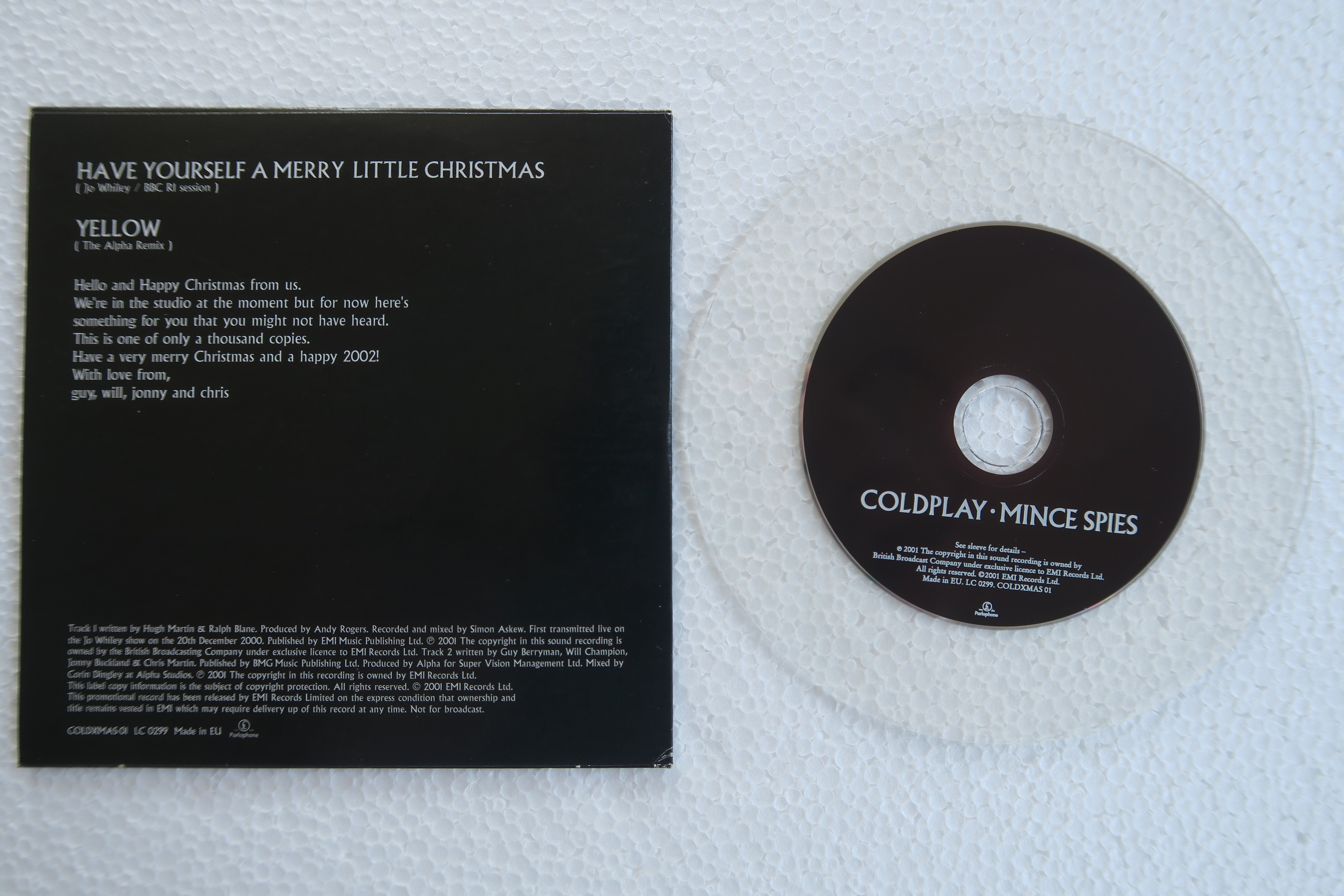
My Pre-Parachutes collection: The most valuable item in my collection:
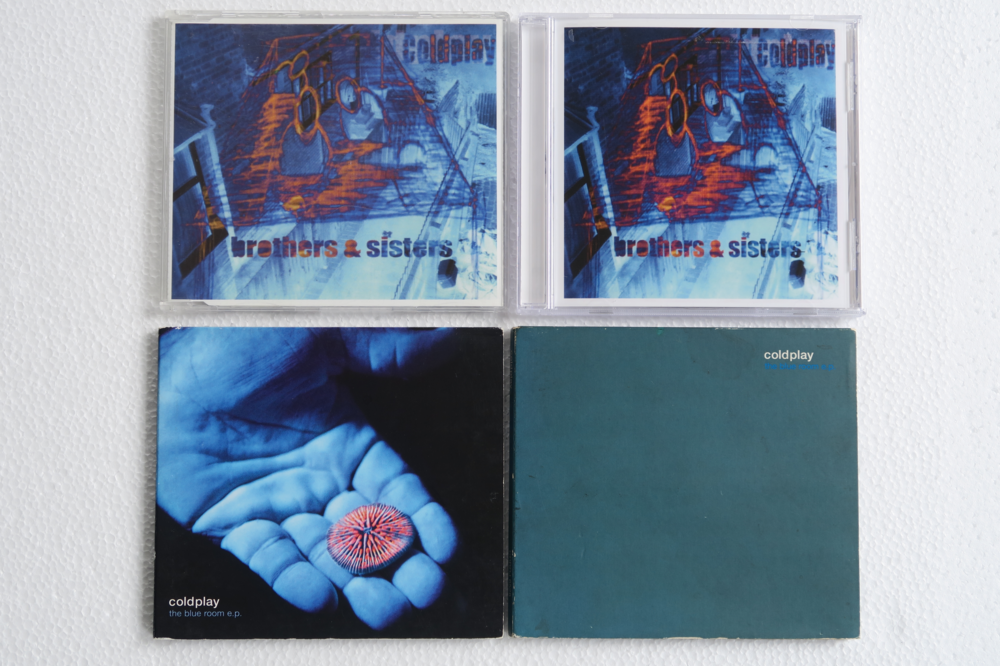
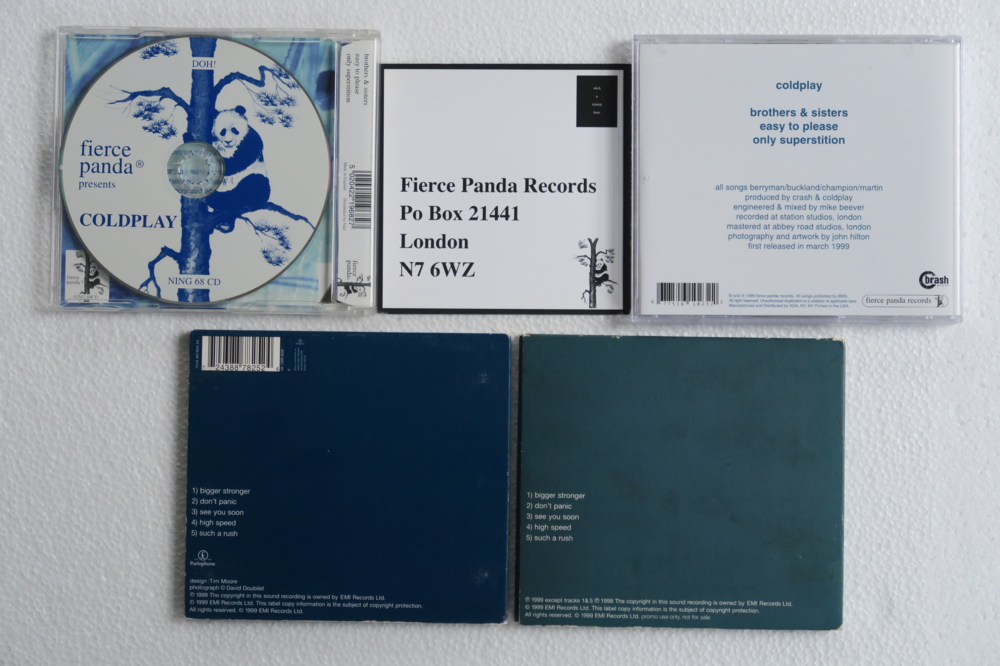
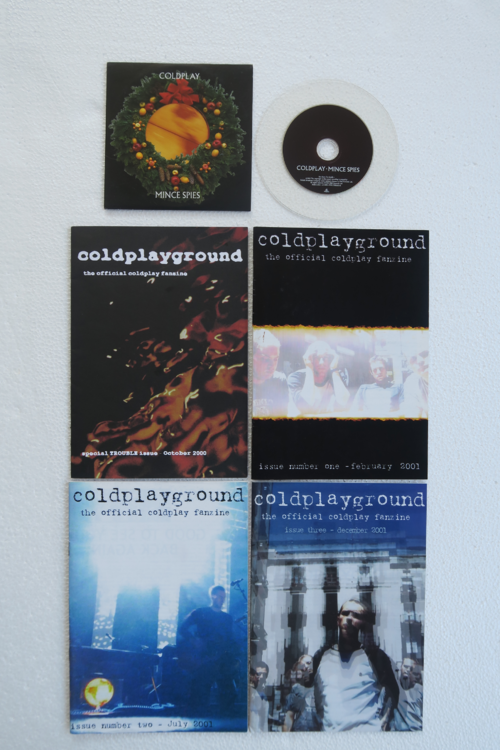
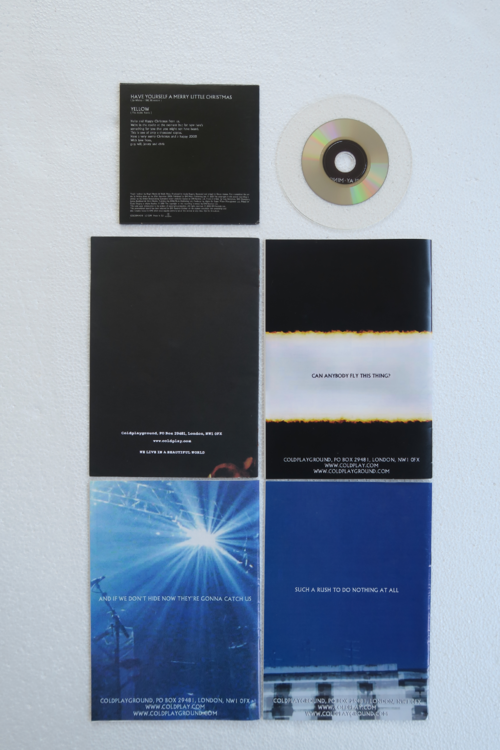
-
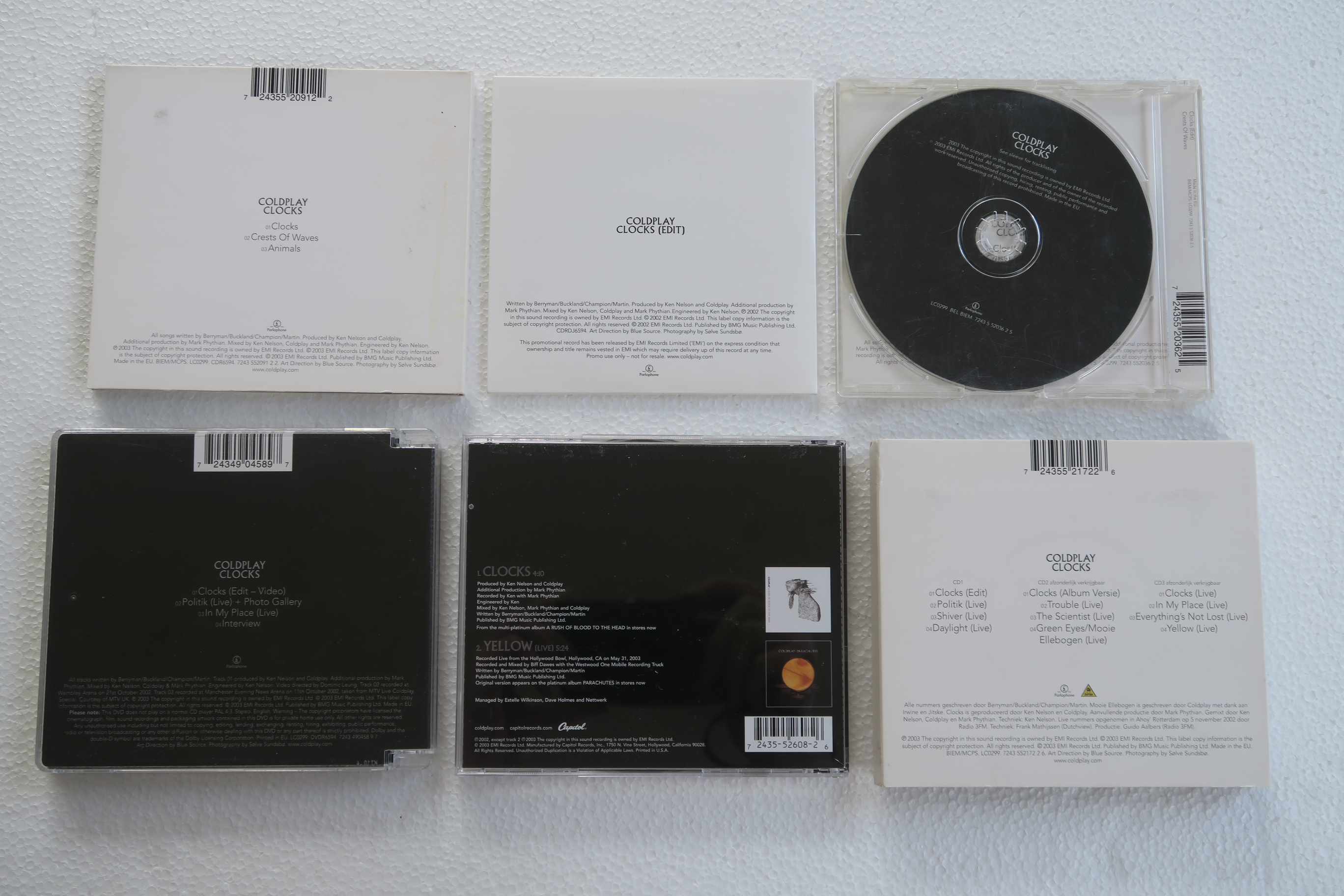
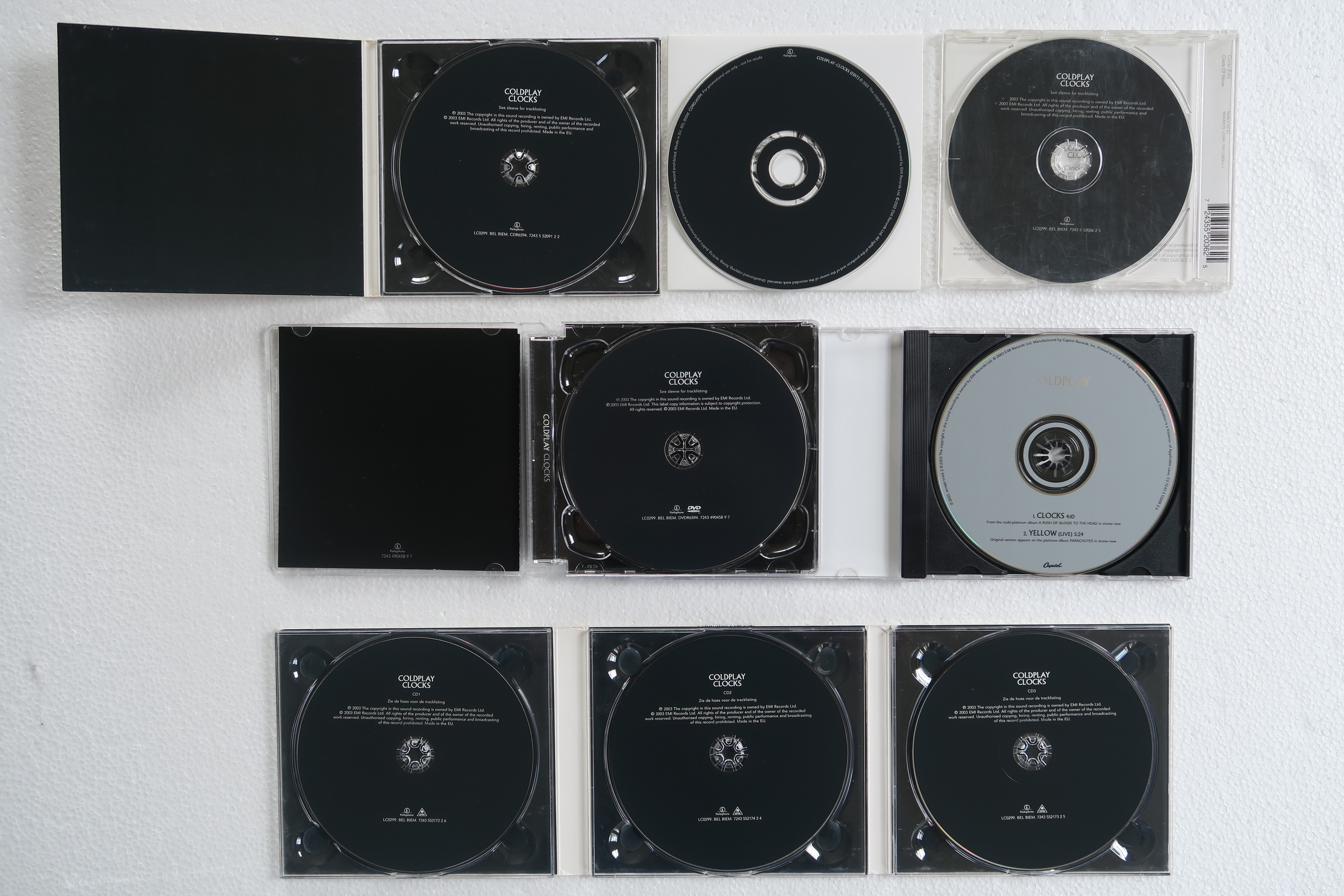
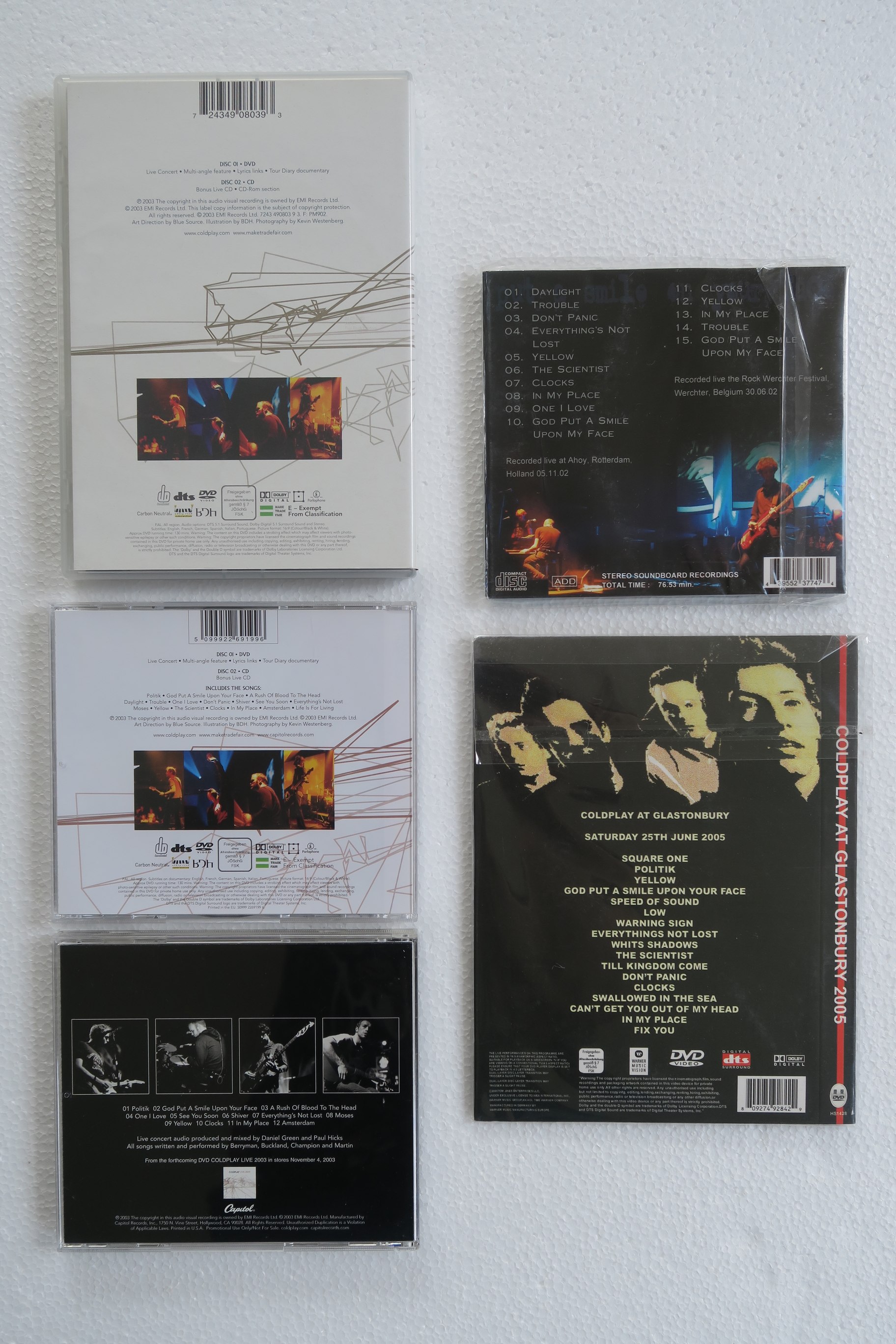
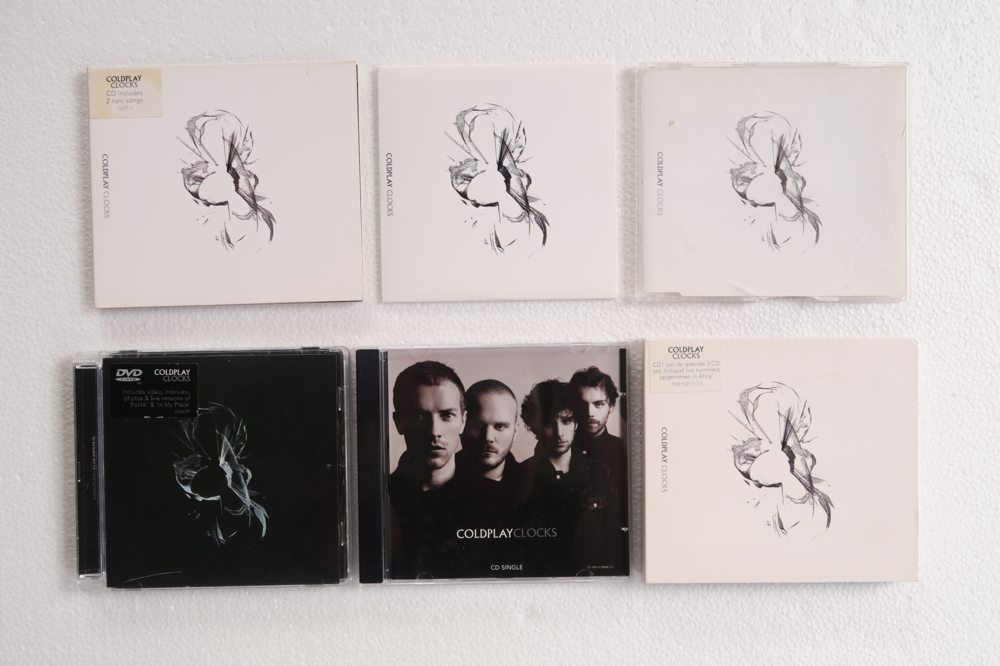
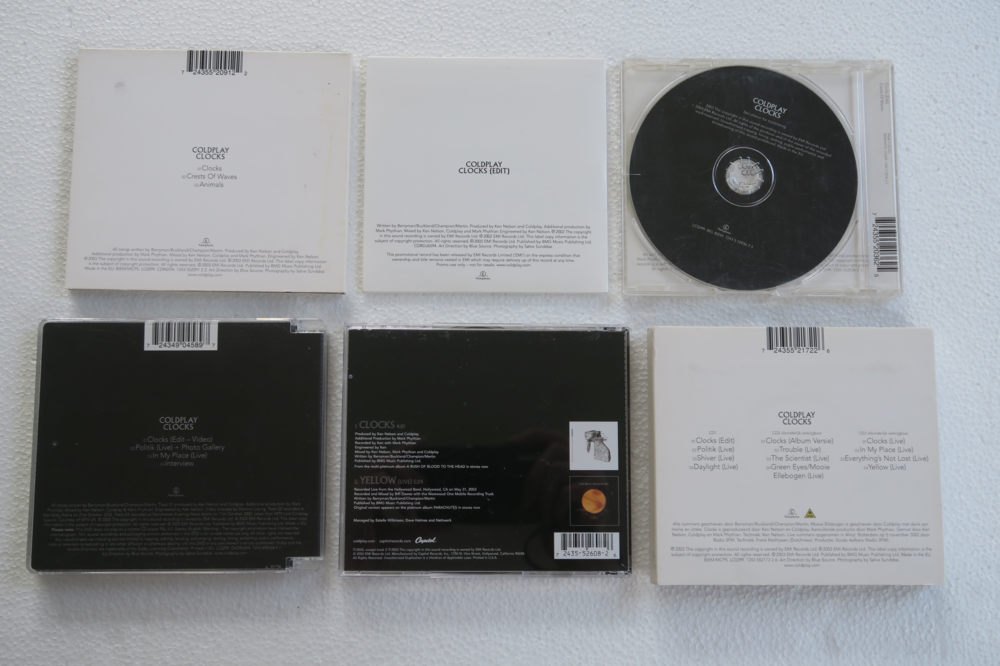
Clocks The Singles collection - AROBTTH
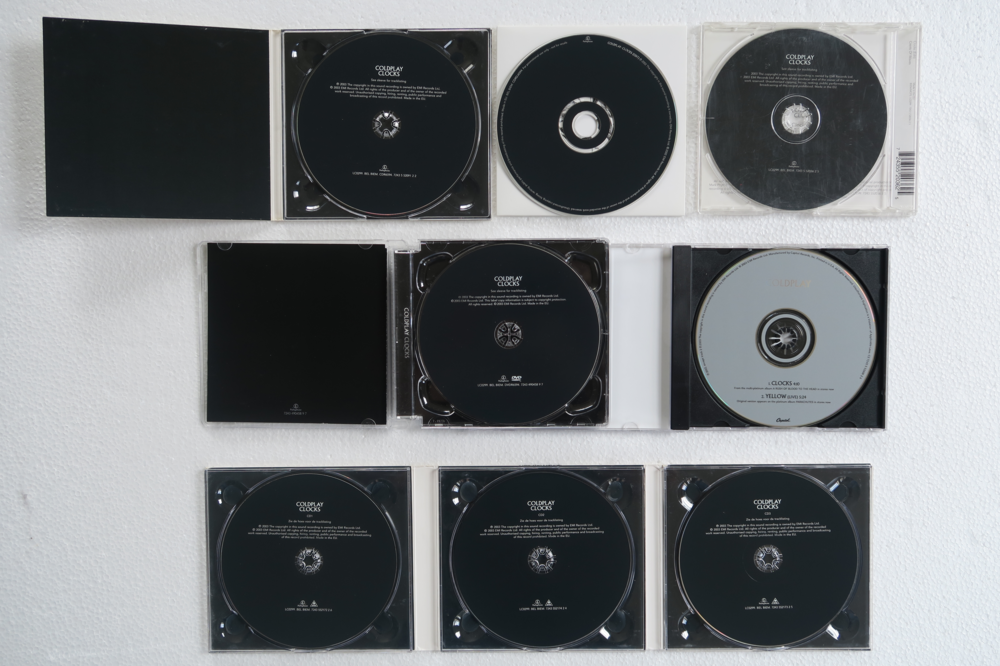
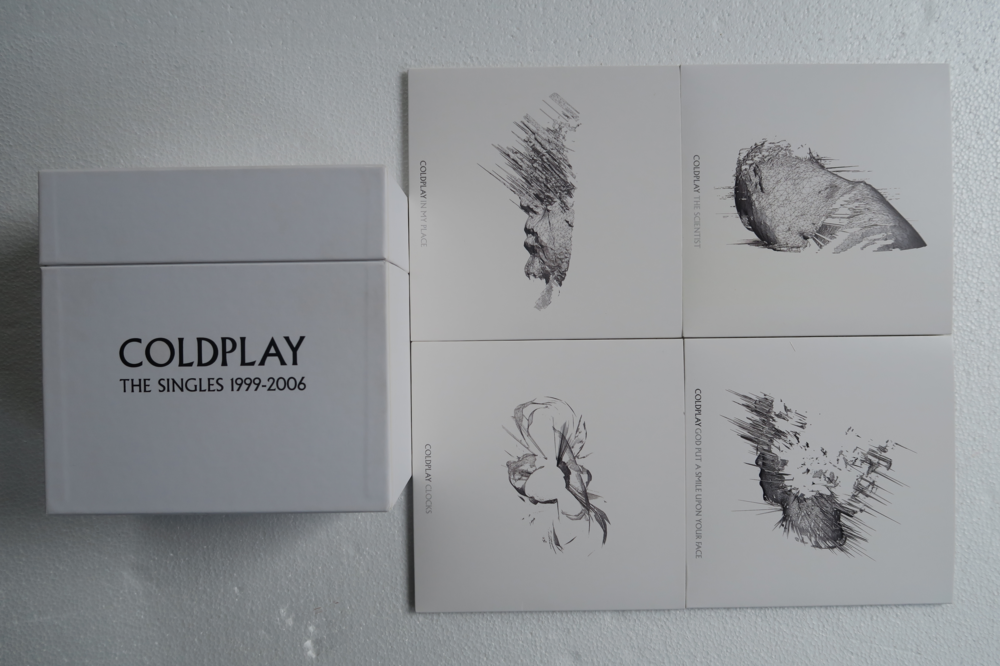
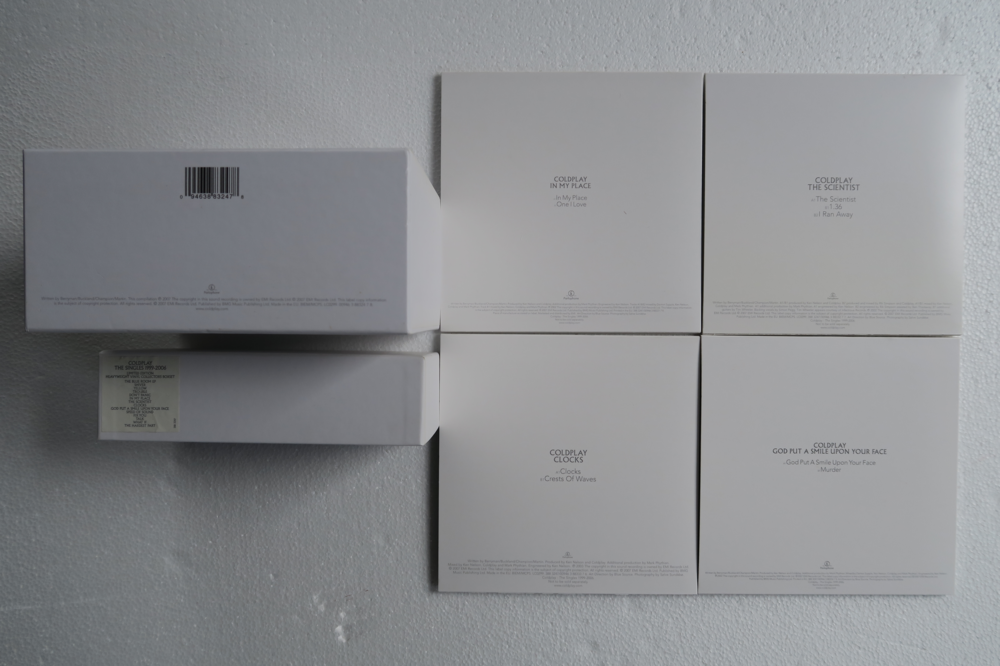
-
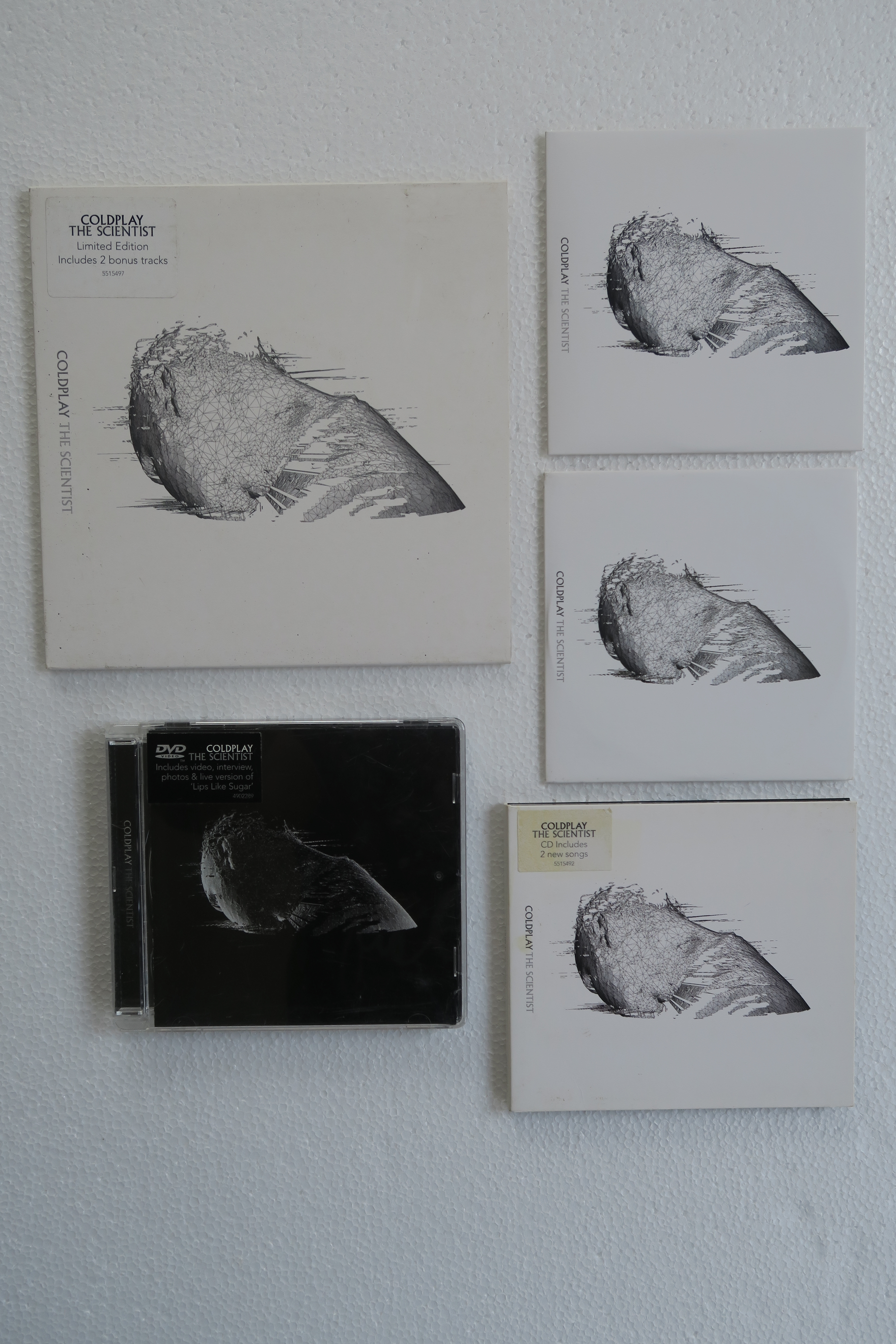
Singles The Scientist
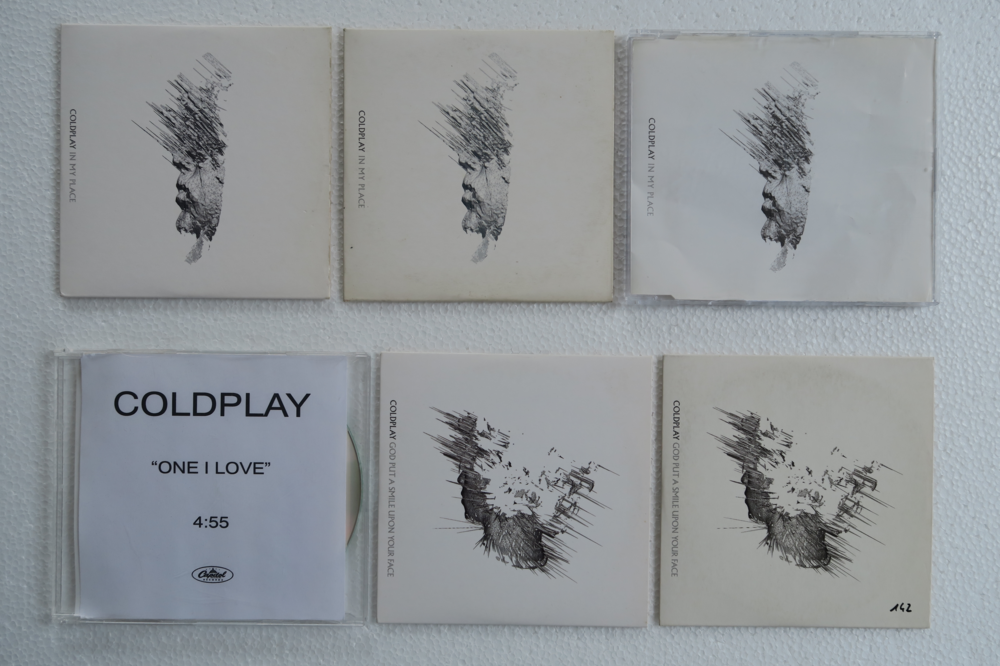
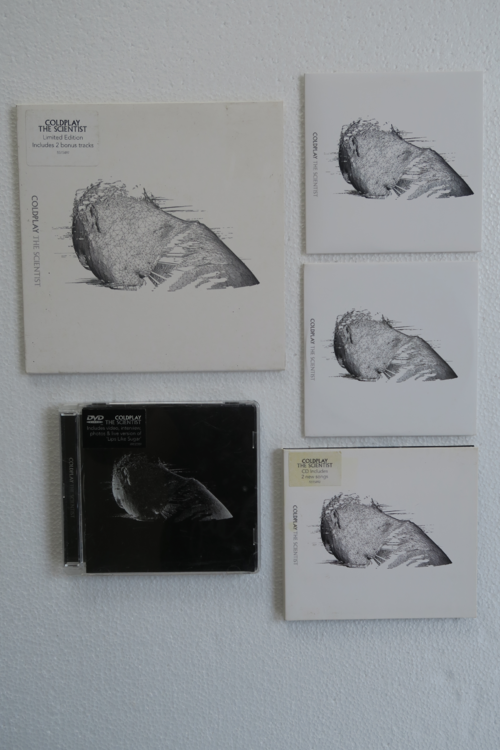
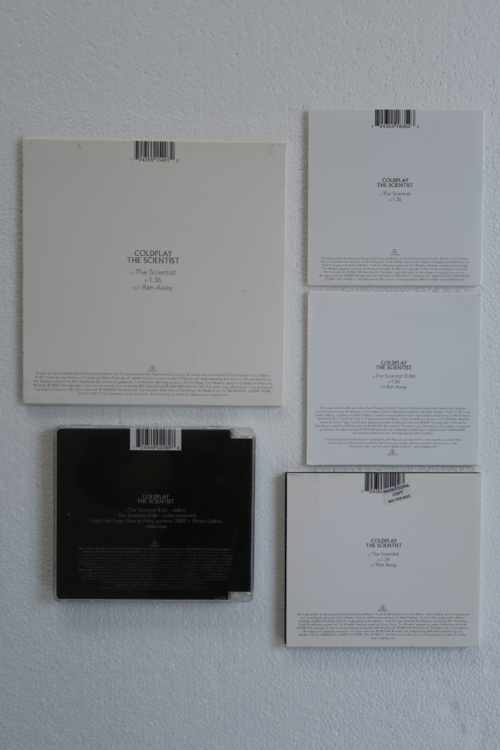
-
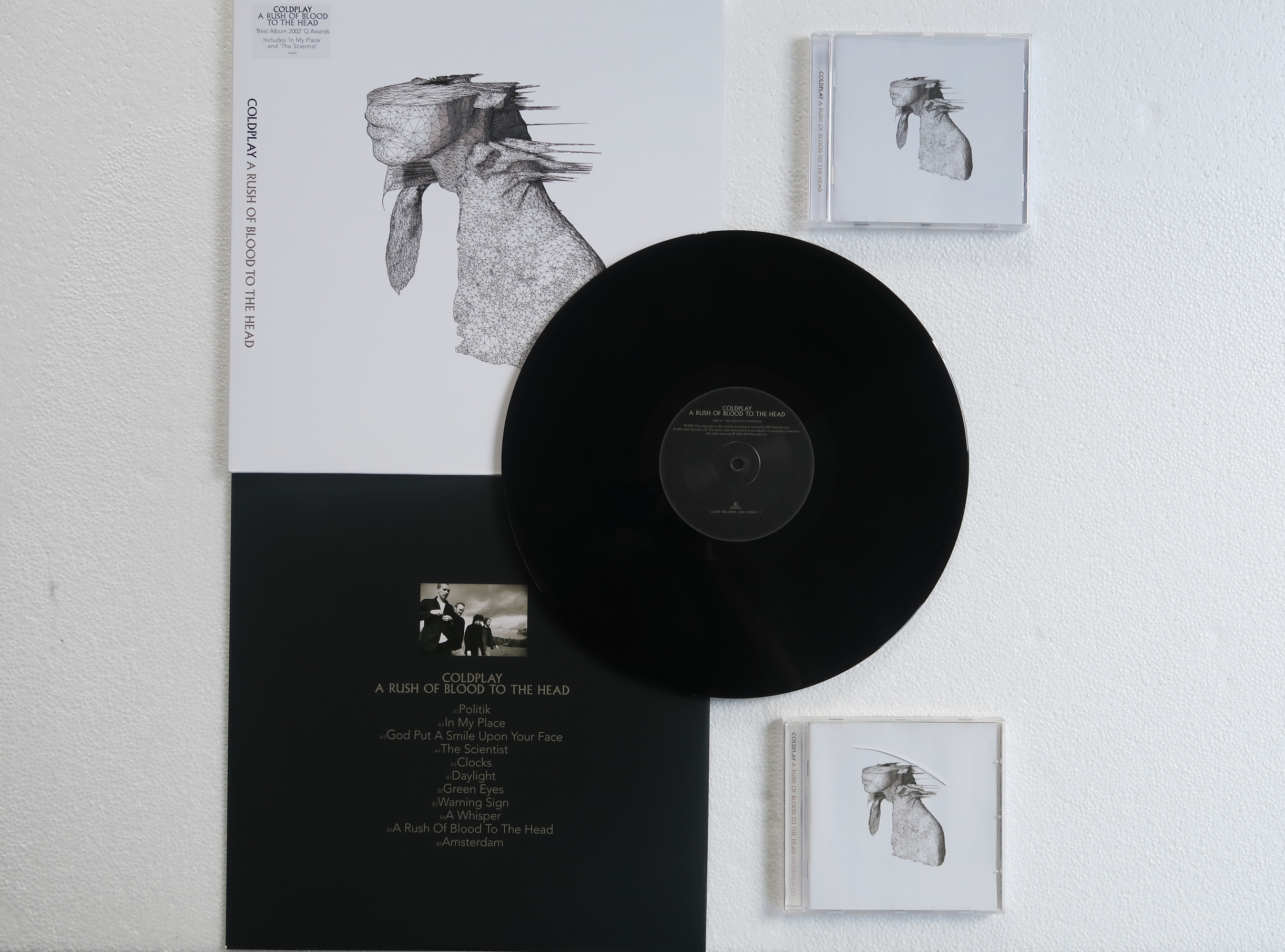
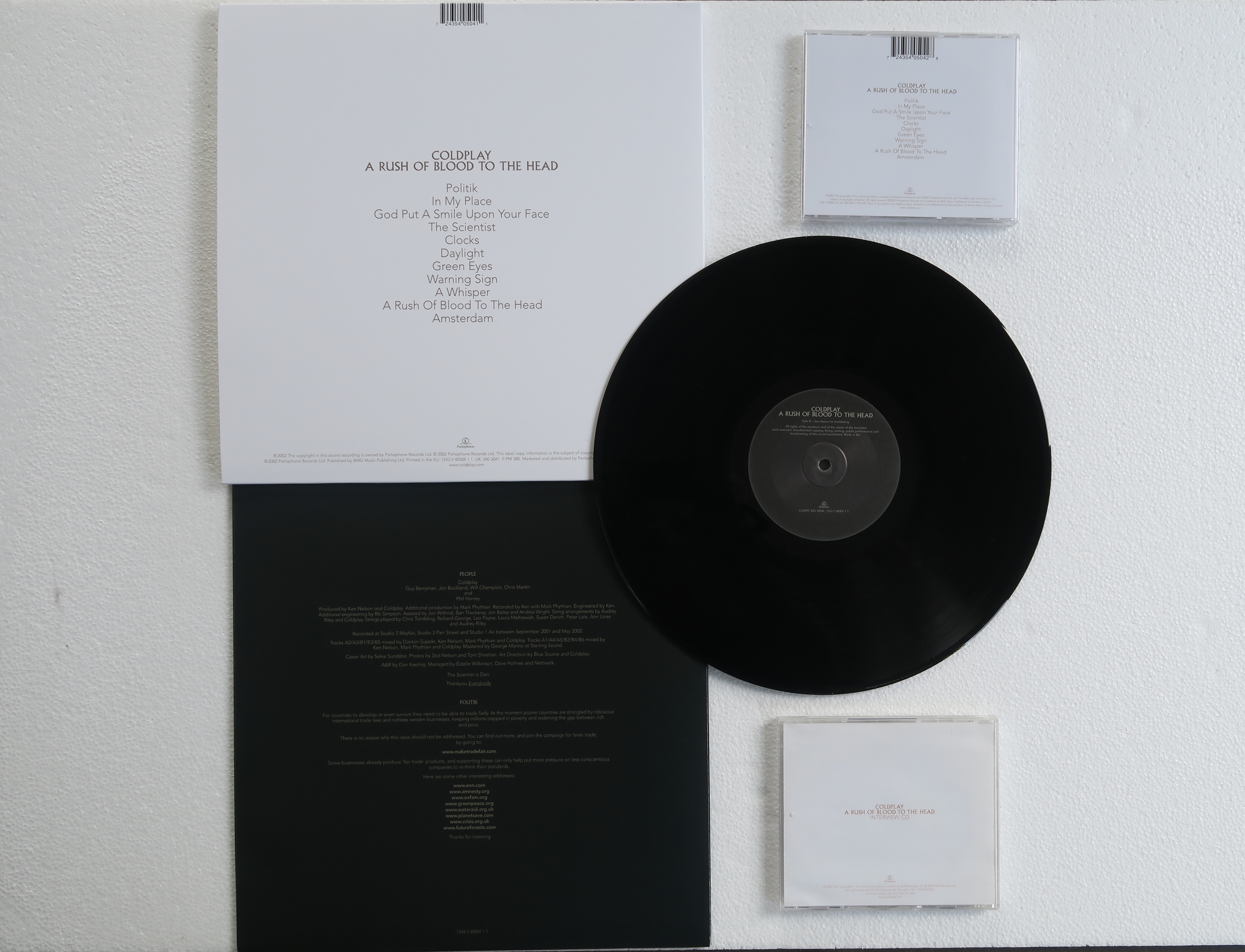
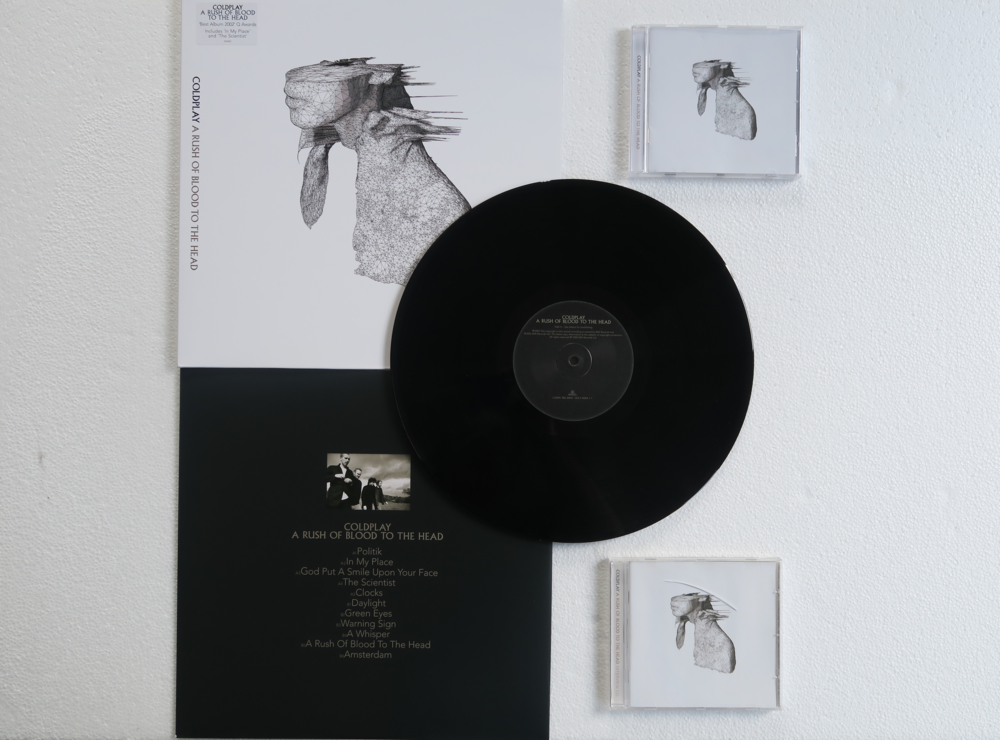
My AROBTTH collection:
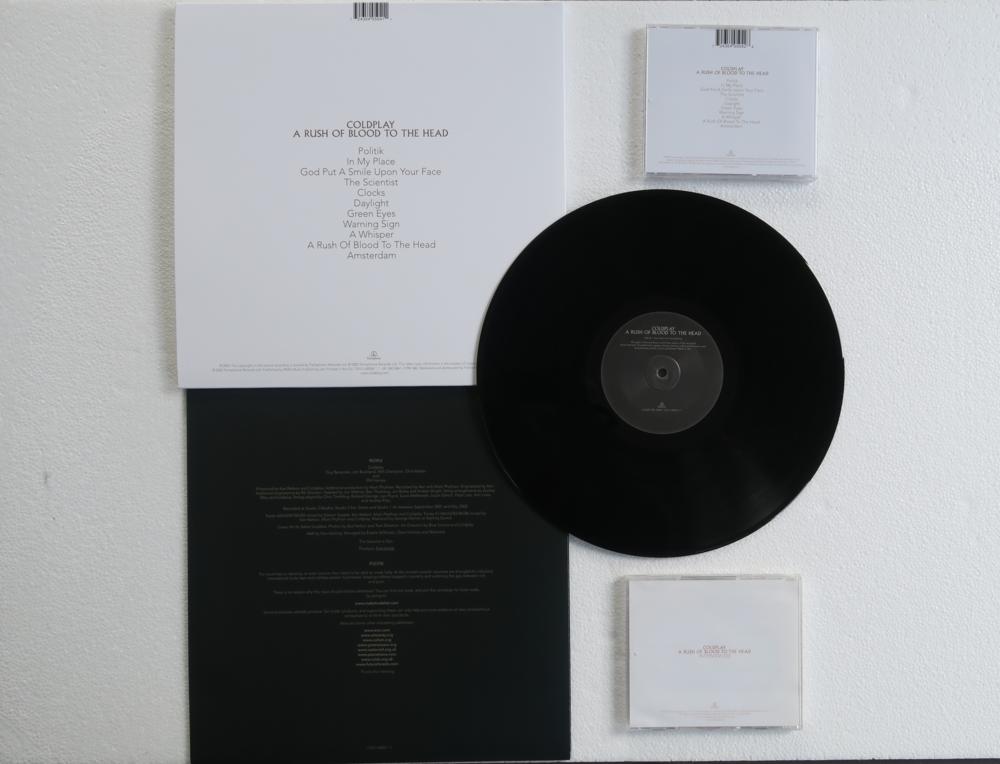
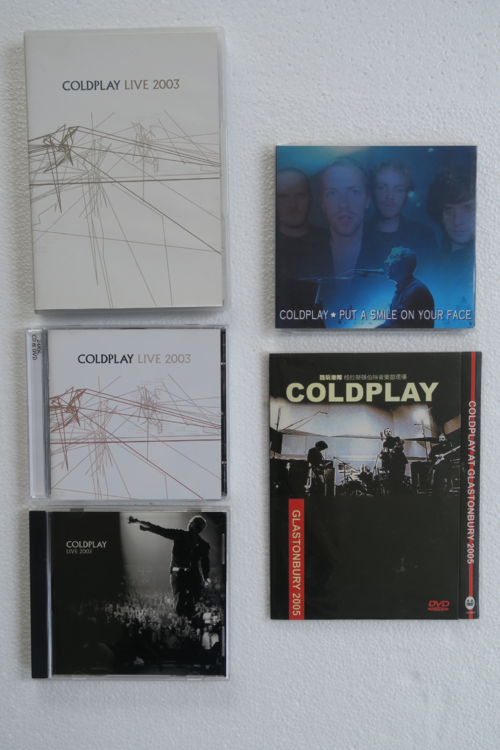
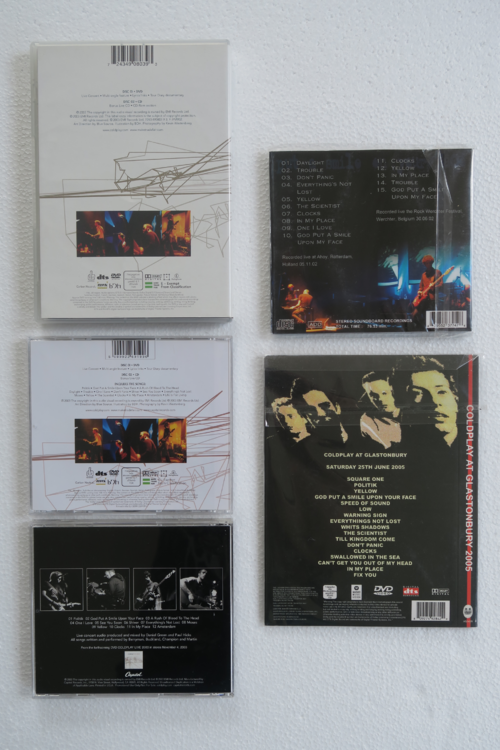
-
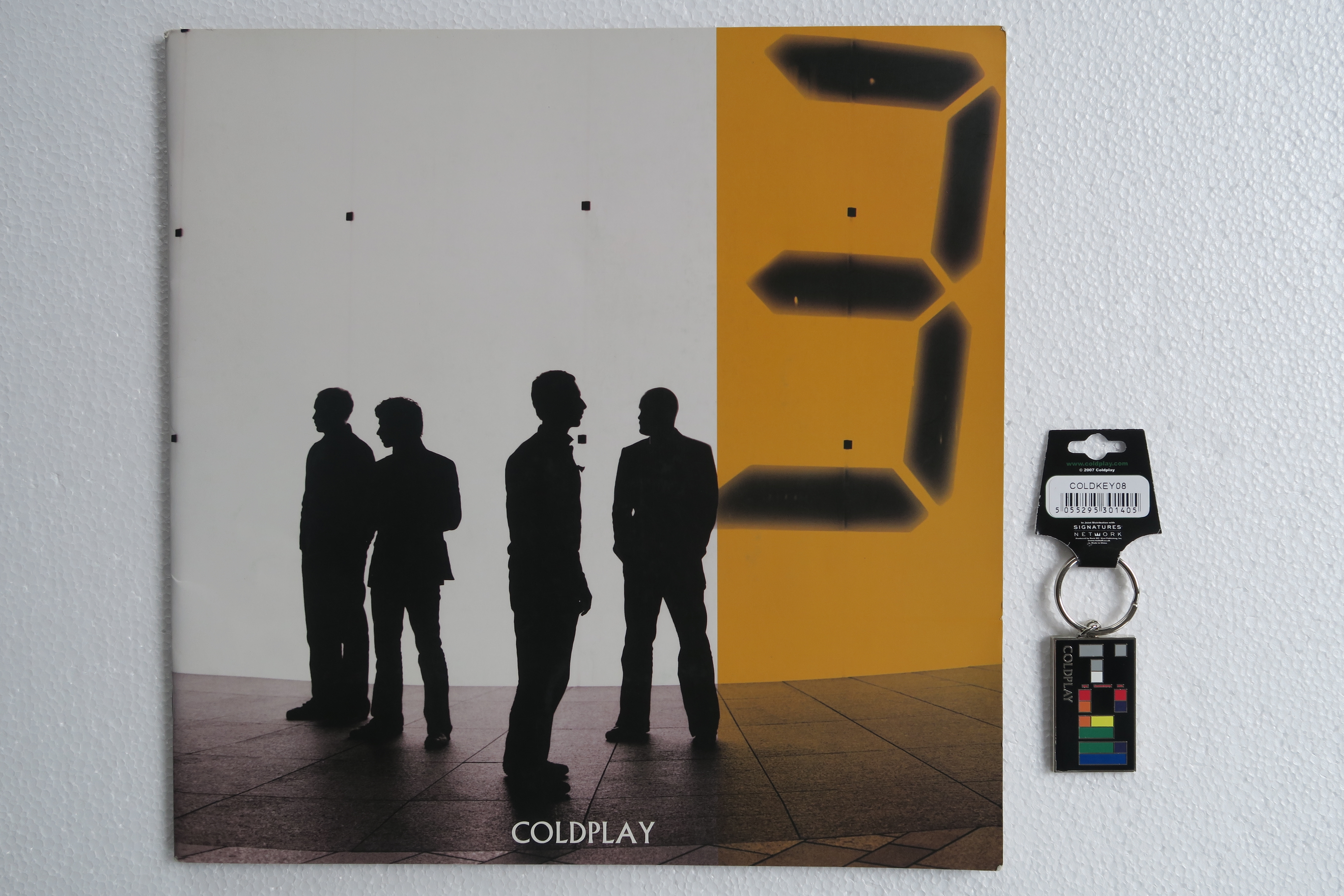
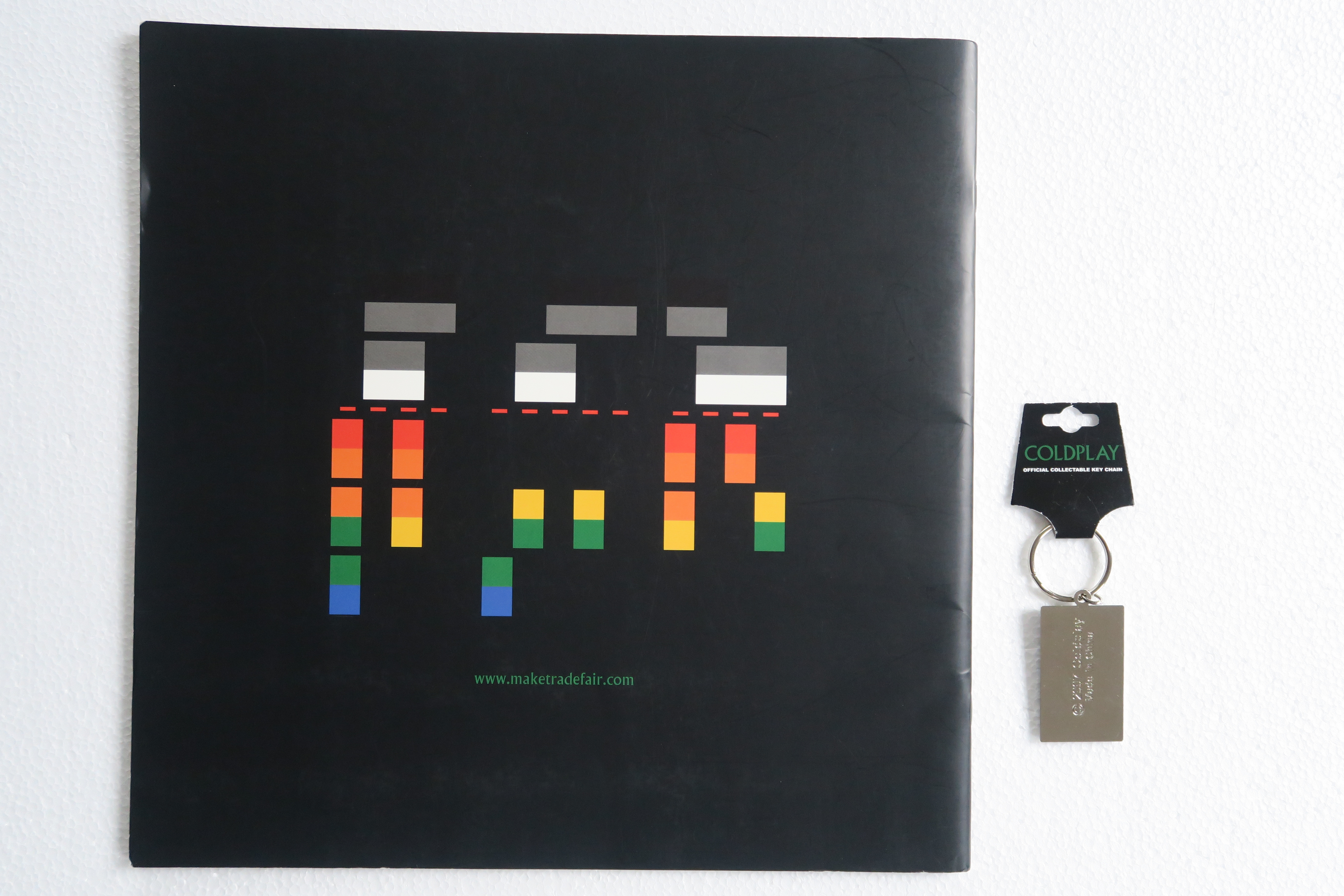
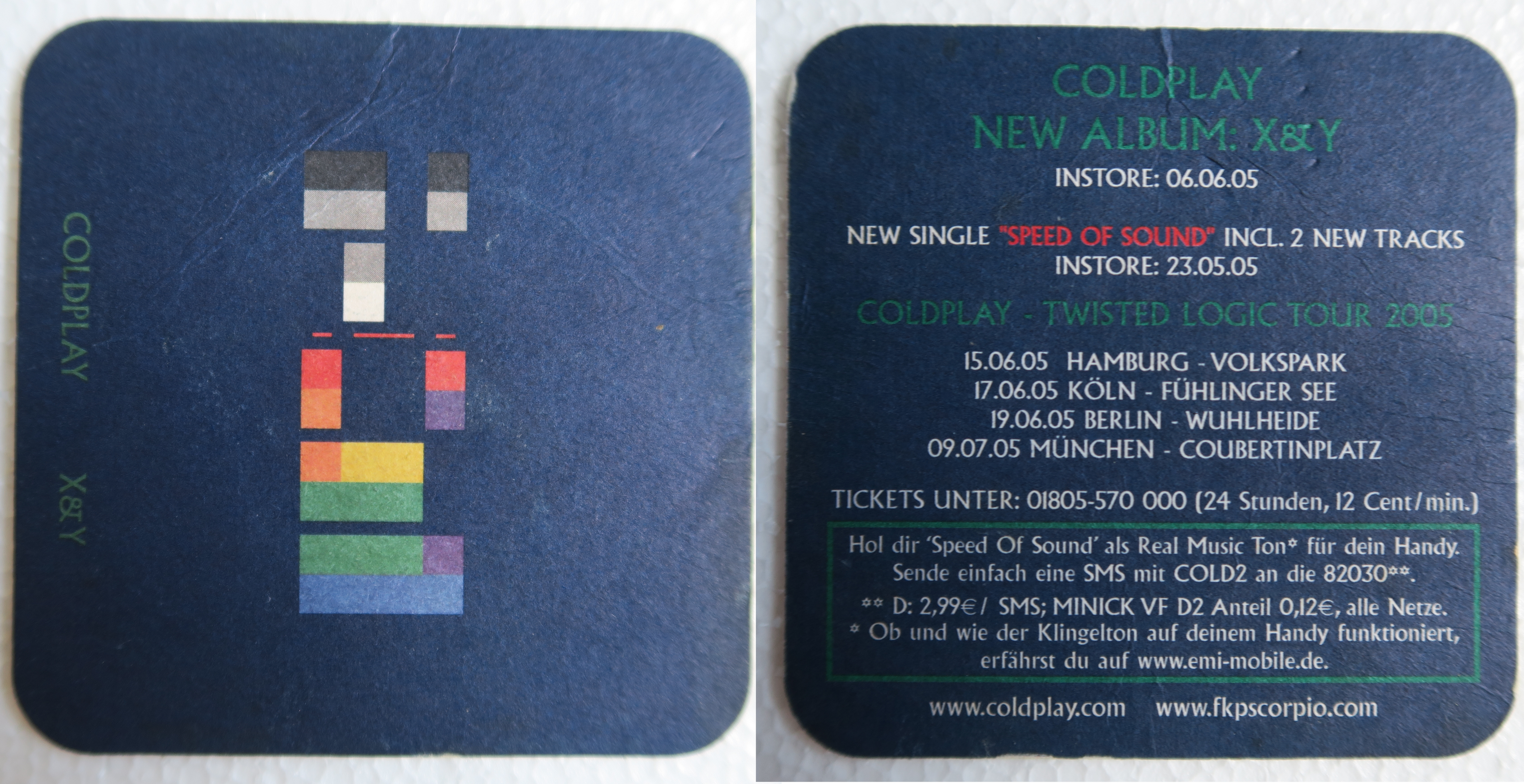
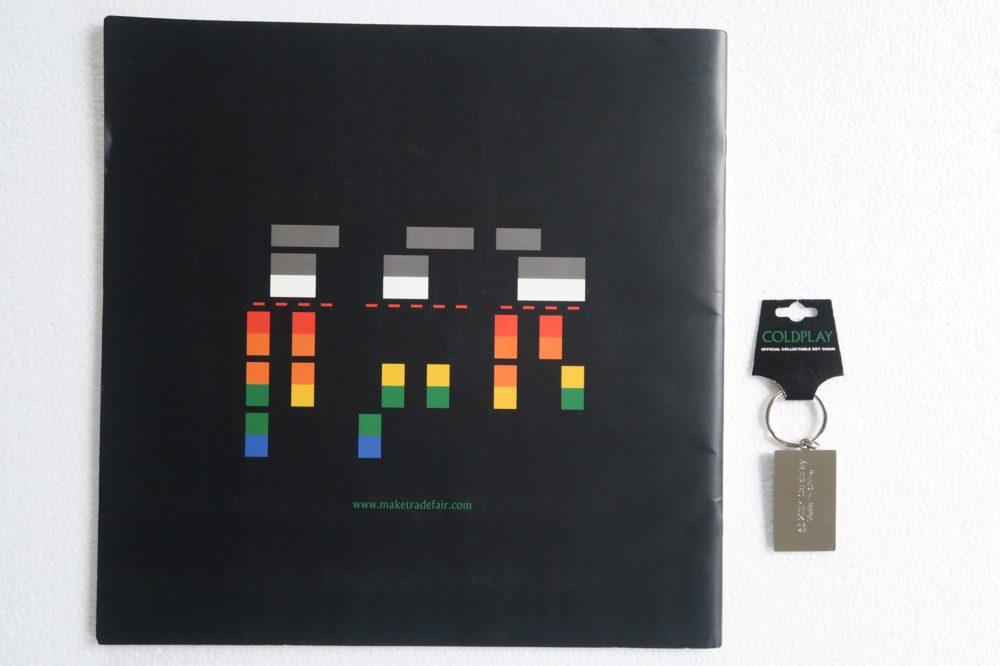
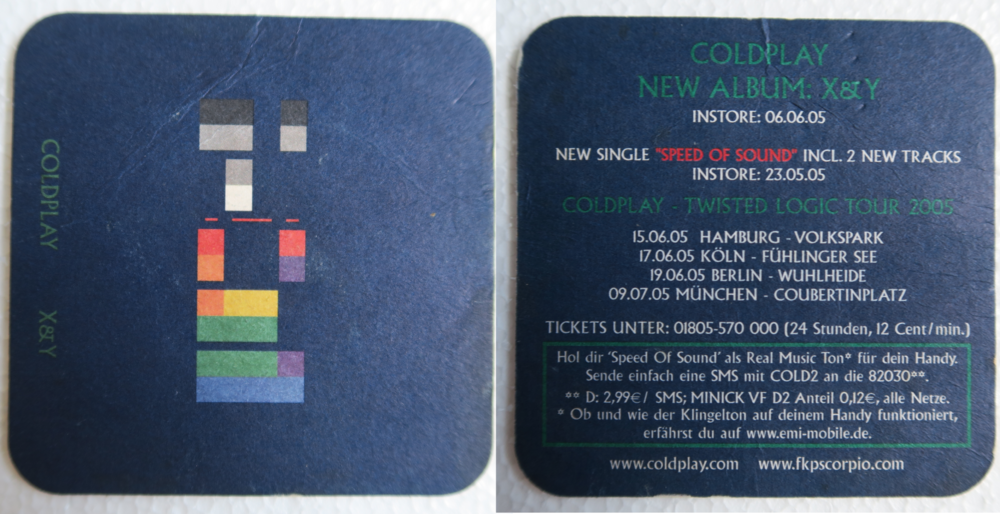
Tour book + key ring coaster
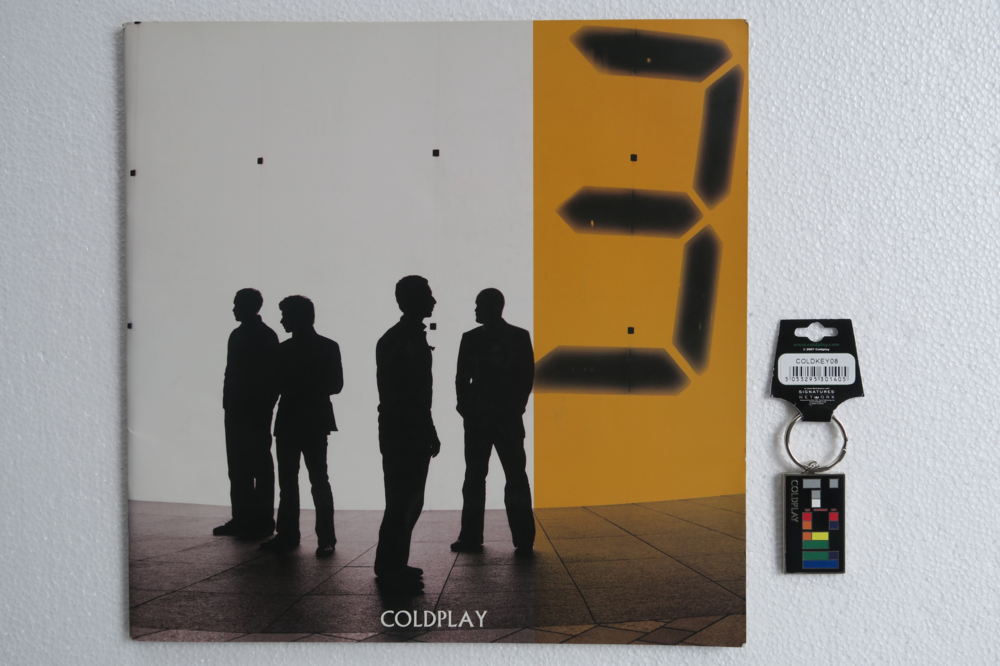
-
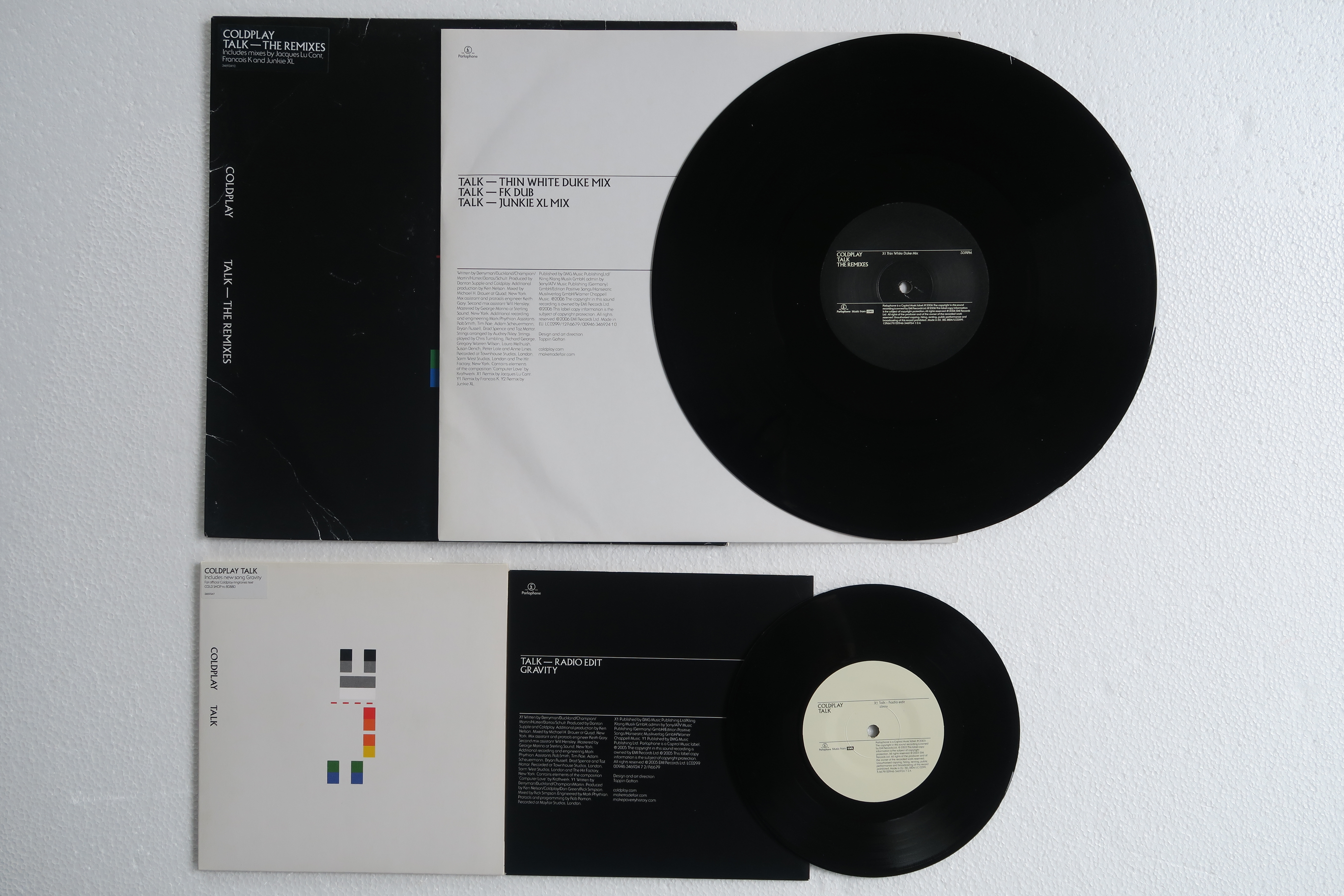
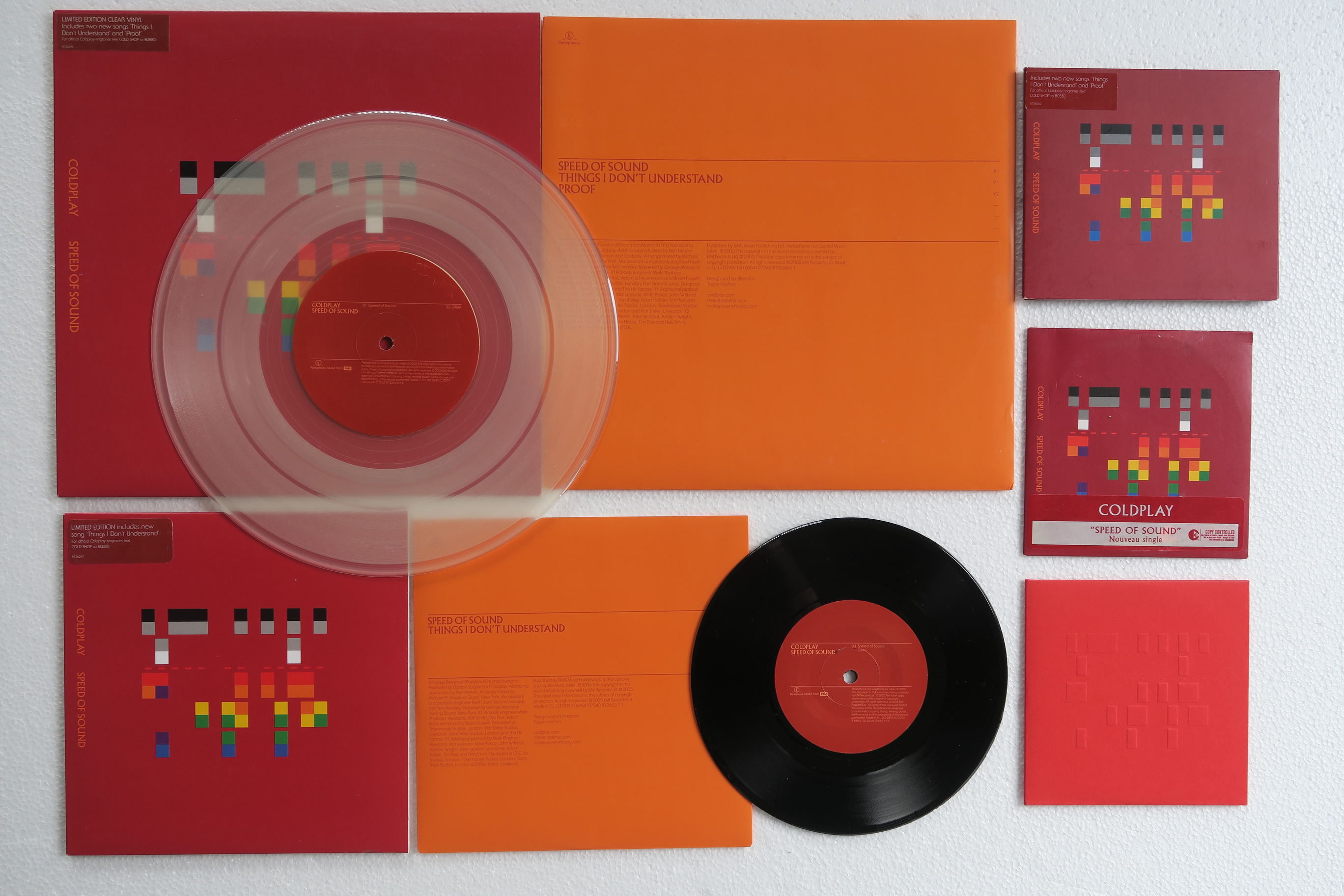
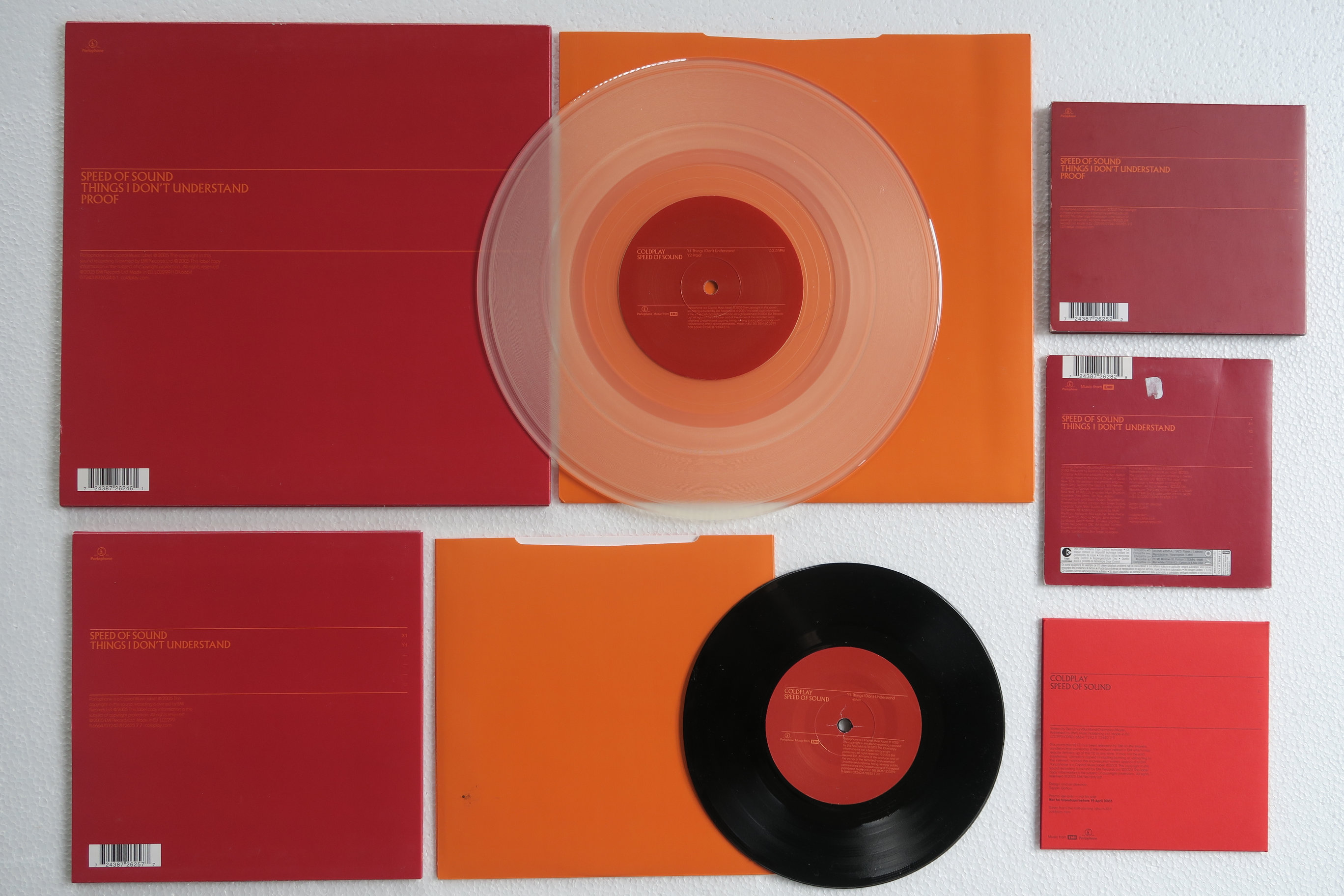
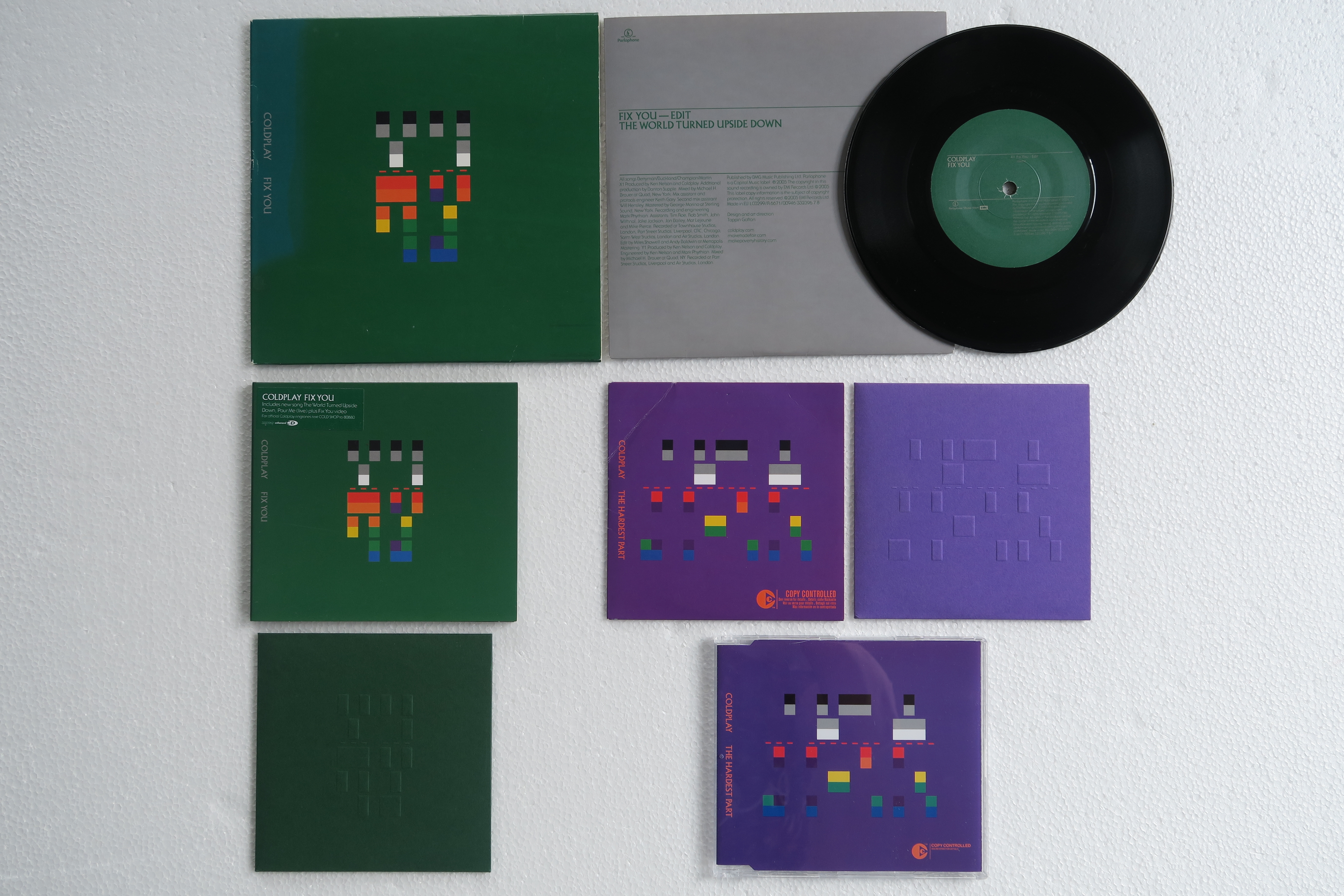
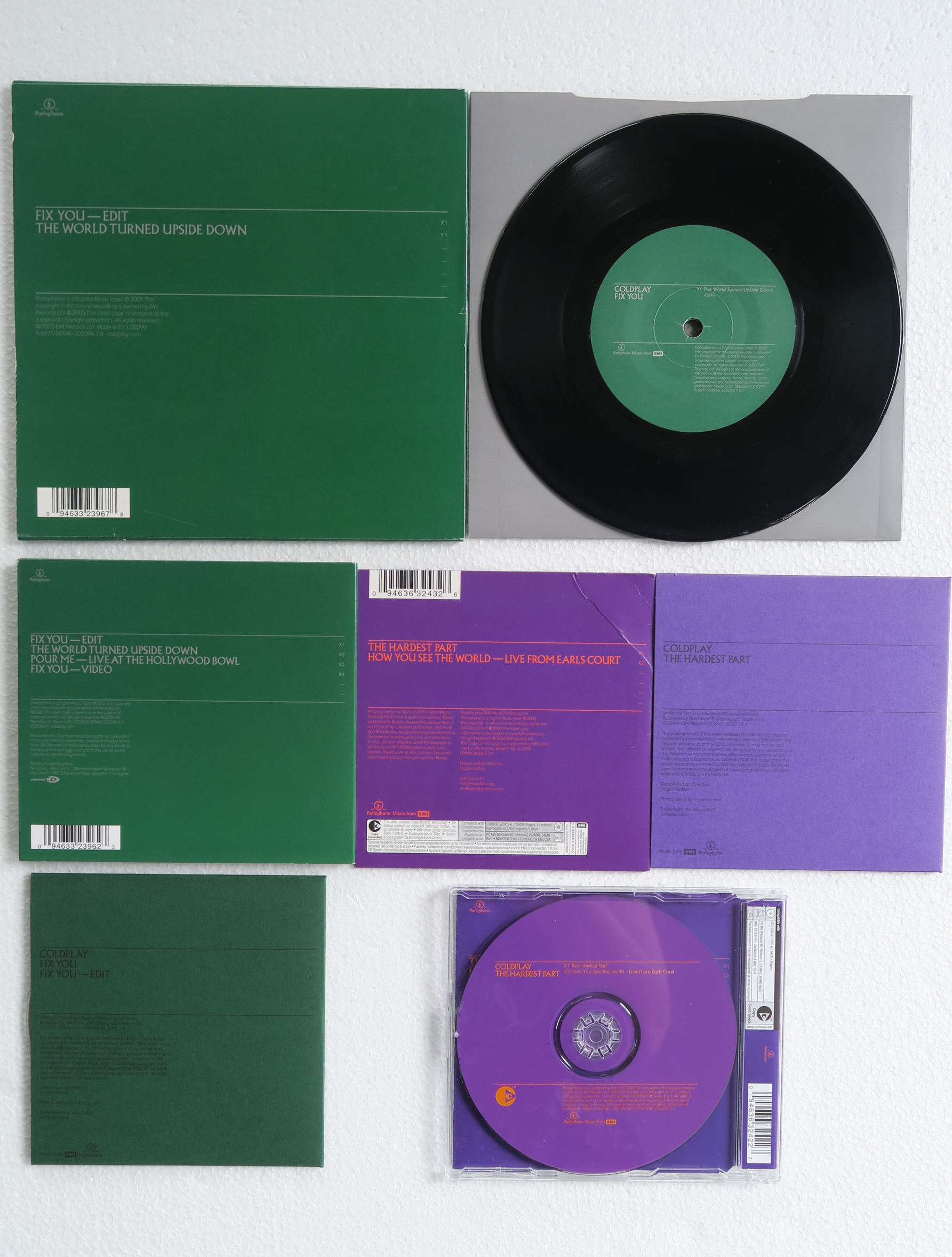
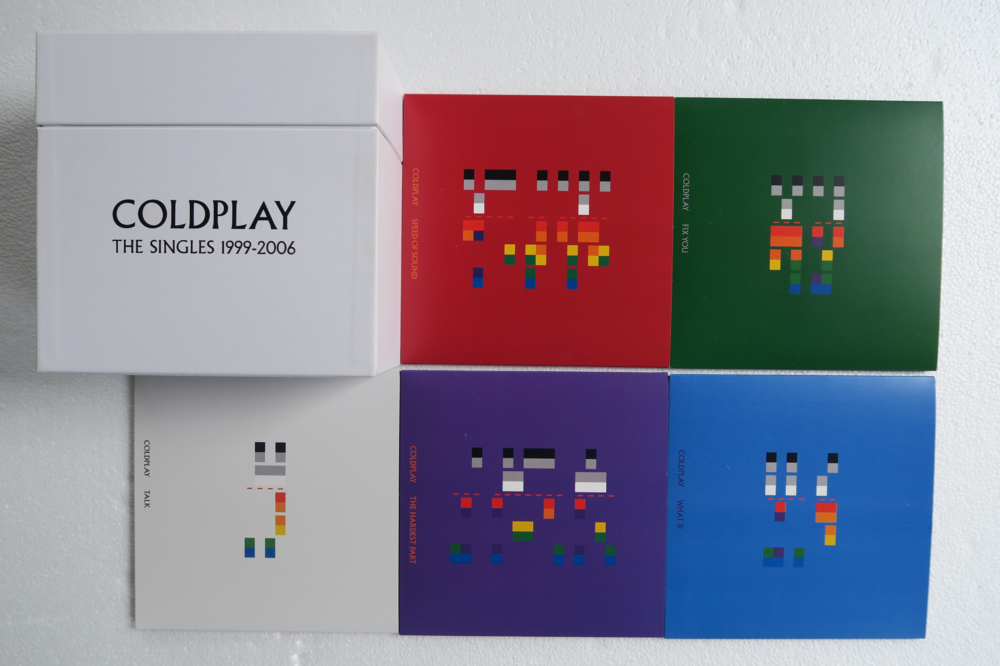
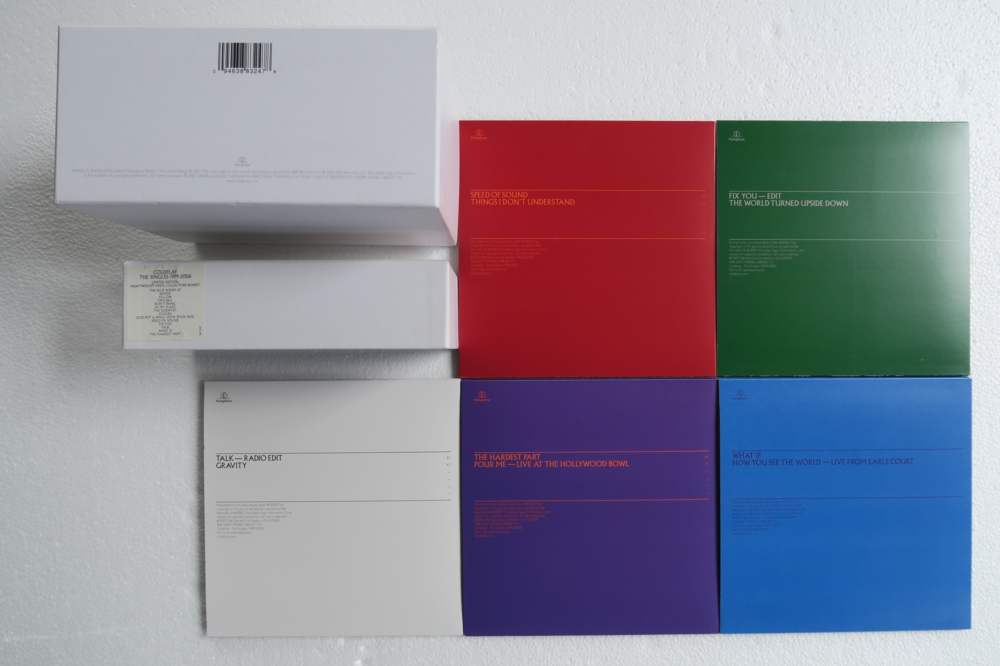
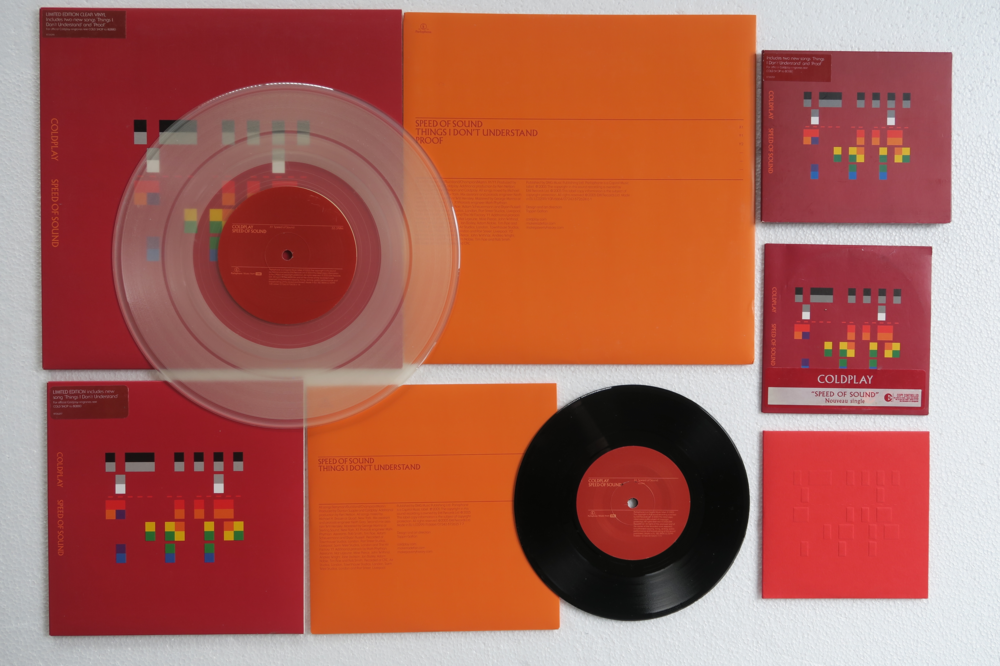
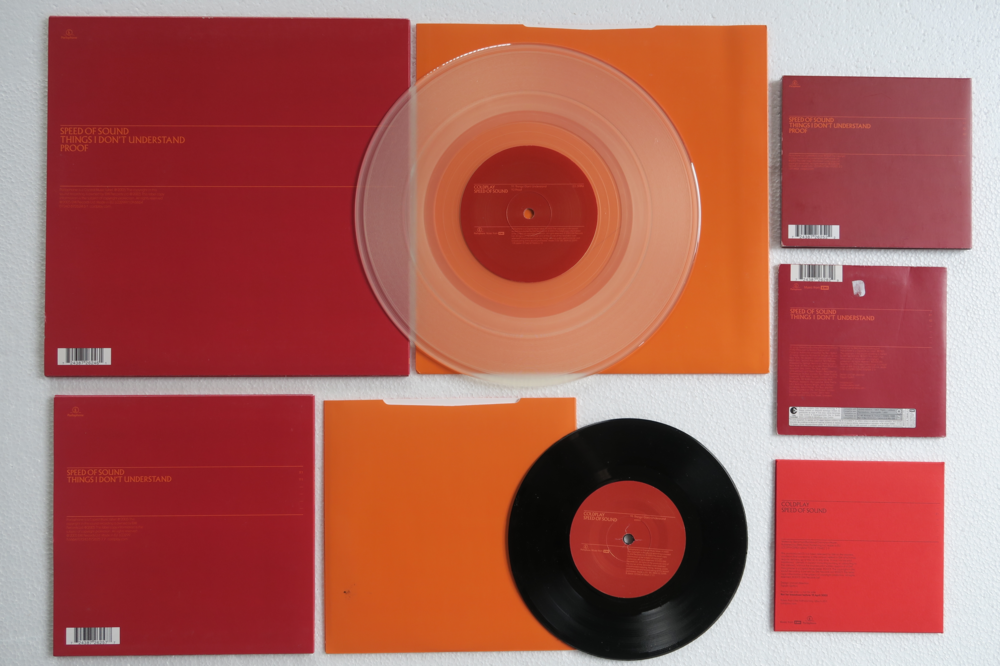
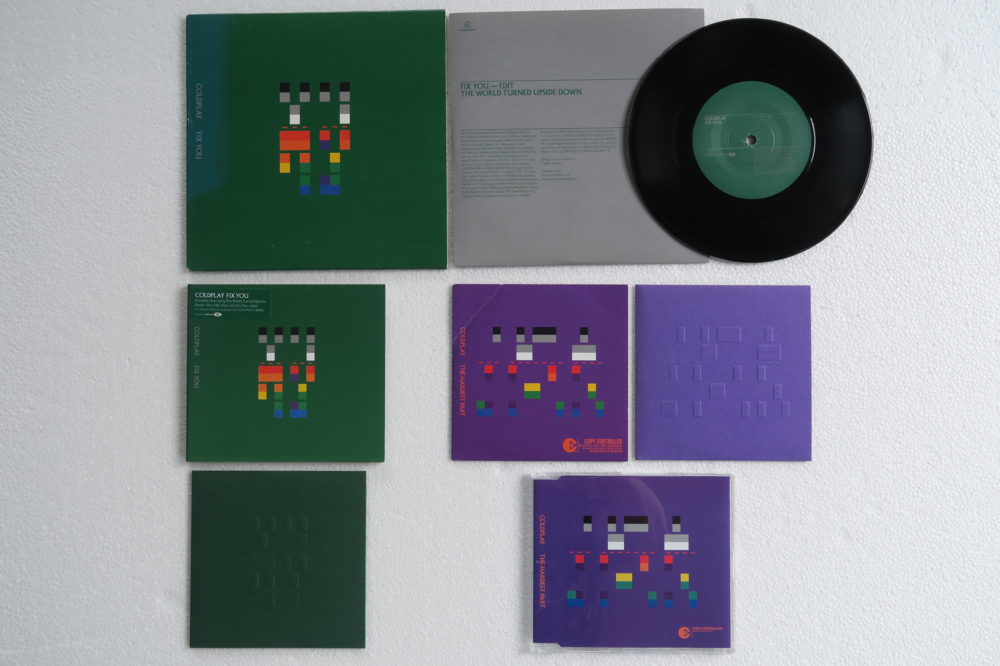
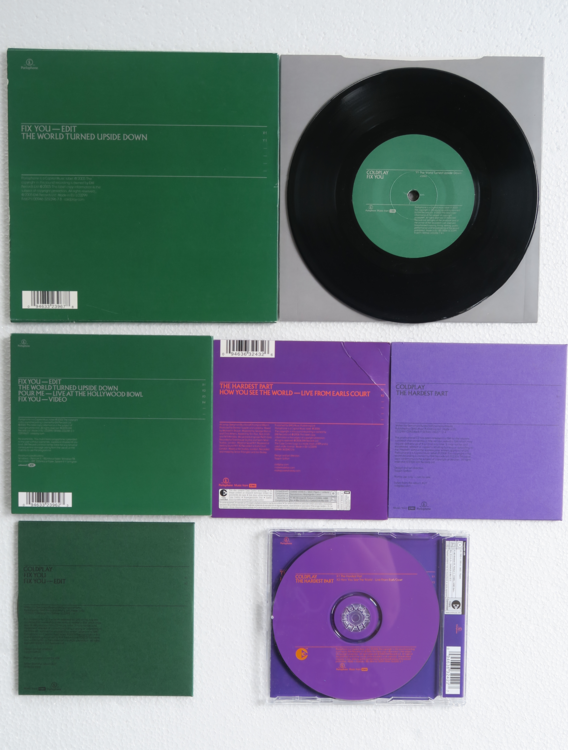
The Singles collection - X&Y
-
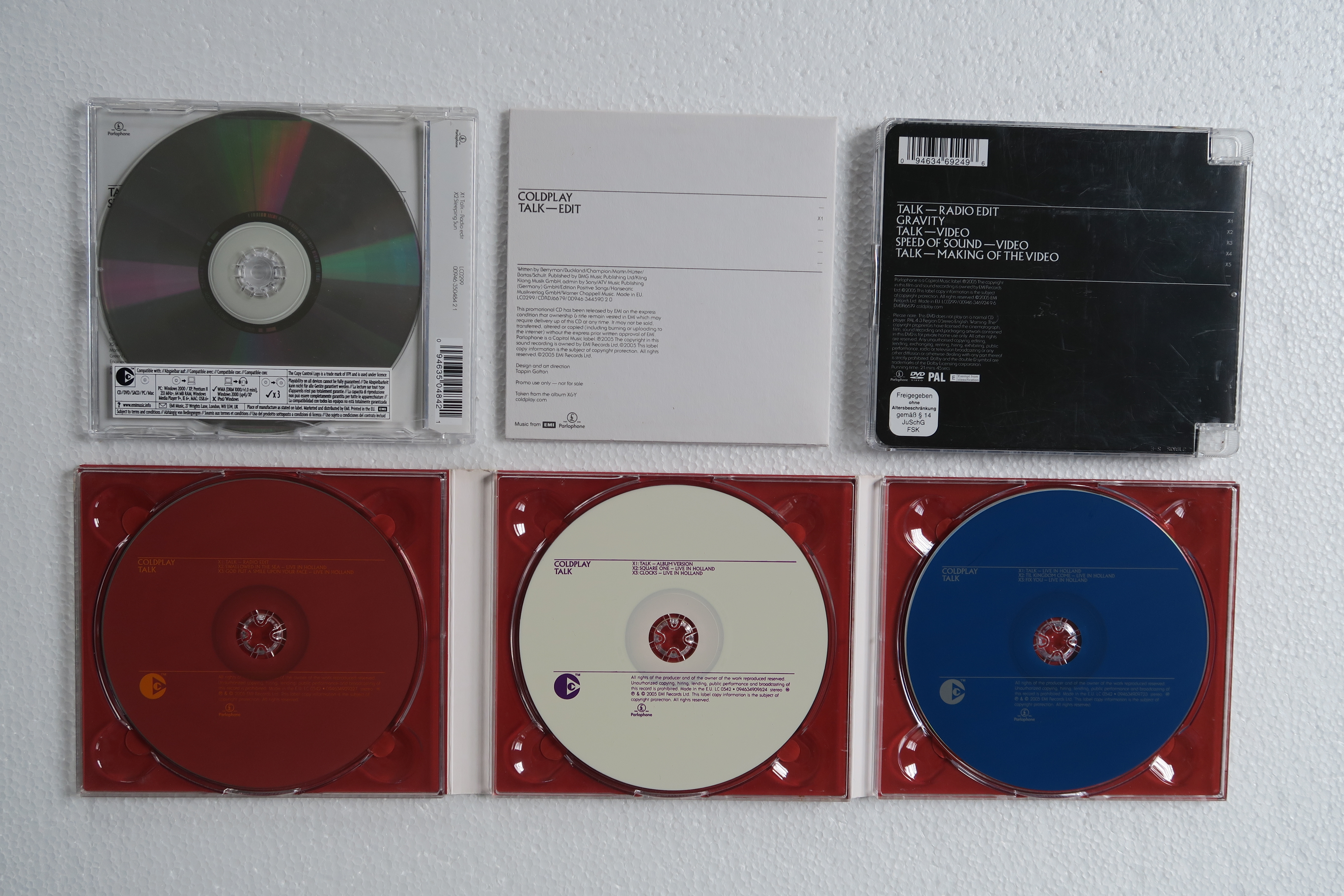
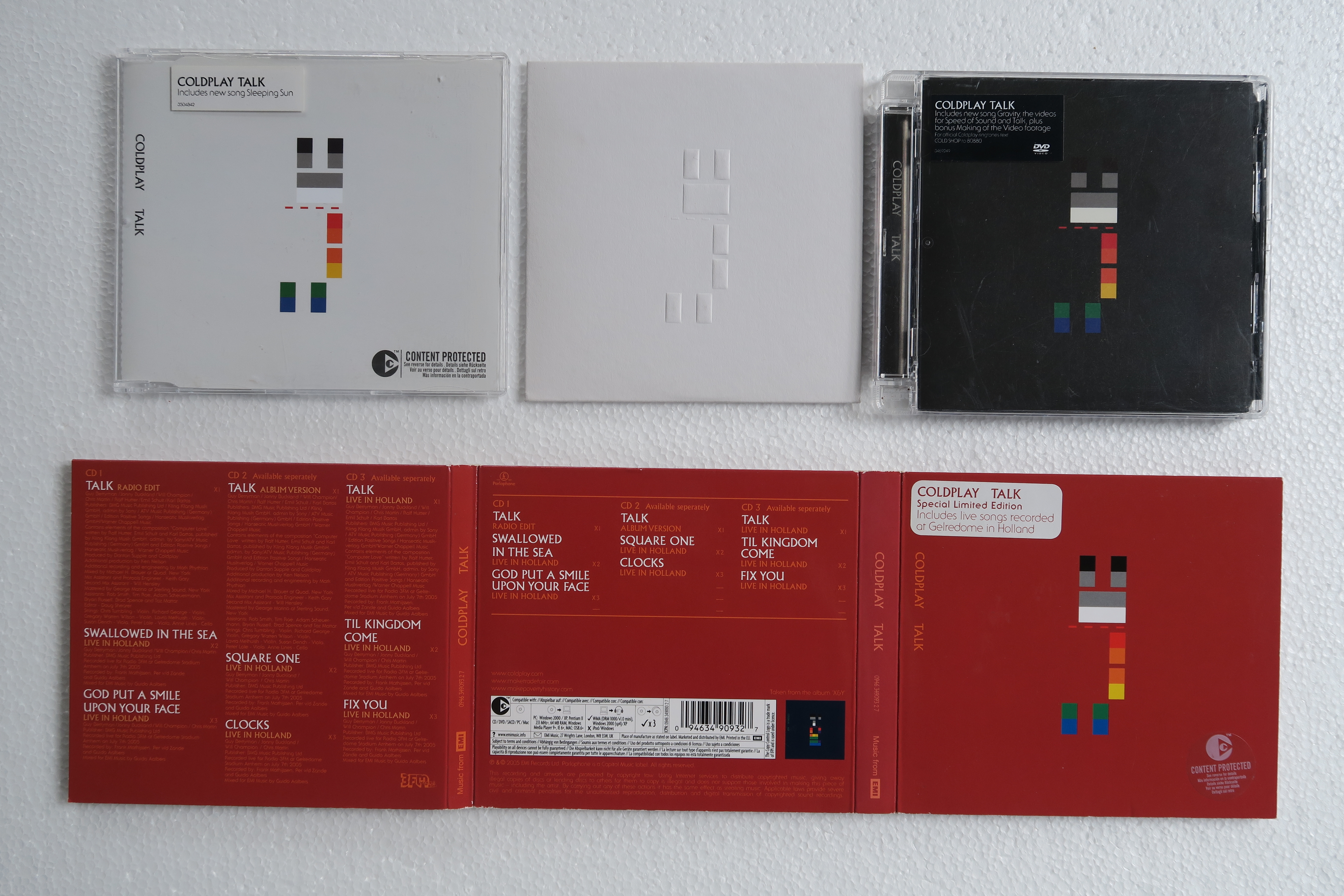
Talk vinyl CD
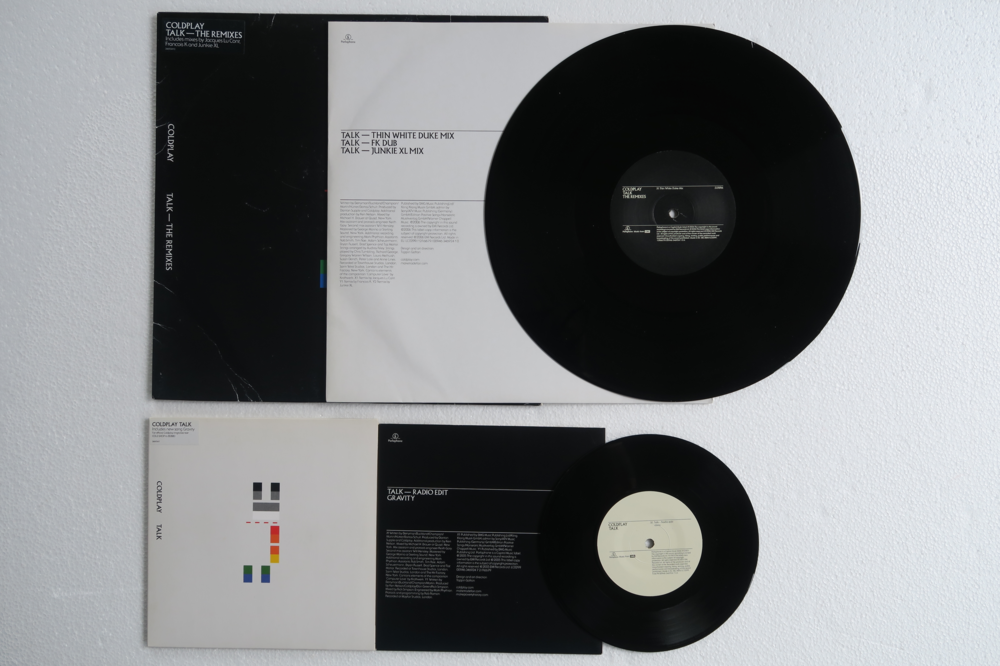
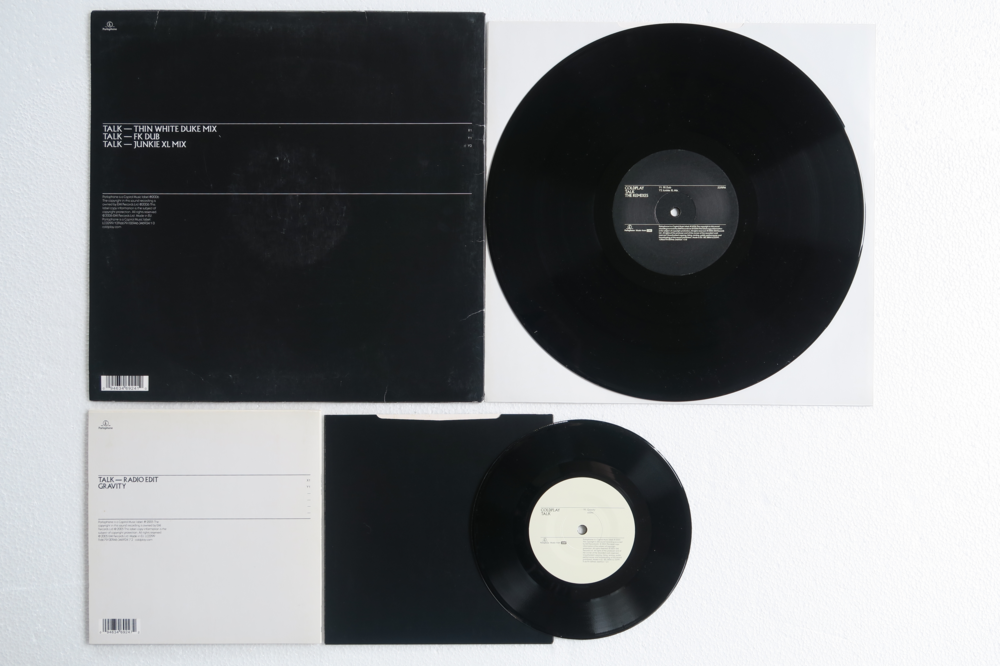
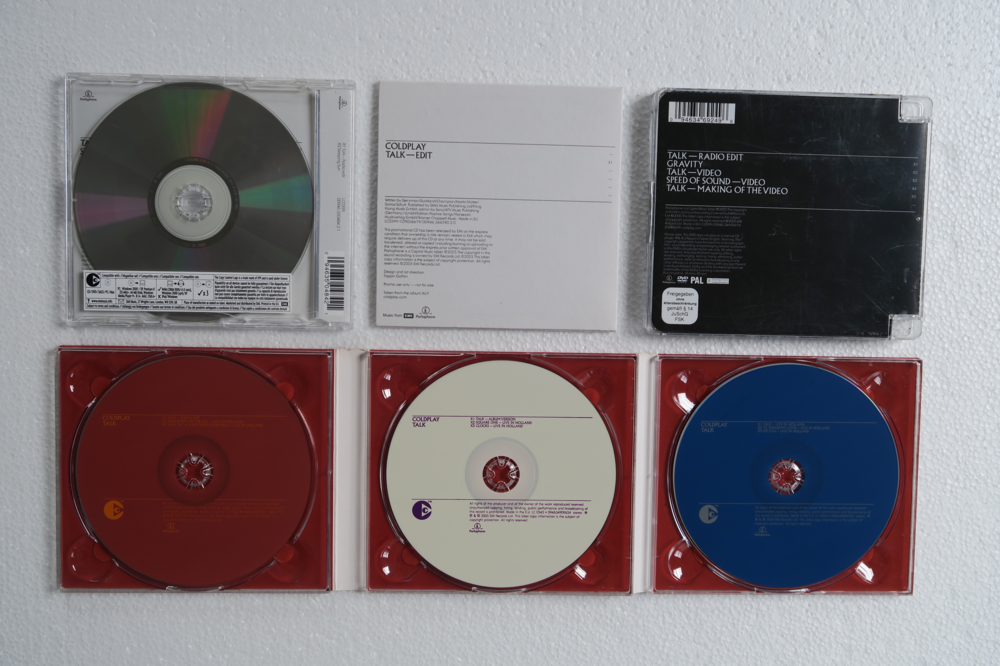
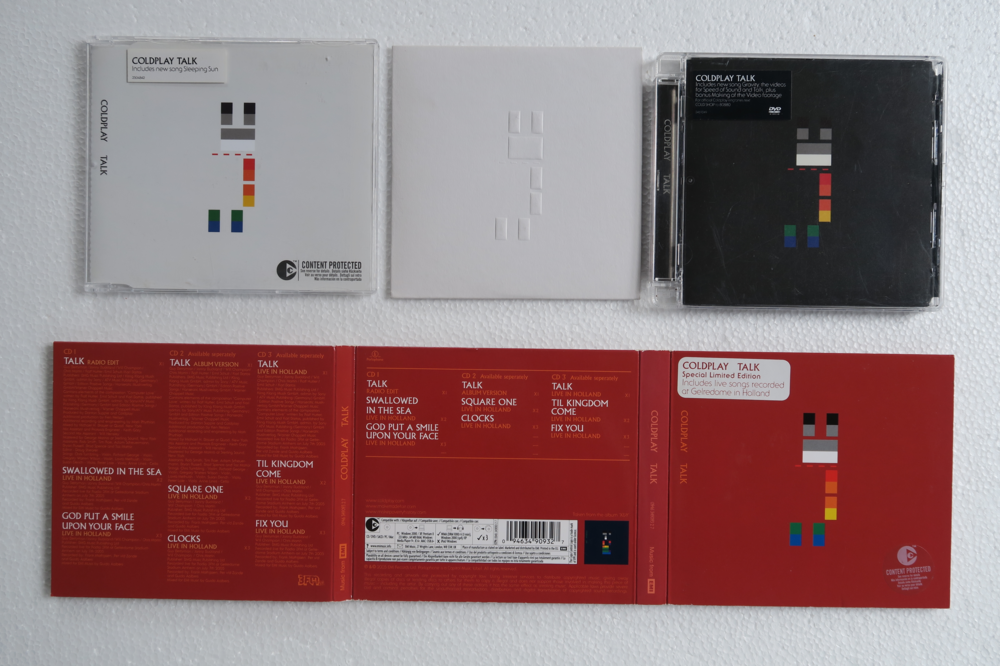
-
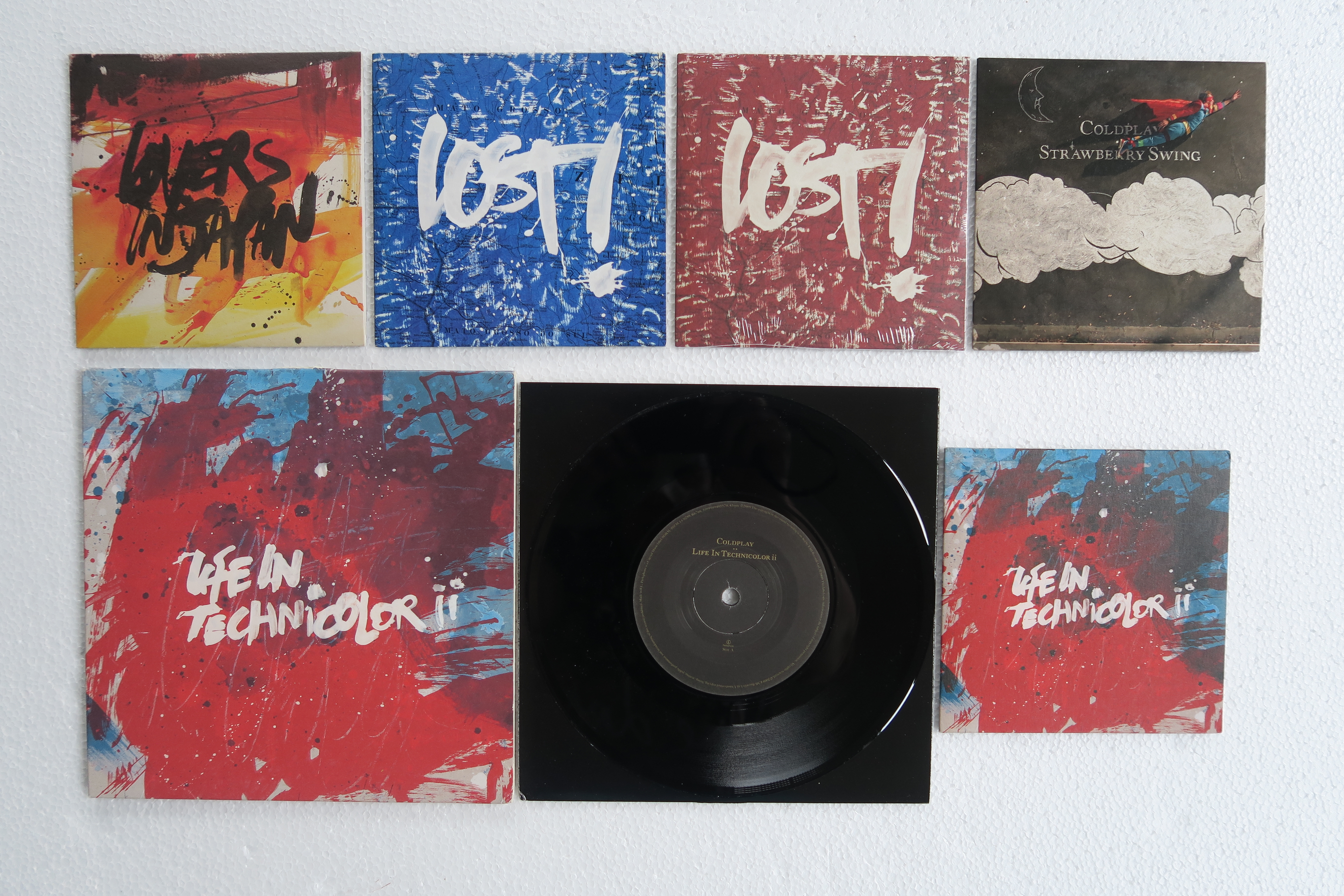
Singles
-
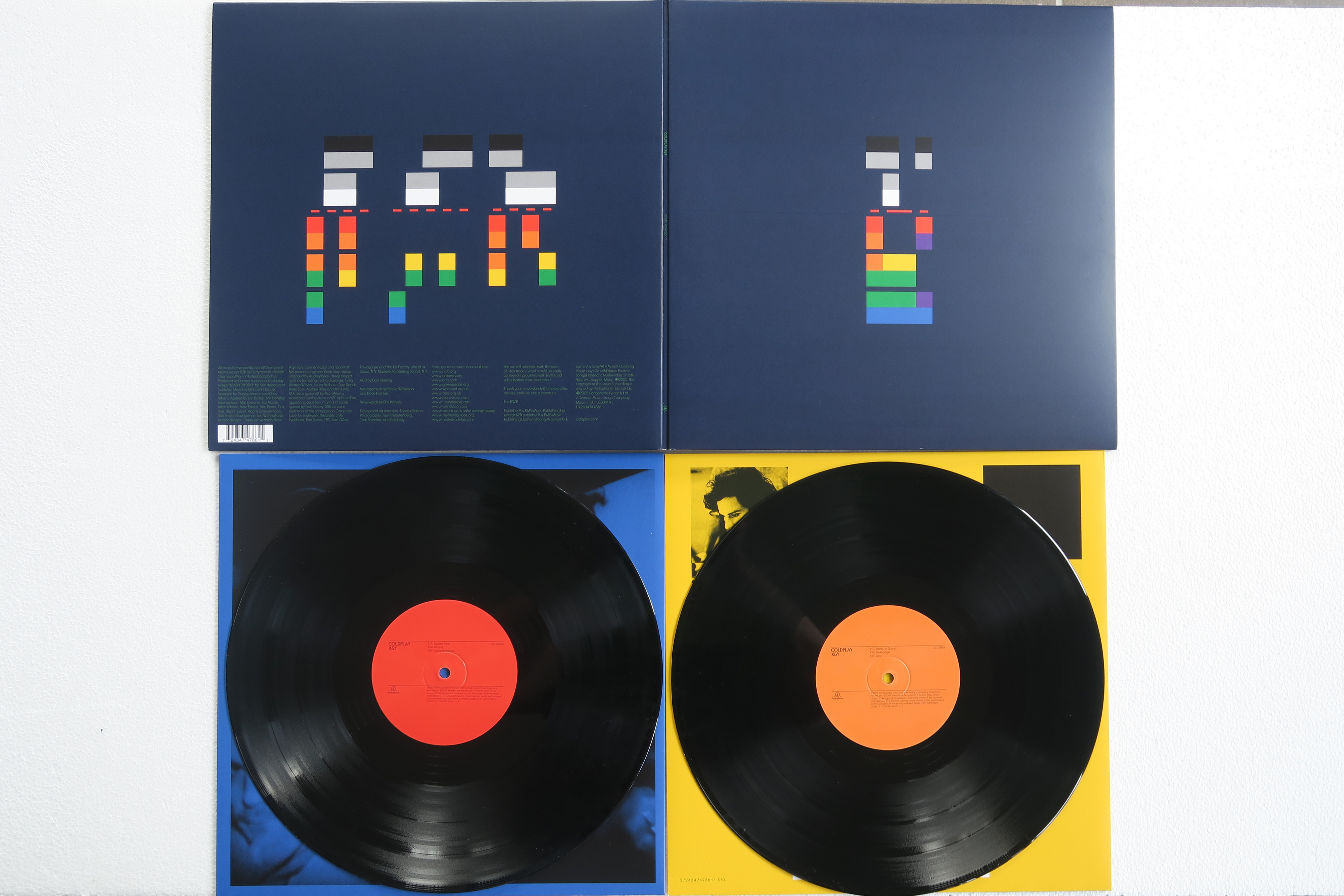
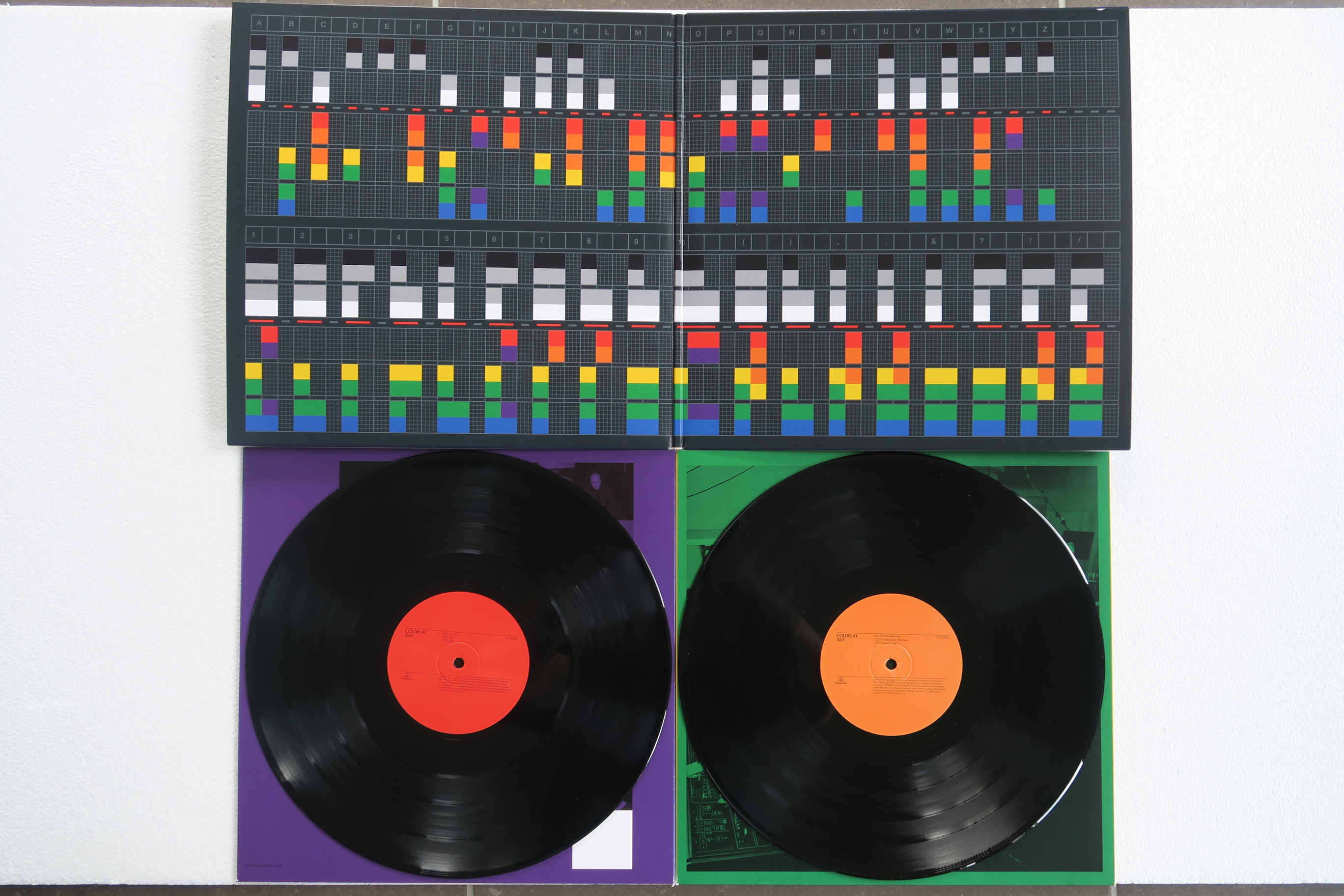
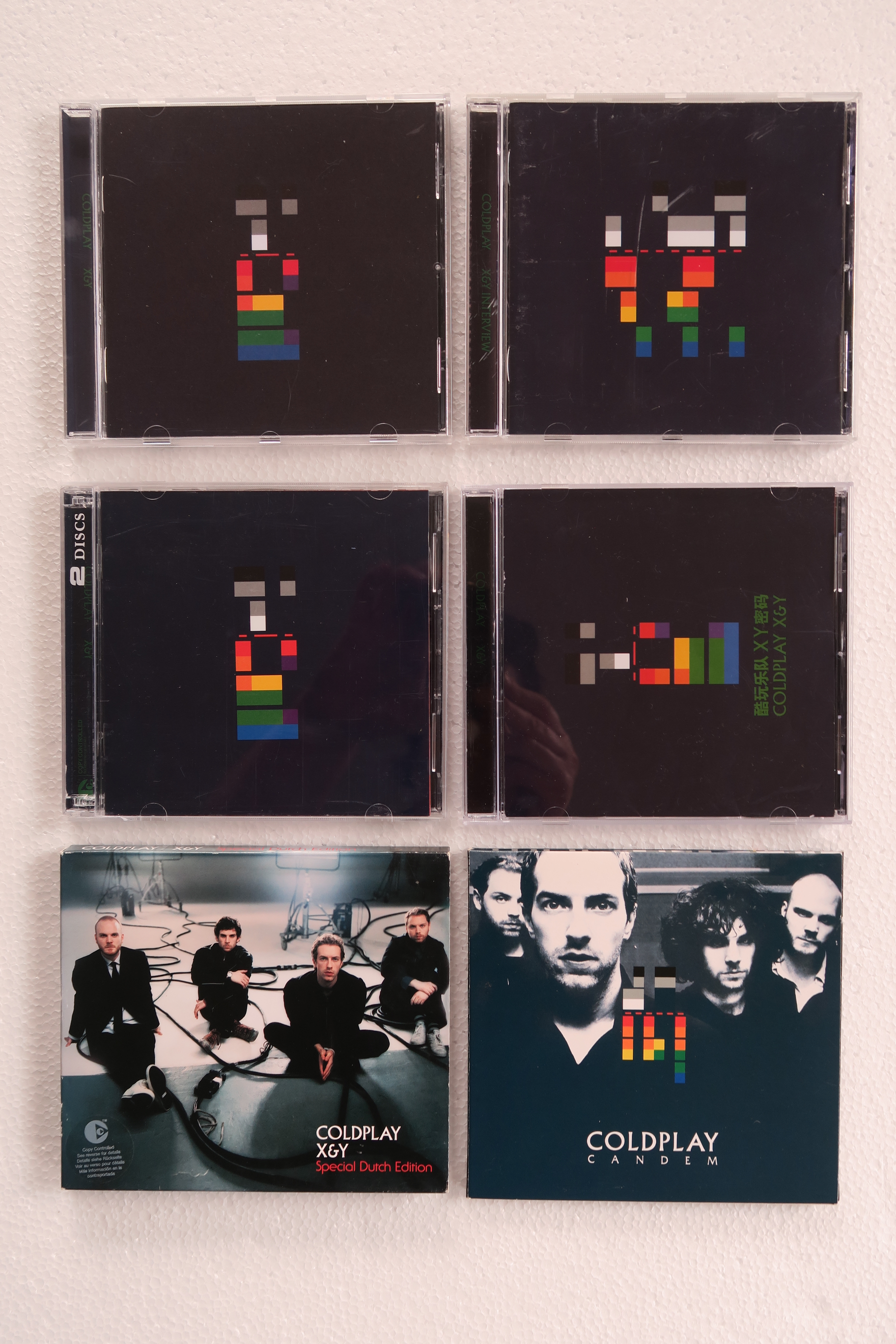
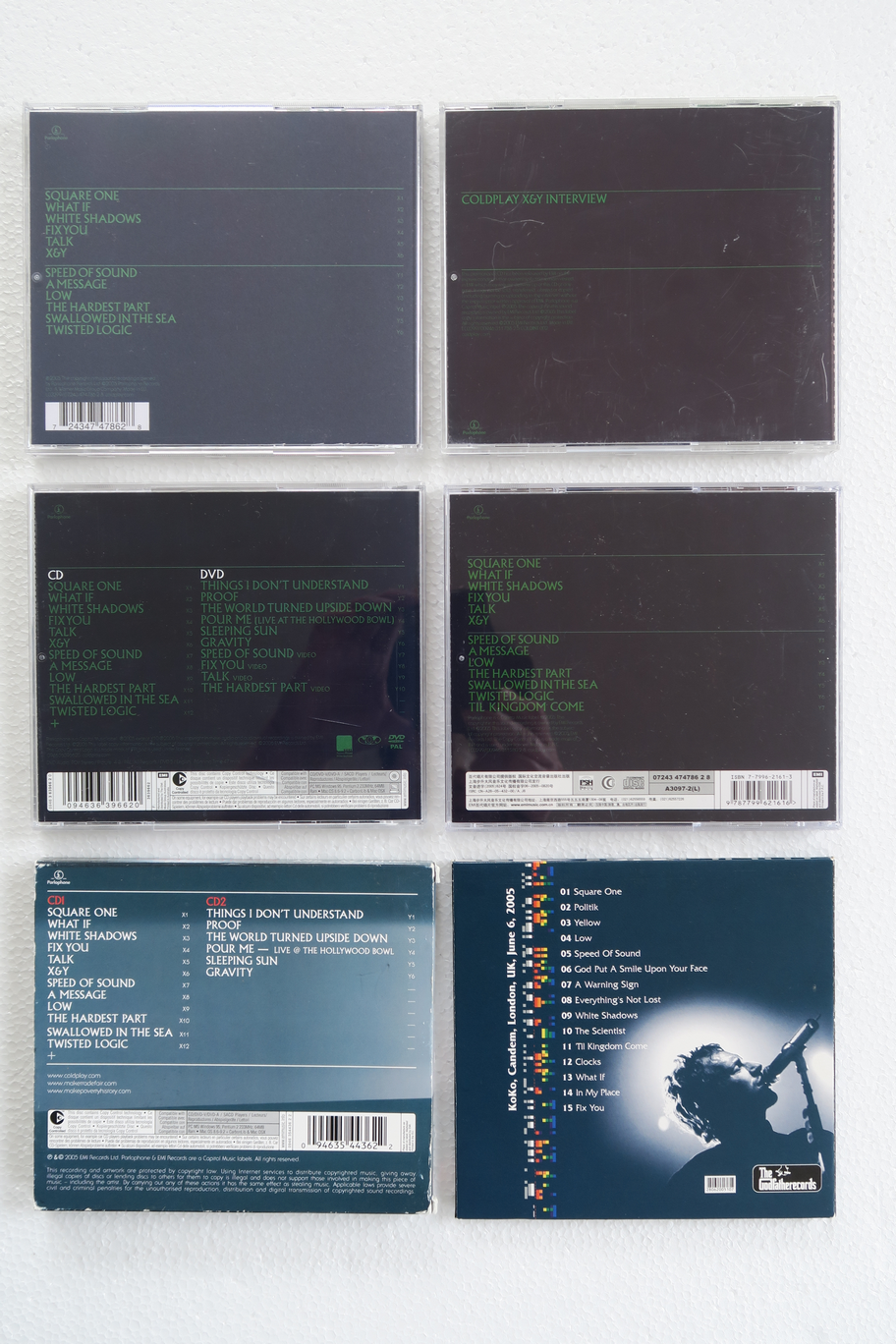
My X&Y collection Vinyl CD CDs
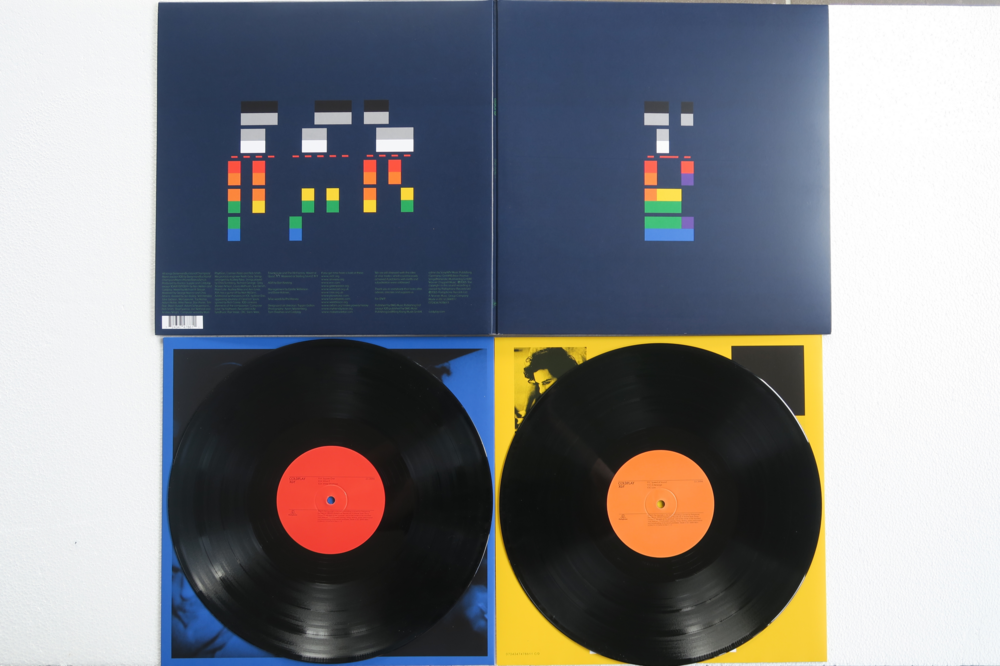
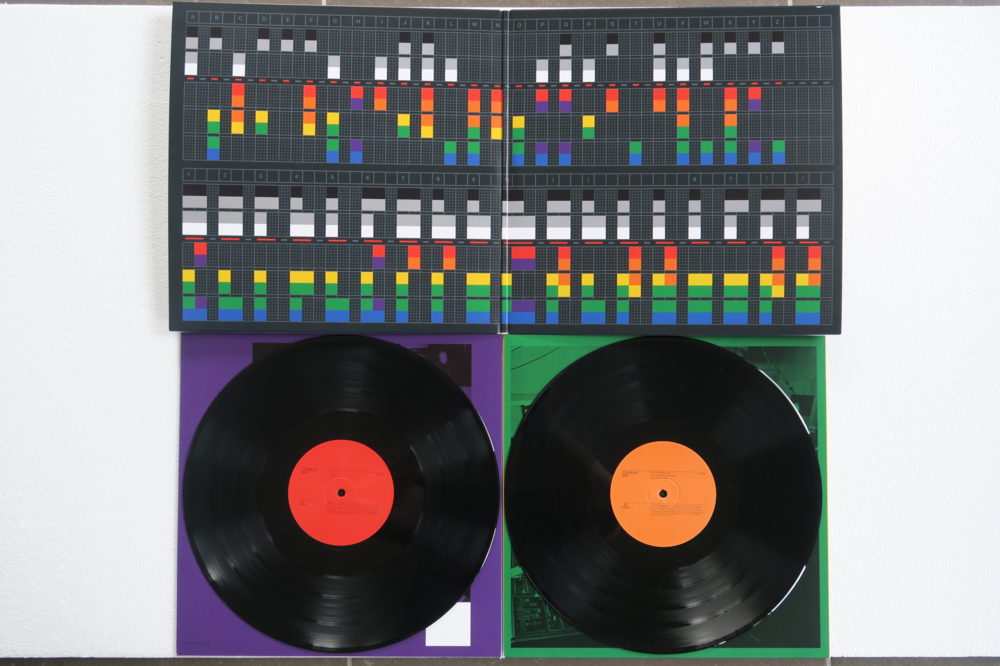
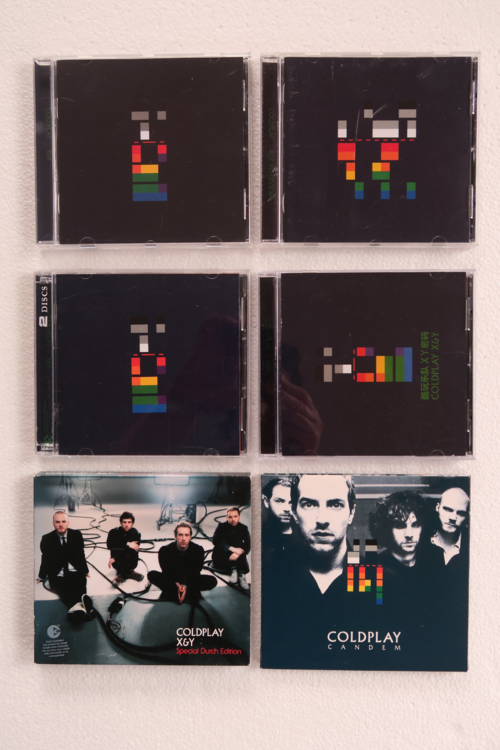
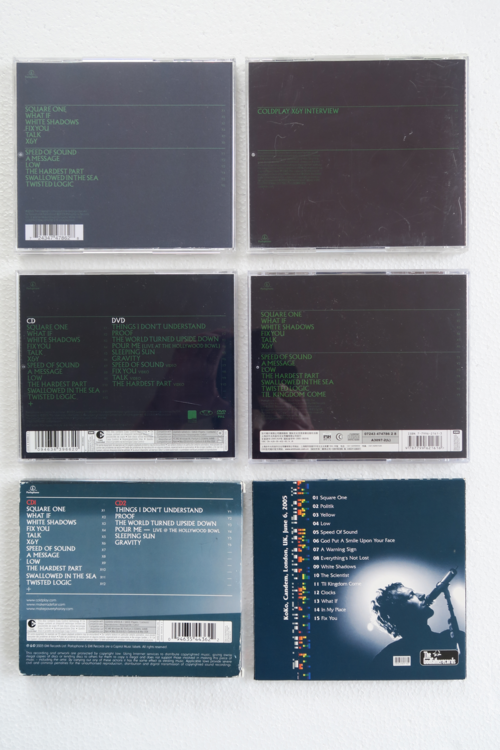
-
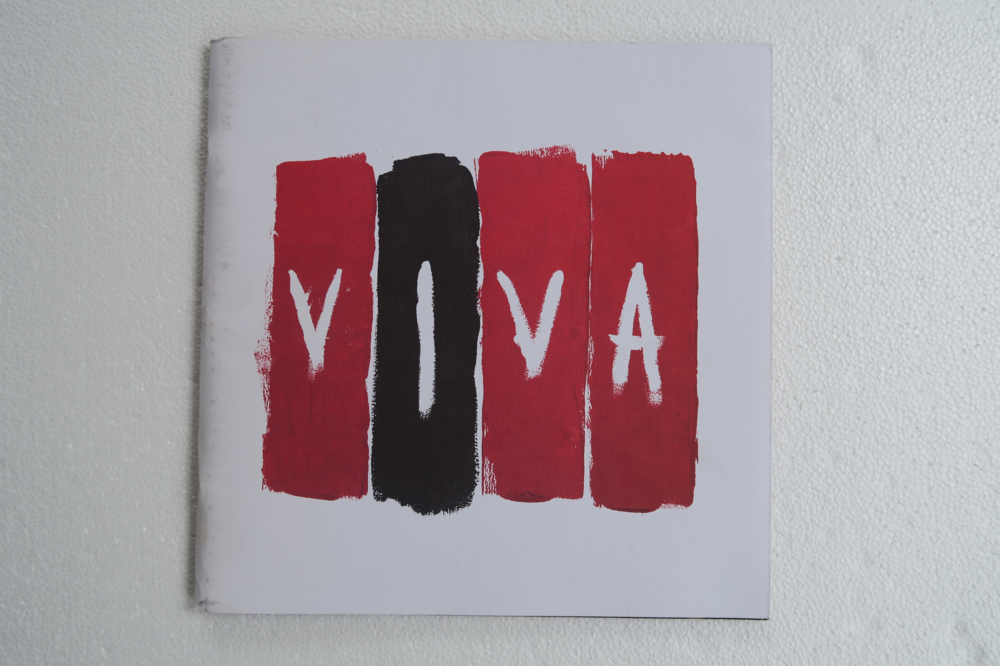
Tour Book not sure if this belongs to the VLV era, but the picture on it is VLV.
-
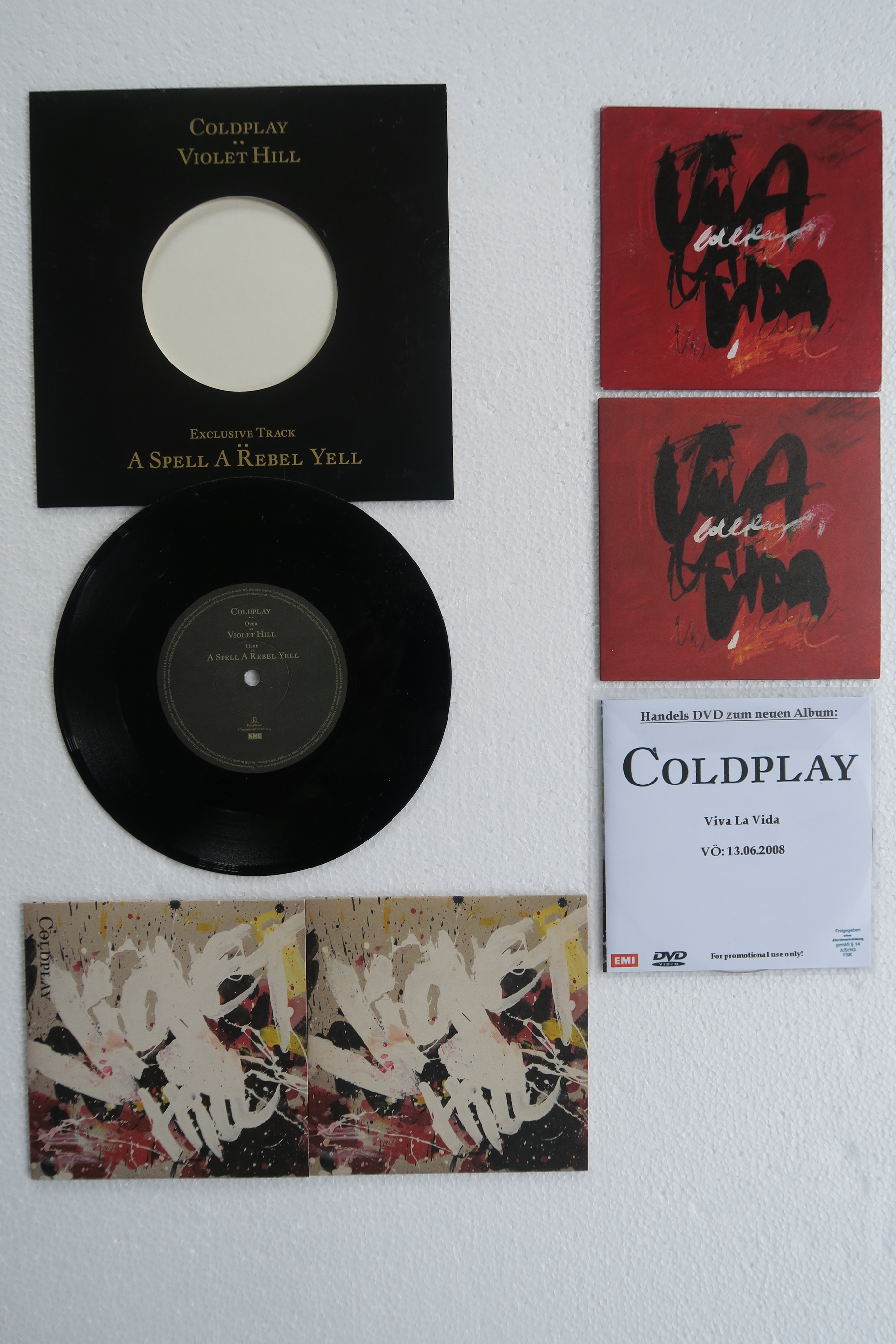
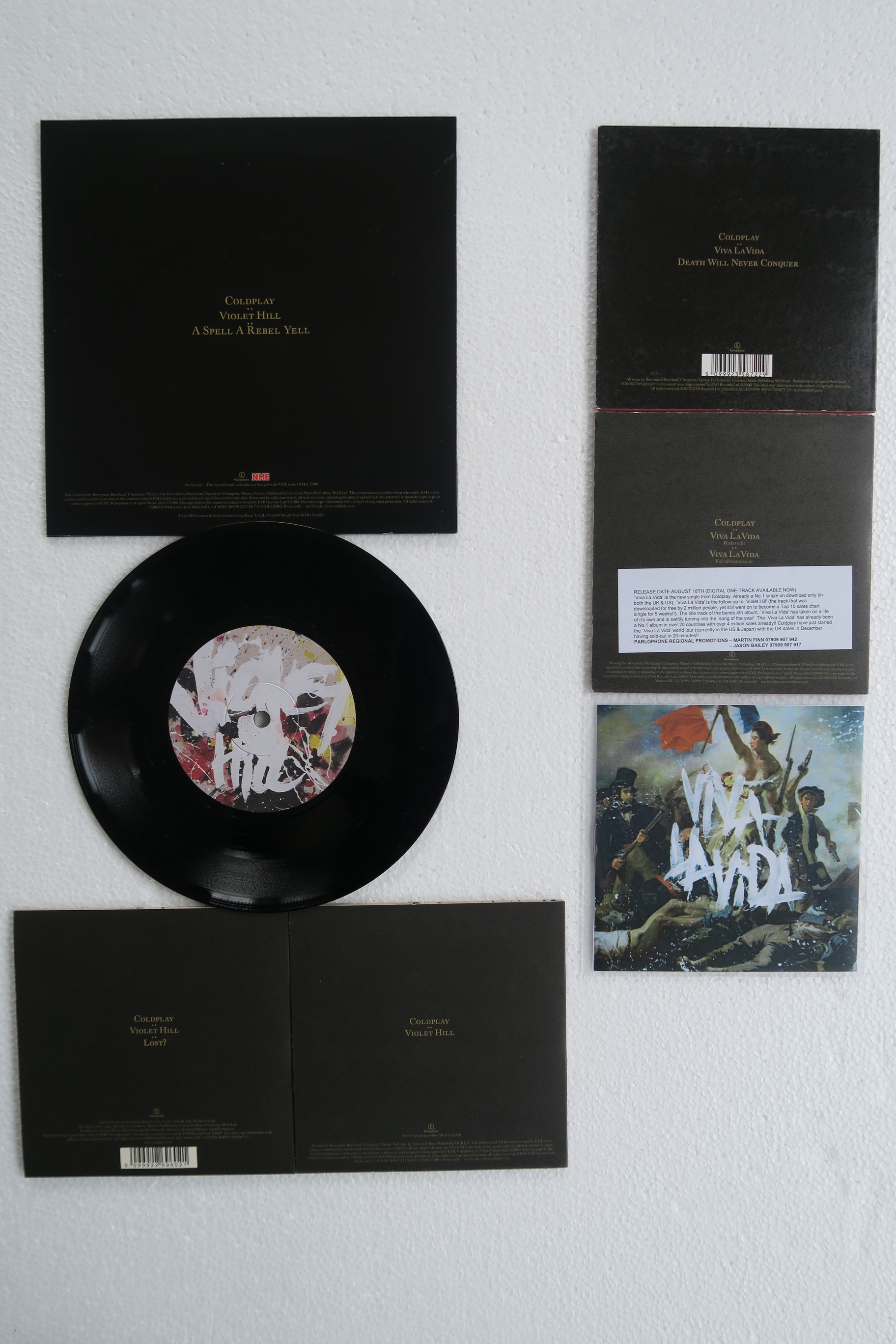
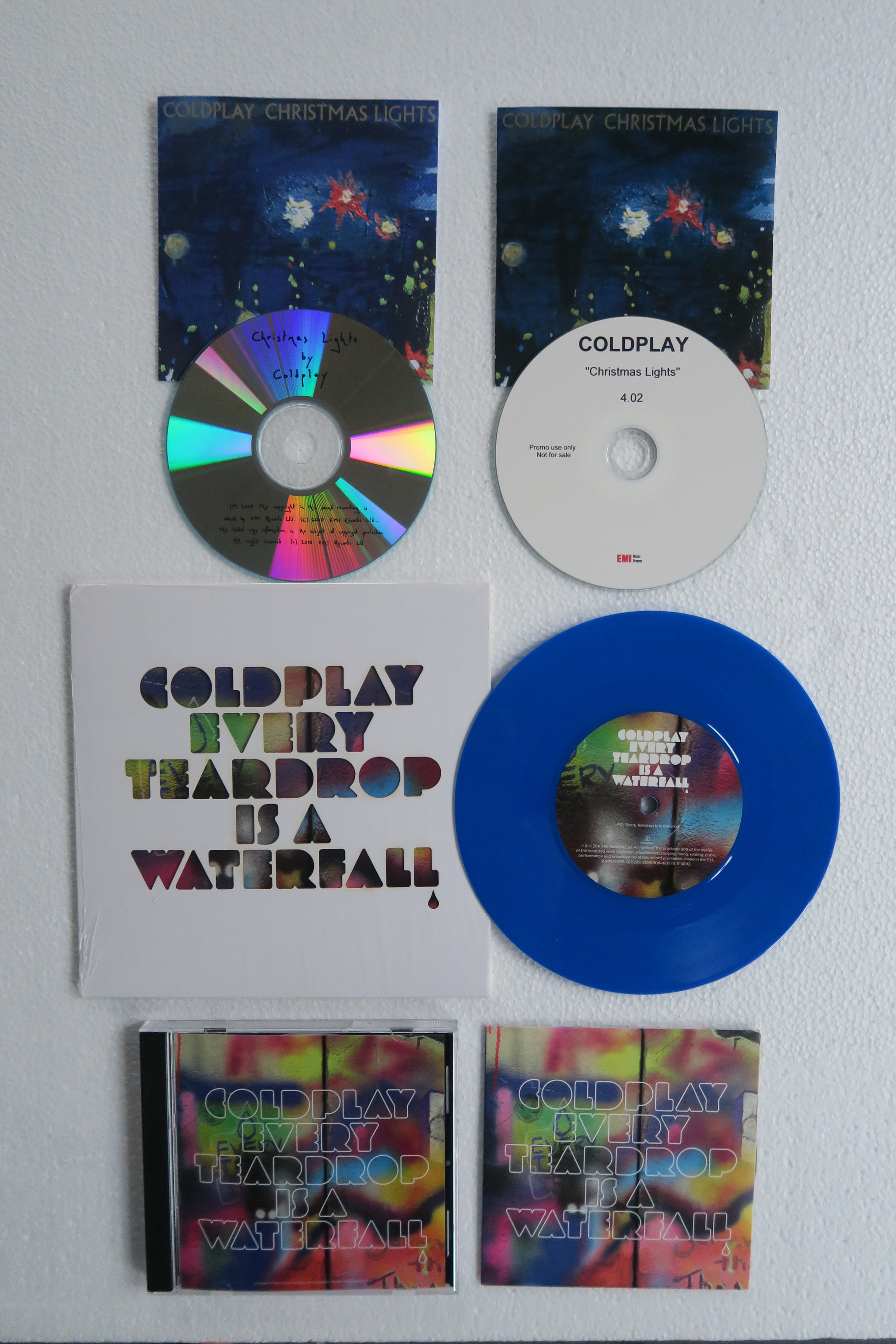
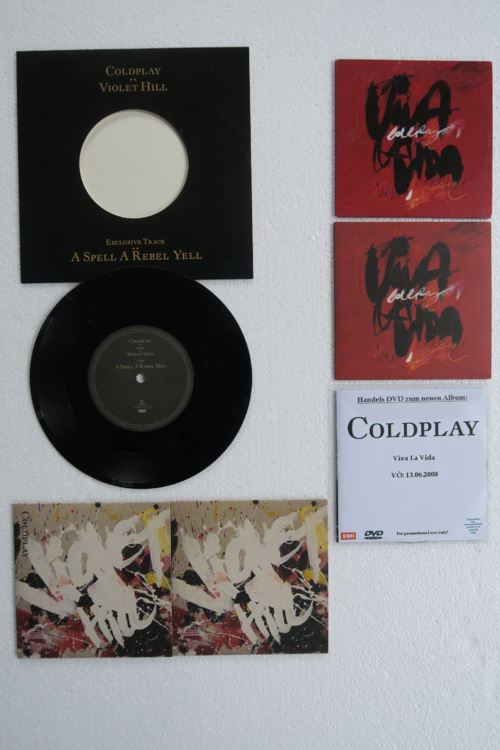
Singles
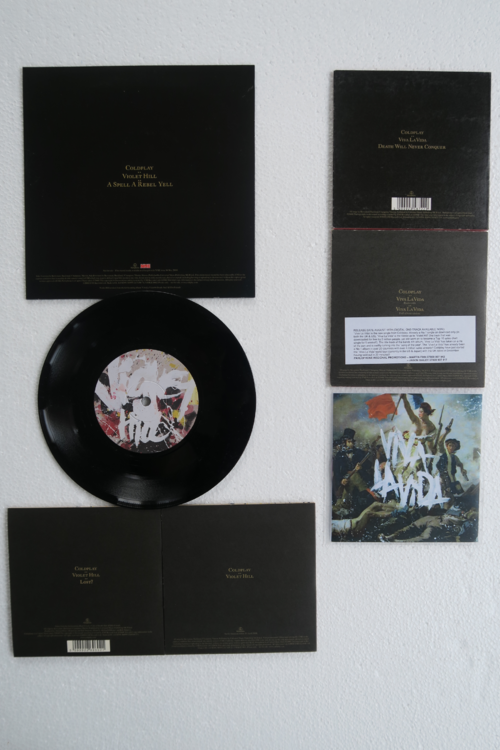
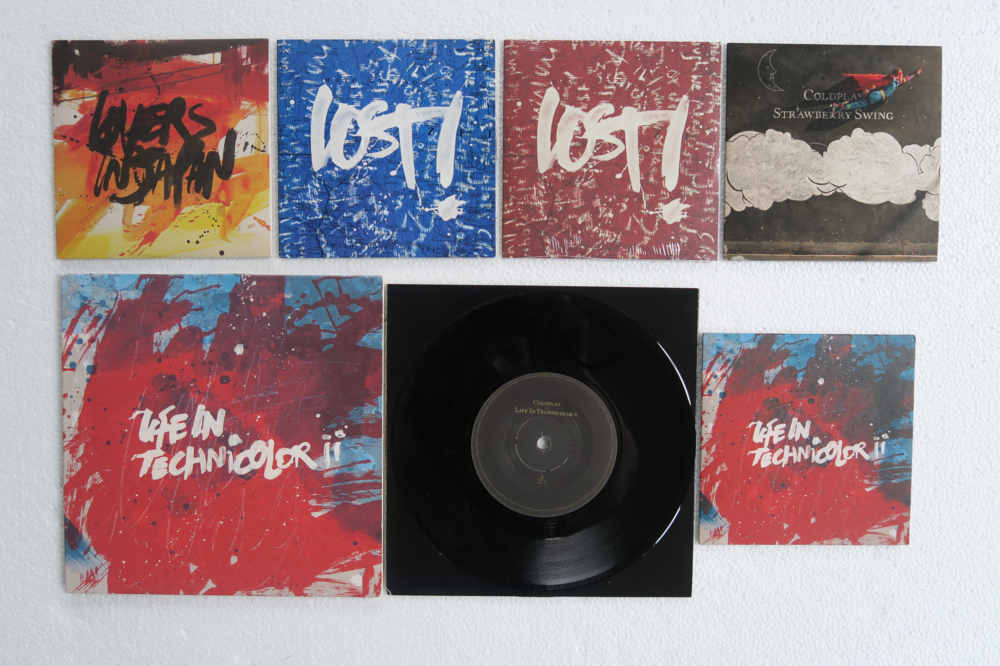
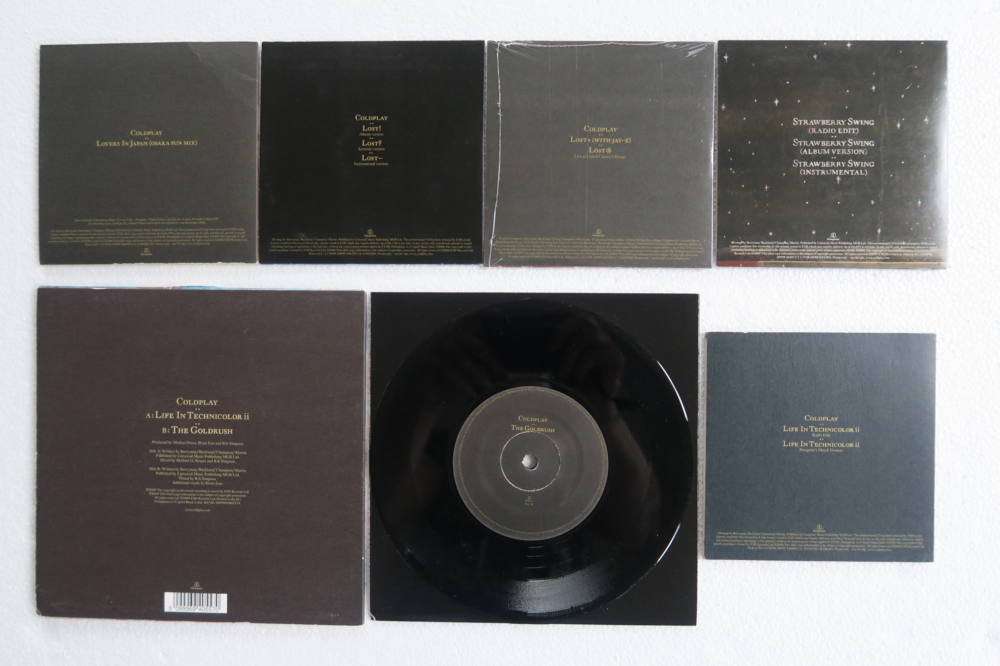
-
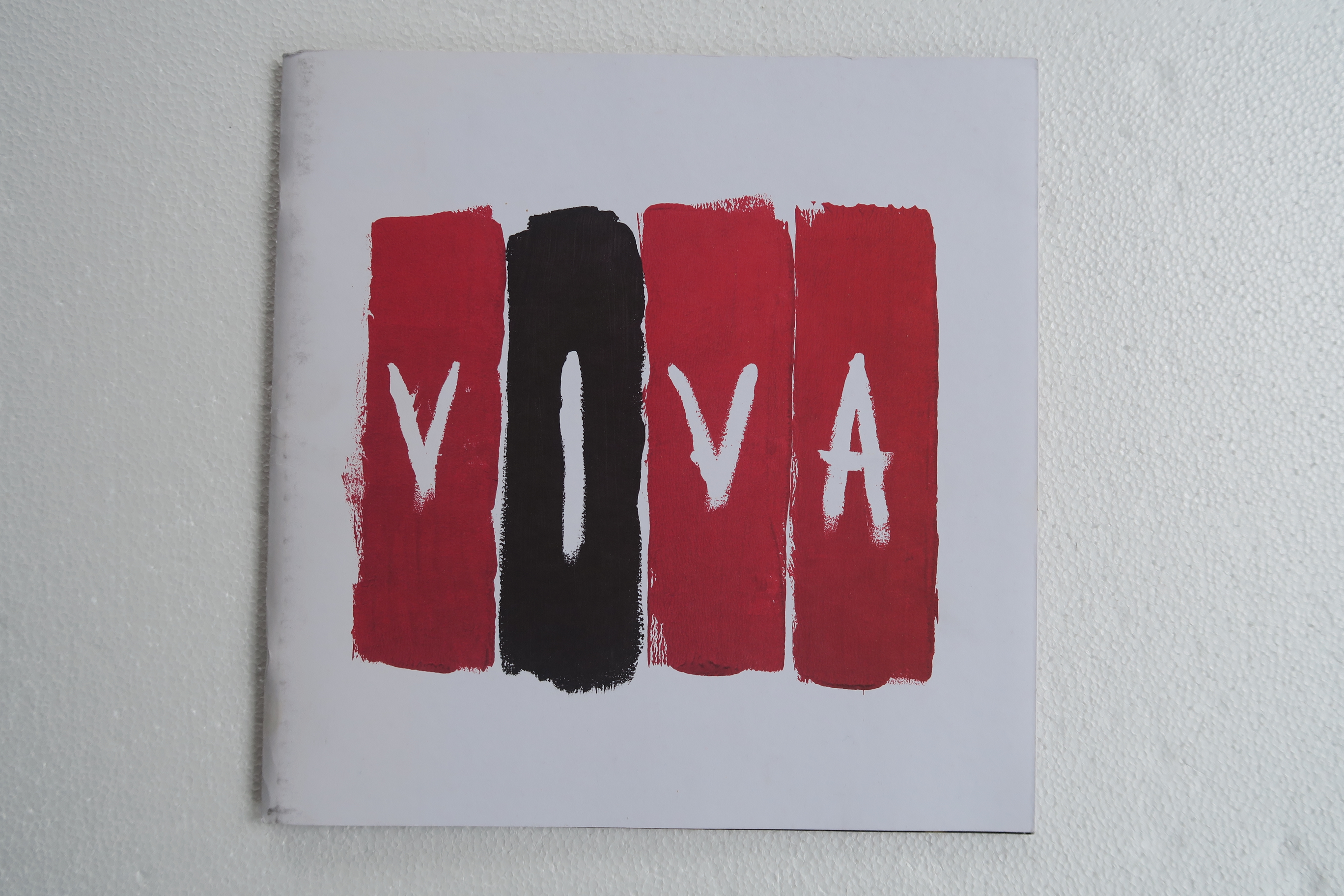
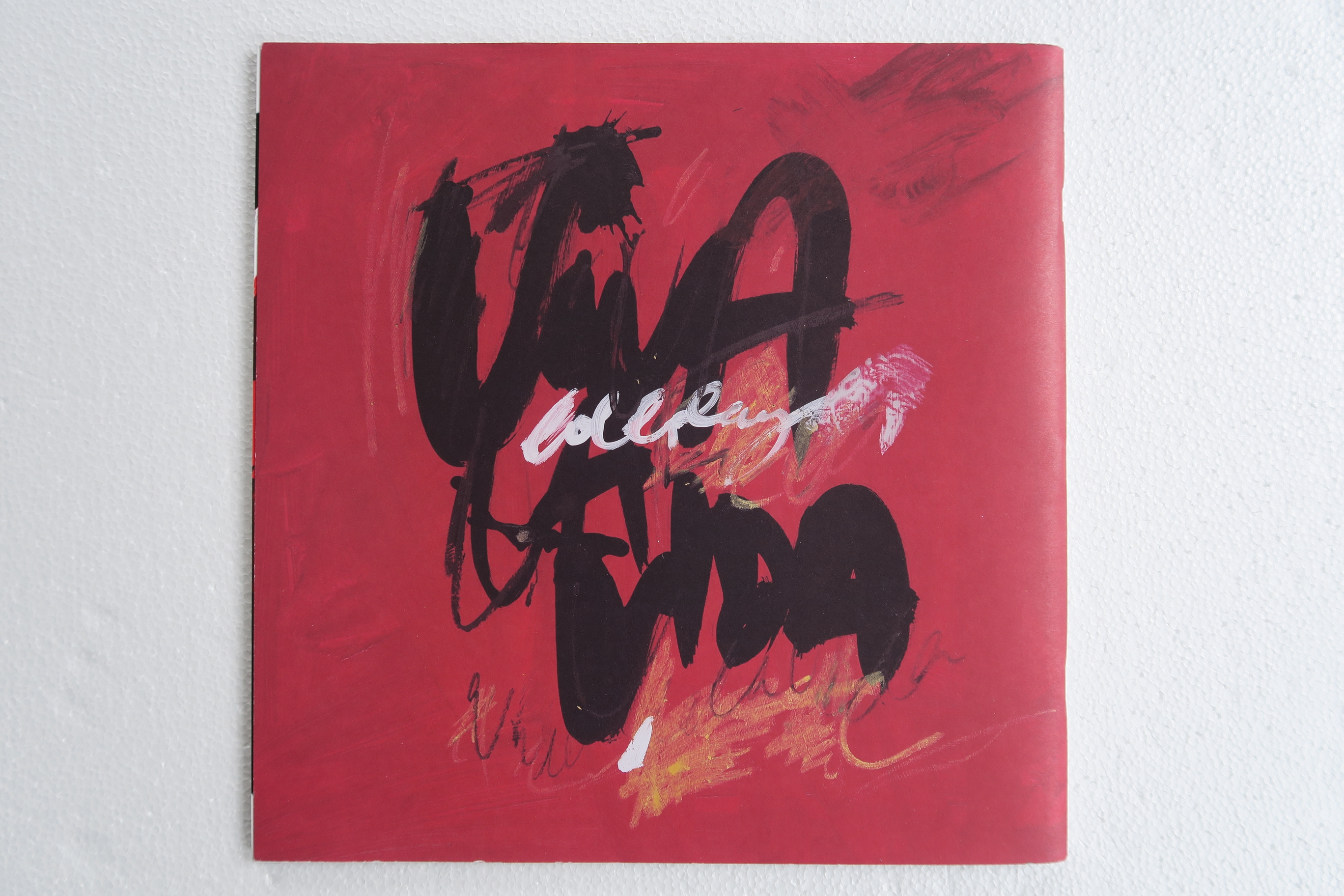
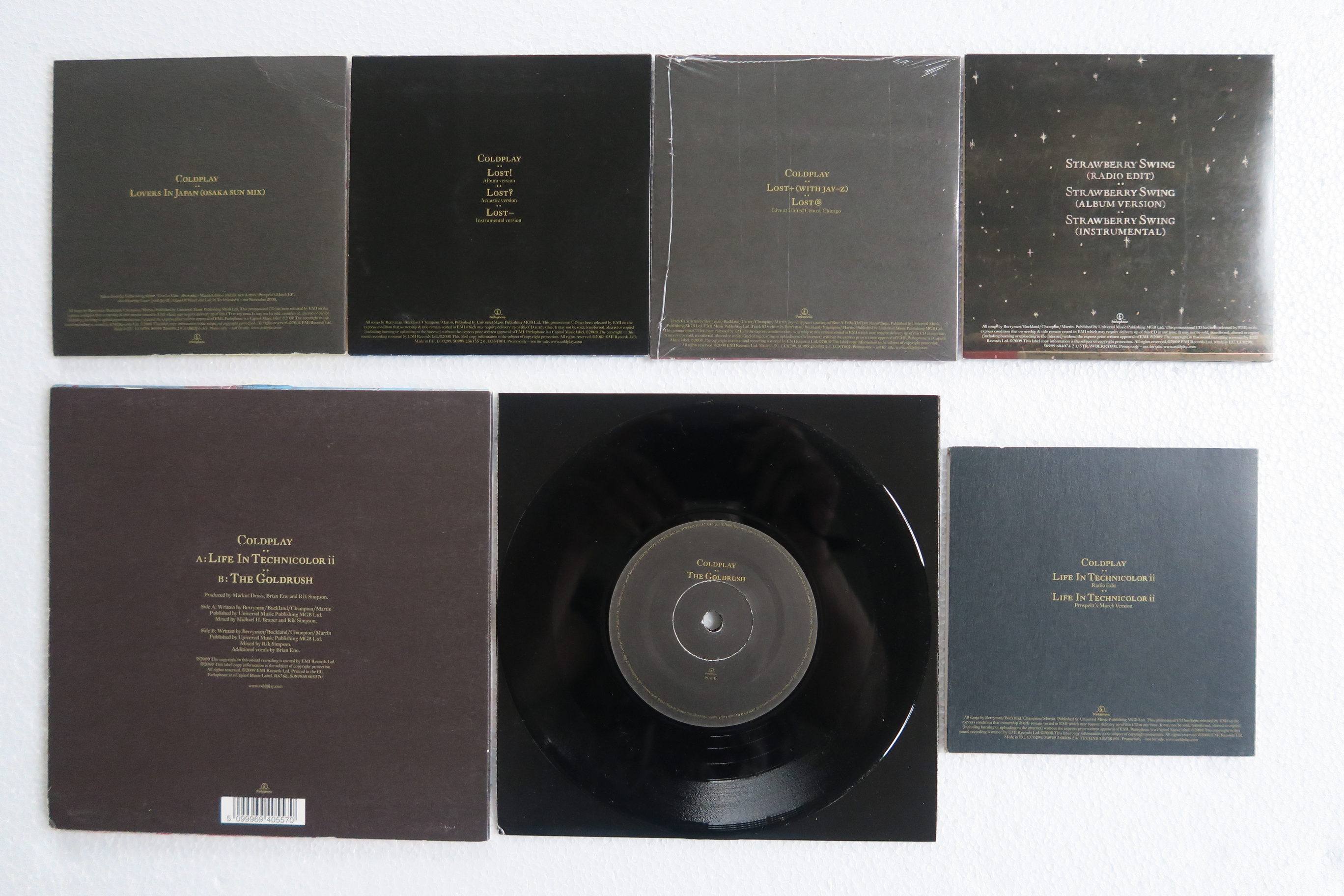
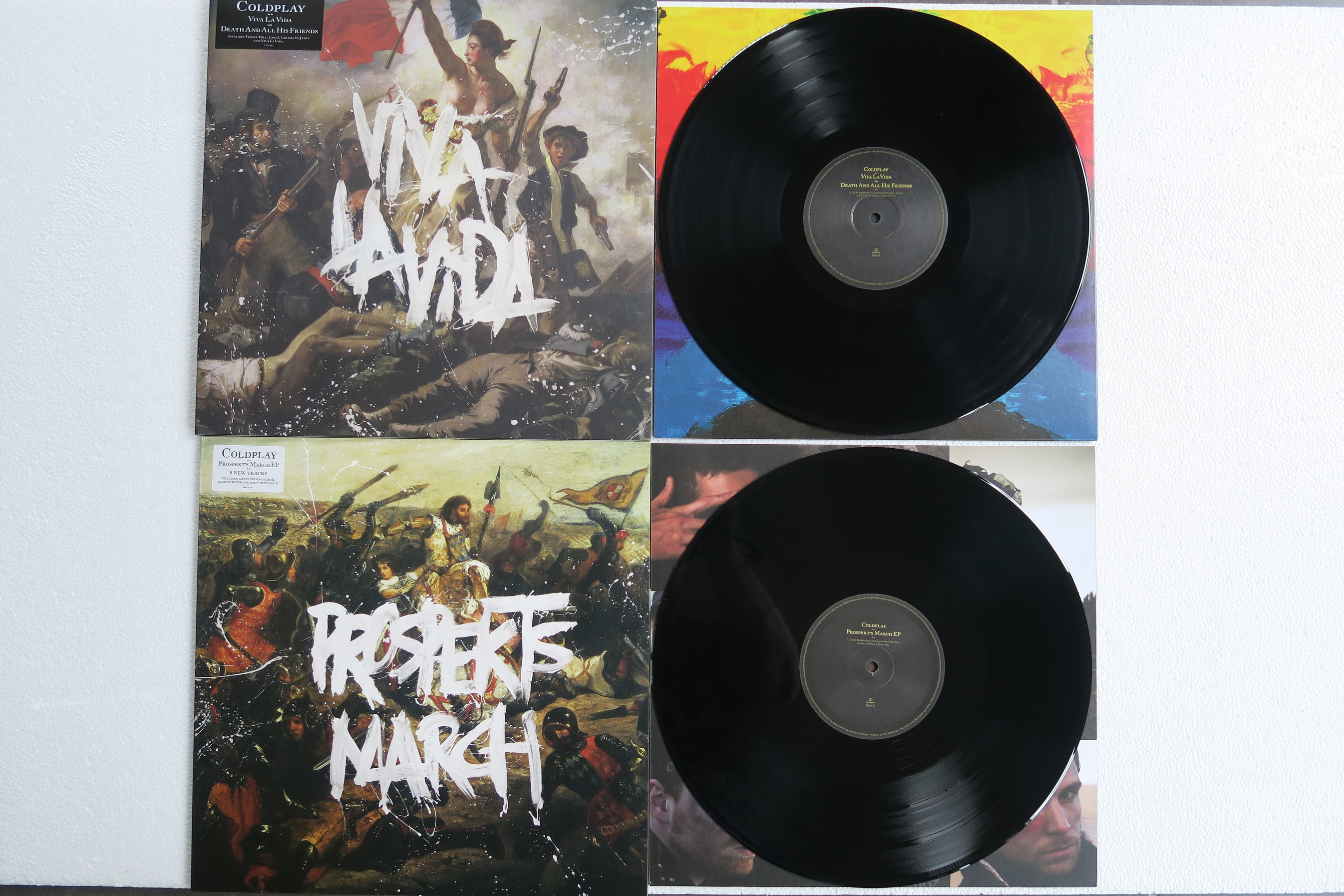
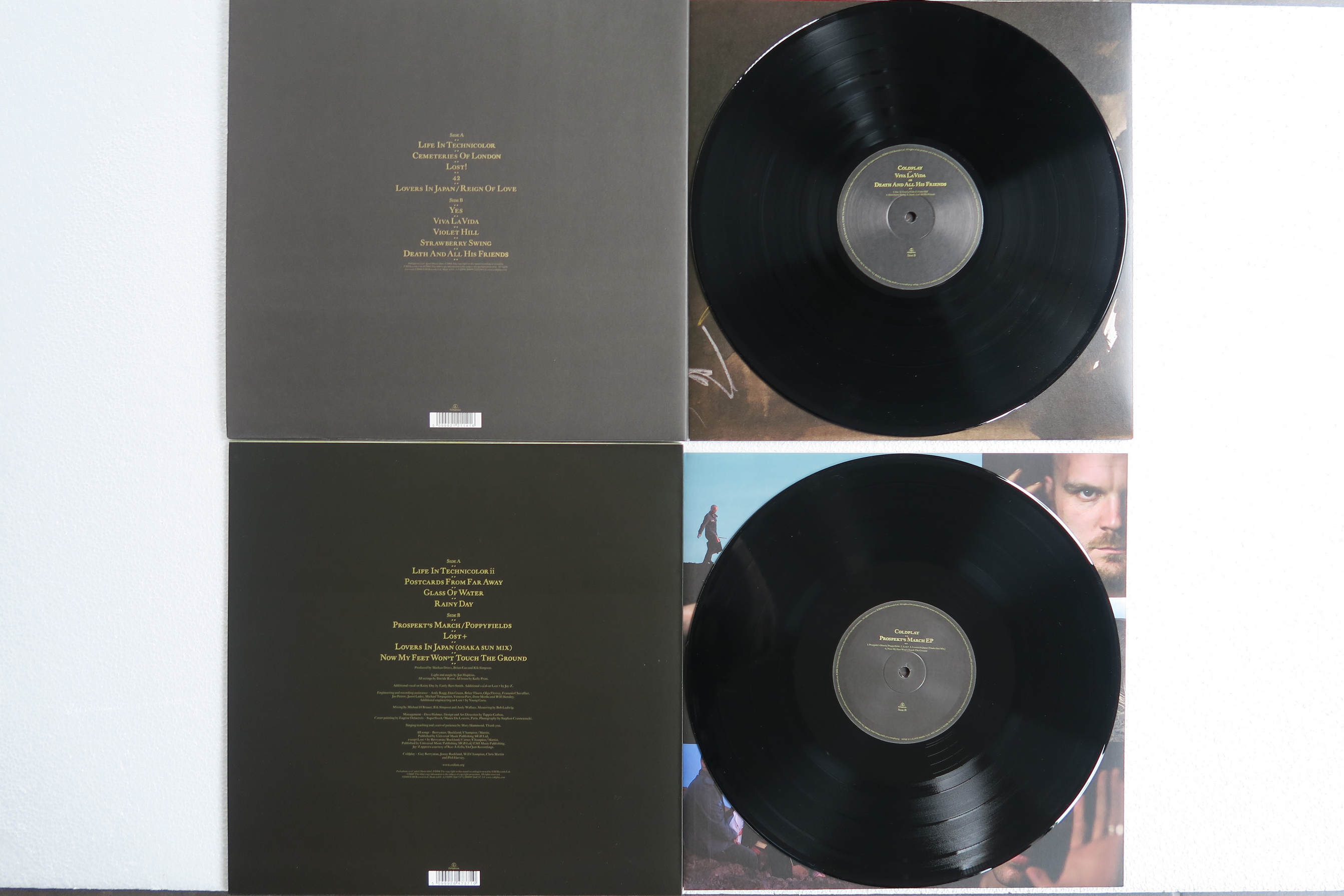
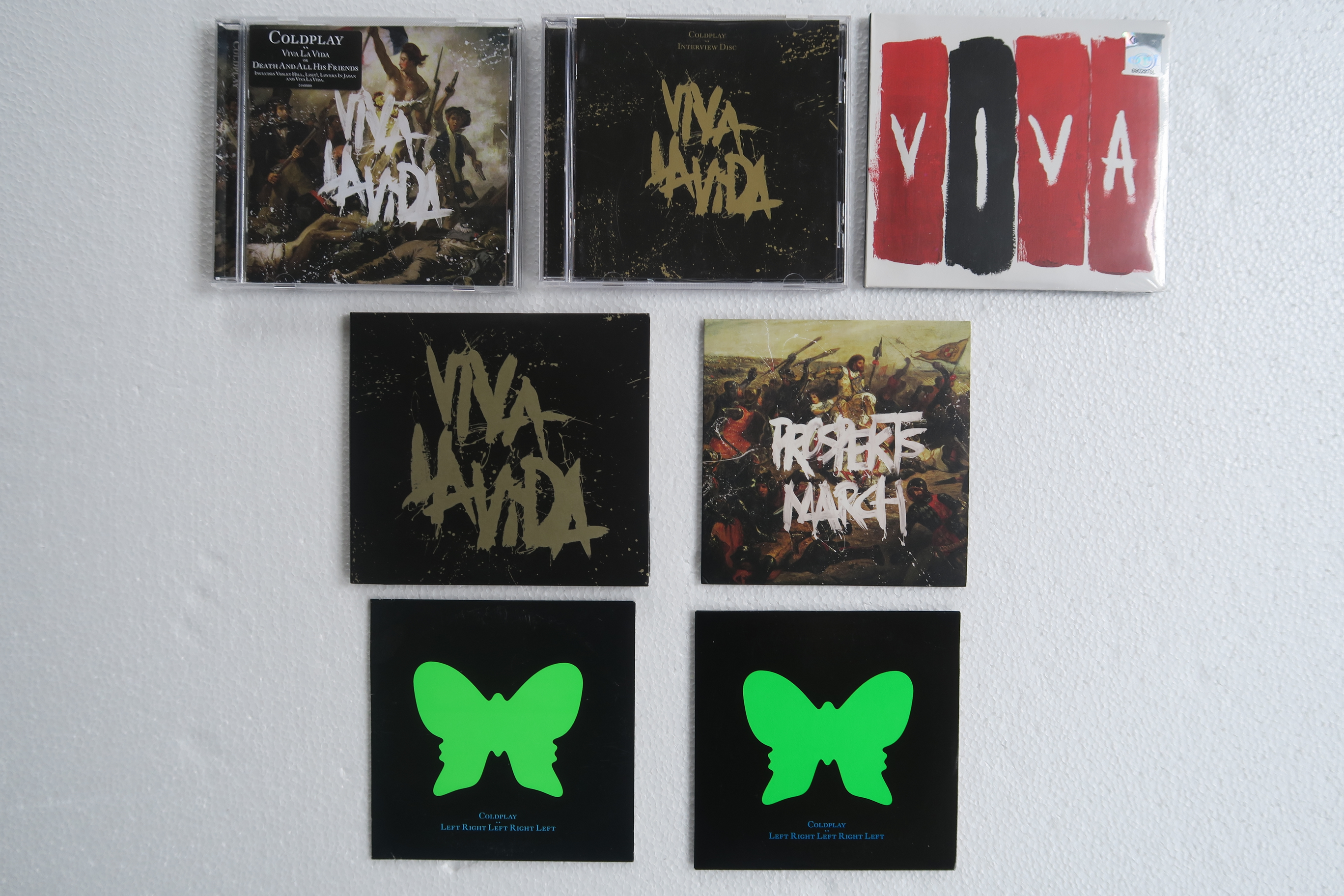
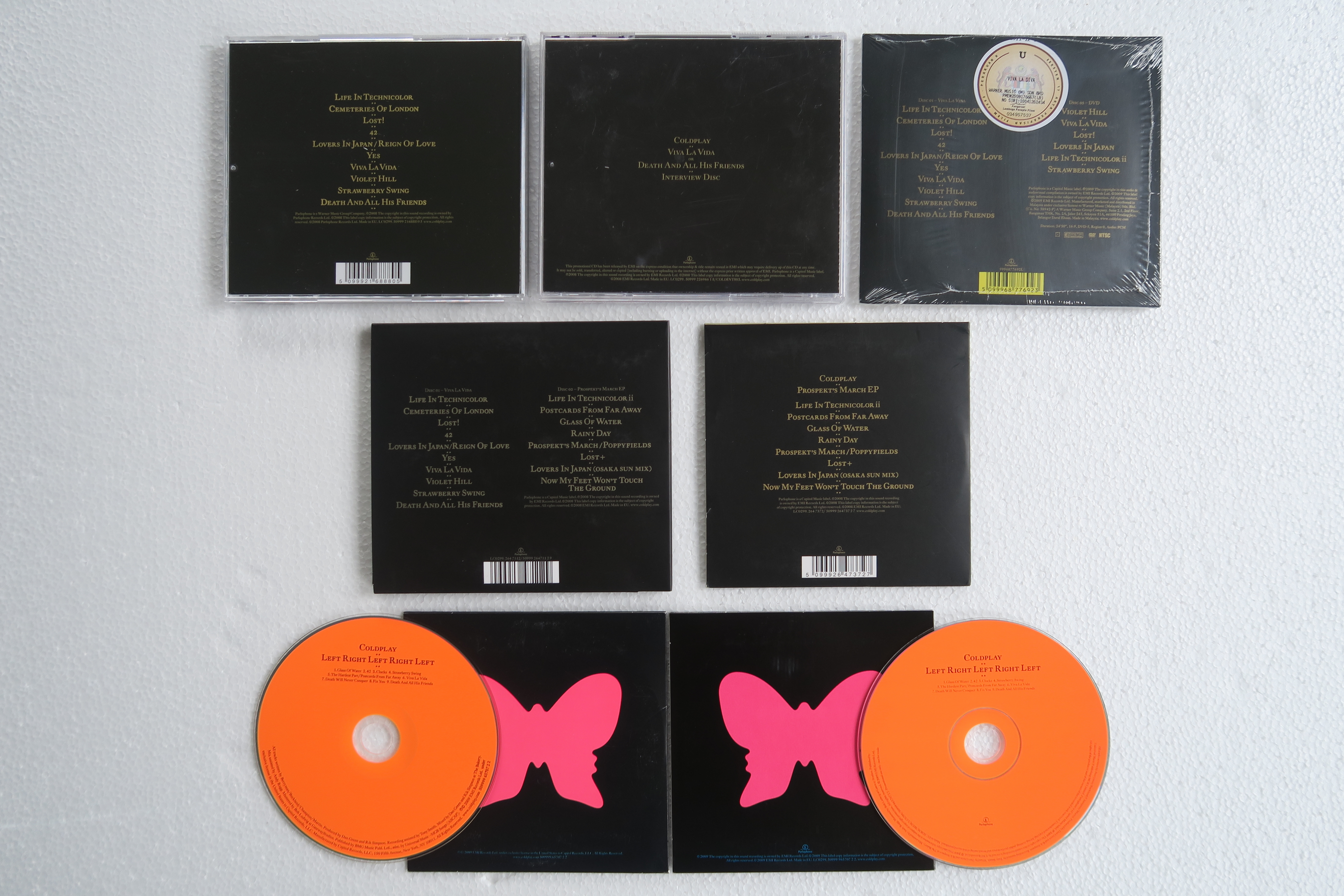
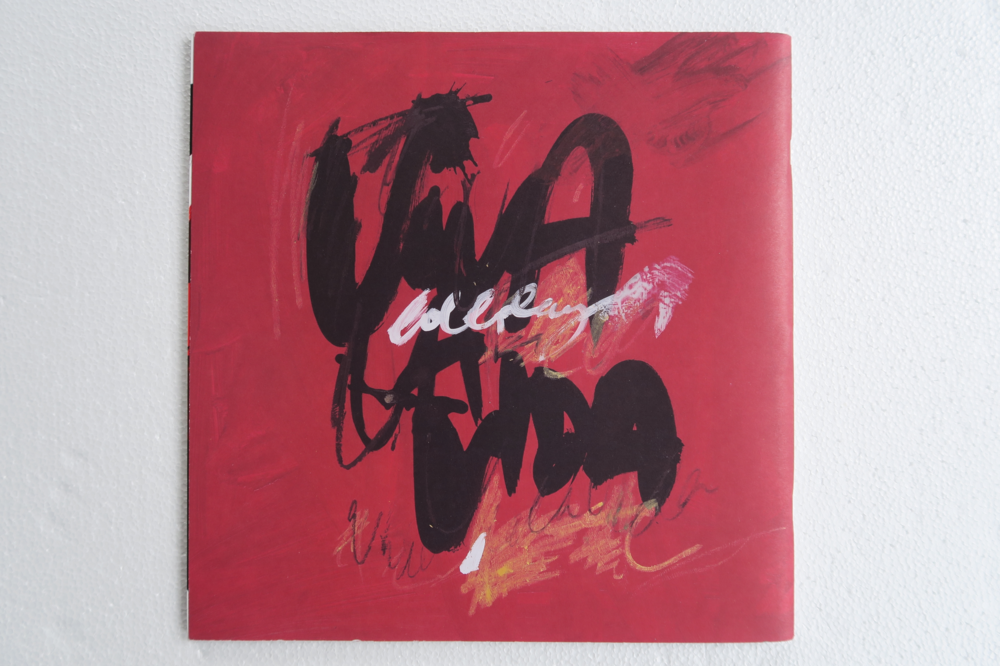
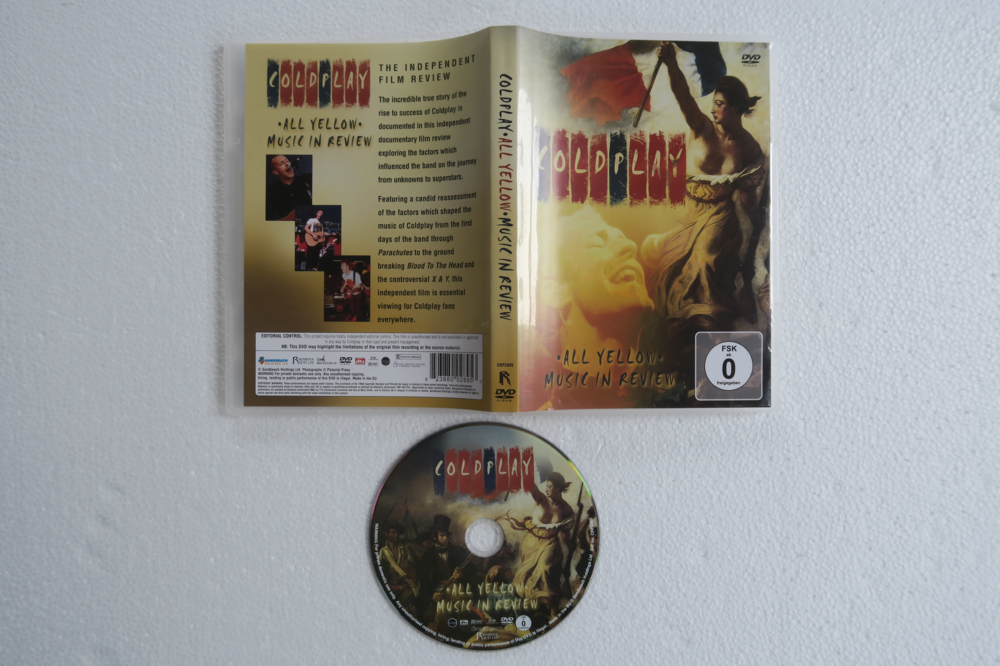
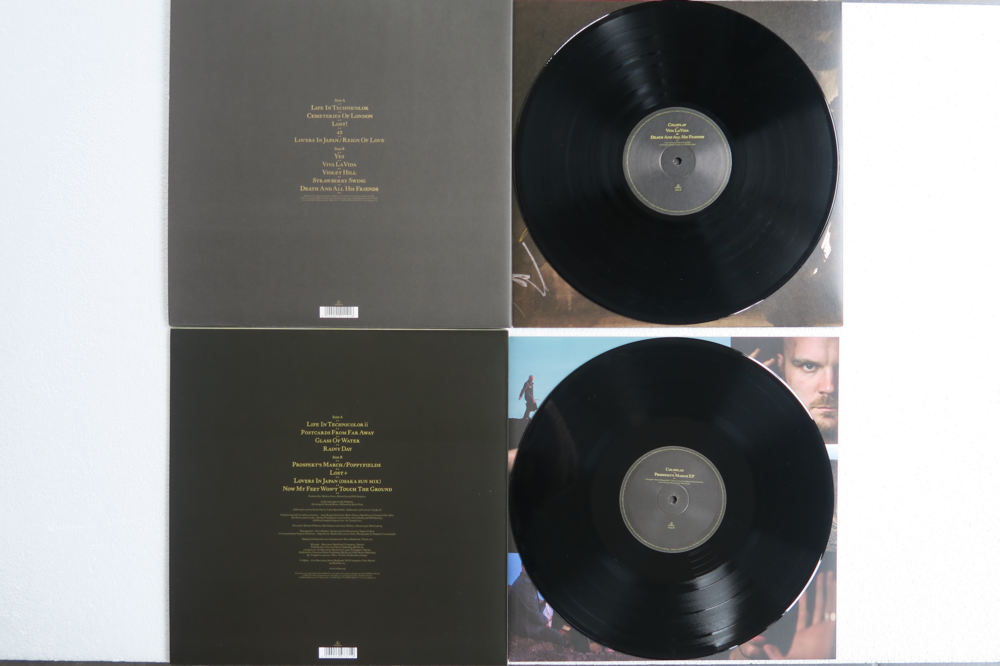
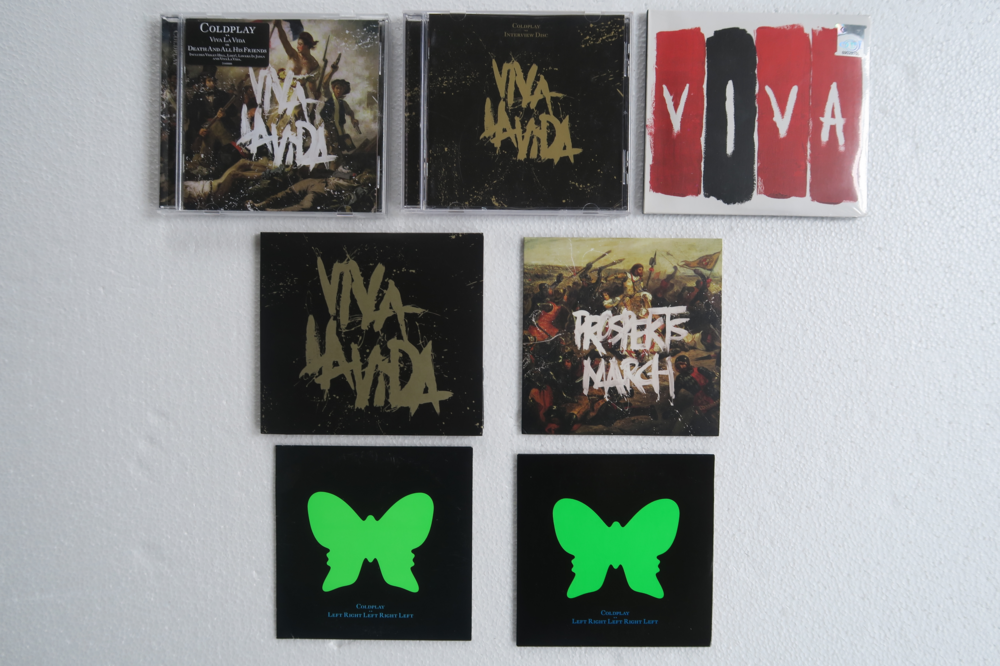
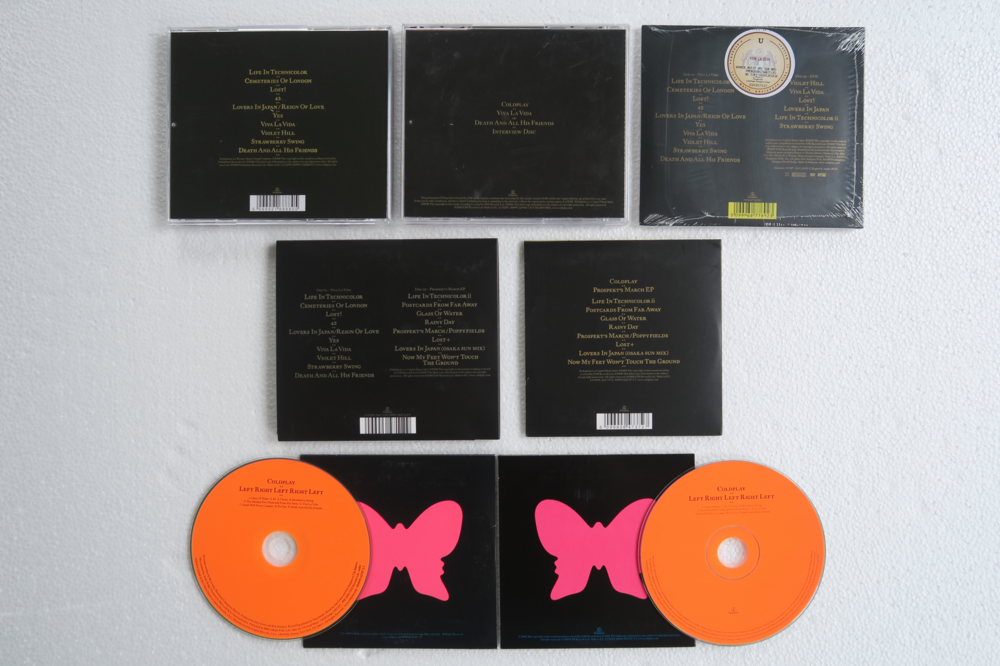
My Viva La Vida collection: Vinyl CD
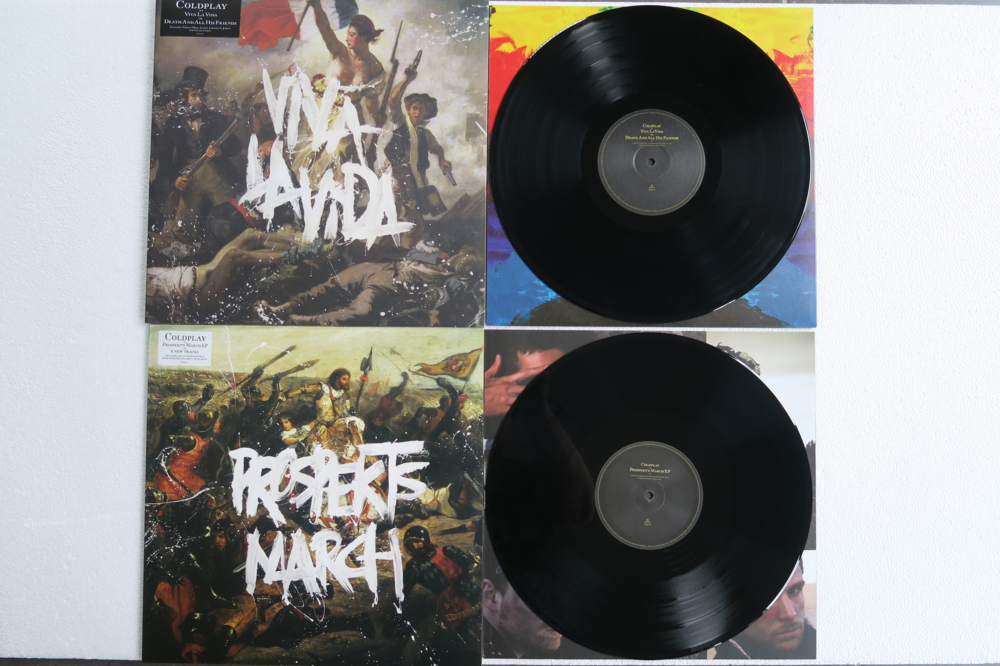
-
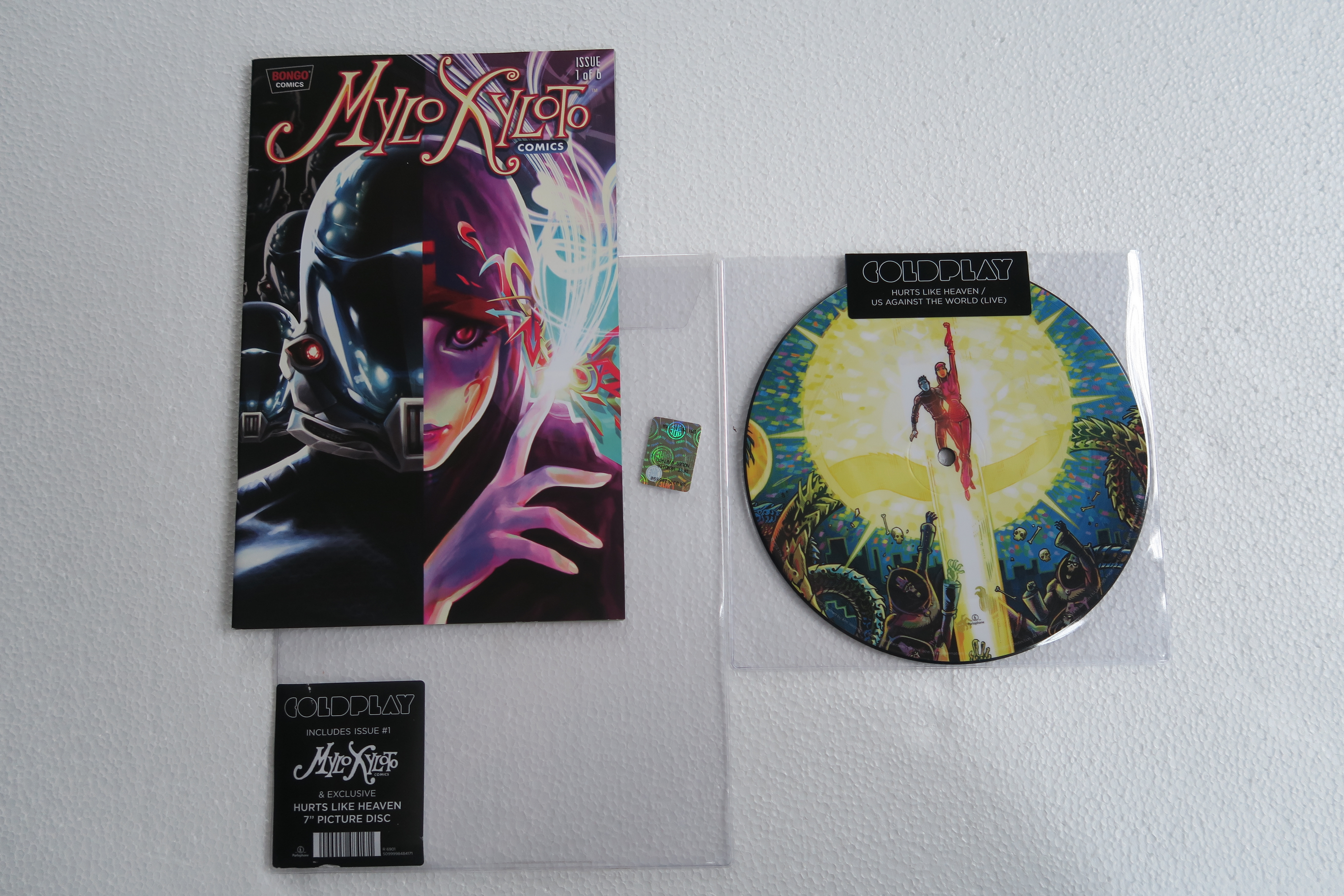
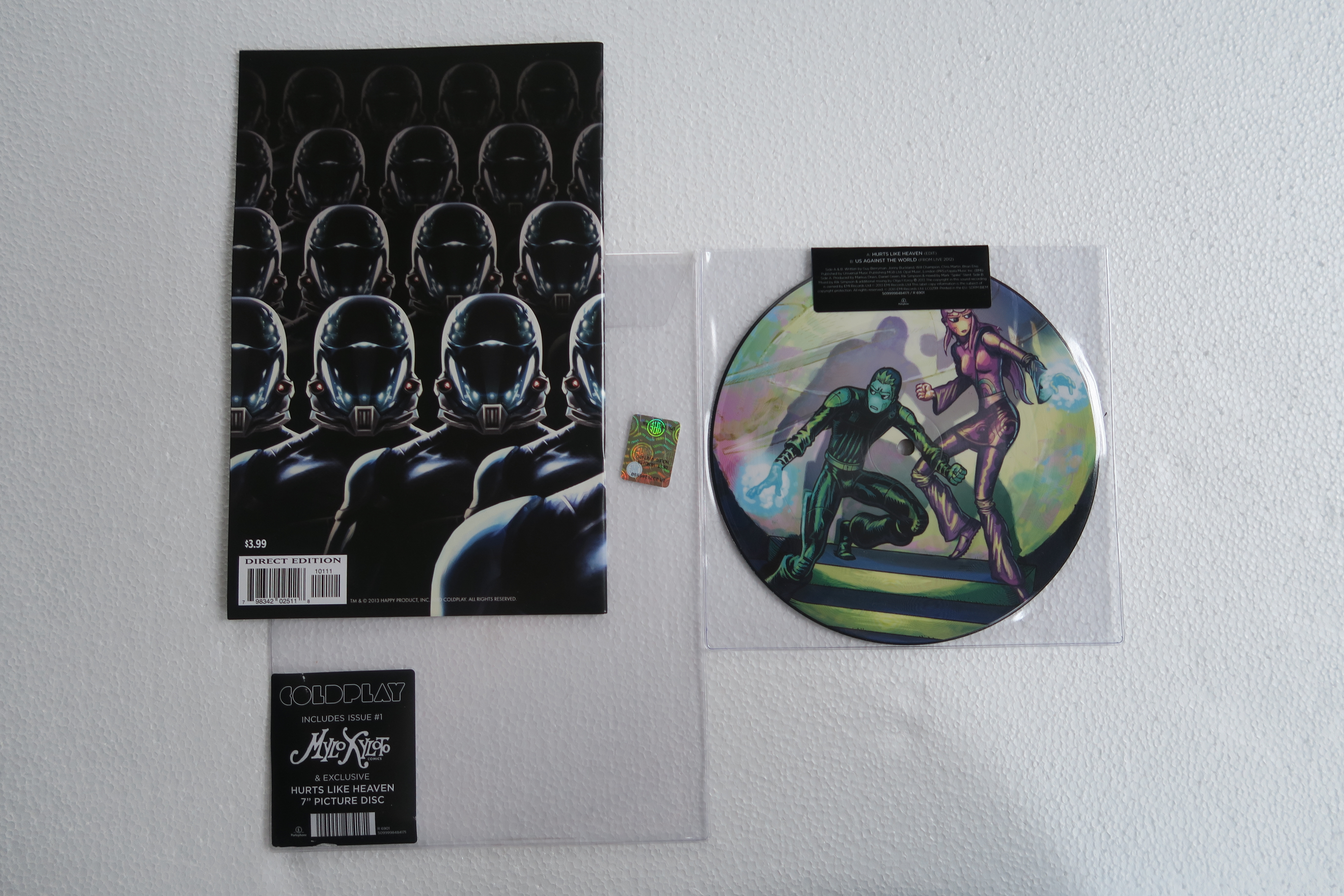
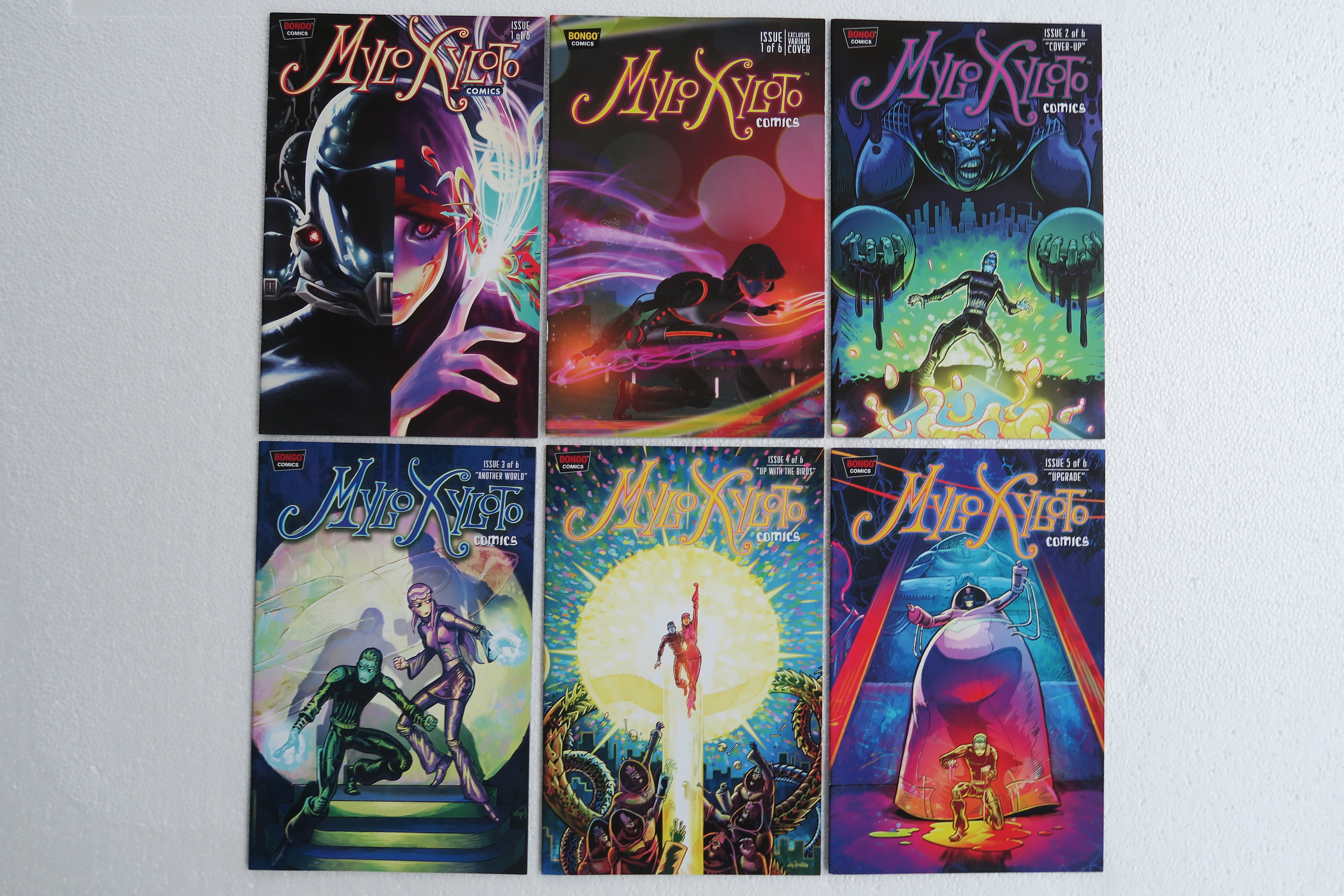
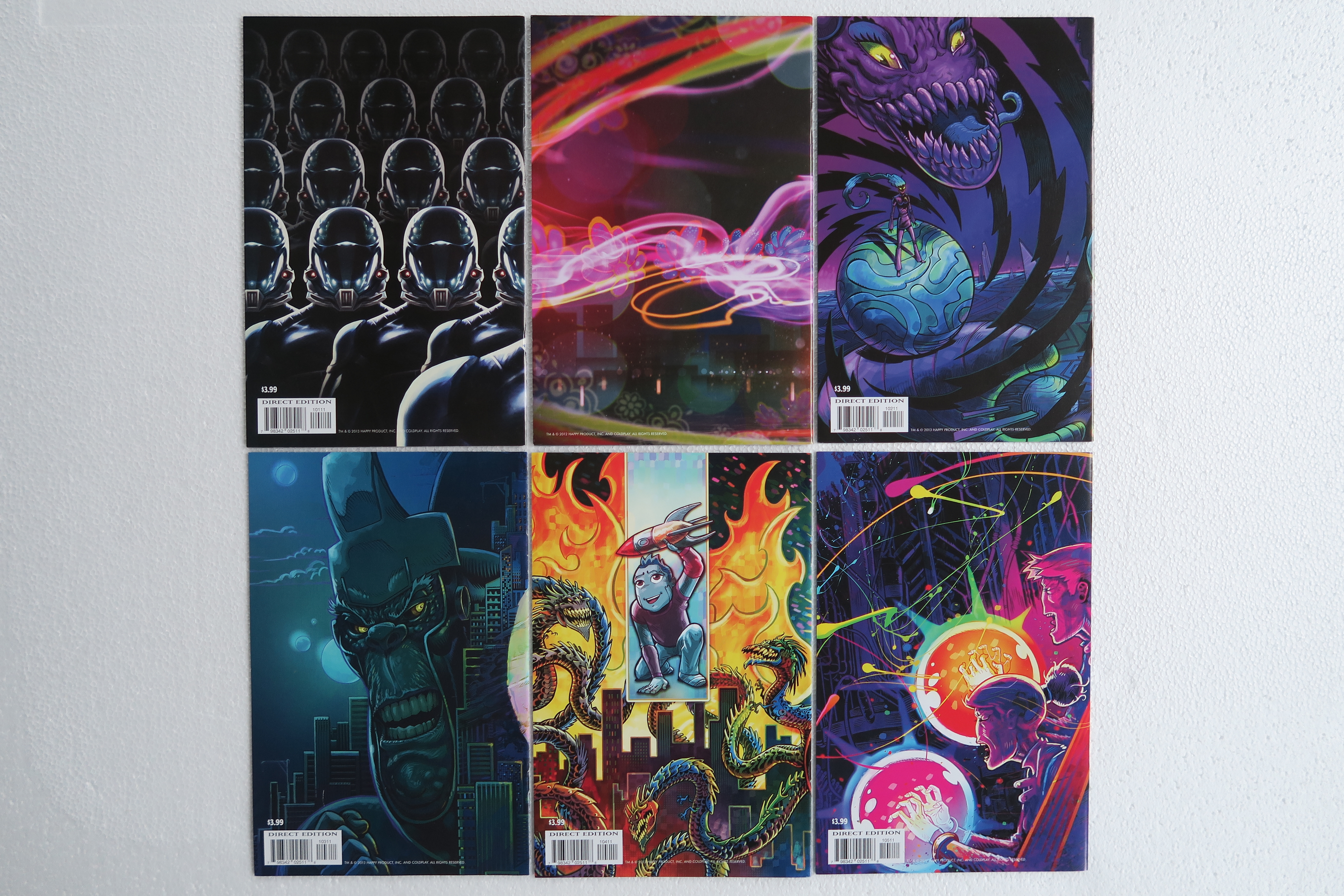
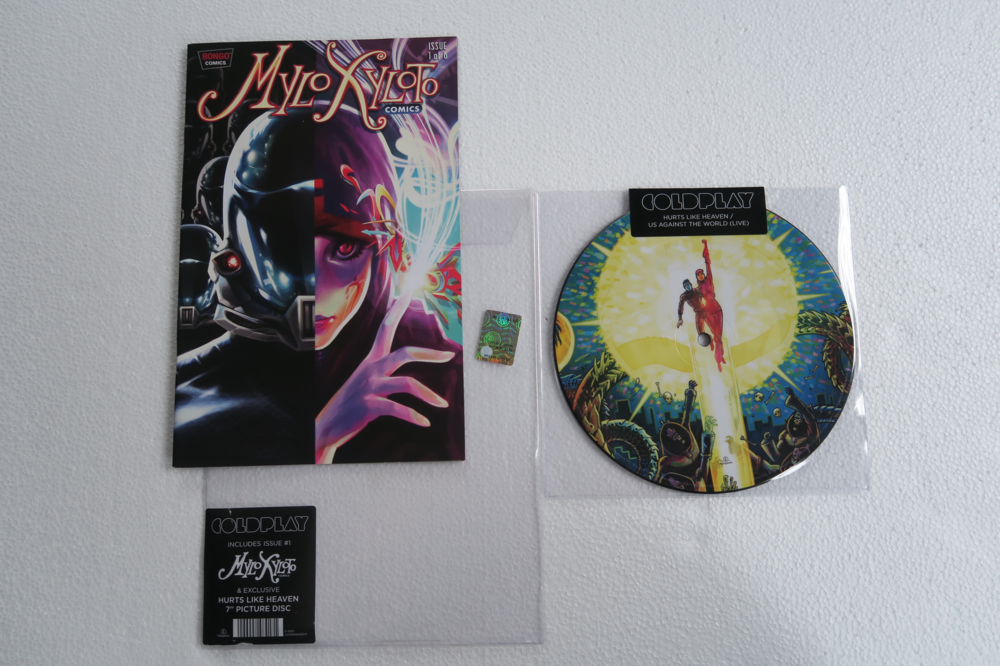
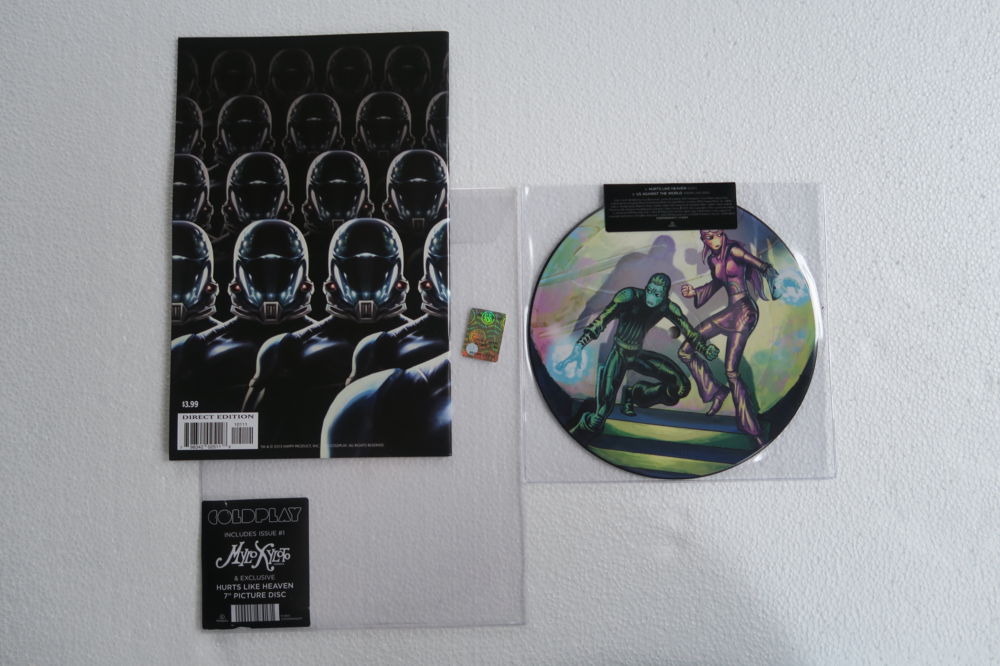
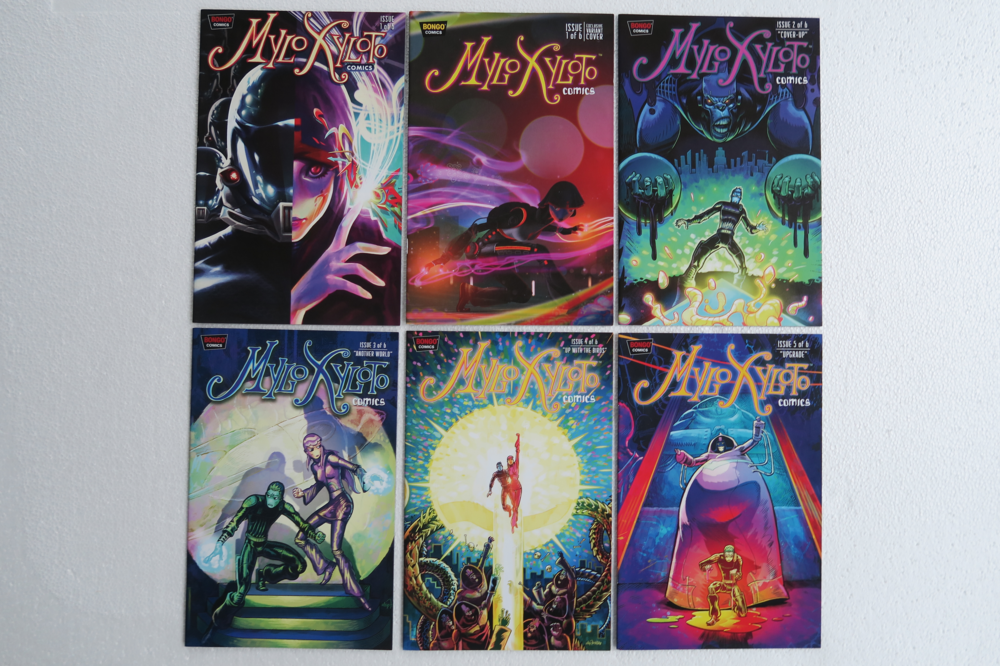
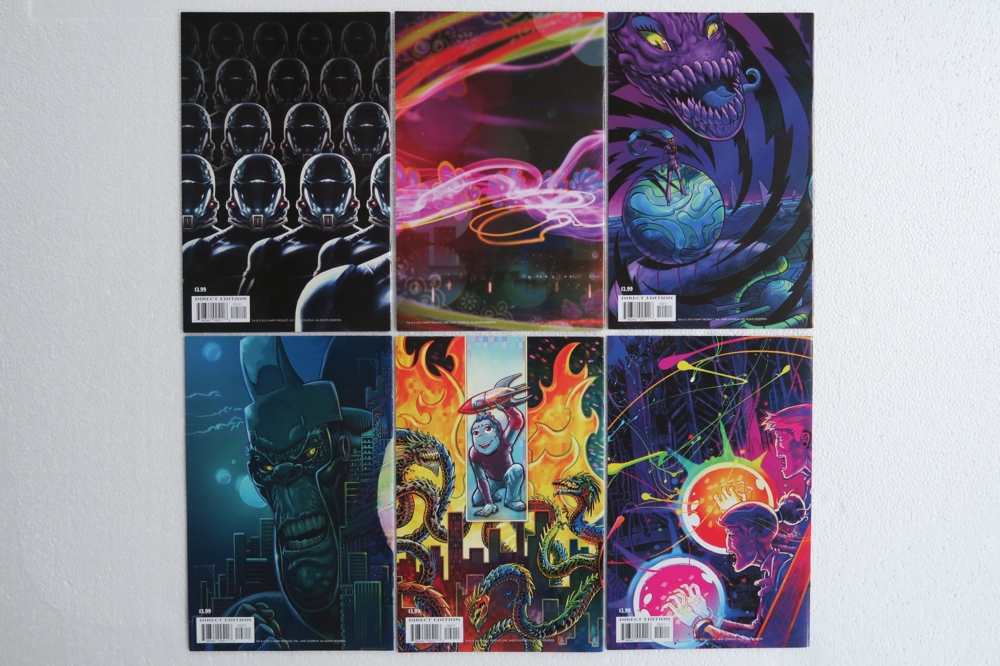
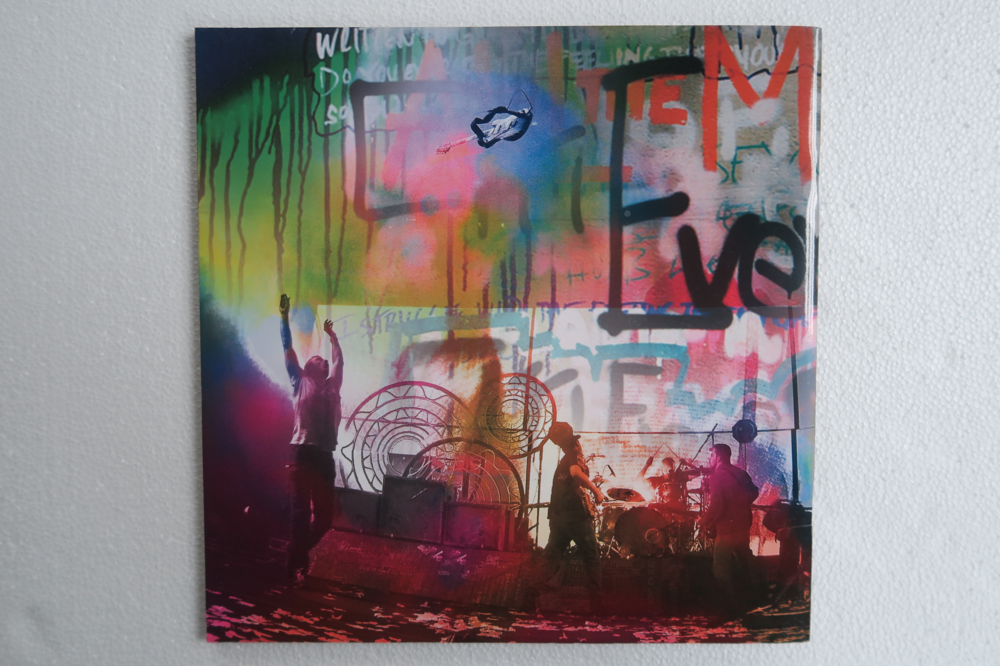
HLH + UATW + Comic book 1 Comic books 1 (+ special edition) - 5. 6 is still missing :( Update: I have found #6 on the Coldplay fanfire site. They only show it when USD is selected as currency. Will update when it has arrived. [emoji4] Tour book
-
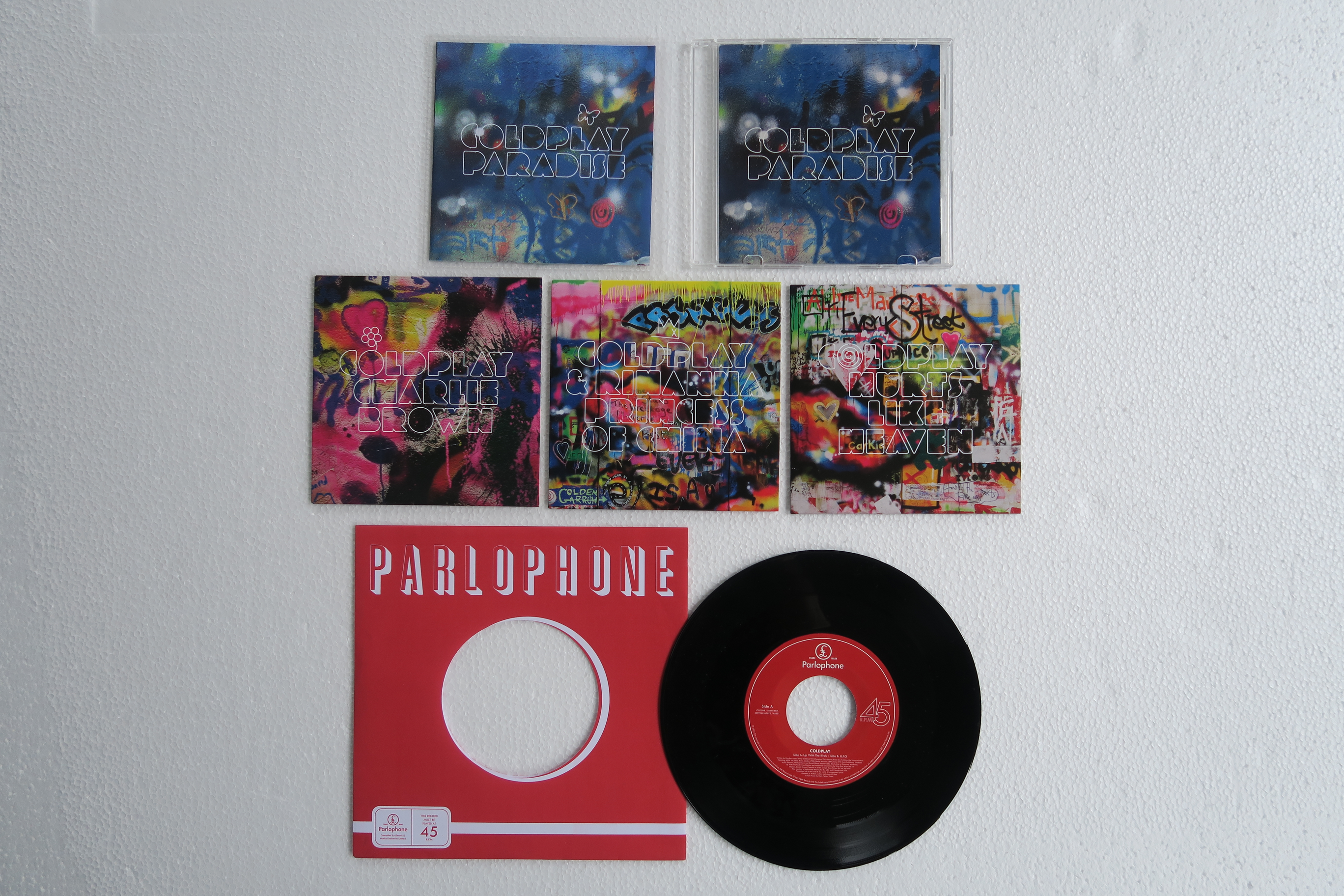
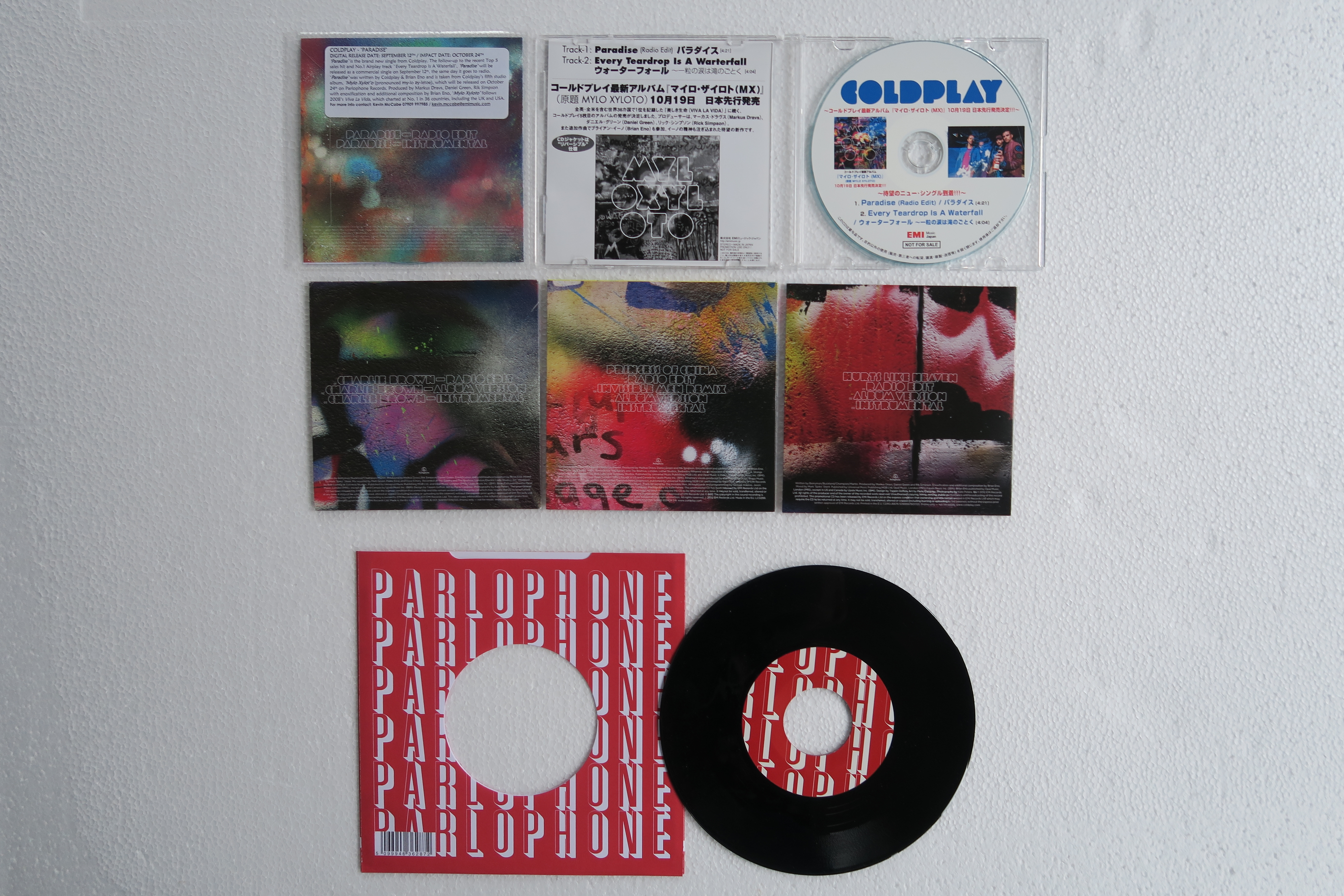
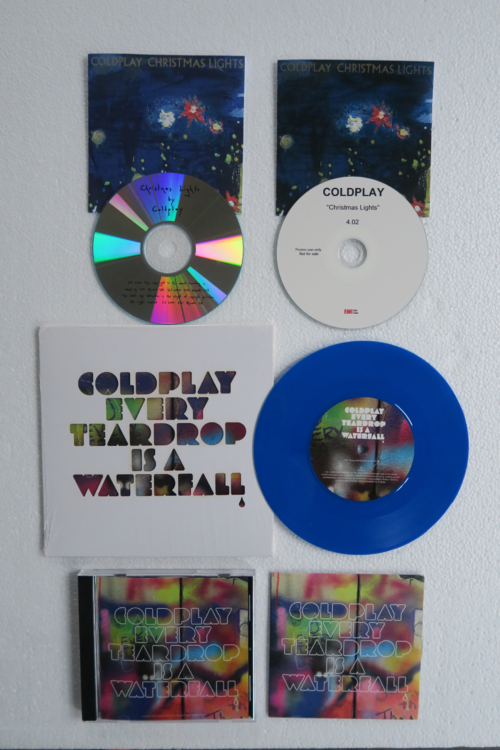
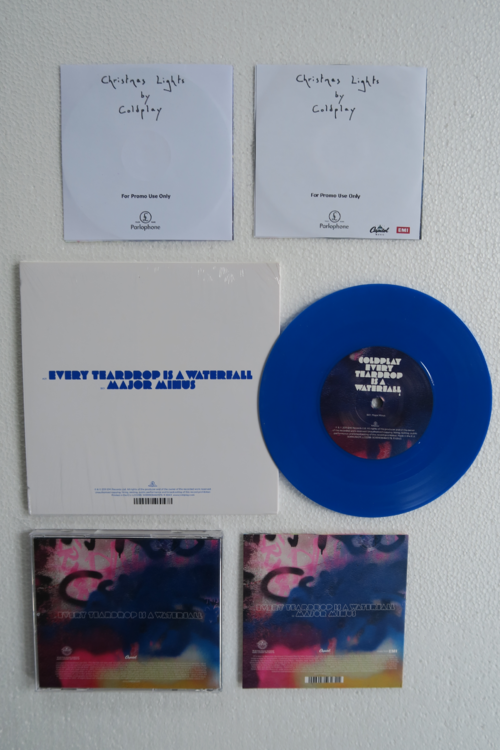
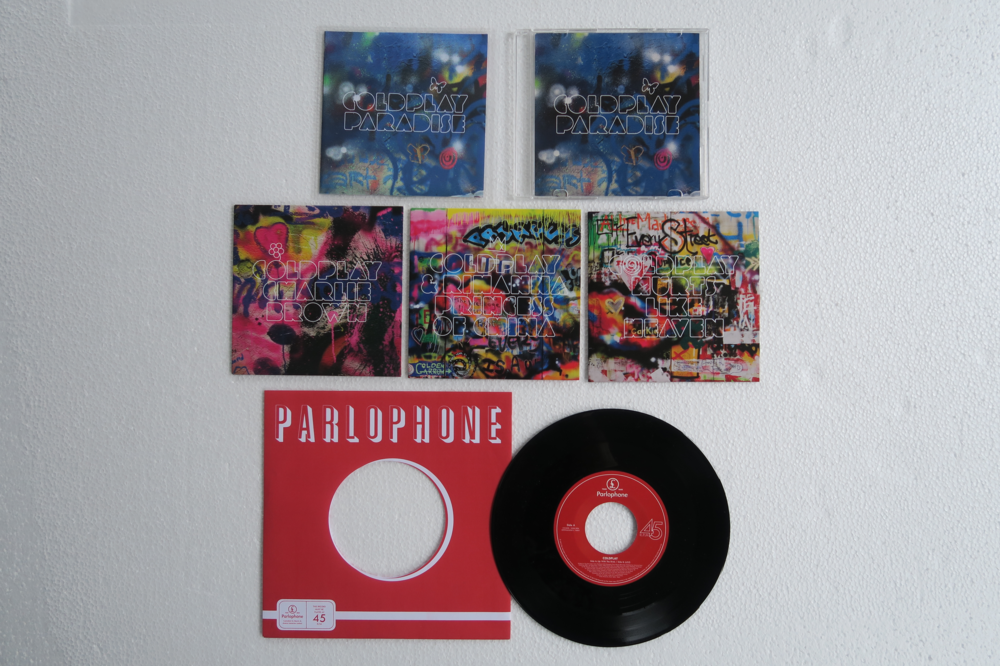
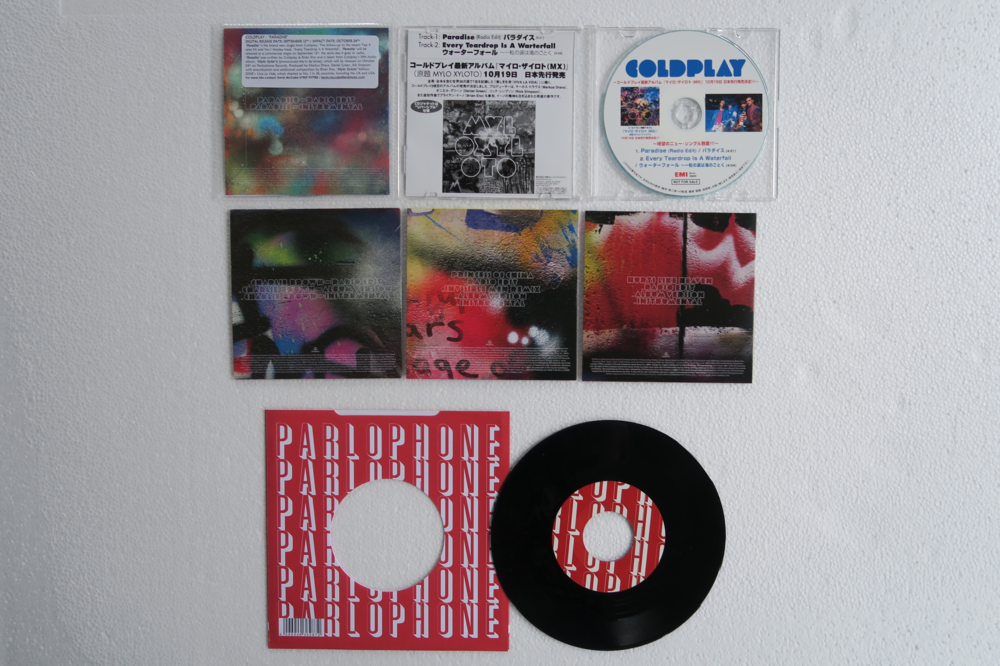
Singles
-
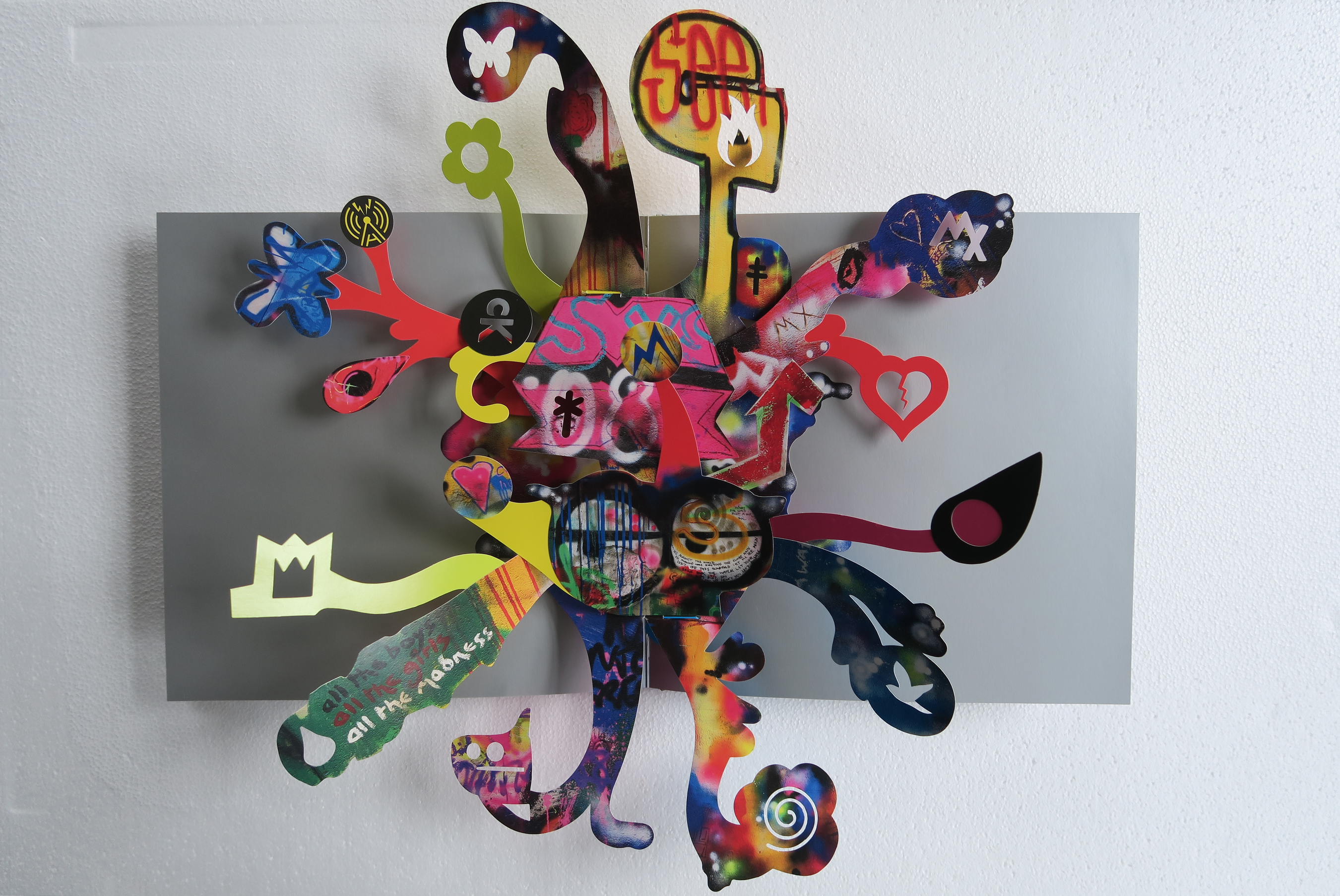
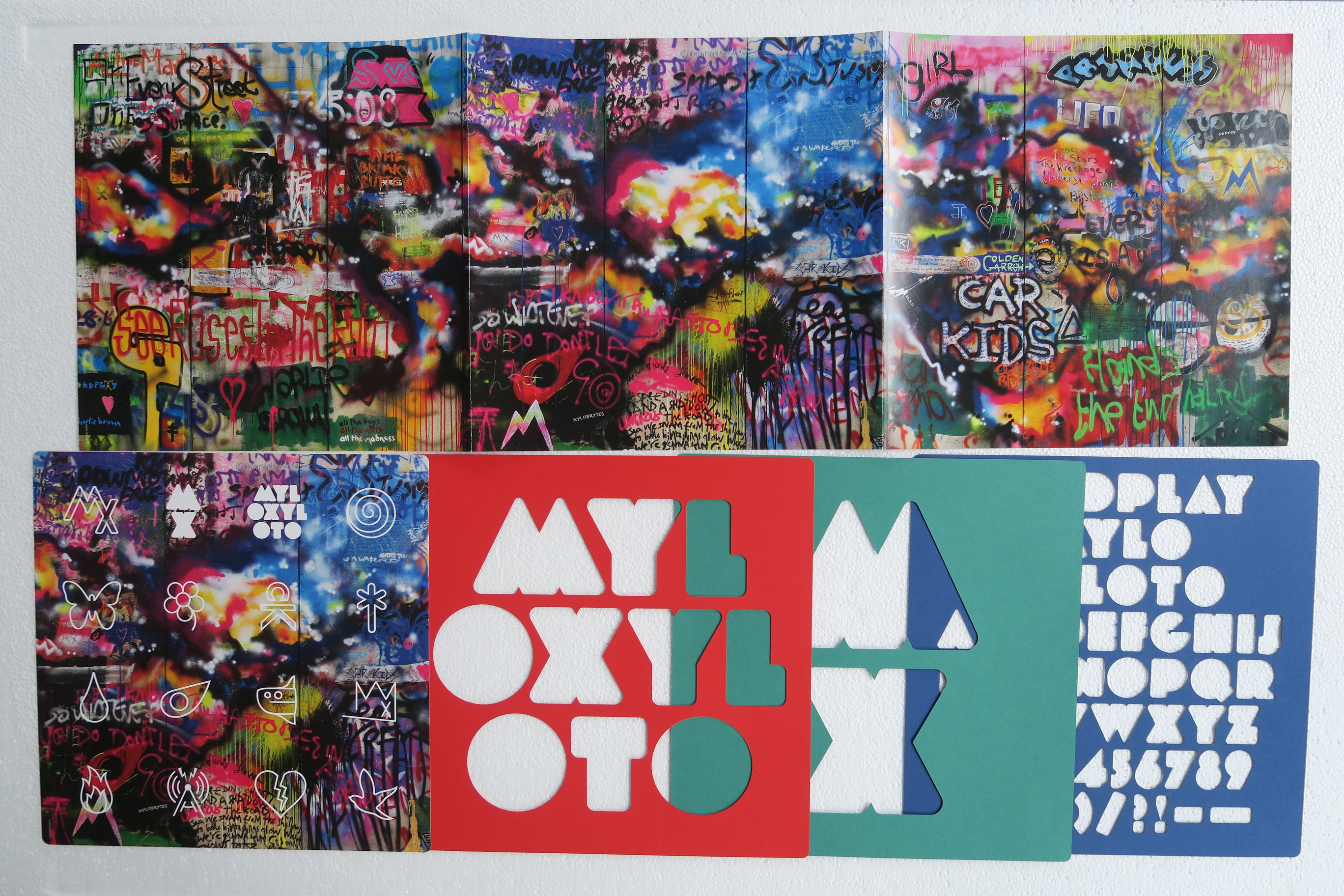
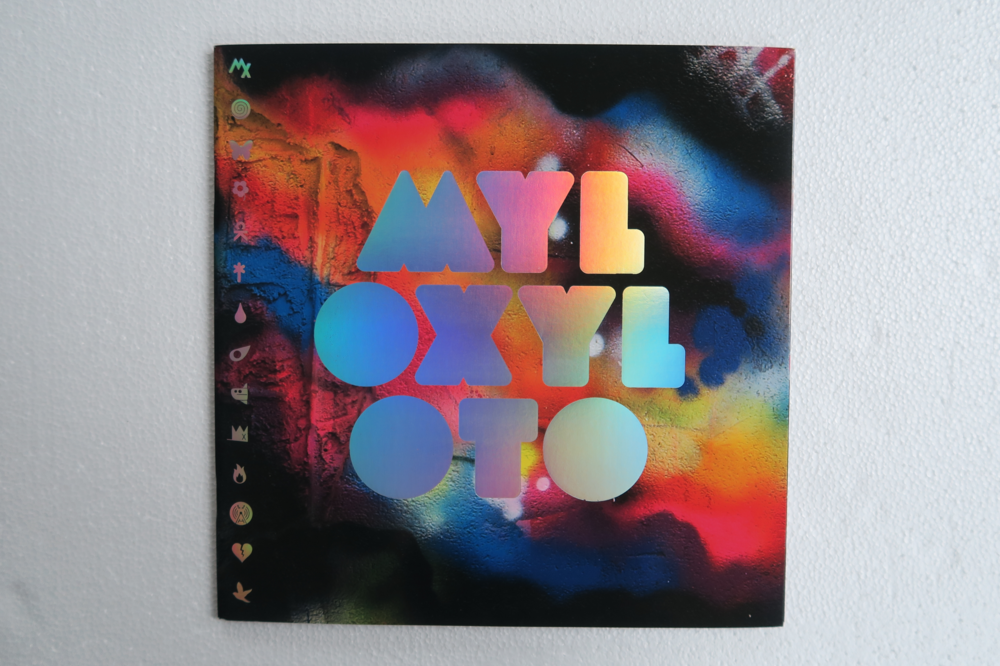
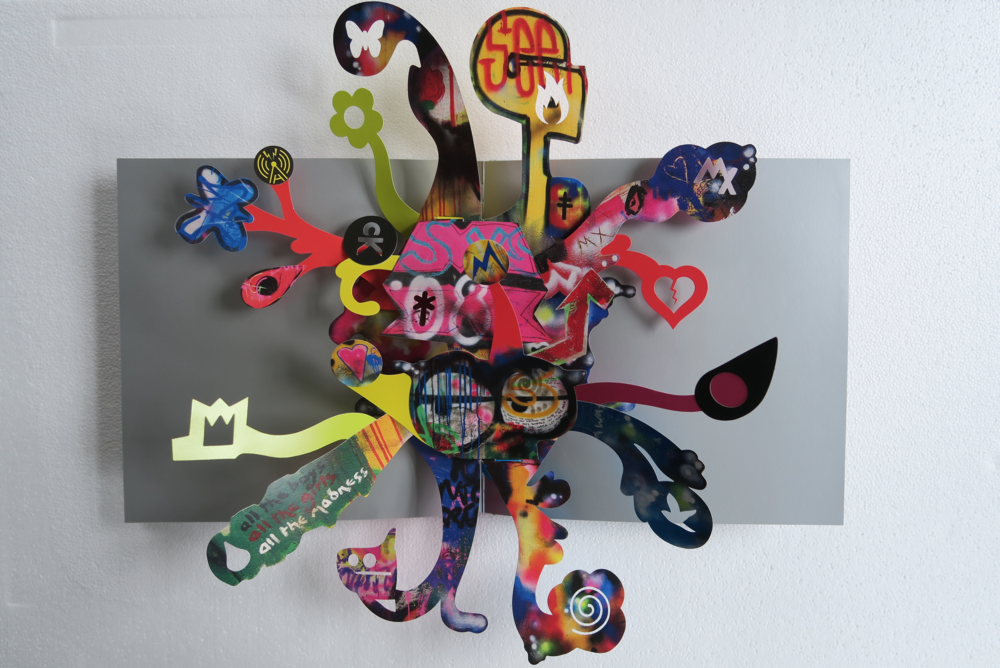
the MX pop up book
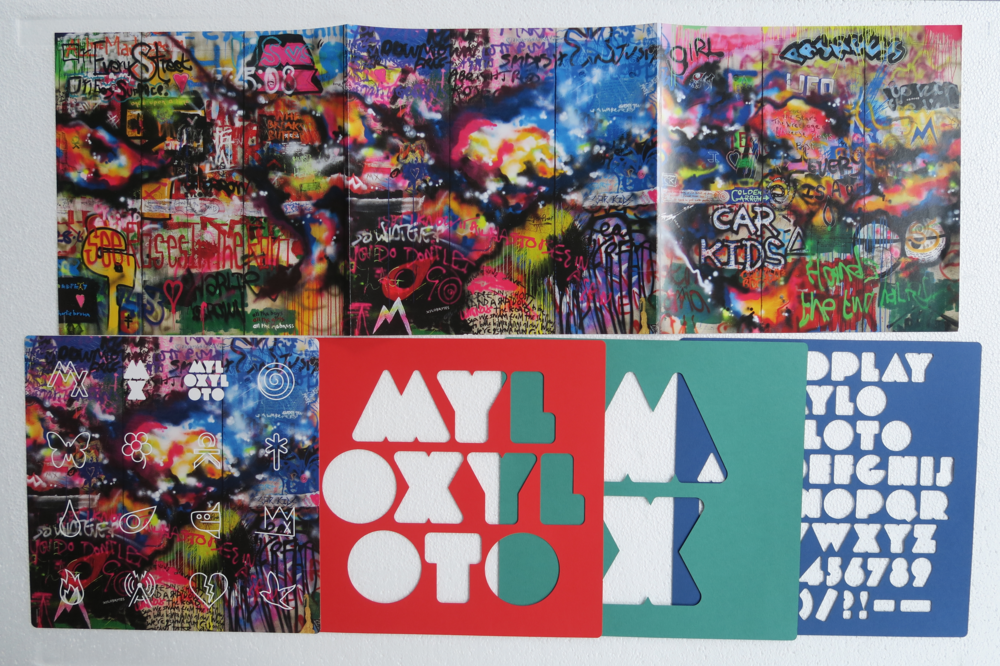
-
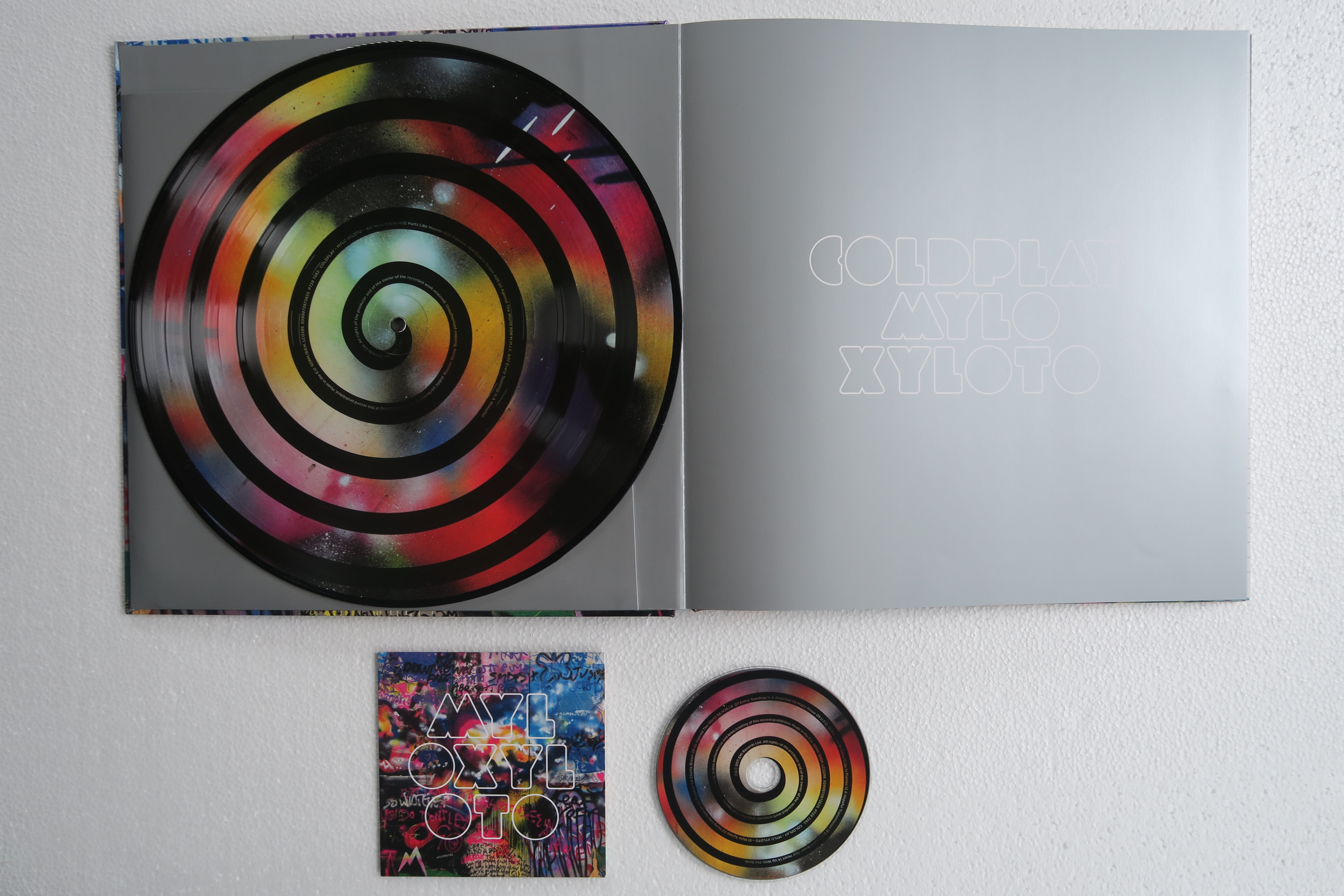
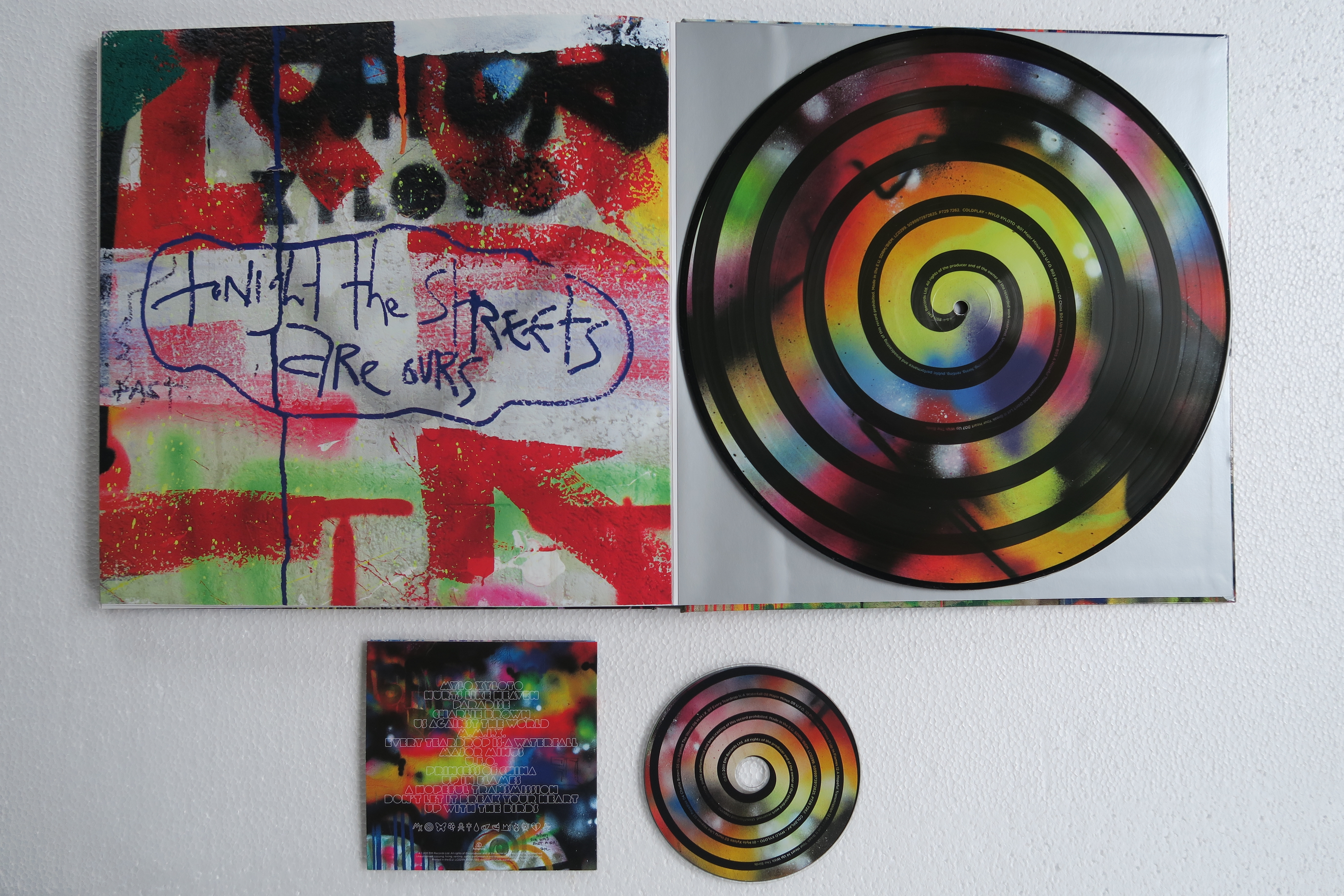
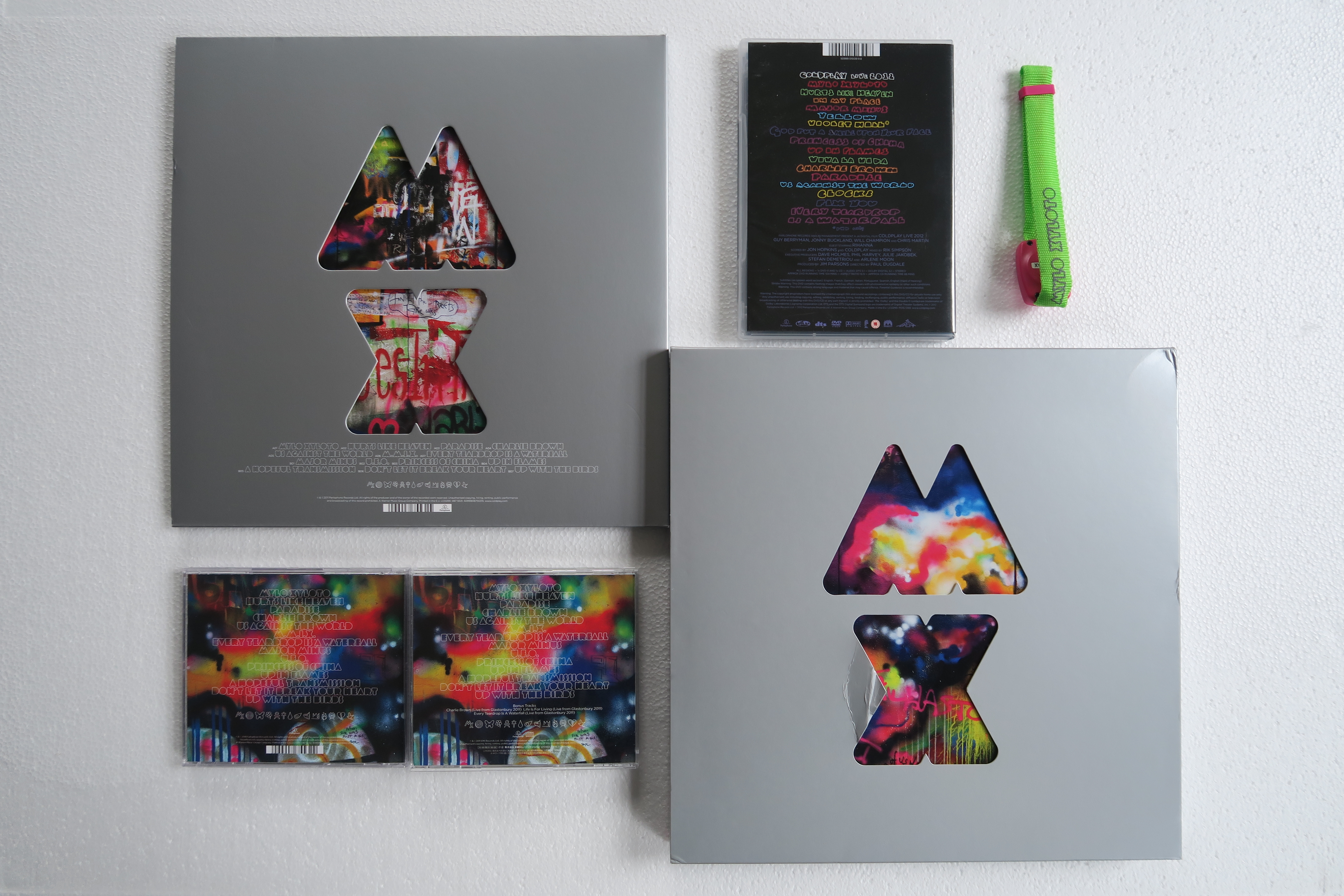
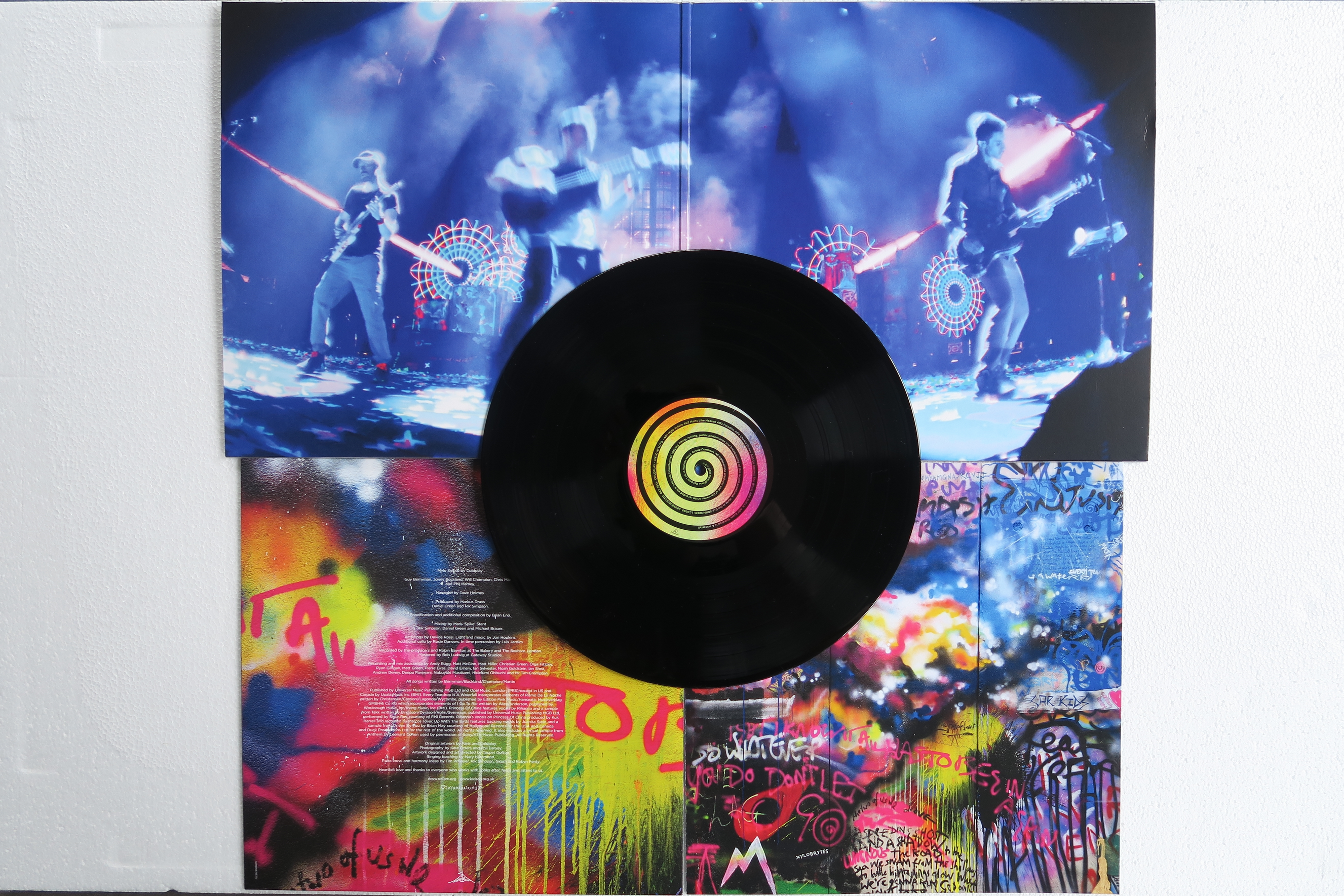
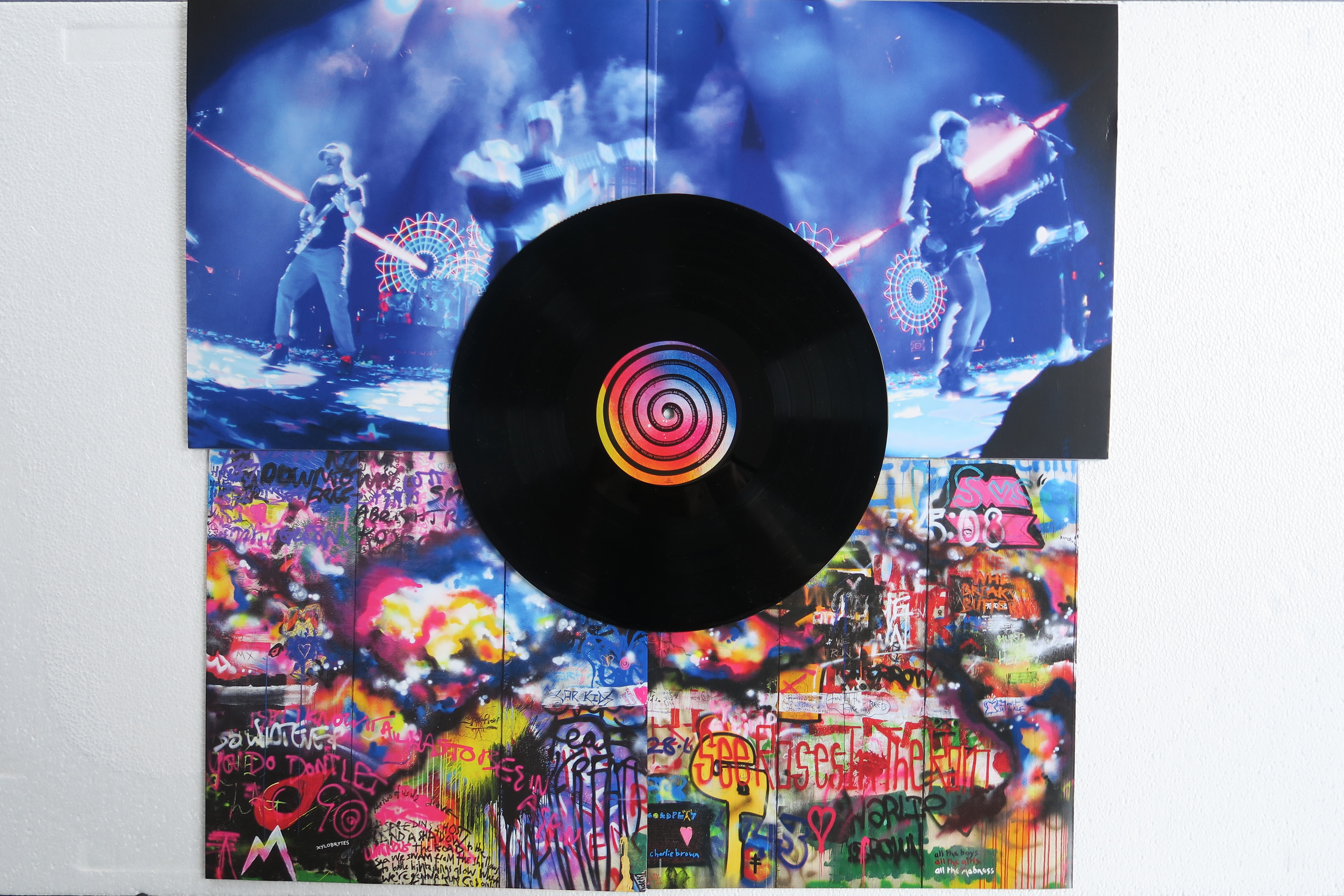
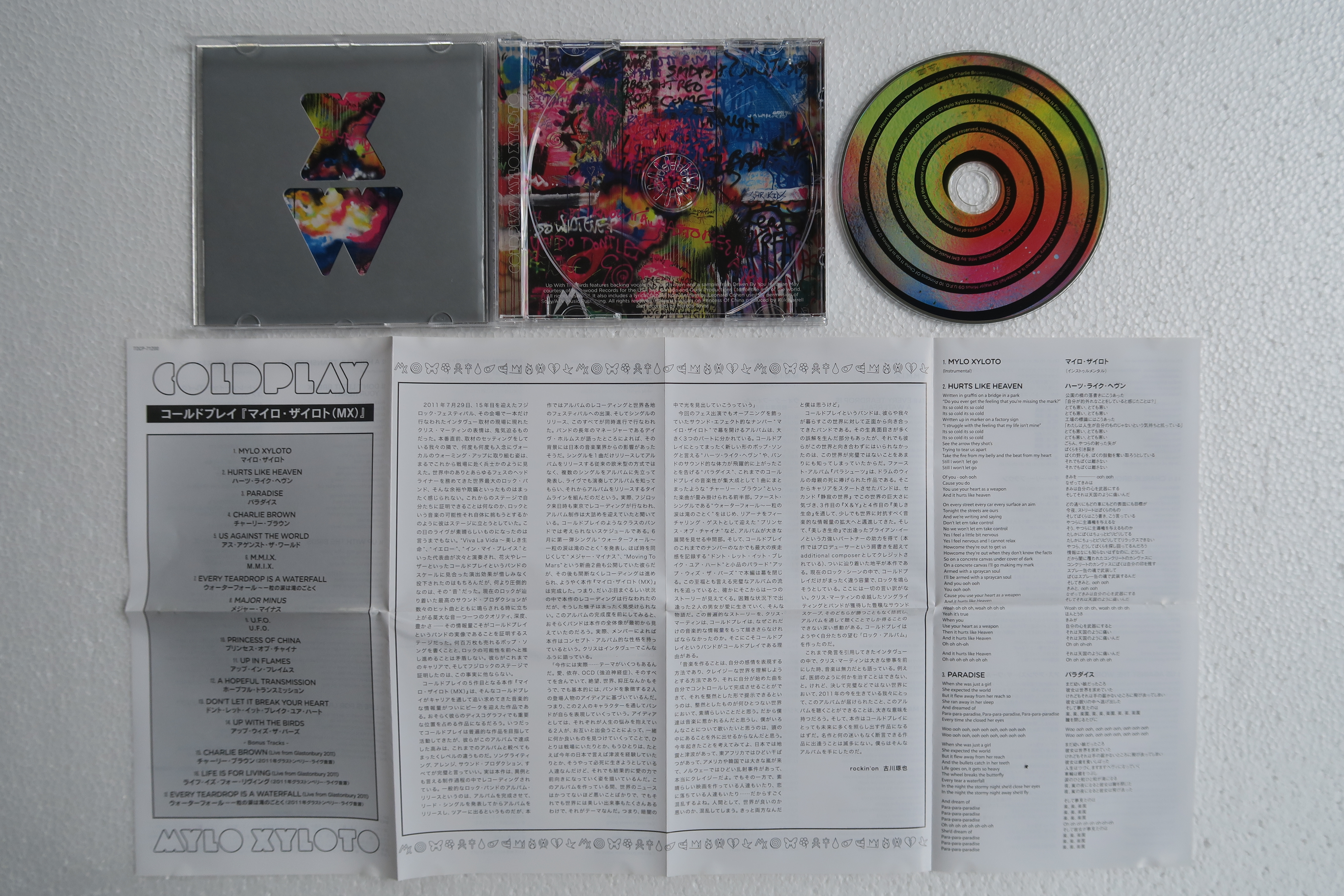
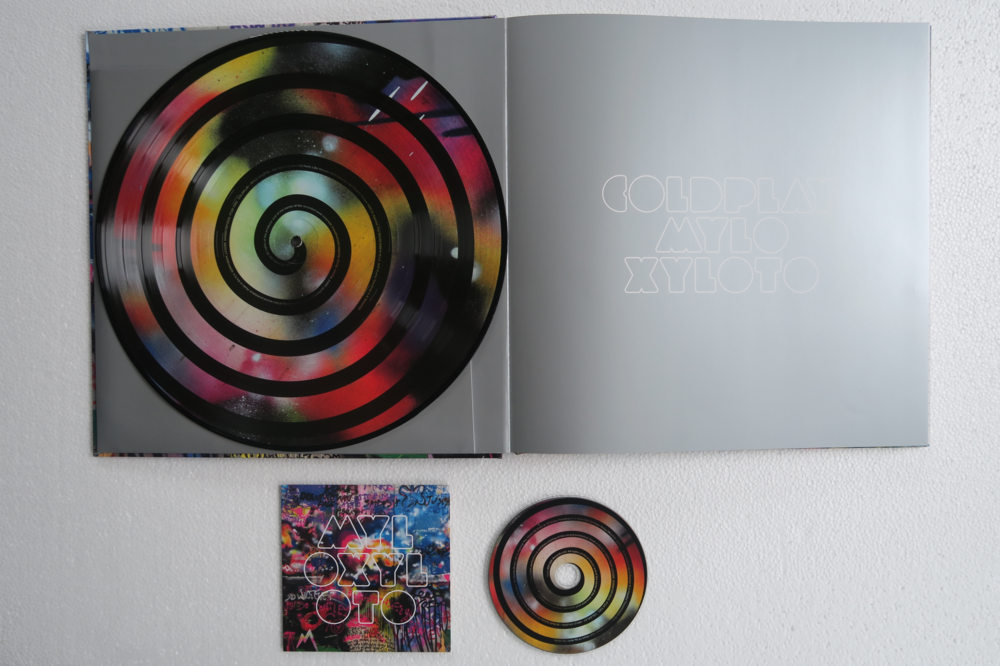
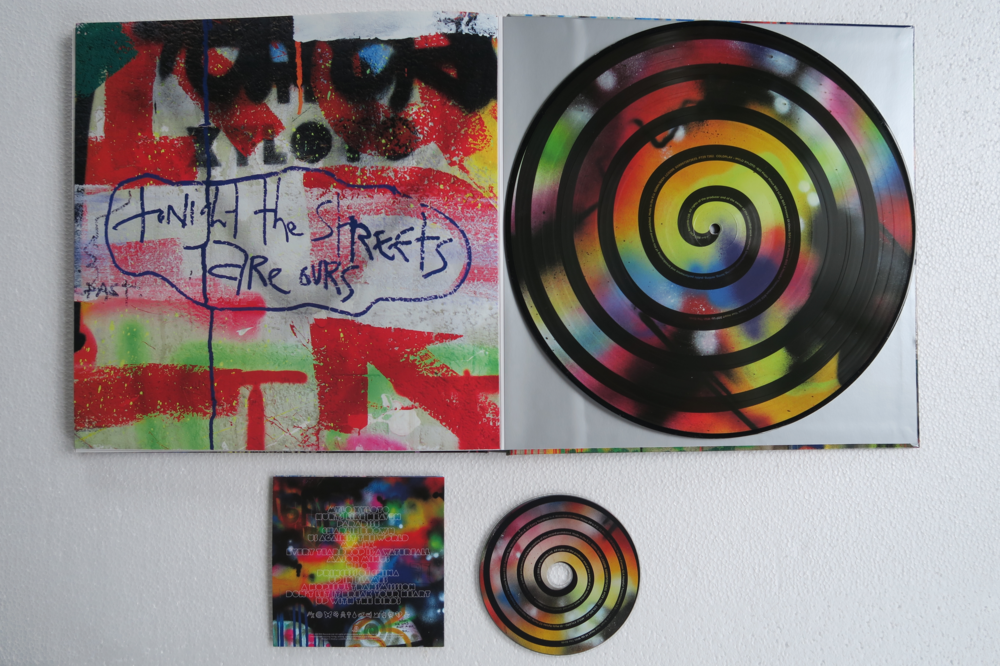
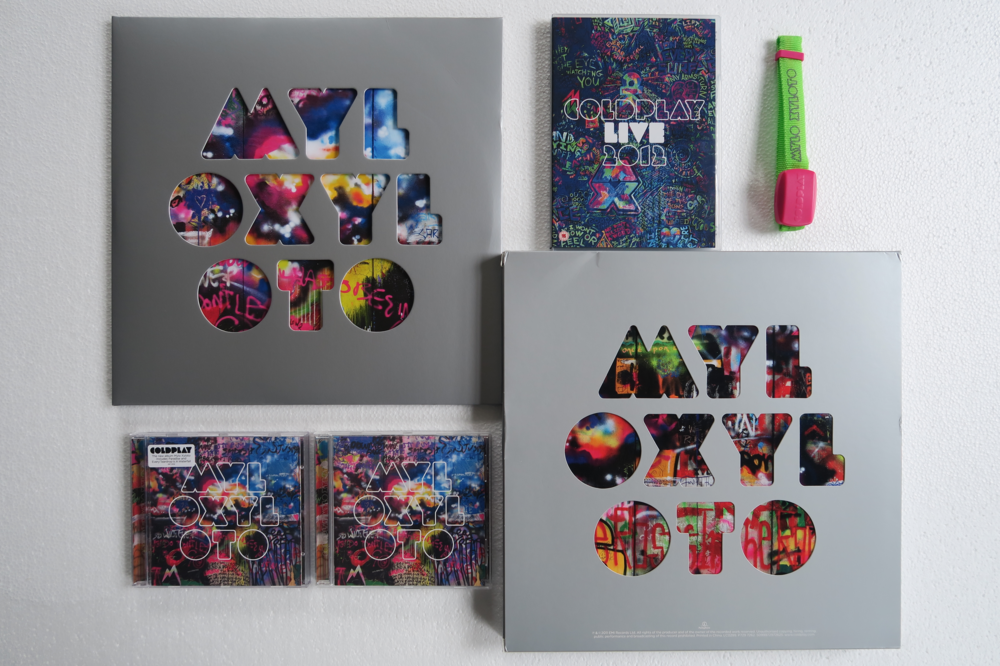
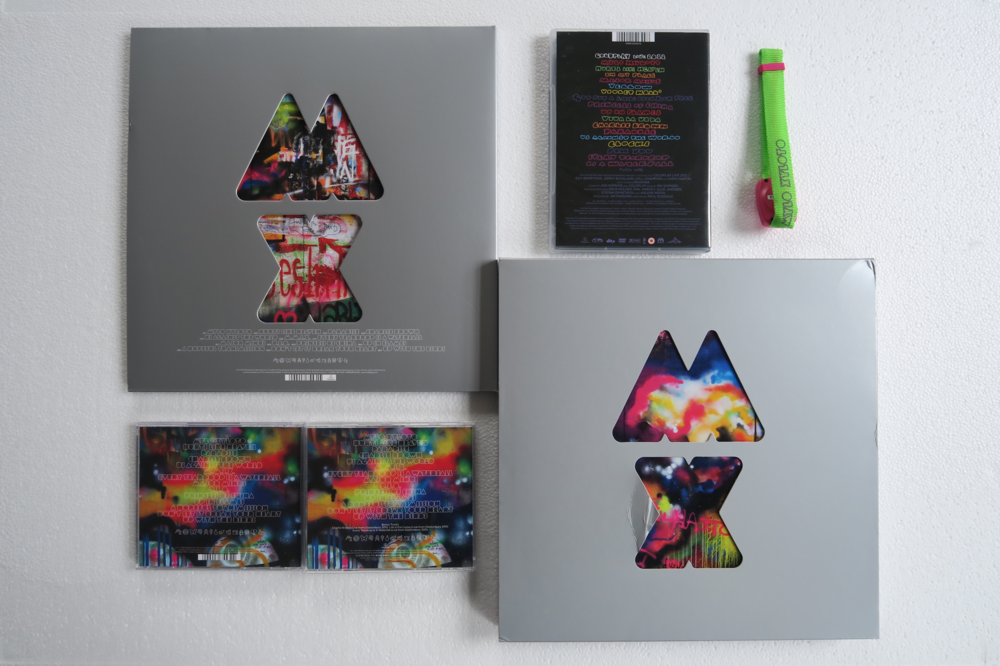
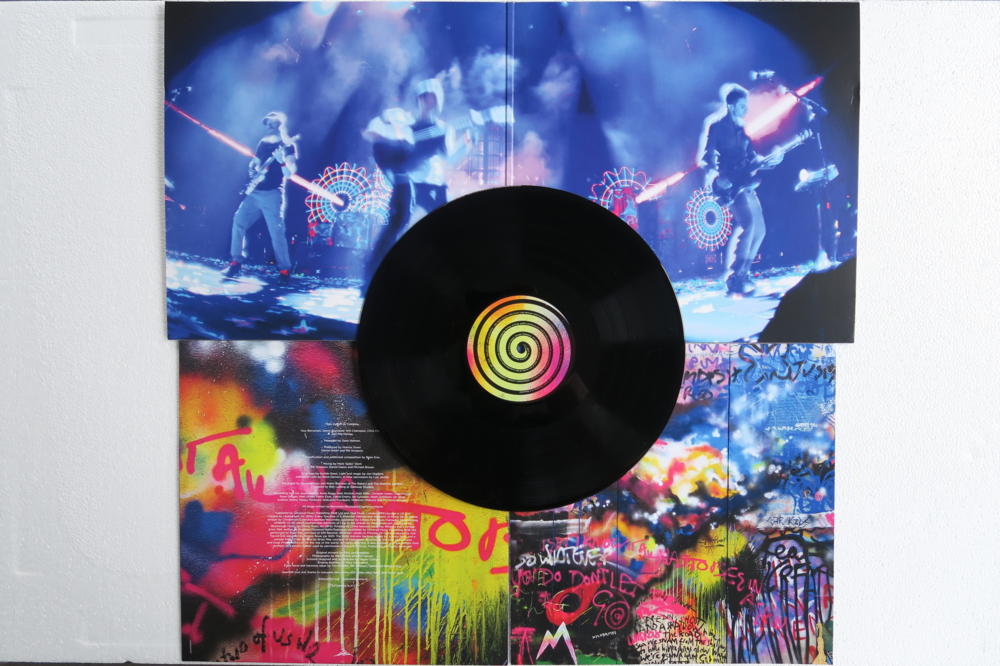
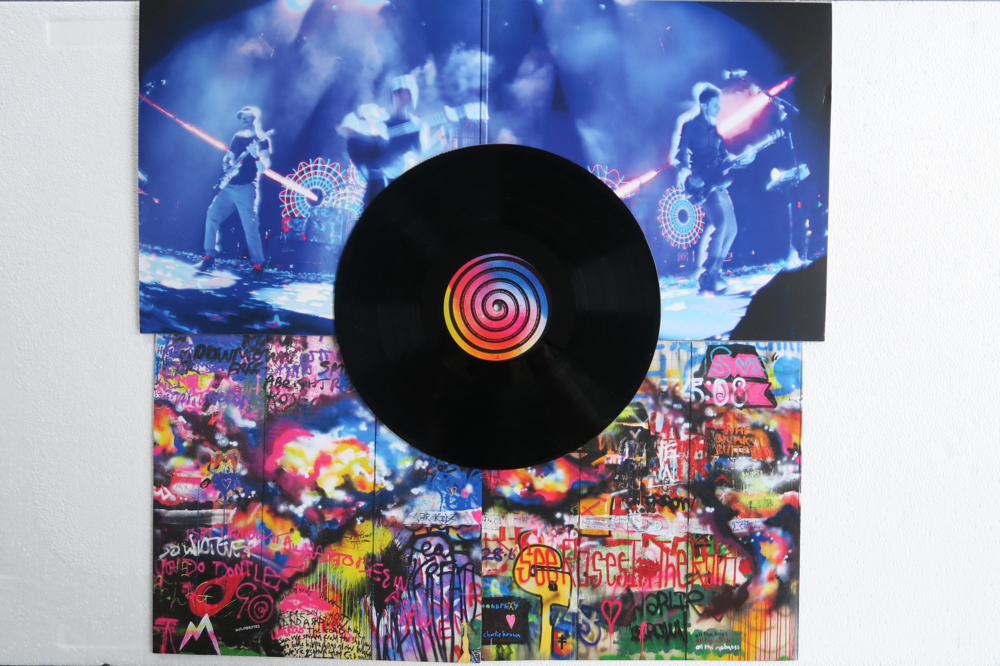
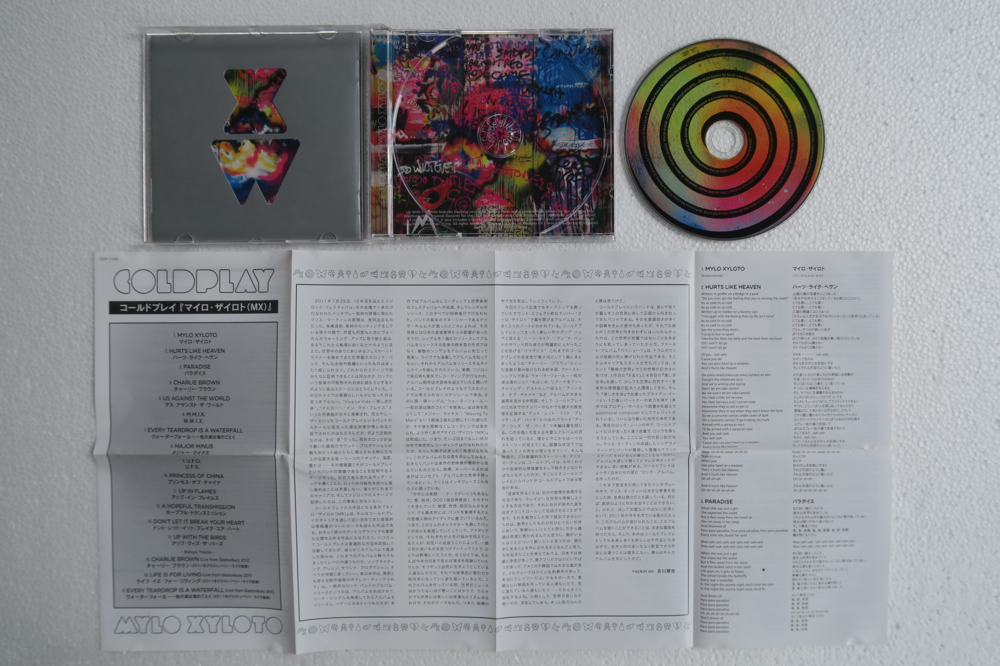
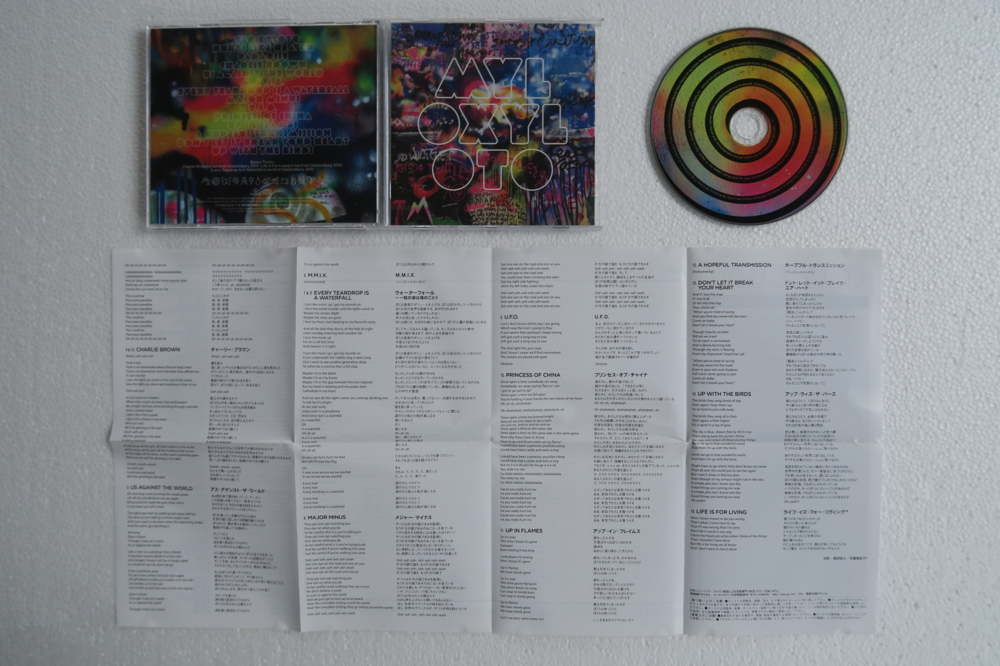
My MX collection: the cd on the right is a Japanese version the Japanese CD:
-
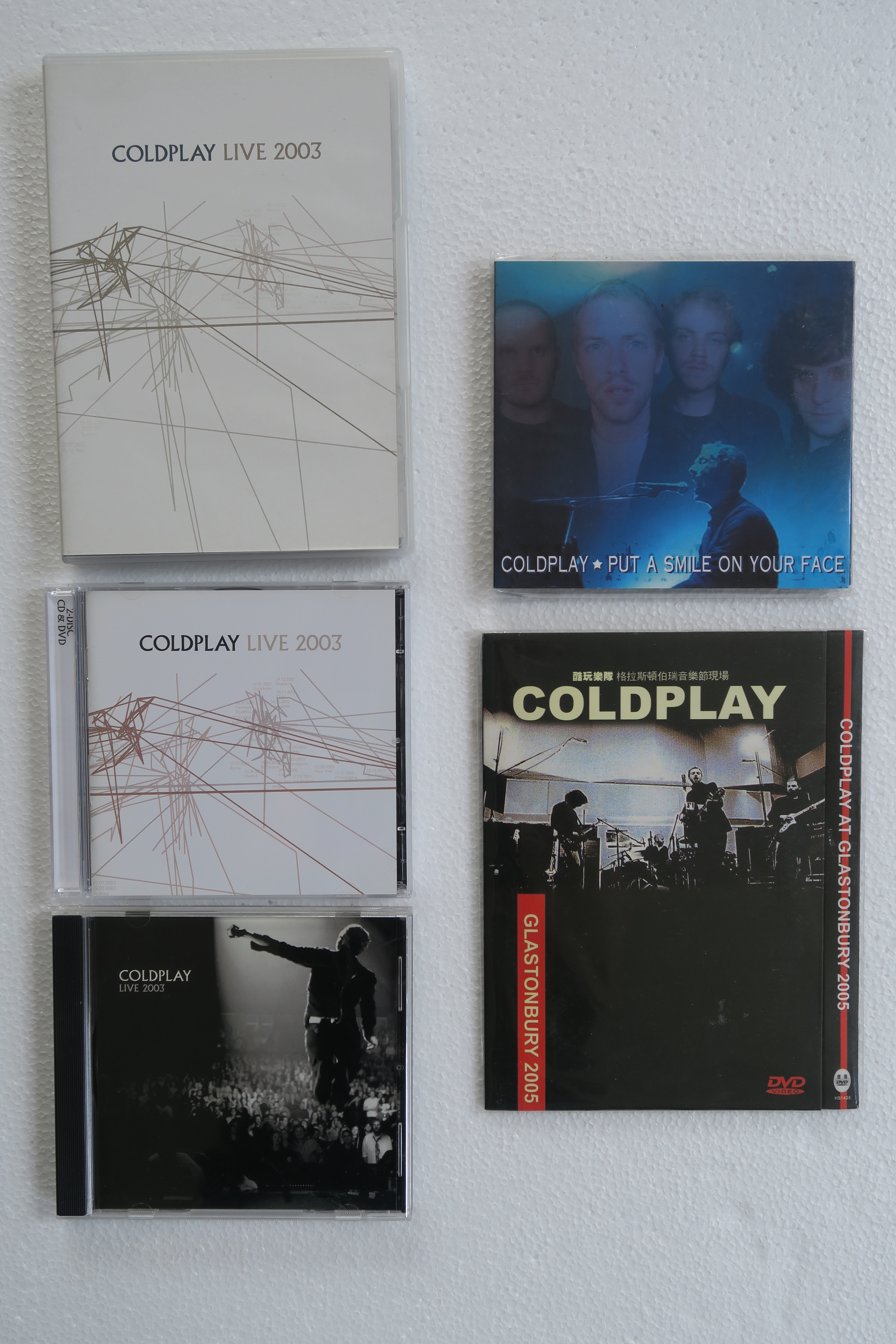
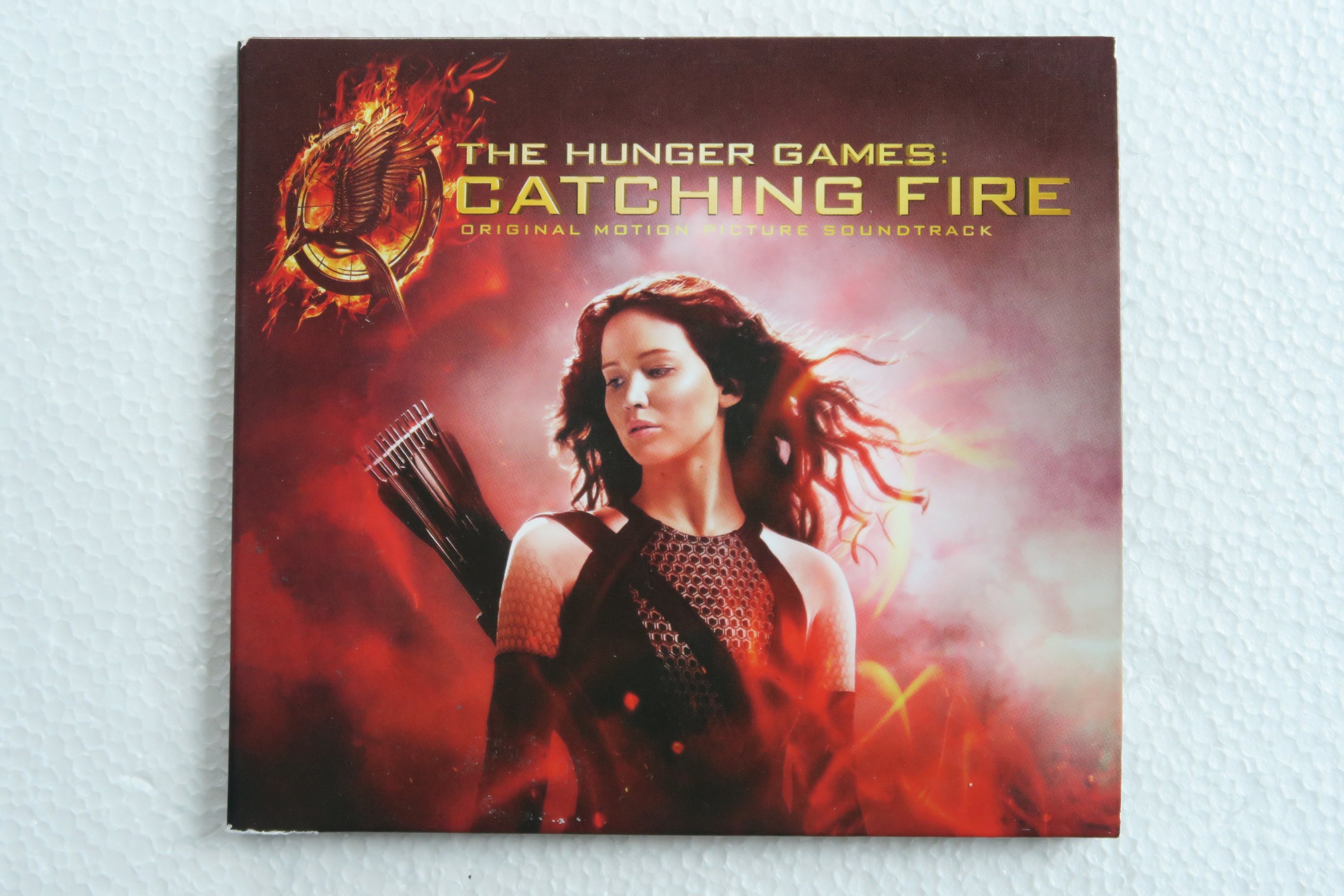
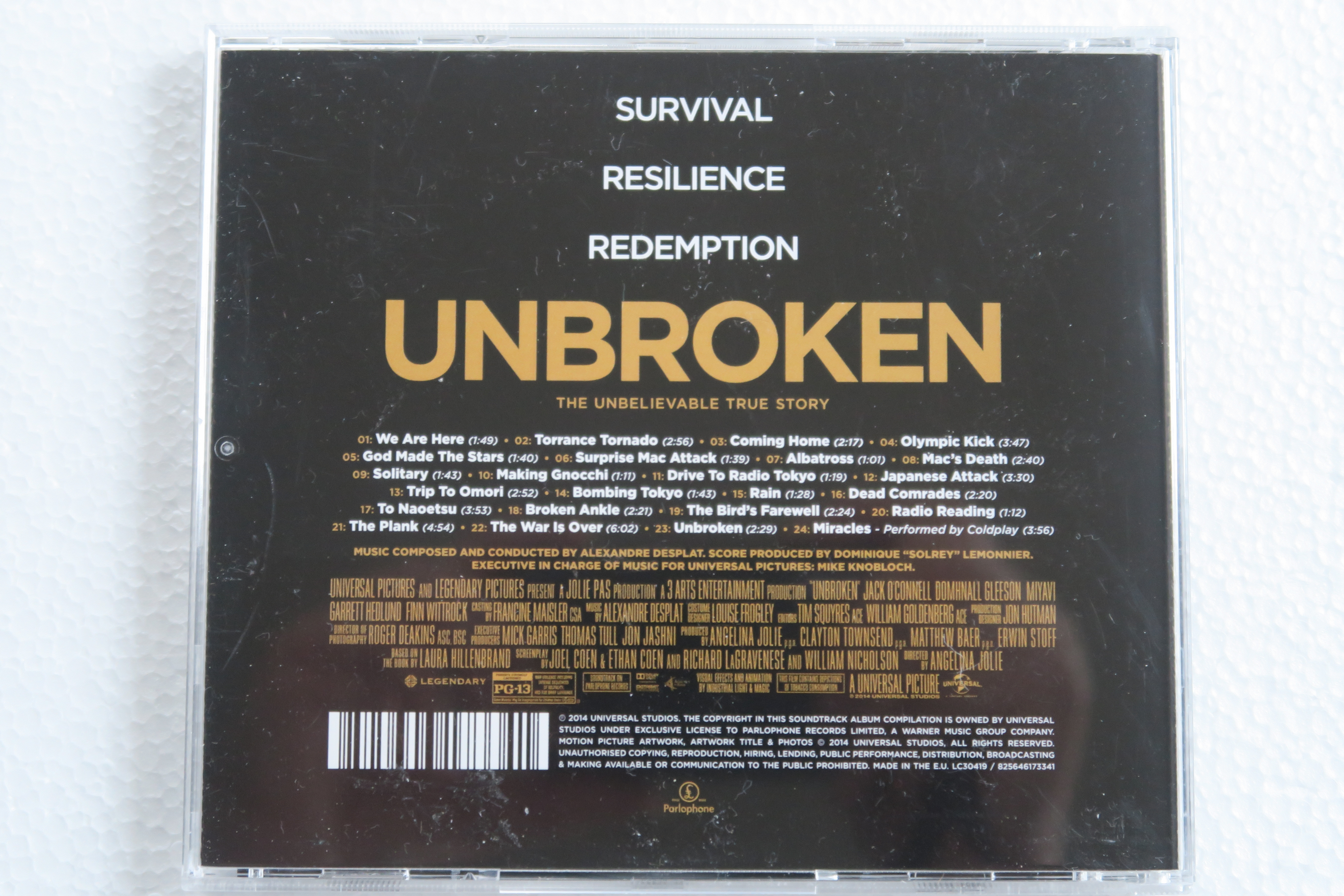
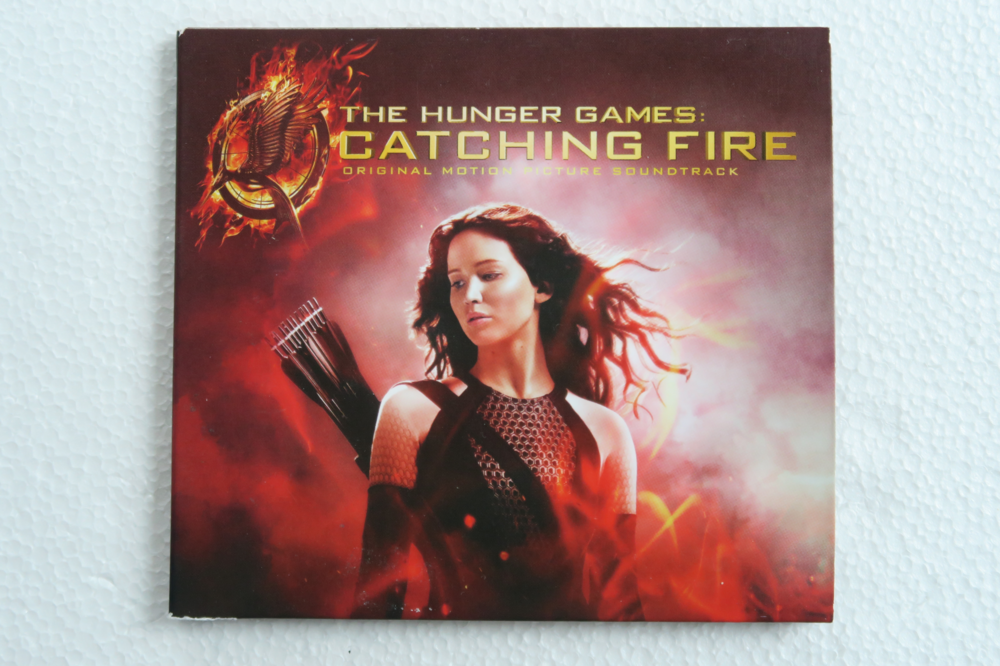
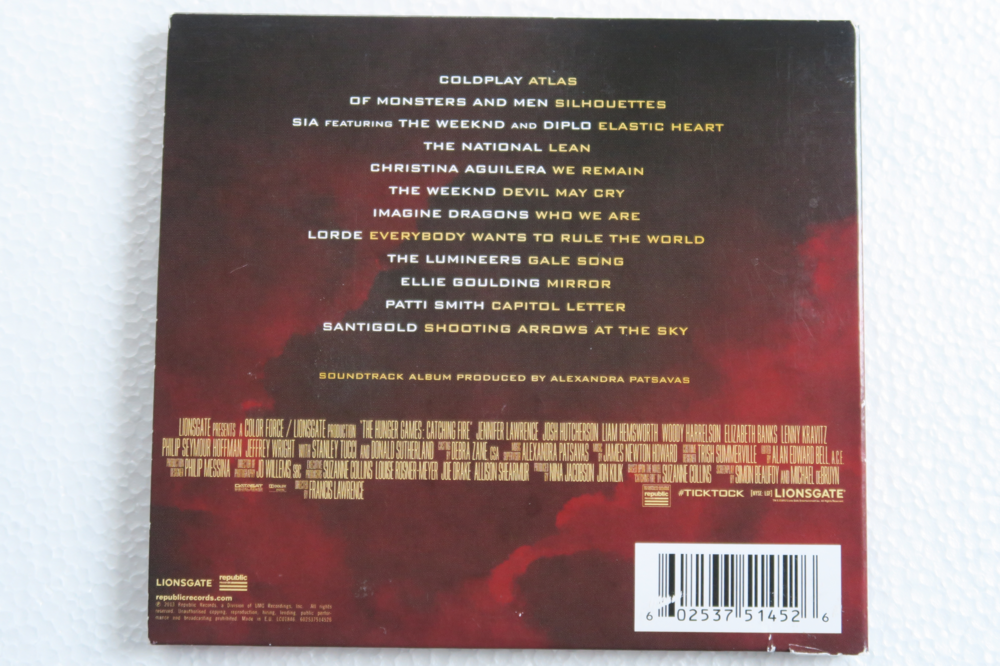
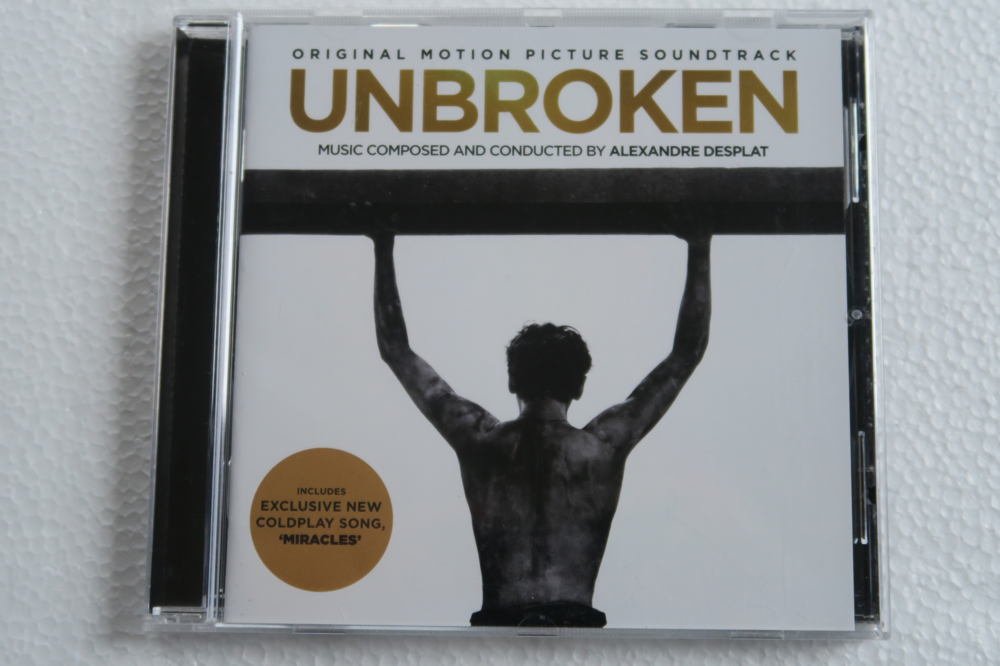
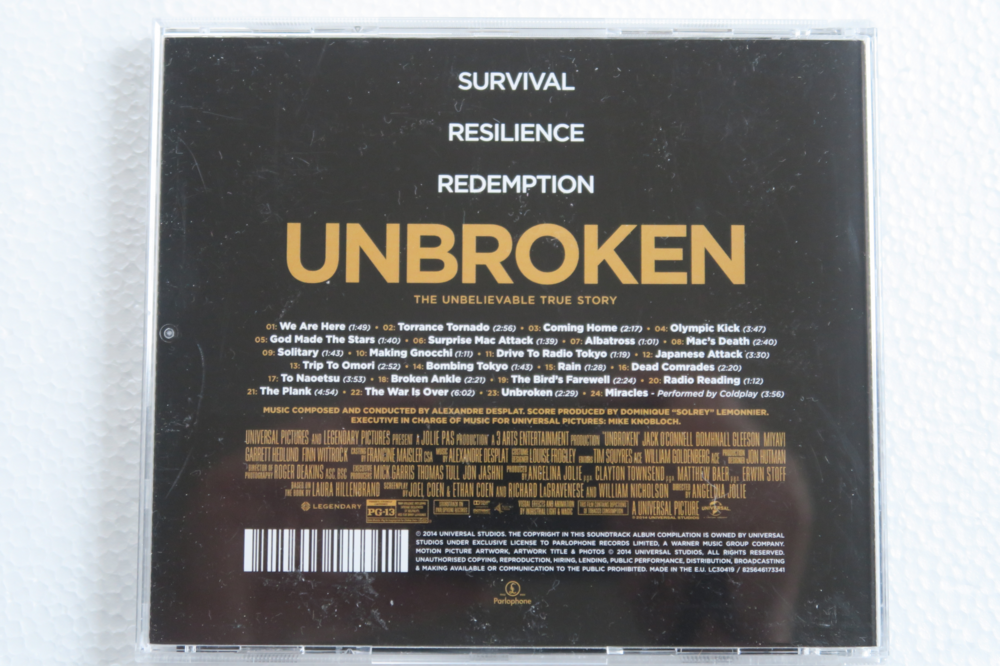
Coldplay related
-
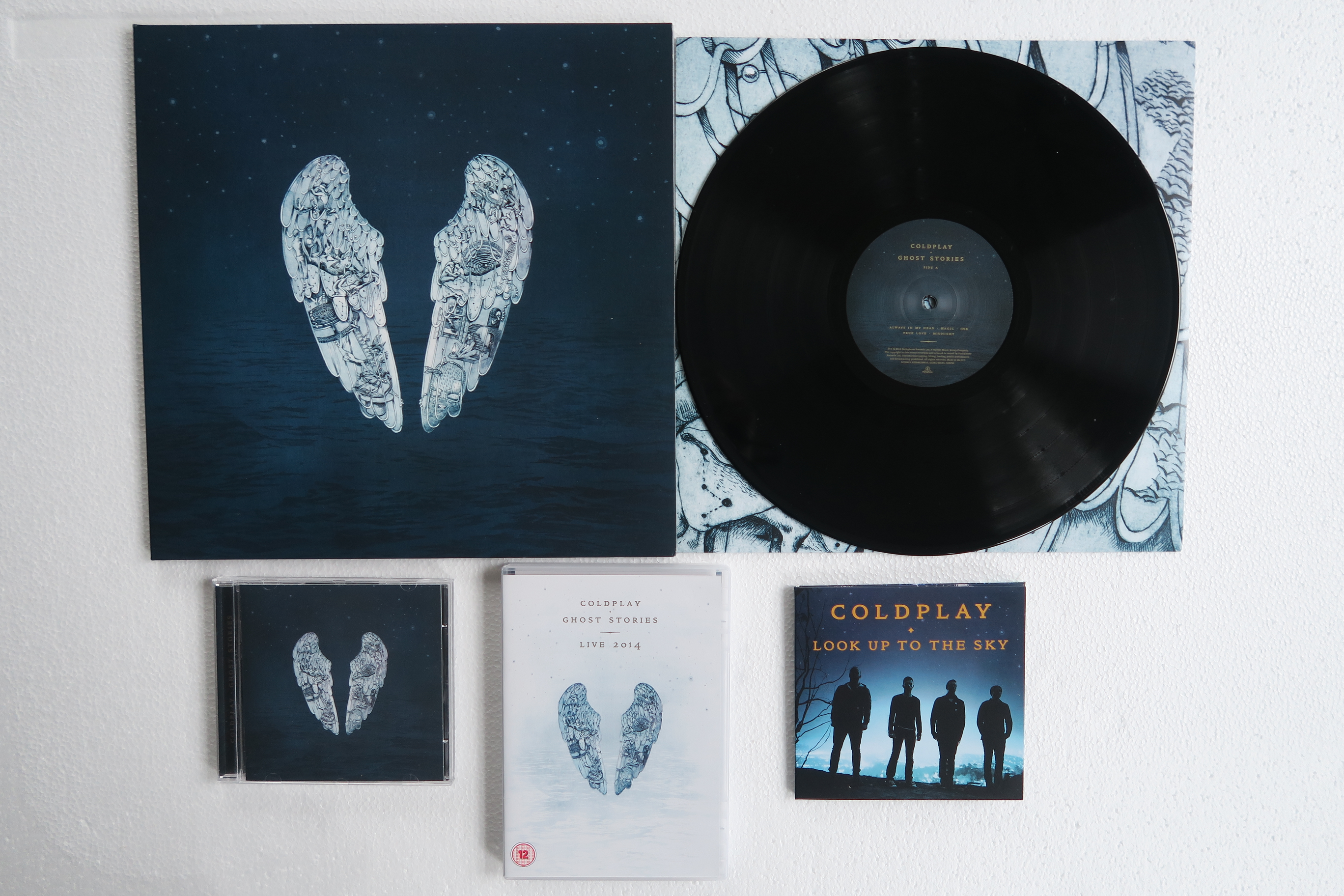
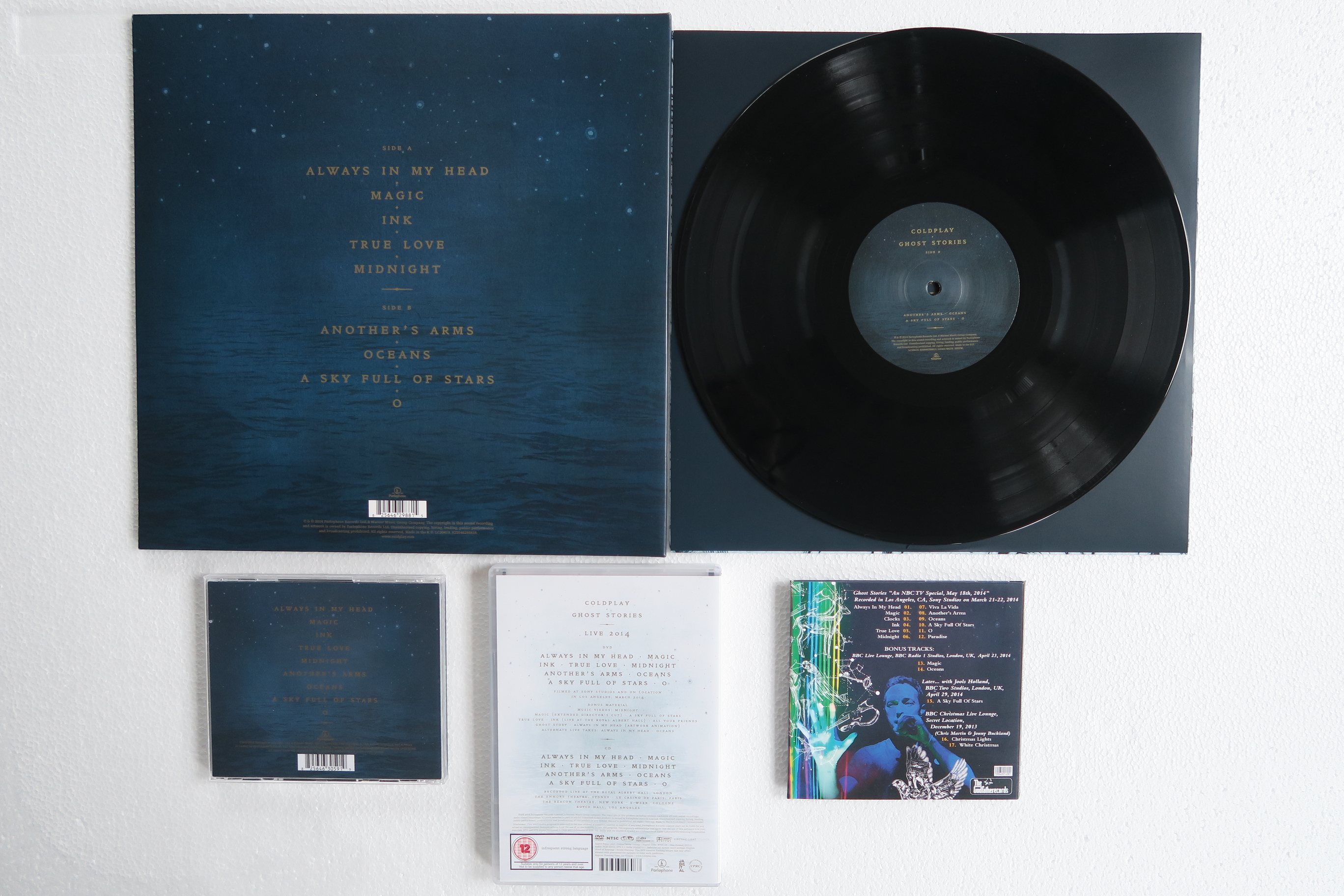
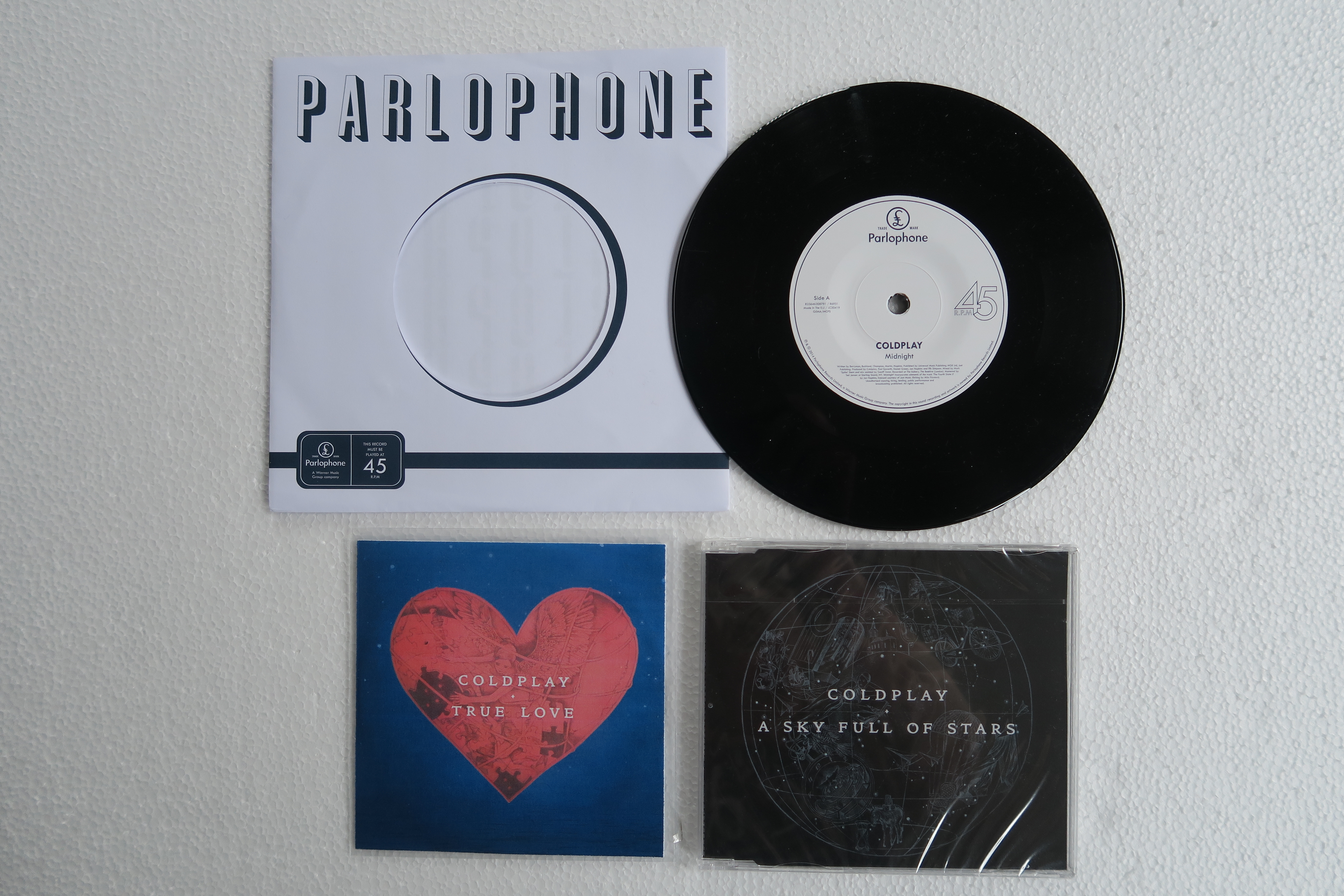
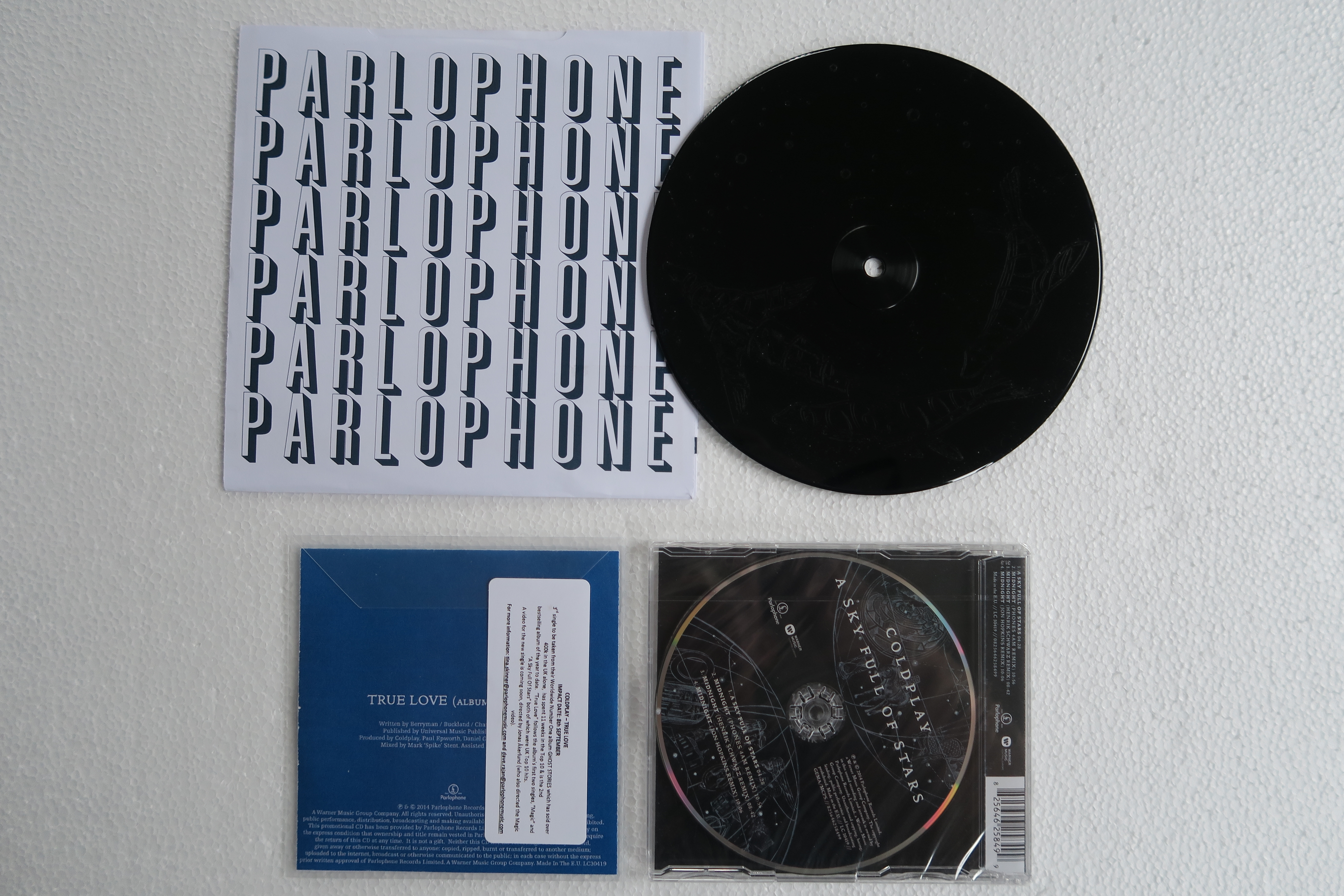
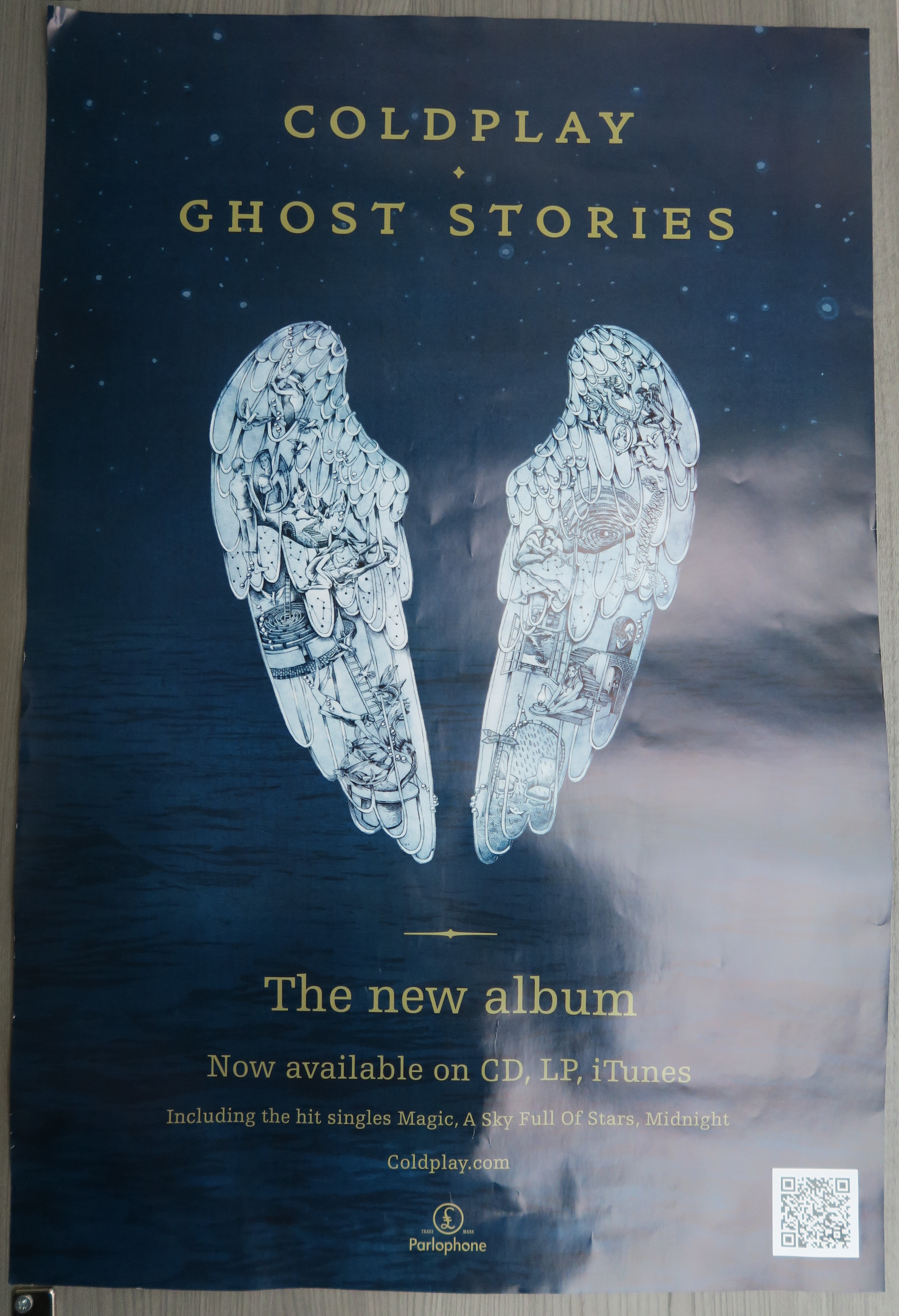
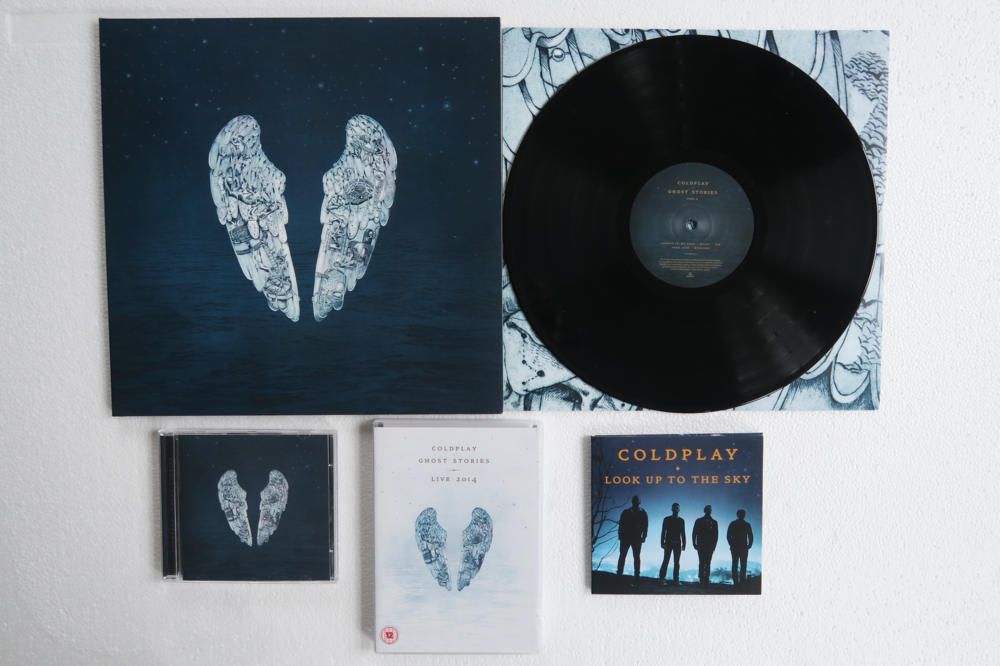
This one is also not very well represented in my collection... GHOST STORIES Vinyl - CD Singles poster
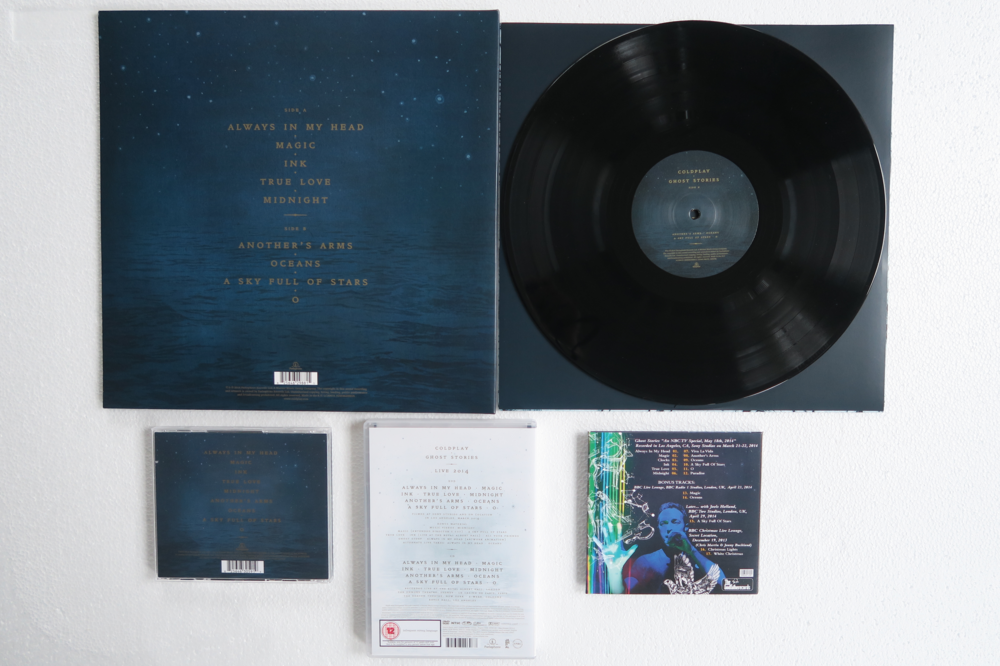
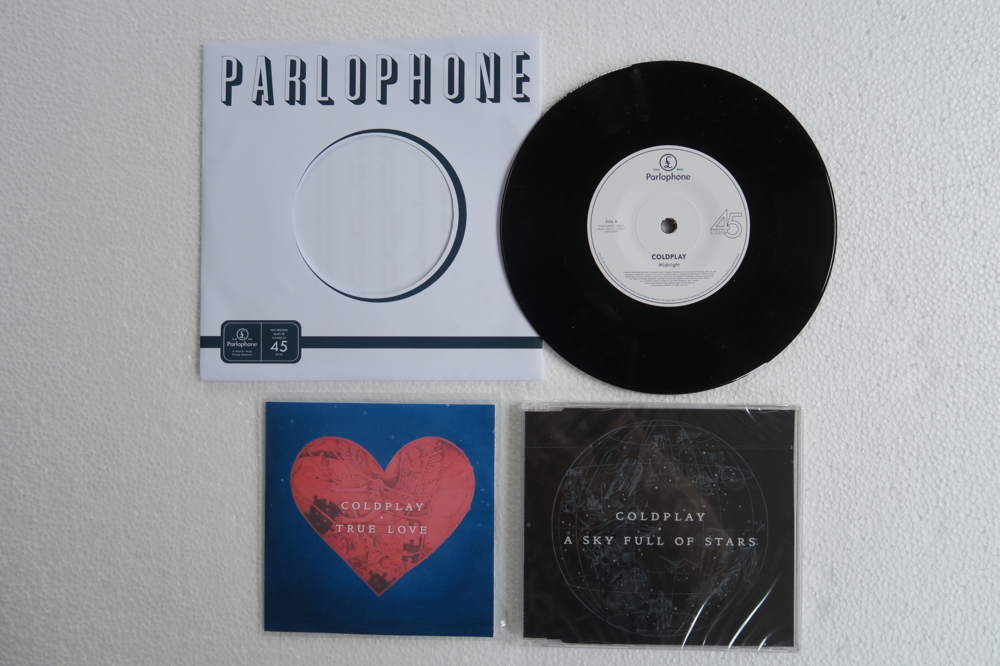
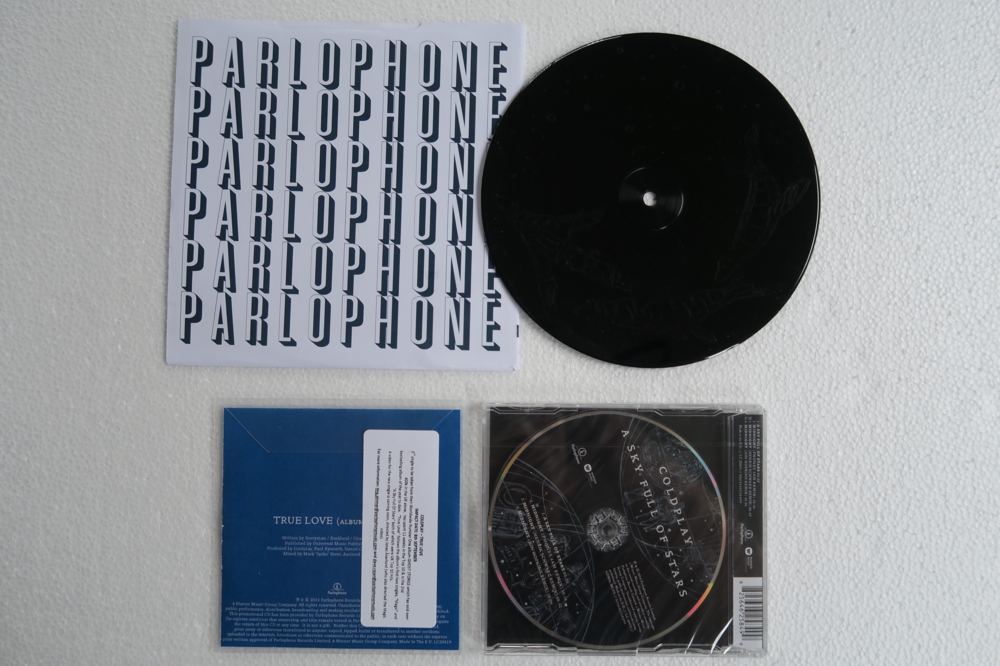
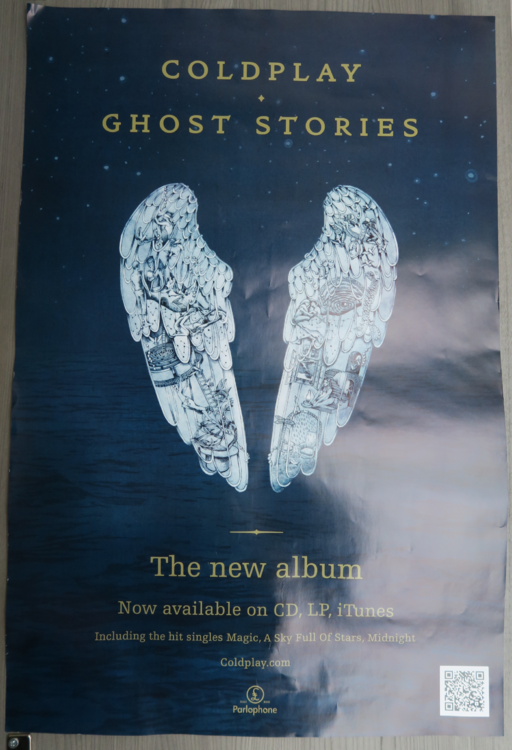
-
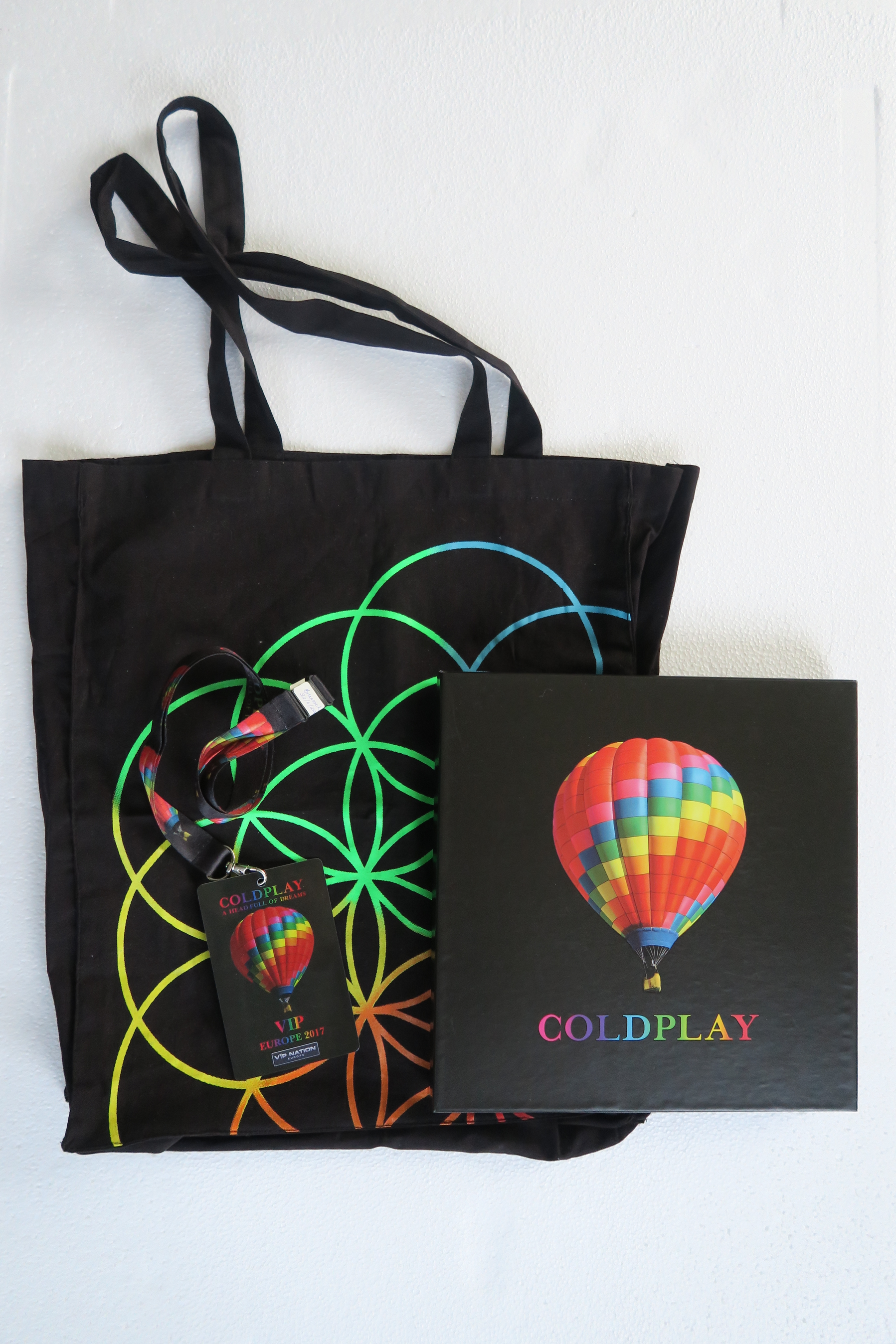
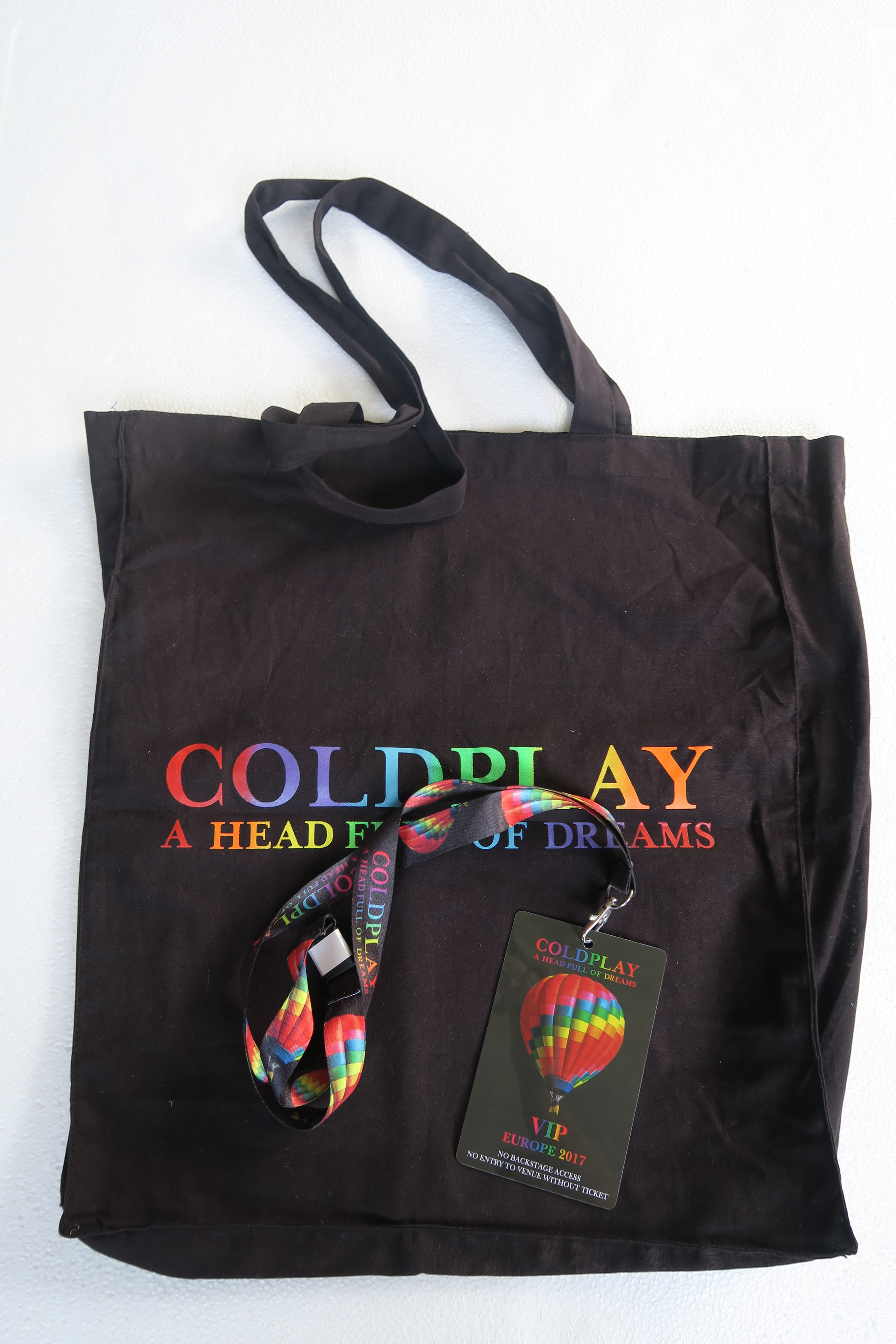
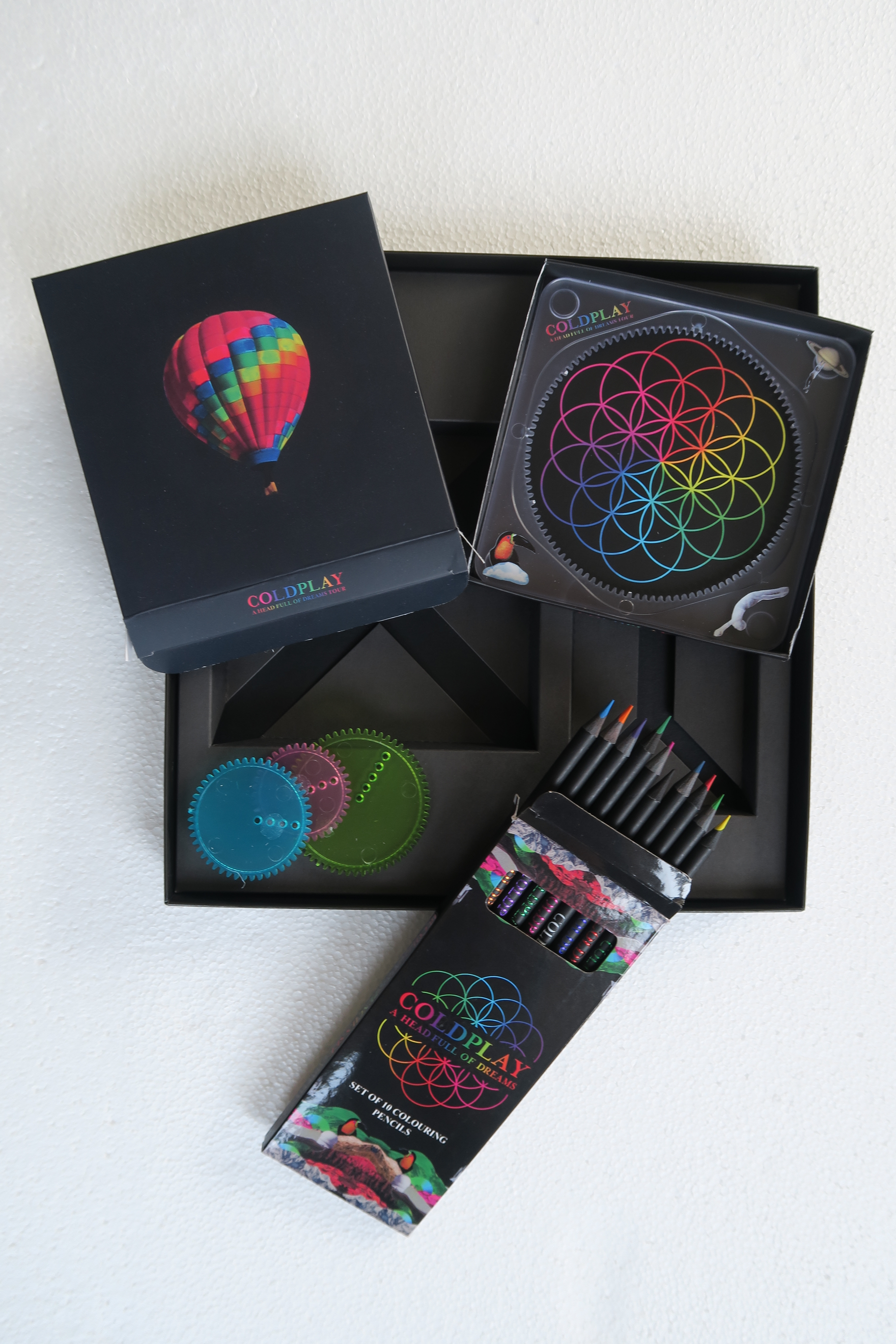
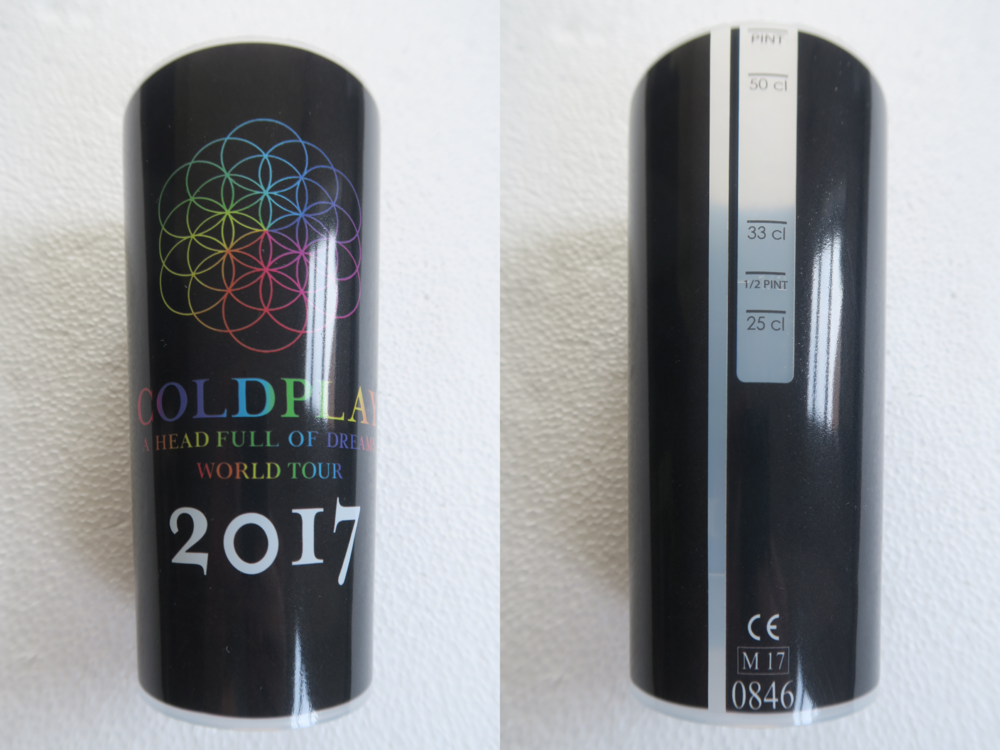
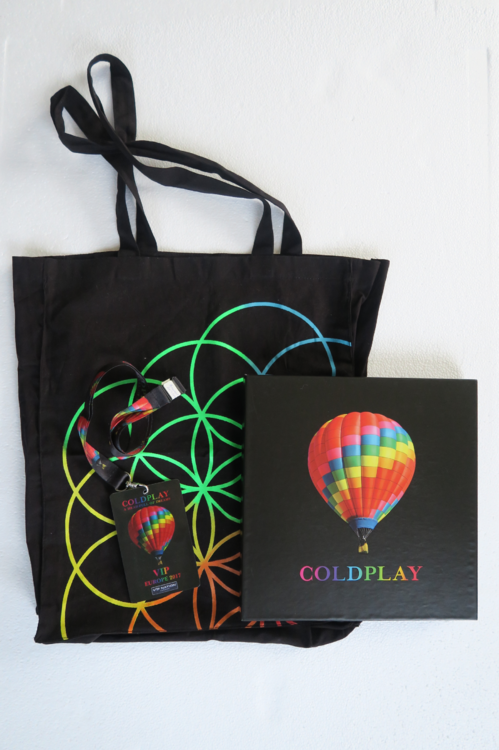
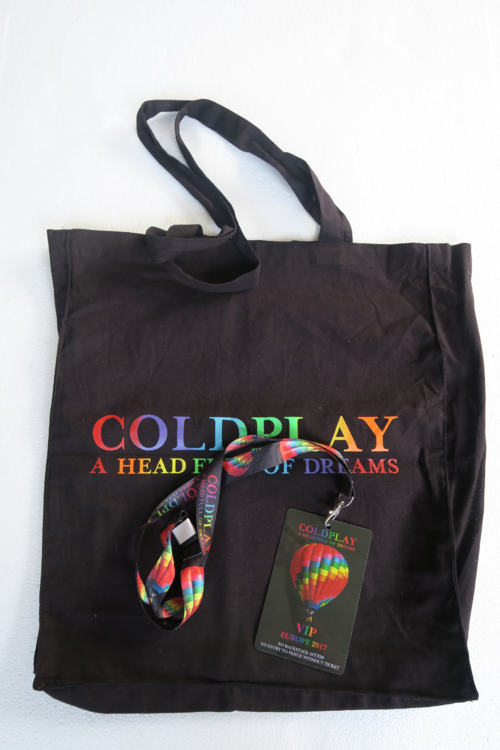
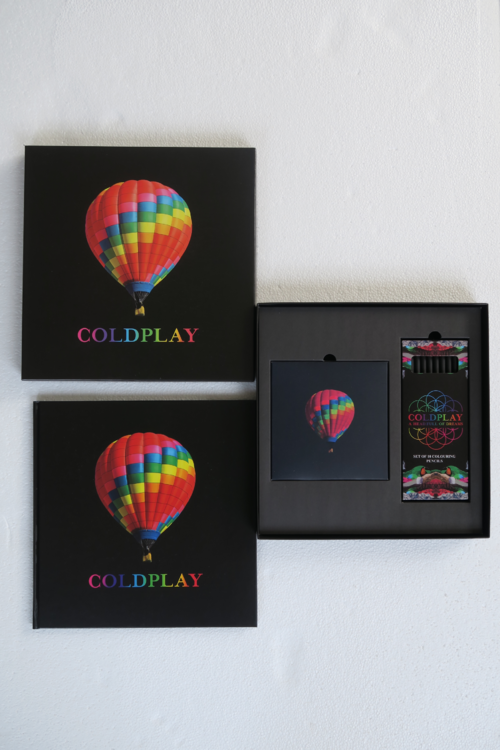
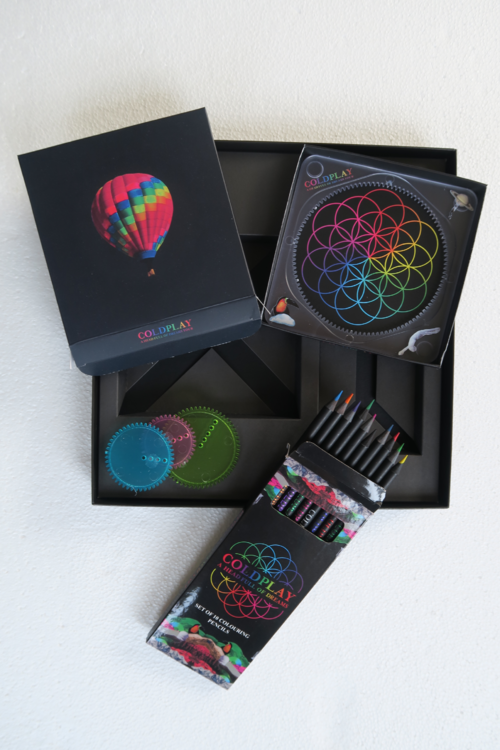
Concert memorabilia [ATTACH=full]7349[/ATTACH] Early Entrance Package (Brussels + Paris) And I have 2 40x40 posters which I didn't frame yet: AHFOD album artwork + the auras
-
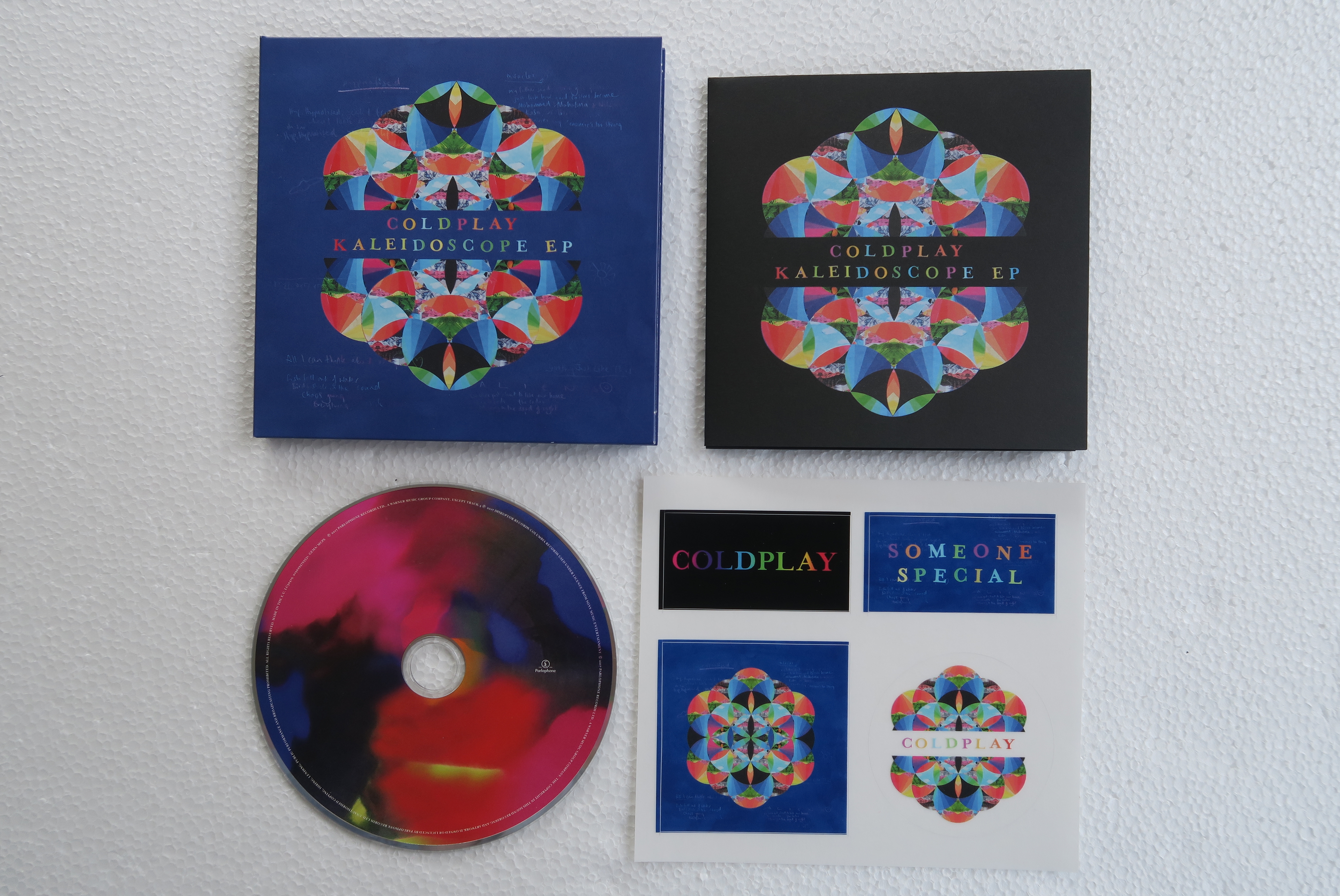
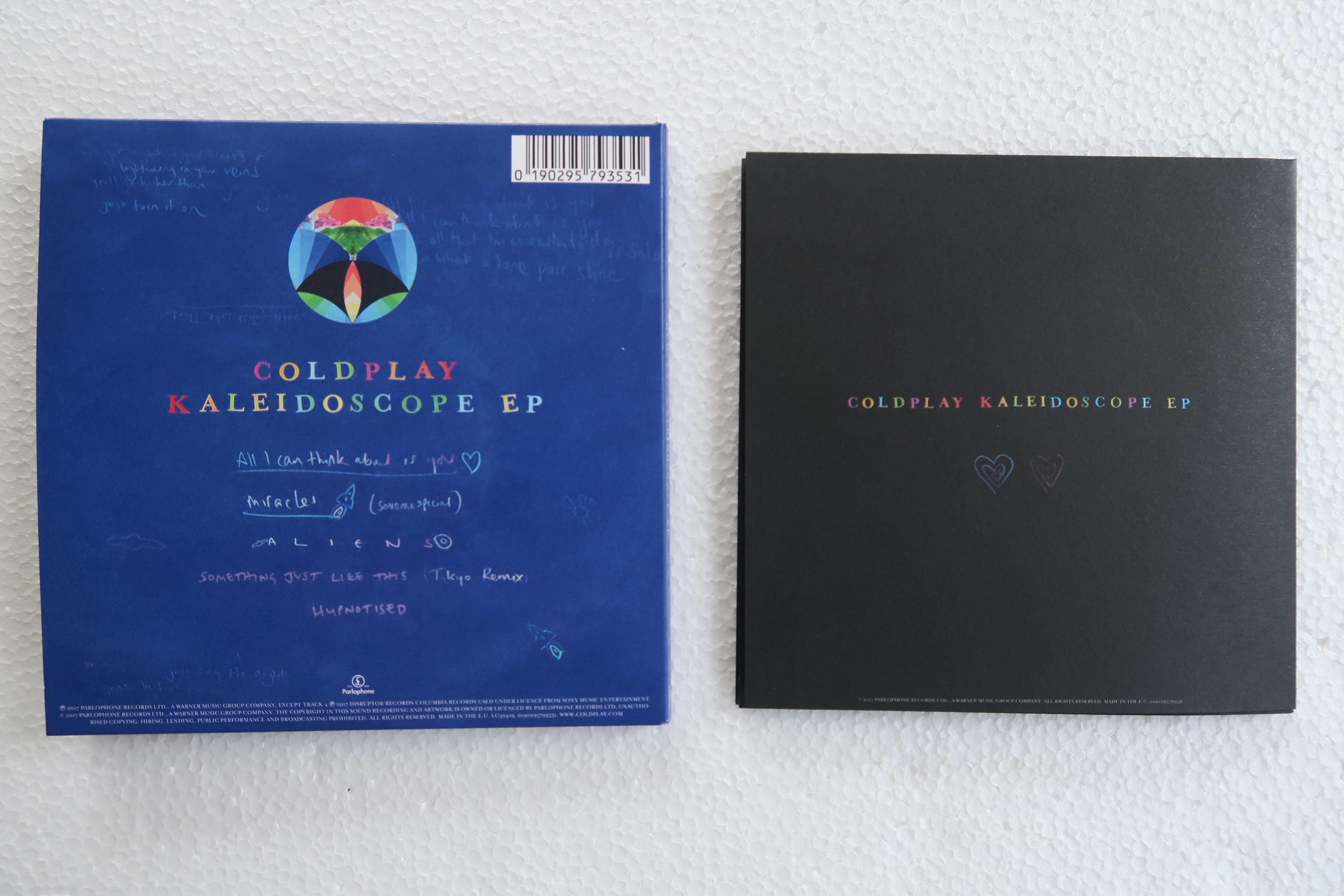
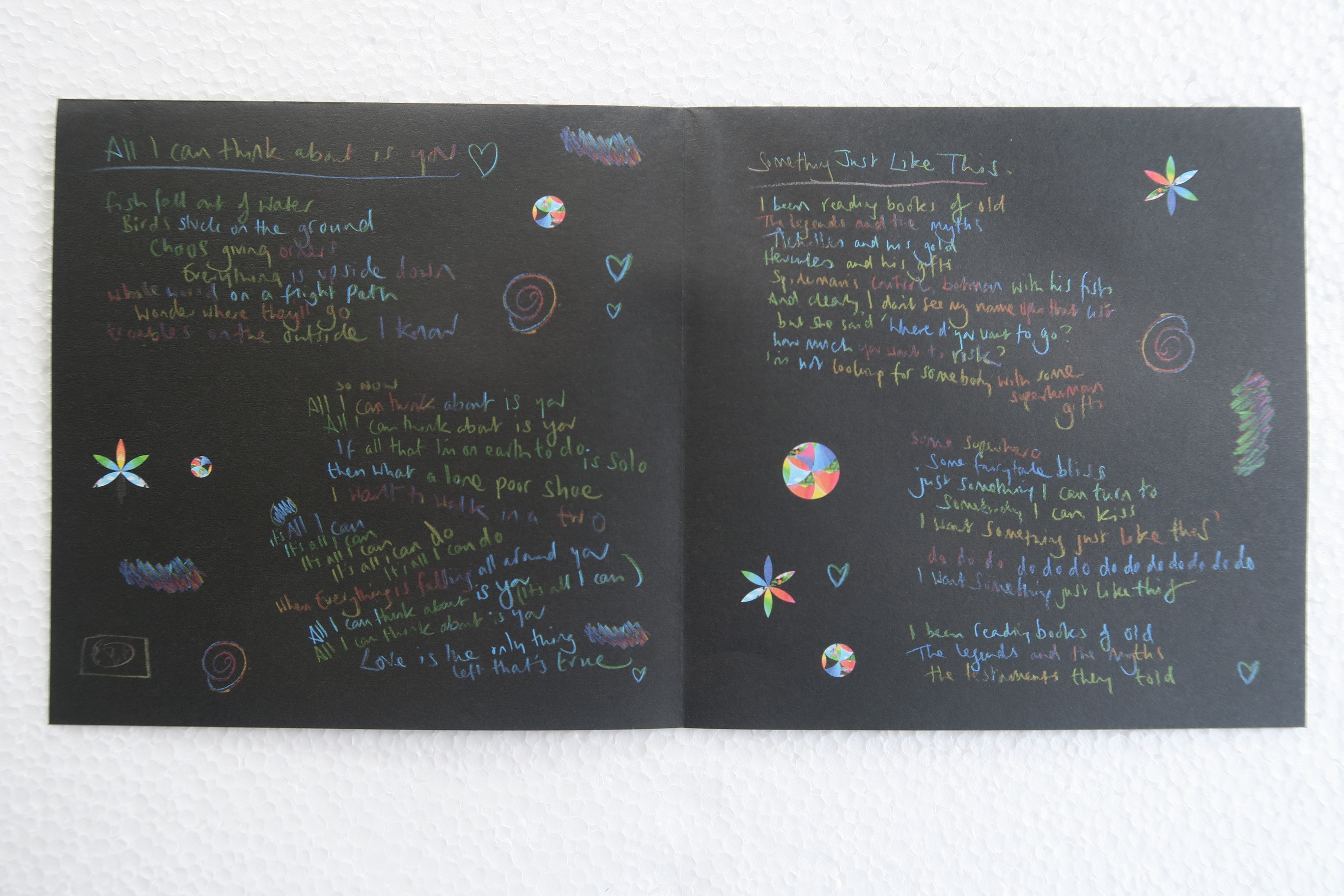
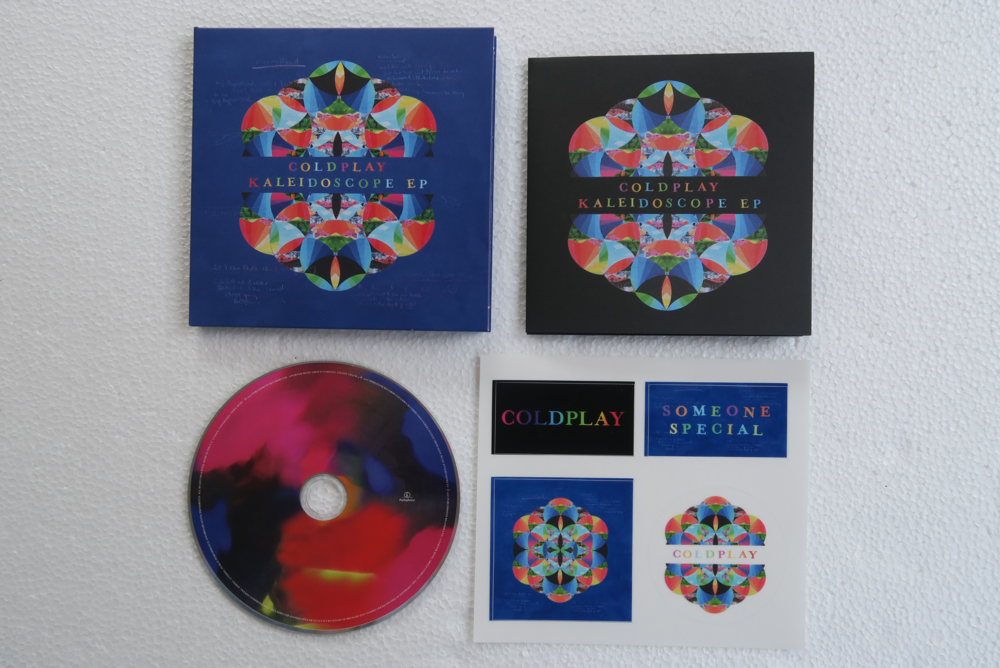
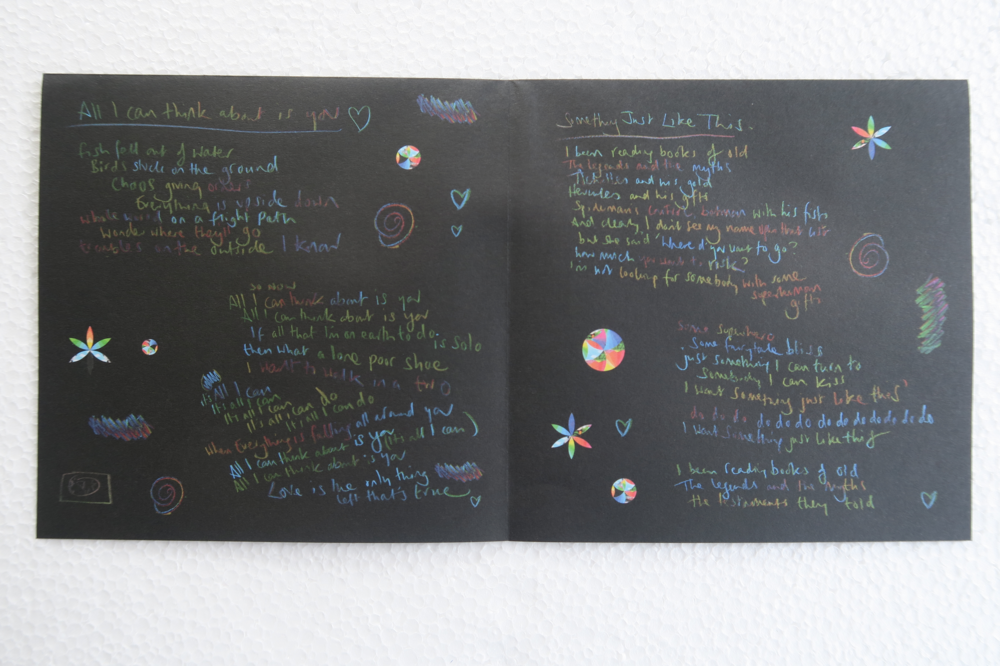
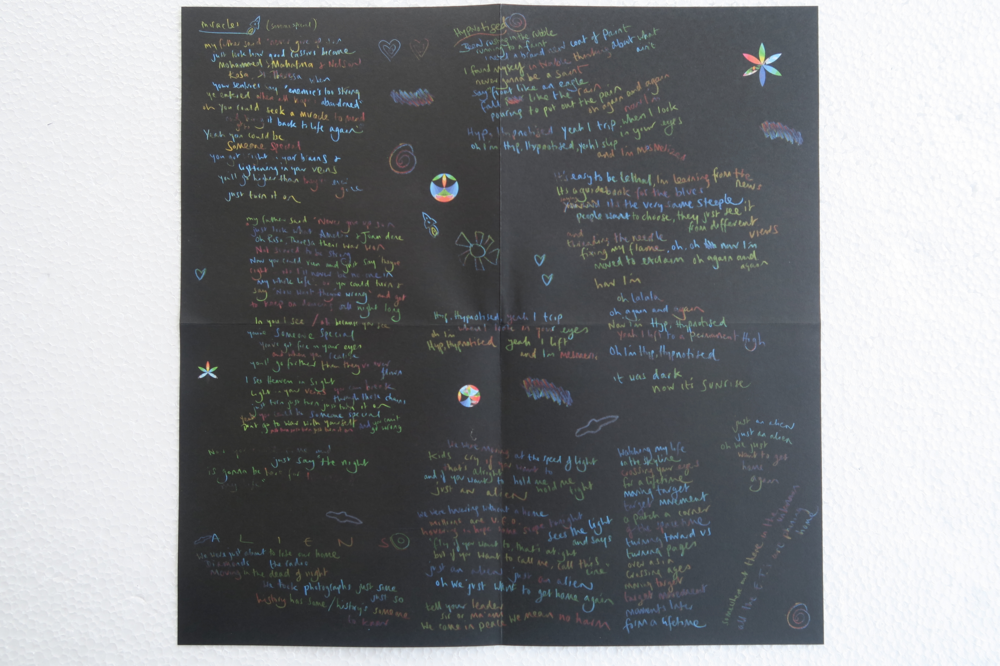
KALEIDOSCOPE EP CD
-
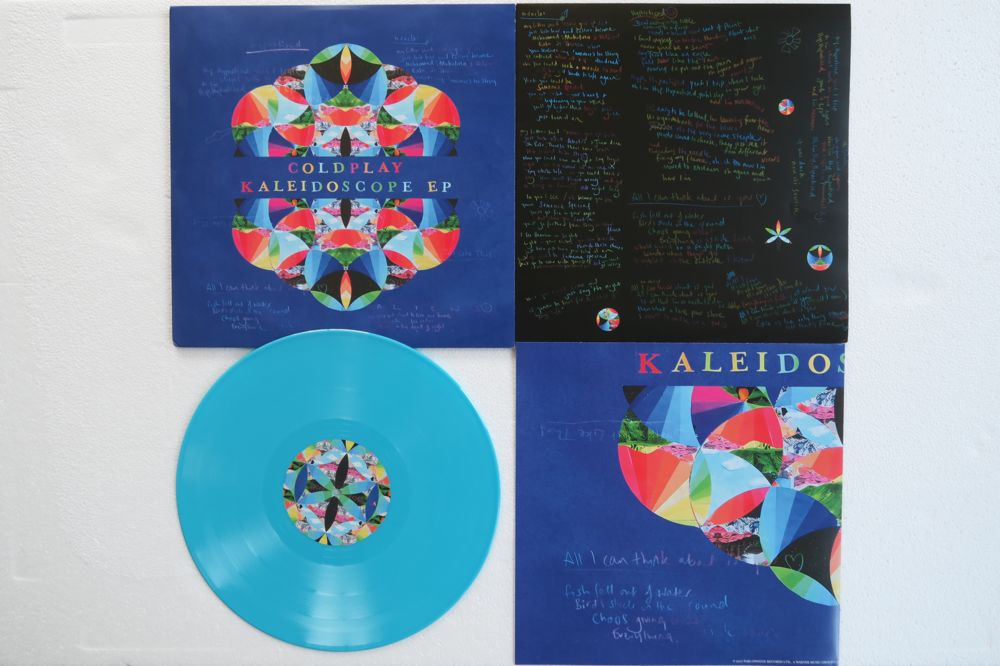
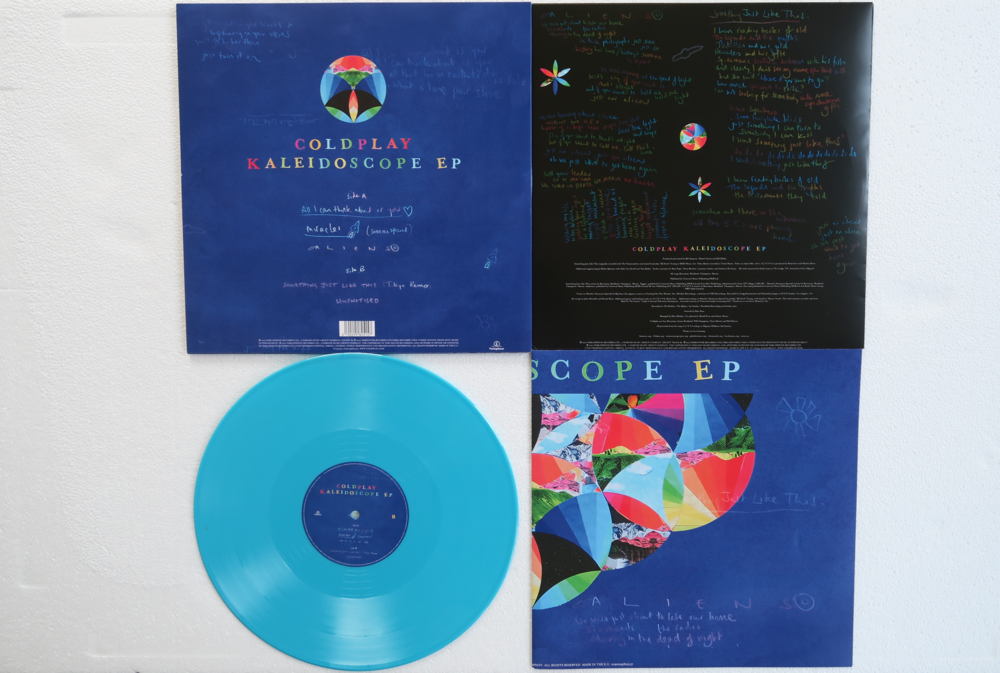
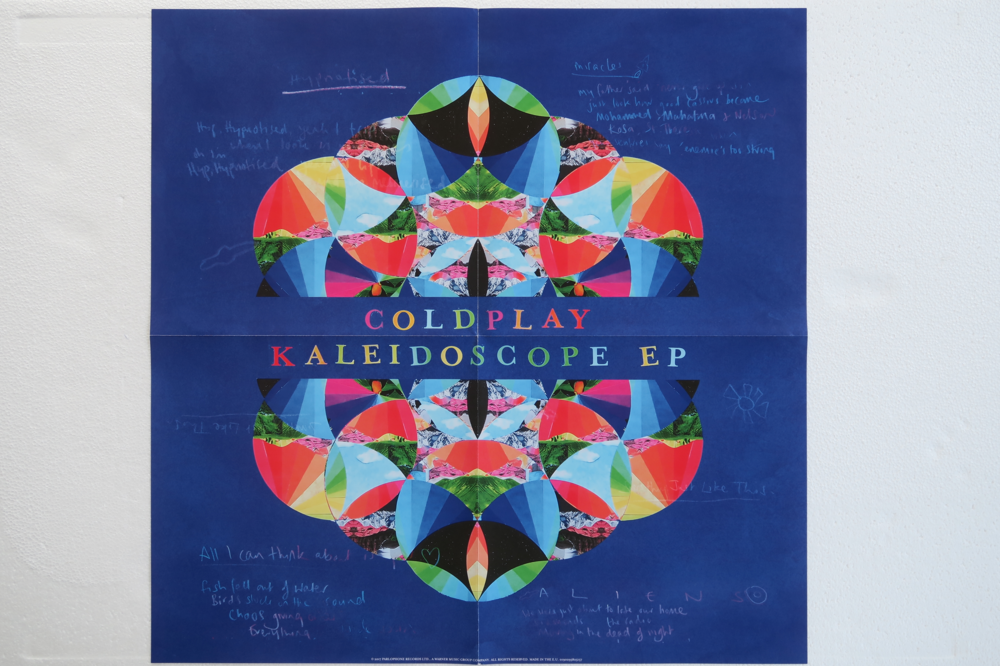
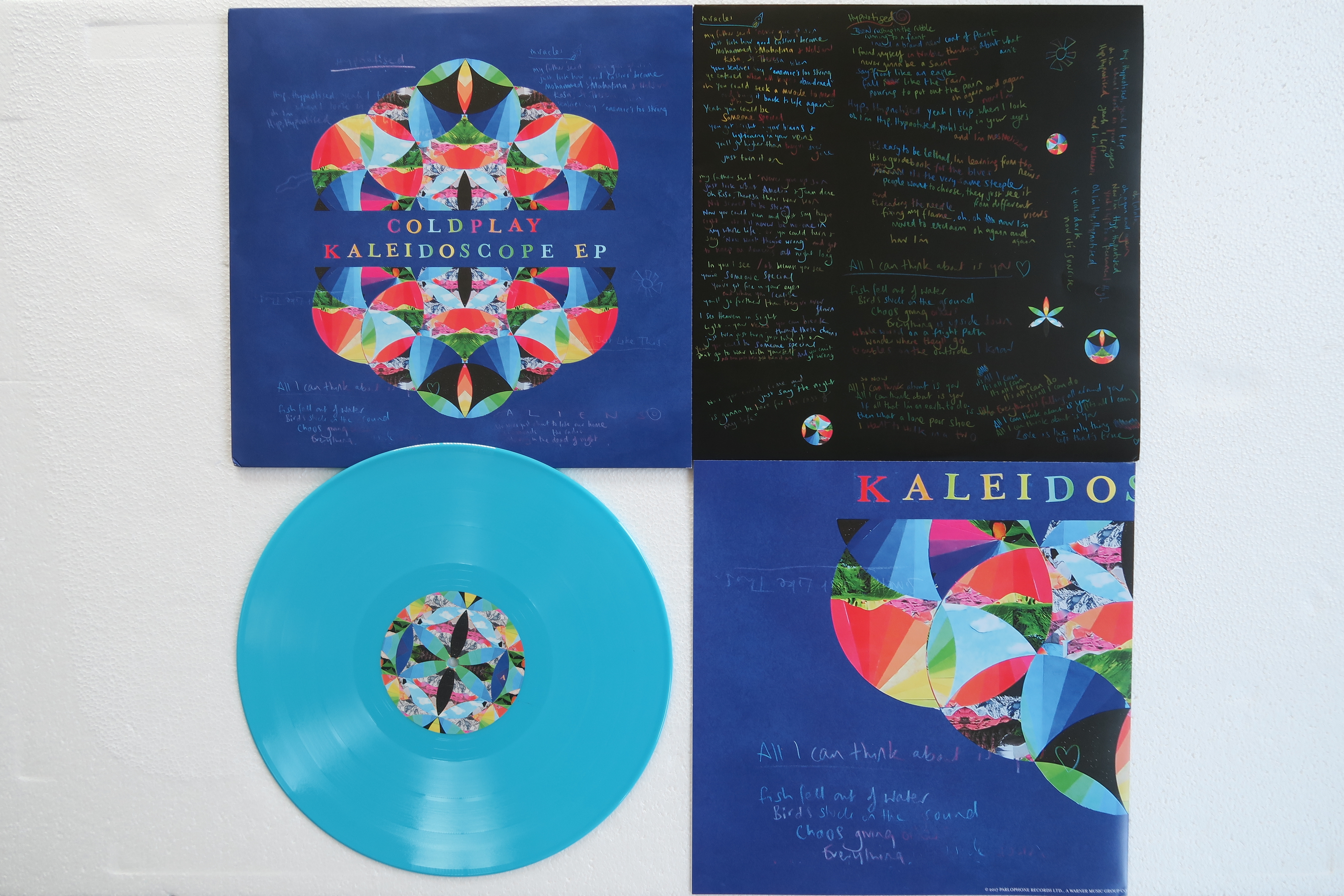
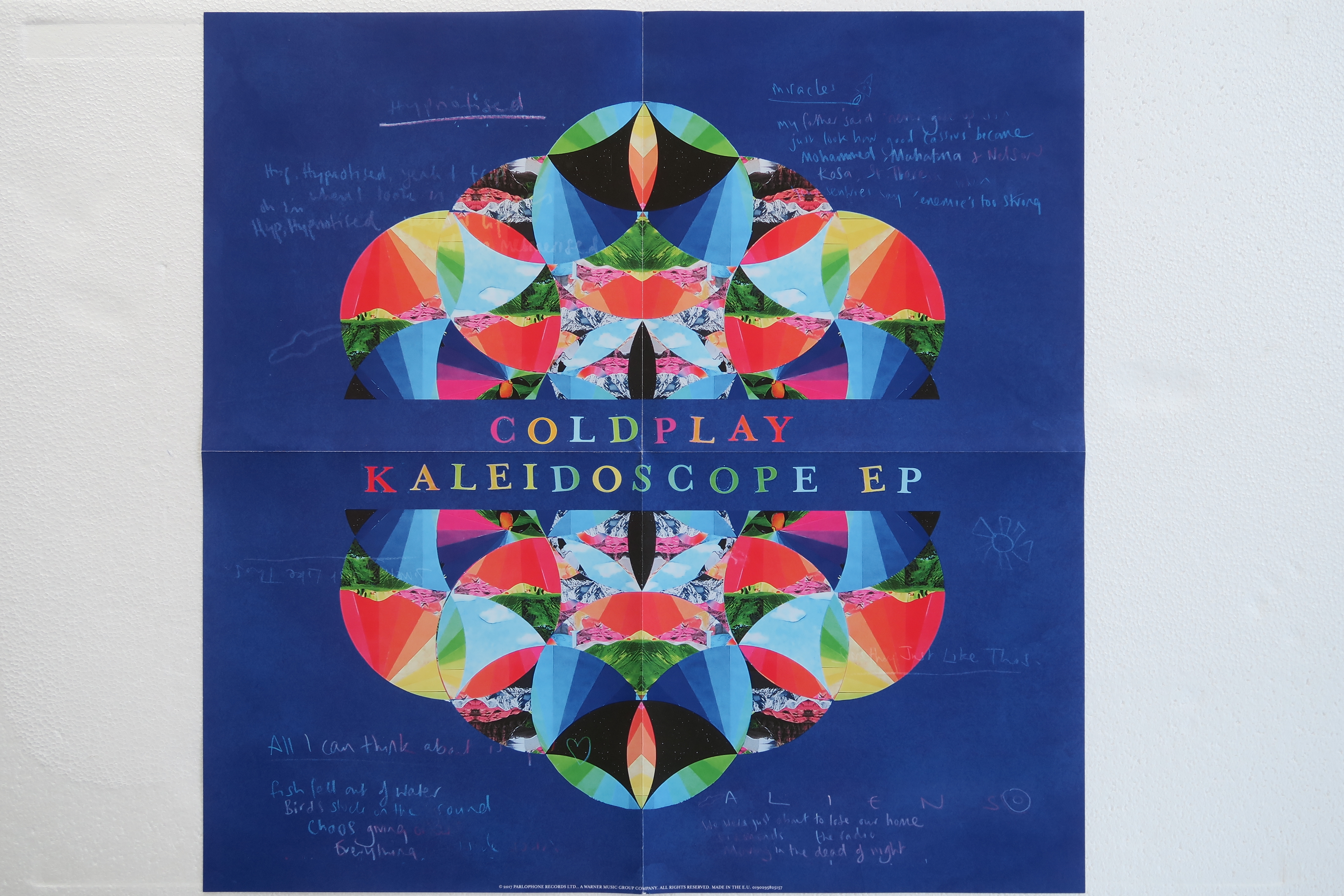
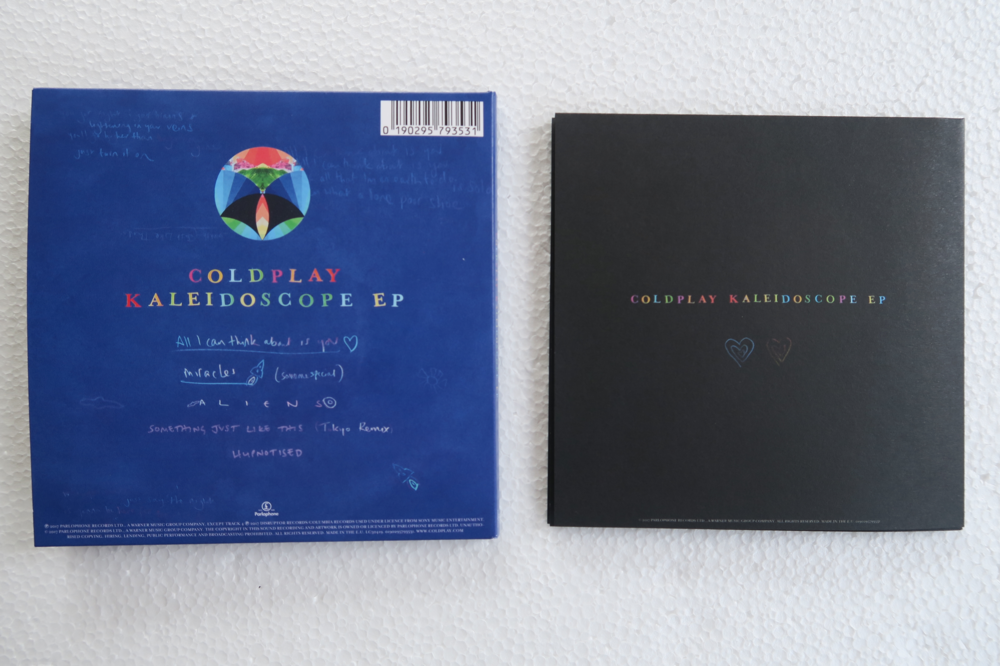
KALEIDOSCOPE EP Vinyl