



Skip to content
View in the app

A better way to browse. Learn more.

Coldplaying

A full-screen app on your home screen with push notifications, badges and more.

To install this app on iOS and iPadOS
  1. Tap the Share icon in Safari
  2. Scroll the menu and tap Add to Home Screen.
  3. Tap Add in the top-right corner.
To install this app on Android
  1. Tap the 3-dot menu (⋮) in the top-right corner of the browser.
  2. Tap Add to Home screen or Install app.
  3. Confirm by tapping Install.

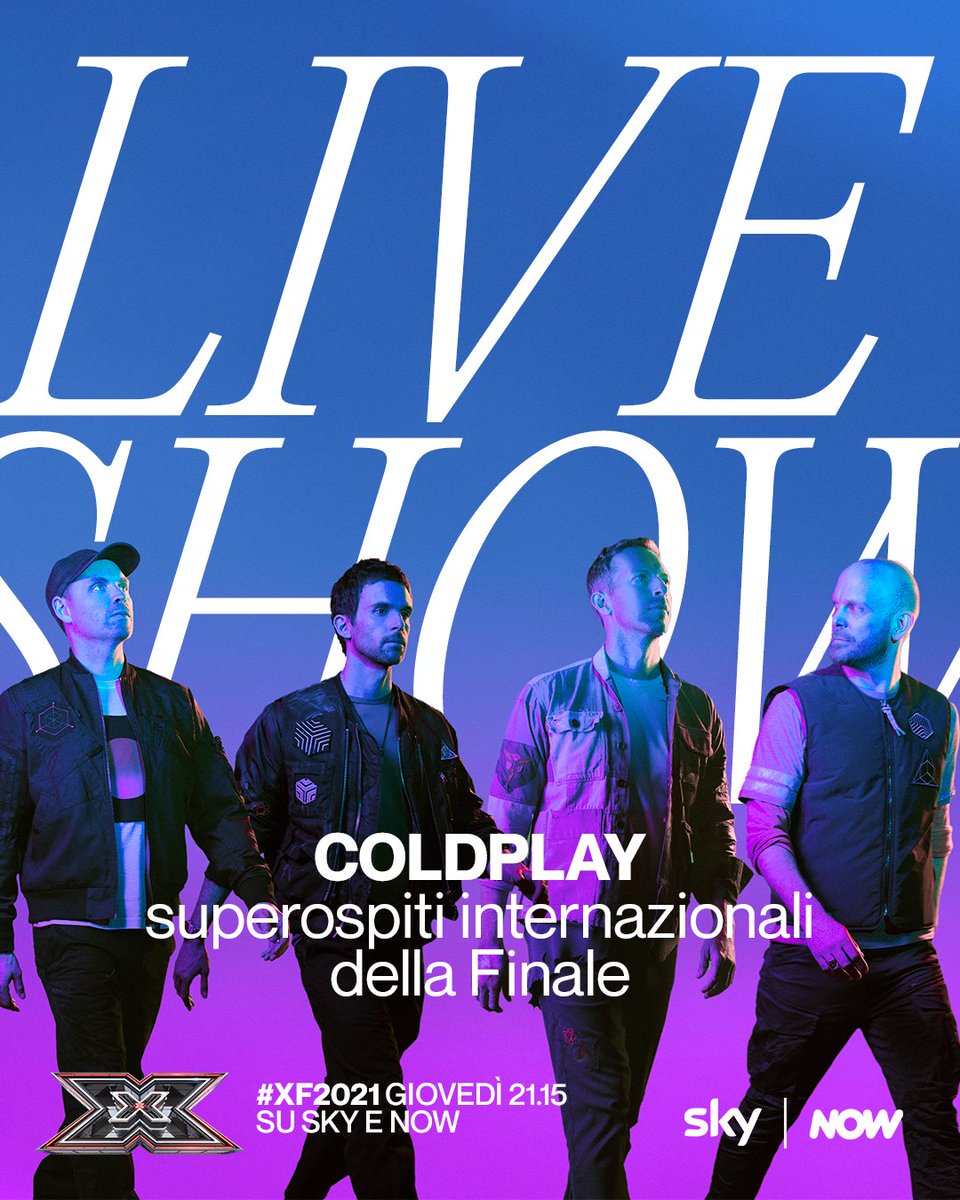
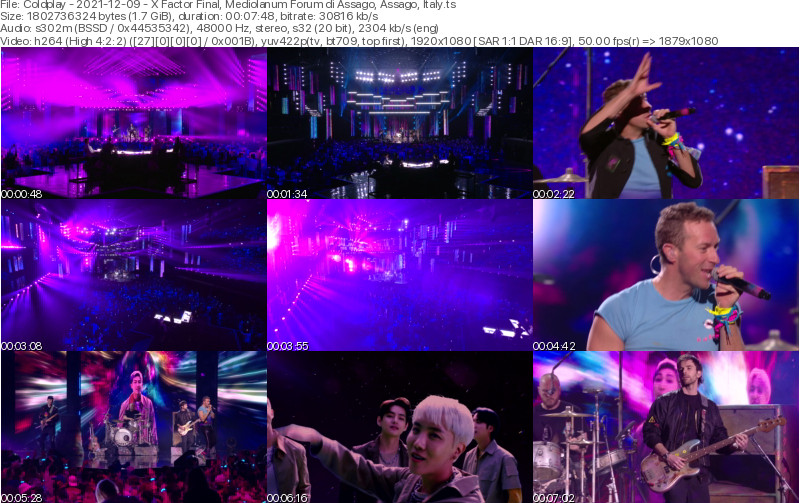
[2021-12-09] X Factor Final, Mediolanum Forum di Assago, Assago, Italy [1080i | 27.0 Mb/s]

2 Screenshots

Coldplay
X Factor Final
Mediolanum Forum di Assago
Assago, Italy
Dec 9, 2021

Lineage: 10E (Eutelsat 10A) > Unknown > file.ts

Video: H264 Video 1920x1080i 16:9 27.0 Mb/s 25.00 fps 8-bit 4:2:2
Audio: PCM (in SMPTE 302M wrapper) 1920 Kbps 48.0 KHz stereo

Setlist:
01. Higher Power
02. My Universe

Notes: Performed live for X Factor Italy Final 2021. Thanks art-v-k for capturing!

Media Info:

Spoiler


General
ID                                       : 1 (0x1)
Format                                   : MPEG-TS
File size                                : 1.68 GiB
Duration                                 : 7 min 48 s
Overall bit rate mode                    : Variable
Overall bit rate                         : 30.8 Mb/s

Video
ID                                       : 512 (0x200)
Menu ID                                  : 1 (0x1)
Format                                   : AVC
Format/Info                              : Advanced Video Codec
Format profile                           : High 4:2:[email protected]
Format settings                          : CABAC / 4 Ref Frames
Format settings, CABAC                   : Yes
Format settings, Reference frames        : 4 frames
Codec ID                                 : 27
Duration                                 : 7 min 48 s
Bit rate                                 : 27.0 Mb/s
Width                                    : 1 920 pixels
Height                                   : 1 080 pixels
Display aspect ratio                     : 16:9
Frame rate                               : 25.000 FPS
Color space                              : YUV
Chroma subsampling                       : 4:2:2
Bit depth                                : 8 bits
Scan type                                : Interlaced
Scan type, store method                  : Separated fields
Scan order                               : Top Field First
Bits/(Pixel*Frame)                       : 0.520
Stream size                              : 1.47 GiB (87%)
Color range                              : Limited
Color primaries                          : BT.709
Transfer characteristics                 : BT.709
Matrix coefficients                      : BT.709

Audio
ID                                       : 4112 (0x1010)
Menu ID                                  : 1 (0x1)
Format                                   : PCM
Format settings                          : Little
Muxing mode                              : SMPTE ST 302
Codec ID                                 : 6
Duration                                 : 7 min 48 s
Bit rate mode                            : Constant
Bit rate                                 : 1 920 kb/s
Channel(s)                               : 2 channels
Sampling rate                            : 48.0 kHz
Bit depth                                : 20 bits
Stream size                              : 107 MiB (6%)
Language                                 : English

Menu
ID                                       : 32 (0x20)
Menu ID                                  : 1 (0x1)
Duration                                 : 7 min 48 s
List                                     : 512 (0x200) (AVC) / 4112 (0x1010) (PCM, English)
Language                                 :  / English
Maximum bit rate                         : 200000000


Account

Navigation

Search

Search

Configure browser push notifications

Chrome (Android)
  1. Tap the lock icon next to the address bar.
  2. Tap Permissions → Notifications.
  3. Adjust your preference.
Chrome (Desktop)
  1. Click the padlock icon in the address bar.
  2. Select Site settings.
  3. Find Notifications and adjust your preference.
