



Skip to content
View in the app

A better way to browse. Learn more.

Coldplaying

A full-screen app on your home screen with push notifications, badges and more.

To install this app on iOS and iPadOS
  1. Tap the Share icon in Safari
  2. Scroll the menu and tap Add to Home Screen.
  3. Tap Add in the top-right corner.
To install this app on Android
  1. Tap the 3-dot menu (⋮) in the top-right corner of the browser.
  2. Tap Add to Home screen or Install app.
  3. Confirm by tapping Install.

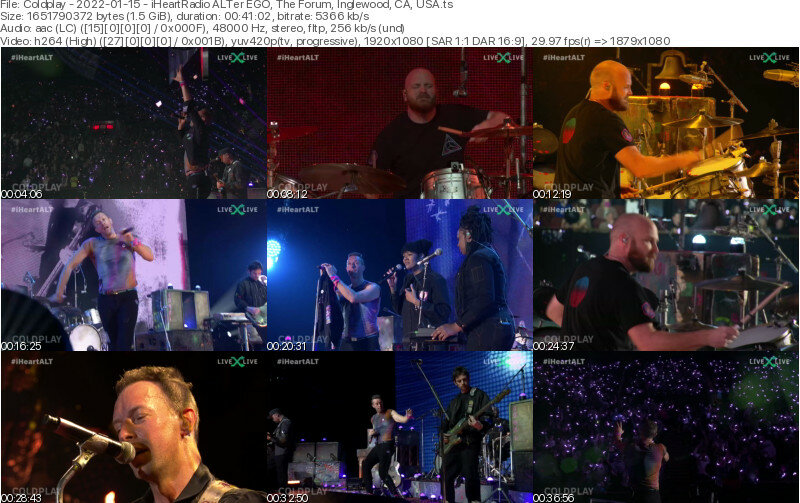
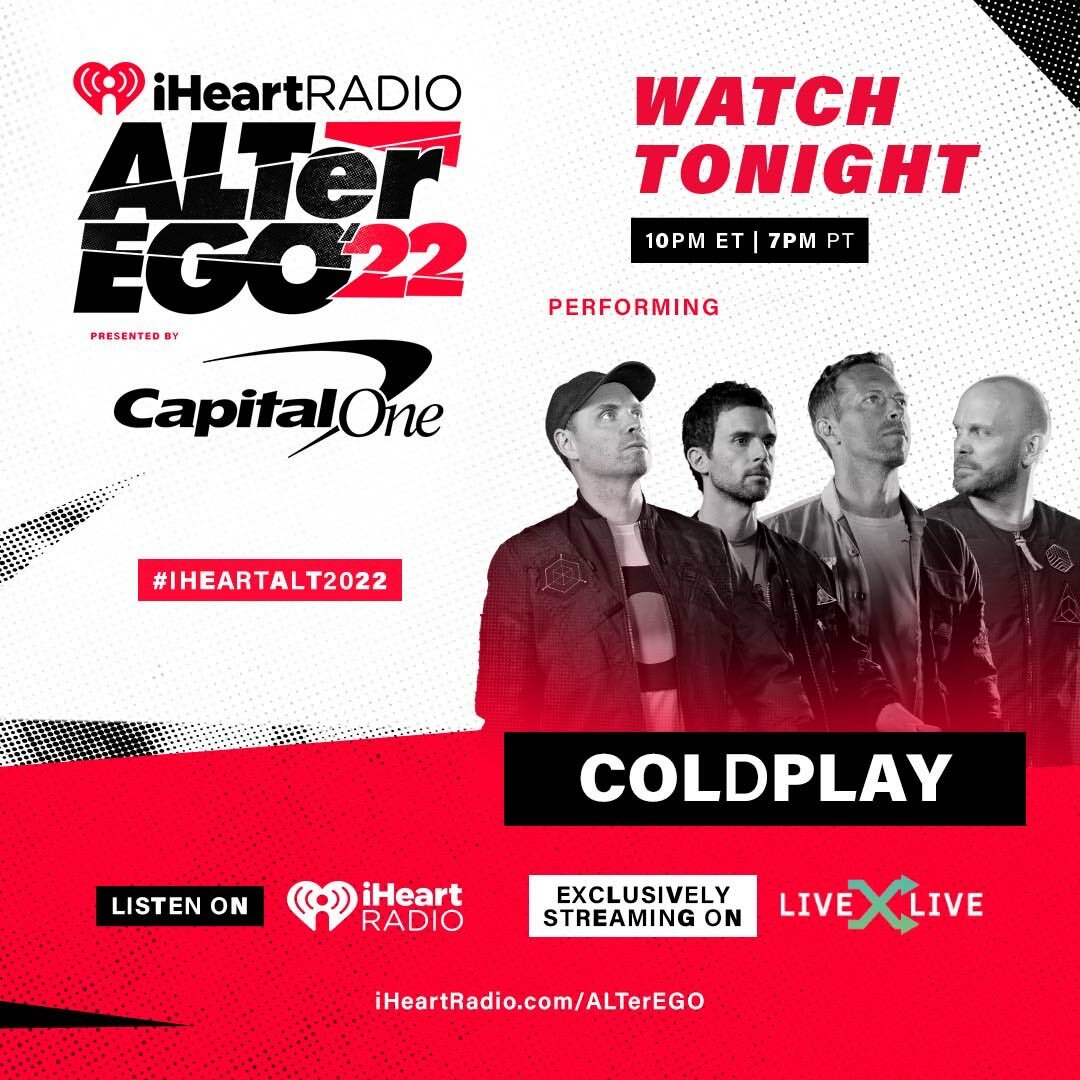
[2022-01-15] iHeartRadio ALTer EGO, The Forum, Inglewood, CA, USA [1080p | 5172kb/s]

2 Screenshots

Coldplay
iHeartRadio ALTer EGO
The Forum
Inglewood, CA, USA
Jan 15, 2022

Lineage: LiveXLive Stream > Streamlink > LosslessCut > file.ts

Video: H264 Video 1920x1080p 16:9 5172 kb/s 29.97 fps 8-bit 4:2:0
Audio: AAC LC 228 Kbps 48.0 KHz stereo

Setlist:
Music of The Spheres
01. Higher Power
02. Clocks
03. Fix You
04. Viva La Vida
05. Human Heart (with We Are KING)
06. People of The Pride
07. Yellow
08. My Universe
09. A Sky Full of Stars

Notes: Streamed on LiveXLive for iHeart ALTer EGO 2022

Media Info:

Spoiler

General
ID                                       : 1 (0x1)
Format                                   : MPEG-TS
File size                                : 1.54 GiB
Duration                                 : 40 min 59 s
Overall bit rate mode                    : Variable
Overall bit rate                         : 5 372 kb/s

Video
ID                                       : 256 (0x100)
Menu ID                                  : 1 (0x1)
Format                                   : AVC
Format/Info                              : Advanced Video Codec
Format profile                           : High@L4
Format settings                          : CABAC / 2 Ref Frames
Format settings, CABAC                   : Yes
Format settings, Reference frames        : 2 frames
Format settings, GOP                     : M=4, N=60
Codec ID                                 : 27
Duration                                 : 40 min 59 s
Bit rate mode                            : Variable
Maximum bit rate                         : 5 000 kb/s
Width                                    : 1 920 pixels
Height                                   : 1 080 pixels
Display aspect ratio                     : 16:9
Frame rate                               : 29.970 (30000/1001) FPS
Standard                                 : Component
Color space                              : YUV
Chroma subsampling                       : 4:2:0
Bit depth                                : 8 bits
Scan type                                : Progressive
Color range                              : Limited

Audio
ID                                       : 257 (0x101)
Menu ID                                  : 1 (0x1)
Format                                   : AAC LC
Format/Info                              : Advanced Audio Codec Low Complexity
Format version                           : Version 2
Muxing mode                              : ADTS
Codec ID                                 : 15-2
Duration                                 : 41 min 2 s
Bit rate mode                            : Variable
Channel(s)                               : 2 channels
Channel layout                           : L R
Sampling rate                            : 48.0 kHz
Frame rate                               : 46.875 FPS (1024 SPF)
Compression mode                         : Lossy
Delay relative to video                  : -2 s 243 ms

Menu
ID                                       : 4096 (0x1000)
Menu ID                                  : 1 (0x1)
Duration                                 : 40 min 59 s
List                                     : 256 (0x100) (AVC) / 257 (0x101) (AAC)
Service name                             : Service01
Service provider                         : FFmpeg
Service type                             : digital television


Account

Navigation

Search

Search

Configure browser push notifications

Chrome (Android)
  1. Tap the lock icon next to the address bar.
  2. Tap Permissions → Notifications.
  3. Adjust your preference.
Chrome (Desktop)
  1. Click the padlock icon in the address bar.
  2. Select Site settings.
  3. Find Notifications and adjust your preference.
