



Skip to content
View in the app

A better way to browse. Learn more.

Coldplaying

A full-screen app on your home screen with push notifications, badges and more.

To install this app on iOS and iPadOS
  1. Tap the Share icon in Safari
  2. Scroll the menu and tap Add to Home Screen.
  3. Tap Add in the top-right corner.
To install this app on Android
  1. Tap the 3-dot menu (⋮) in the top-right corner of the browser.
  2. Tap Add to Home screen or Install app.
  3. Confirm by tapping Install.

[2016-11-19] Global Citizen Festival, MMRDA Grounds Bandra-Kurla Complex, Mumbai, India [1080p | 16.7Mb/s]

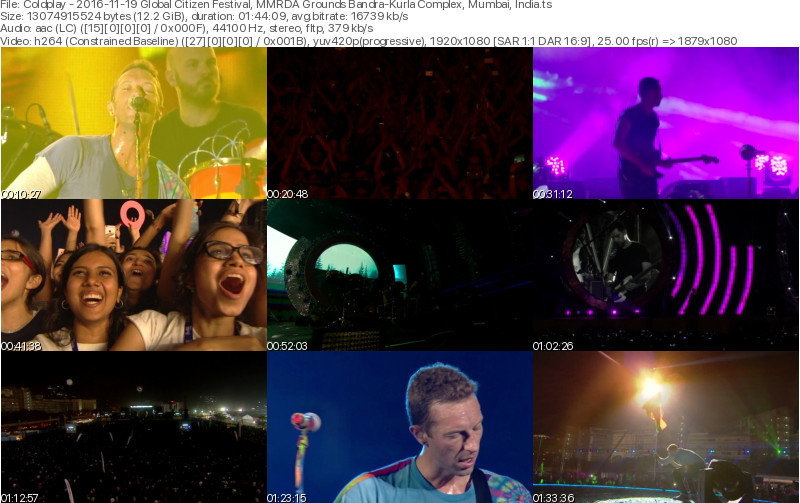
2 Screenshots

Coldplay
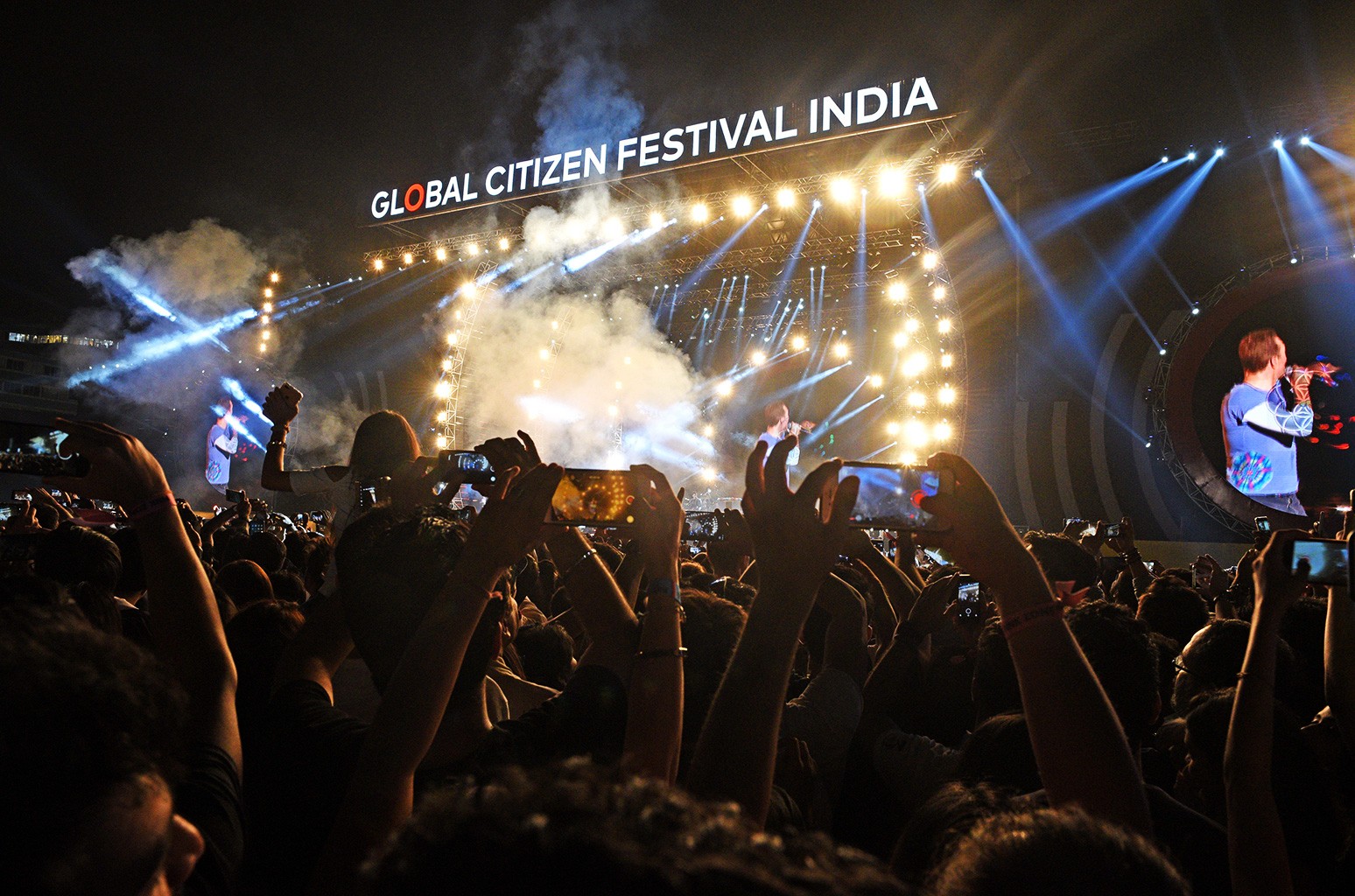
Global Citizen Festival India
MMRDA Grounds Bandra-Kurla Complex
Mumbai, India
November 19, 2016

Lineage: Webcast > Livestreamer > FFmpeg (edit) > .ts

Video: H264 Video 1920x1080p 16:9 16.7 Mb/s 25.00 fps 8-bit 4:2:0
Audio: AAC LC 384 Kbps 44.1 KHz stereo

Setlist:
01. A Head Full of Dreams (extended intro with Charlie Chaplin speech)
02. Yellow
03. Every Teardrop Is a Waterfall
04. The Scientist
05. God Put a Smile Upon Your Face
06. Paradise (with Tiësto remix outro)

B-Stage
07. Always In My Head
08. Magic
09. Everglow (single version)

A-Stage
10. Clocks (with "Army Of One" excerpt in intro)
11. Midnight (partial)
12. Charlie Brown
13. "Heroes" (David Bowie cover)
14. Viva la Vida
15. Adventure of a Lifetime

B-Stage
Kaleidoscope
16. Don't Panic
17. In My Place
18. Maa Tujhe Salaam (A. R. Rahman cover) (with A. R. Rahman)

A-Stage
19. A Sky Full of Stars (with "Channa Mereya" intro)
20. Up&Up

Note: Hymn For The Weekend and Fix You were not broadcast

Media Info:


General


ID                                       : 1 (0x1)
Format                                   : MPEG-TS
File size                                : 12.2 GiB
Duration                                 : 1 h 44 min
Overall bit rate mode                    : Variable
Overall bit rate                         : 16.7 Mb/s

Video
ID                                       : 256 (0x100)
Menu ID                                  : 1 (0x1)
Format                                   : AVC
Format/Info                              : Advanced Video Codec
Format profile                           : [email protected]
Format settings                          : 3 Ref Frames
Format settings, CABAC                   : No
Format settings, Reference frames        : 3 frames
Codec ID                                 : 27
Duration                                 : 1 h 44 min
Width                                    : 1 920 pixels
Height                                   : 1 080 pixels
Display aspect ratio                     : 16:9
Frame rate                               : 25.000 FPS
Color space                              : YUV
Chroma subsampling                       : 4:2:0
Bit depth                                : 8 bits
Scan type                                : Progressive

Audio
ID                                       : 257 (0x101)
Menu ID                                  : 1 (0x1)
Format                                   : AAC LC
Format/Info                              : Advanced Audio Codec Low Complexity
Format version                           : Version 4
Muxing mode                              : ADTS
Codec ID                                 : 15-2
Duration                                 : 1 h 44 min
Bit rate mode                            : Variable
Channel(s)                               : 2 channels
Channel layout                           : L R
Sampling rate                            : 44.1 kHz
Frame rate                               : 43.066 FPS (1024 SPF)
Compression mode                         : Lossy
Delay relative to video                  : 20 ms

Menu
ID                                       : 4096 (0x1000)
Menu ID                                  : 1 (0x1)
Duration                                 : 1 h 44 min
List                                     : 256 (0x100) (AVC) / 257 (0x101) (AAC)
Service name                             : Service01
Service provider                         : FFmpeg
Service type                             : digital television

Account

Navigation

Search

Search

Configure browser push notifications

Chrome (Android)
  1. Tap the lock icon next to the address bar.
  2. Tap Permissions → Notifications.
  3. Adjust your preference.
Chrome (Desktop)
  1. Click the padlock icon in the address bar.
  2. Select Site settings.
  3. Find Notifications and adjust your preference.

