
gpttigers
Members
-
Joined
-
Last visited
Everything posted by gpttigers
-
I bought ponchos off of Amazon a few days ago and plan to wear flip flops walking to and from while carrying my shoes that I plan to do a lot of jumping around in. Fingers crossed.
-
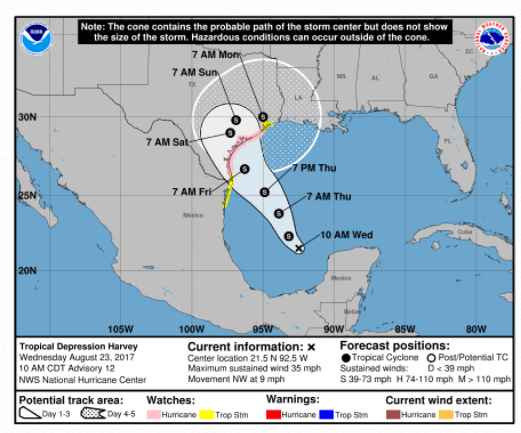
Maybe it is still Corpus or slightly North of Corpus at least as of 10 AM.
-
If it was going to corpus I think the concert is as scheduled. Now the path is between victoria and houston so I am thinking that it gets cancelled and hopefully rescheduled. The Texans are not at NRG the second half of September which helps. But you would think that during that 3 week break that some of the band members have plans to head back home. Maybe they could squeeze us in right before the tour resumes after the break. I would be so disappointed. I have tickets that touch the B stage and this is going to be my 12 year old's first concert experience.