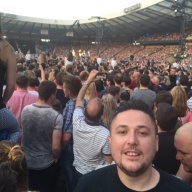
Paul Nelson
Members
-
Joined
-
Last visited
-
Hi, so glad it made it to you. Hope you enjoy and Merry Christmas
-
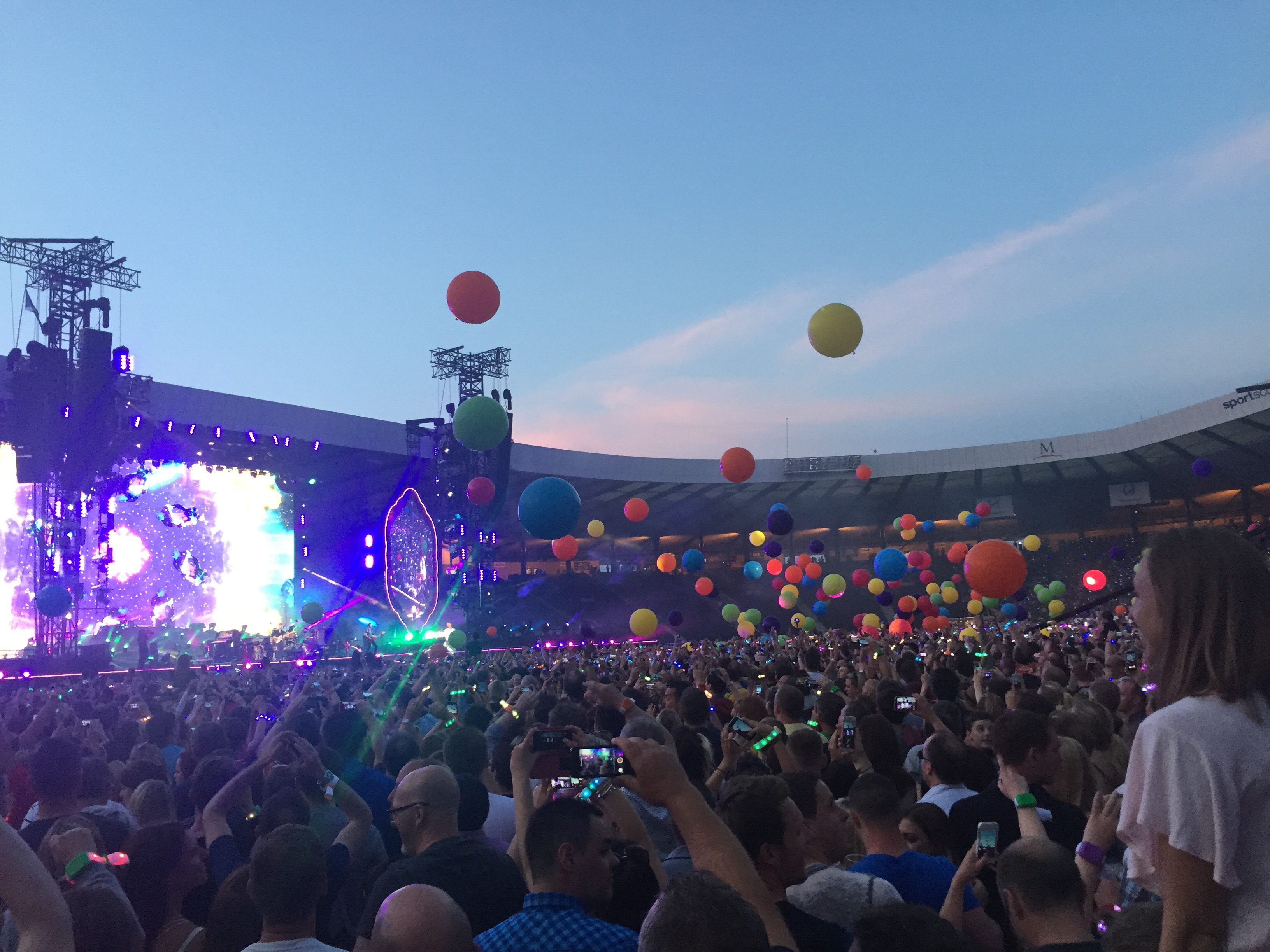
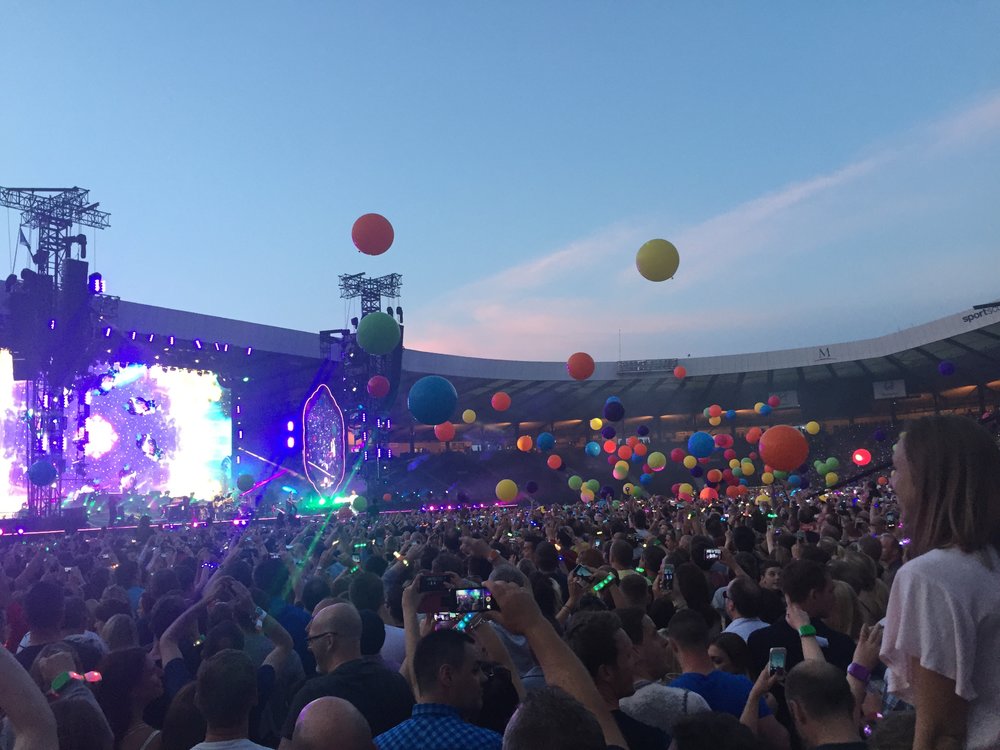
Hi Everyone. I have only just joined the site, mostly to get involved in the secret Santa which I loved. I'm a huge fan of the band, been to see them live 13 times in total and a few times at festivals. I am 33 from Scotland. My favourite gig was the most recent one at hampden park in Glasgow last year. Favourite album is parachutes or Mylo and shiver, fix you or O my favourite song. I would love to talk to some more people from all over the world or people from Scotland. Please add me a friend. Have included a picture I took last year which I love. Cheers
-
Colour spectrum for me
-
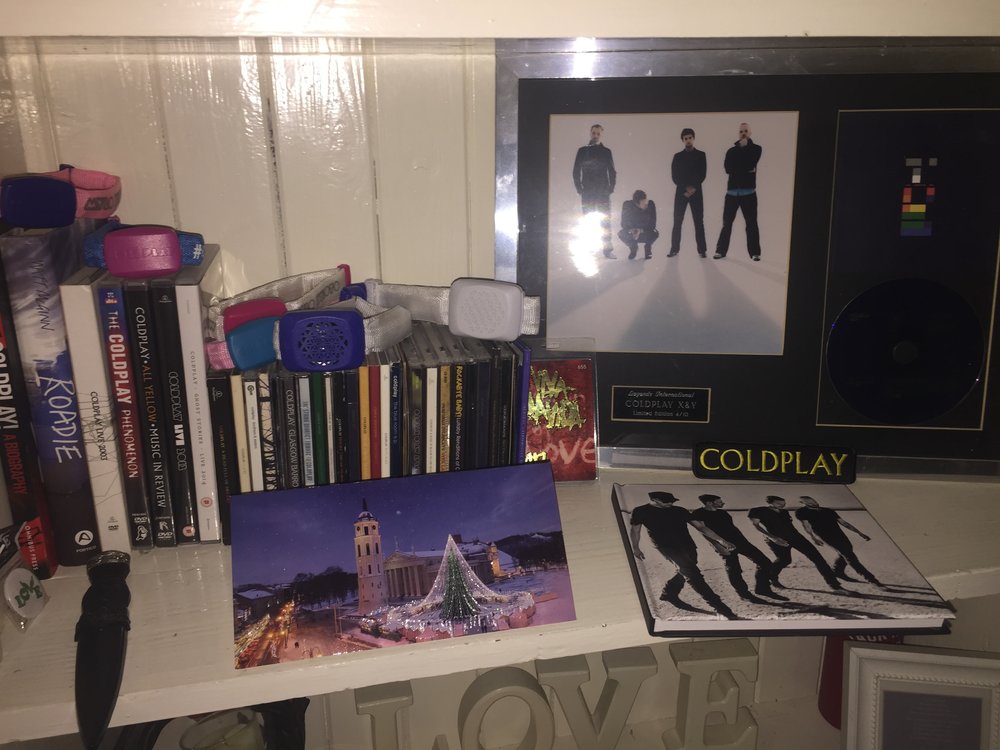
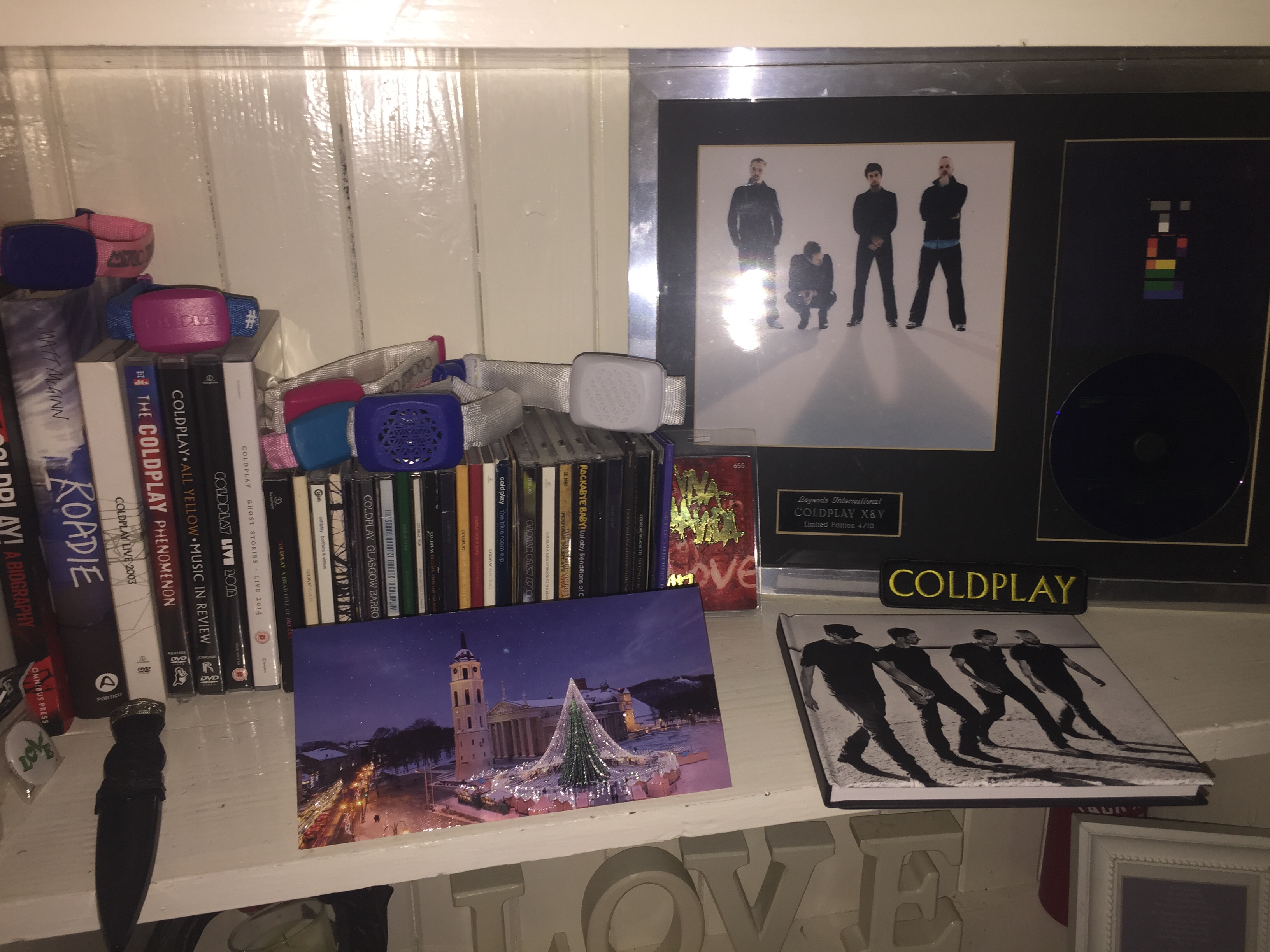
To my wonderful Secret Santa RUTA from Vilnius, thank you. I received your beautiful card and Coldplay notebook today. It's currently sitting on the shelf amongst some of my other Coldplay bits and I will be sure to use it for something special. I really appreciate the effort you put in and hope you get a chance to see this message. Getting the parcel made my day and it's made me more excited about someone getting mine now. Thank you again and have a wonderful Christmas and very happy new year. And to all the Coldplay fans. Merry Christmas x Paul in Paisley, SCOTLAND