birds35
Members
-
Joined
-
Last visited
-
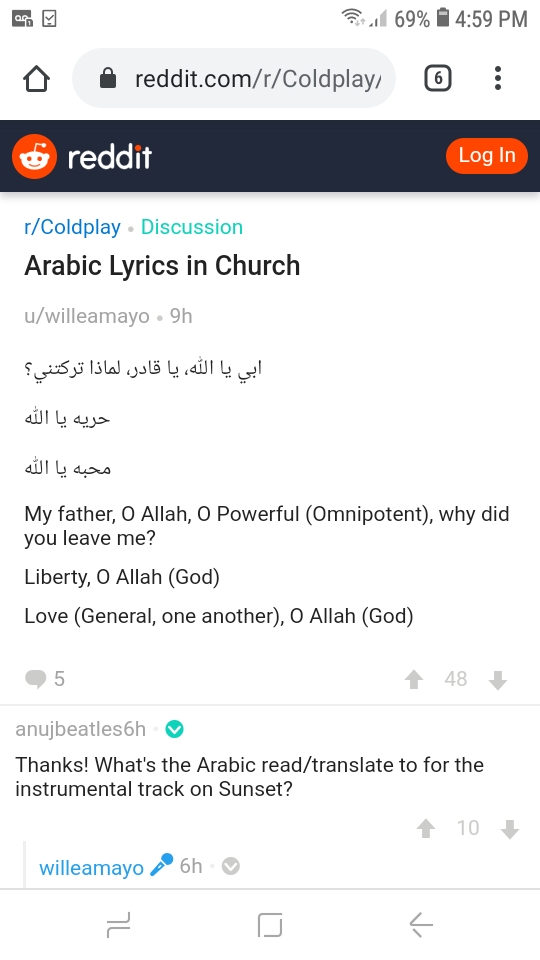
here you go! A proper translation
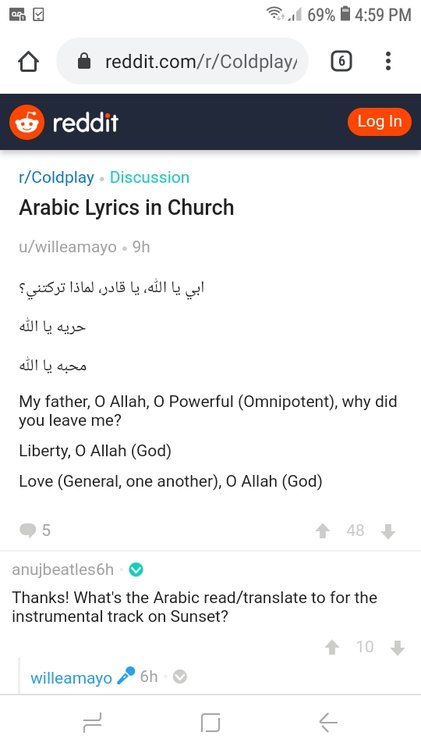 I've definitely deciphered Ya Allah (يا الله)... Which is O God. And I believe إبى Abi also which is my father, maybe it is Father, O God? I also see a question being asked with li madha (لماذا ترلتنى ؟) ... When I Google translate this part it says، why did you leave me? But not sure if I'm getting the other word correct due to this style of Arabic writing it is not the clear type. So the letters are difficult to see.