Skip to content
View in the app

A better way to browse. Learn more.

Coldplaying

A full-screen app on your home screen with push notifications, badges and more.

To install this app on iOS and iPadOS
  1. Tap the Share icon in Safari
  2. Scroll the menu and tap Add to Home Screen.
  3. Tap Add in the top-right corner.
To install this app on Android
  1. Tap the 3-dot menu (⋮) in the top-right corner of the browser.
  2. Tap Add to Home screen or Install app.
  3. Confirm by tapping Install.

lugaliro

Members
  • Joined

  • Last visited

  1. it would be nice if there were unreleased songs or demos in the download section
  2. Not me. to those who want to know about the leaks. please show the picture
  3. that's not an image or an answer
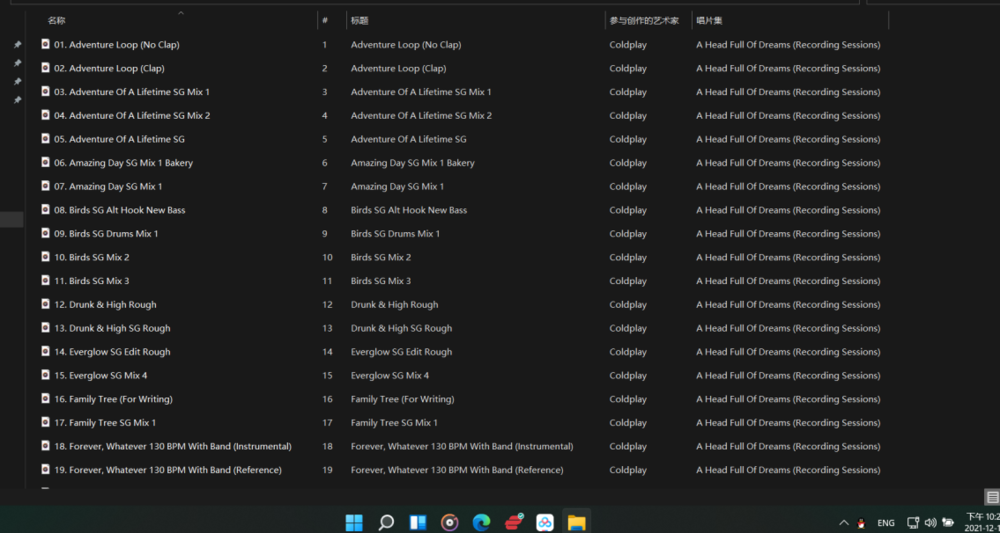
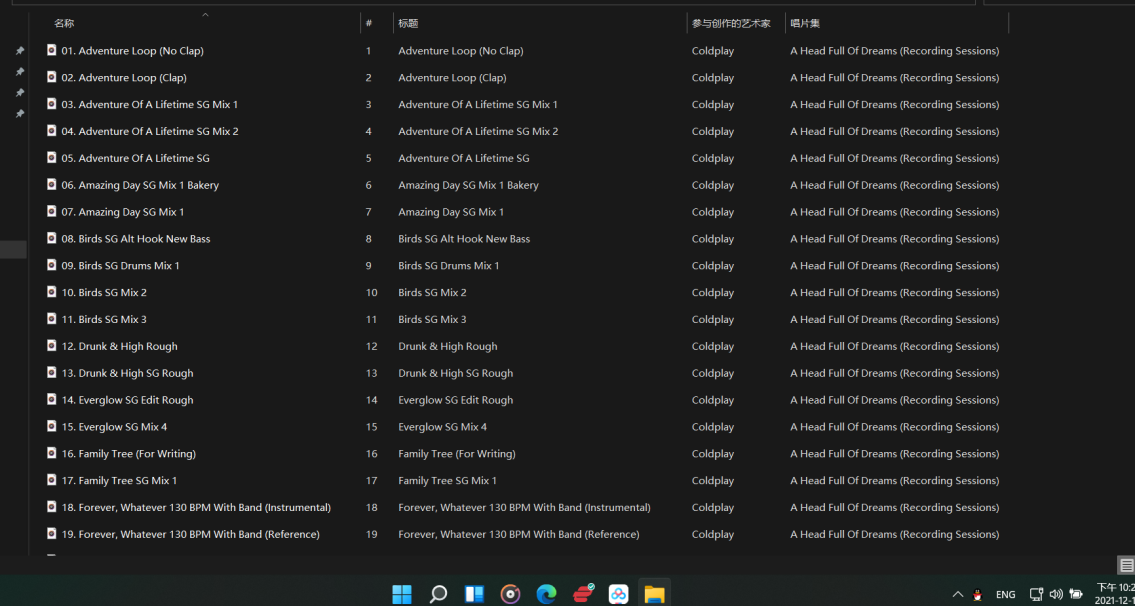
  4. show the image of all your leaks that you showed me by discord. I think you are contradicting and hiding the 75 songs from ahfod sessions ?
  5. Admirice You are very smart. So much so that you decided to get into trouble on your own. The one who leaks coldplay stuff is you, not me. Ask her and don't blame me. END
  6. I came out of discord due to the toxicity of the fans and not to hurt any Chinese hacker insider. END
  7. I don't need to go to heaven if I'm already in heaven With Coldplay :gs2:

Account

Navigation

Search

Search

Configure browser push notifications

Chrome (Android)
  1. Tap the lock icon next to the address bar.
  2. Tap Permissions → Notifications.
  3. Adjust your preference.
Chrome (Desktop)
  1. Click the padlock icon in the address bar.
  2. Select Site settings.
  3. Find Notifications and adjust your preference.