Skip to content
View in the app

A better way to browse. Learn more.

Coldplaying

A full-screen app on your home screen with push notifications, badges and more.

To install this app on iOS and iPadOS
  1. Tap the Share icon in Safari
  2. Scroll the menu and tap Add to Home Screen.
  3. Tap Add in the top-right corner.
To install this app on Android
  1. Tap the 3-dot menu (⋮) in the top-right corner of the browser.
  2. Tap Add to Home screen or Install app.
  3. Confirm by tapping Install.

Shiver98

Members
  • Joined

  • Last visited

Everything posted by Shiver98

  1. The setlist was: Viva la Vida Clocks Trouble in Town Adventure of a Lifetime Fix You A Sky Full of Stars They excluded Paradise and Charlie Brown. Therefore 2 songs remain. New music? The race? Any MOTS song?
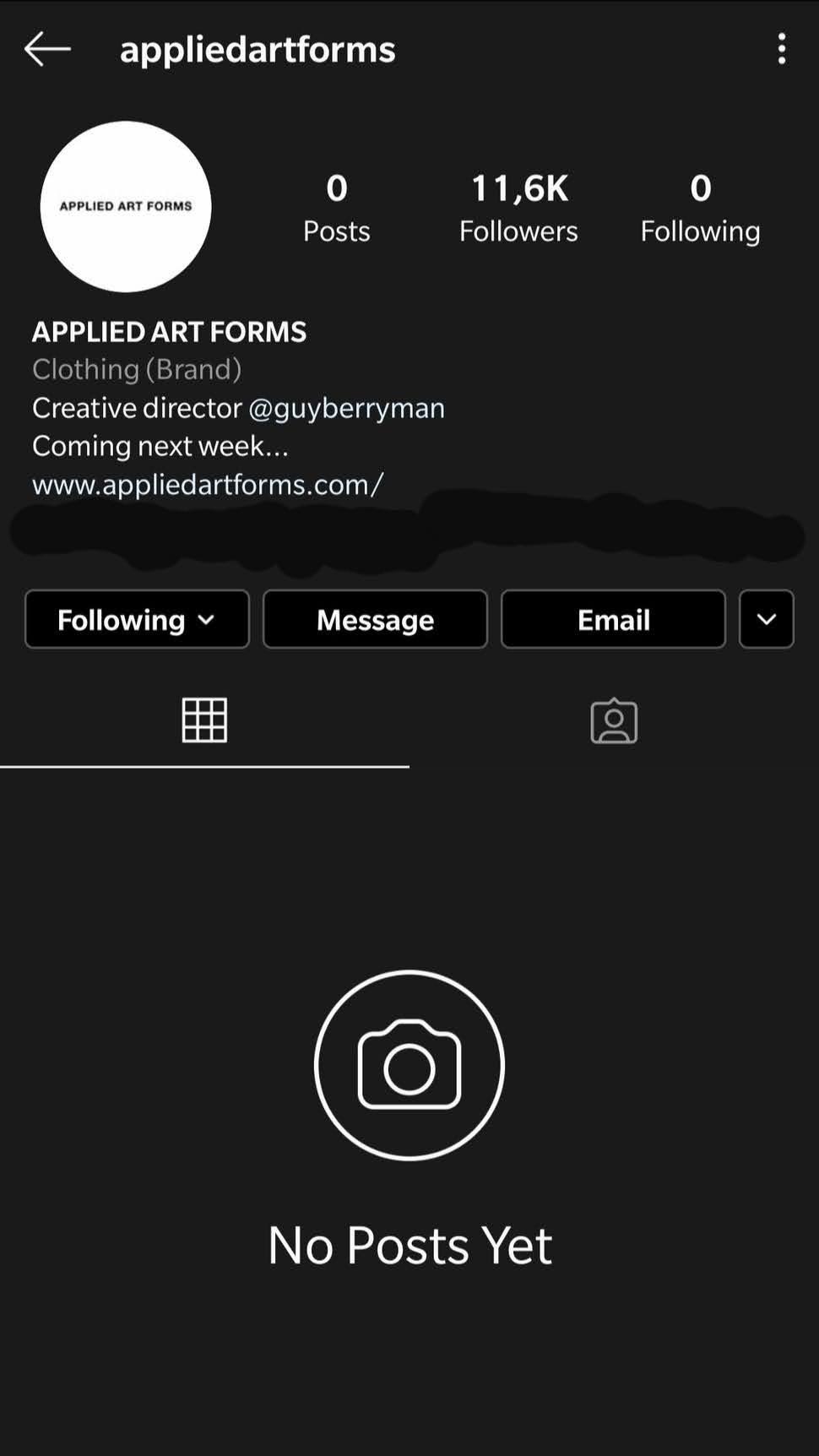
  2. I don't know if guy or instagram changed it
  3. Do you think that the absence of ratino could have something to do with the launch of MOTS?
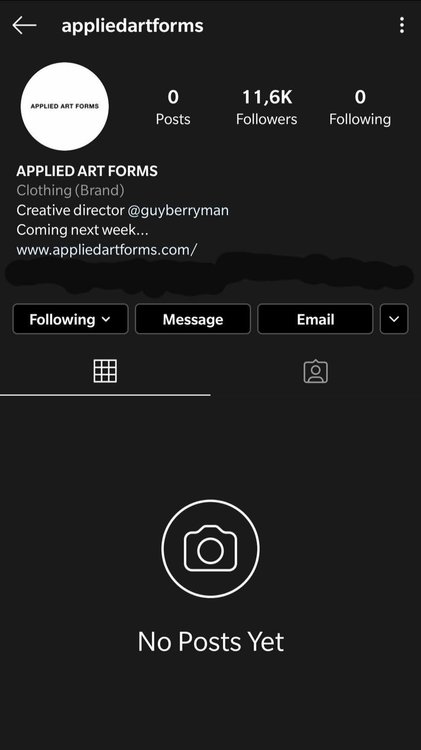
  4. Probably, it would not make much sense to make changes now and change it again if they release lp9 in a few months

Account

Navigation

Search

Search

Configure browser push notifications

Chrome (Android)
  1. Tap the lock icon next to the address bar.
  2. Tap Permissions → Notifications.
  3. Adjust your preference.
Chrome (Desktop)
  1. Click the padlock icon in the address bar.
  2. Select Site settings.
  3. Find Notifications and adjust your preference.