KenzoCK
Members
-
Joined
-
Last visited
Everything posted by KenzoCK
-
I'll give it another go.

-
You're right, your turn!
-
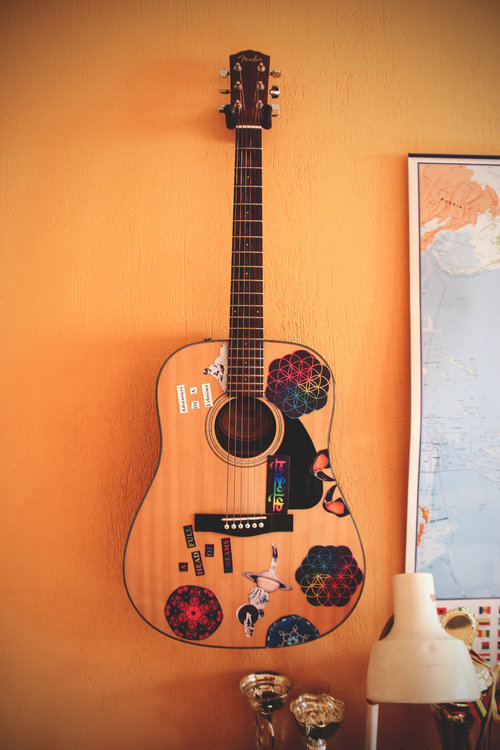
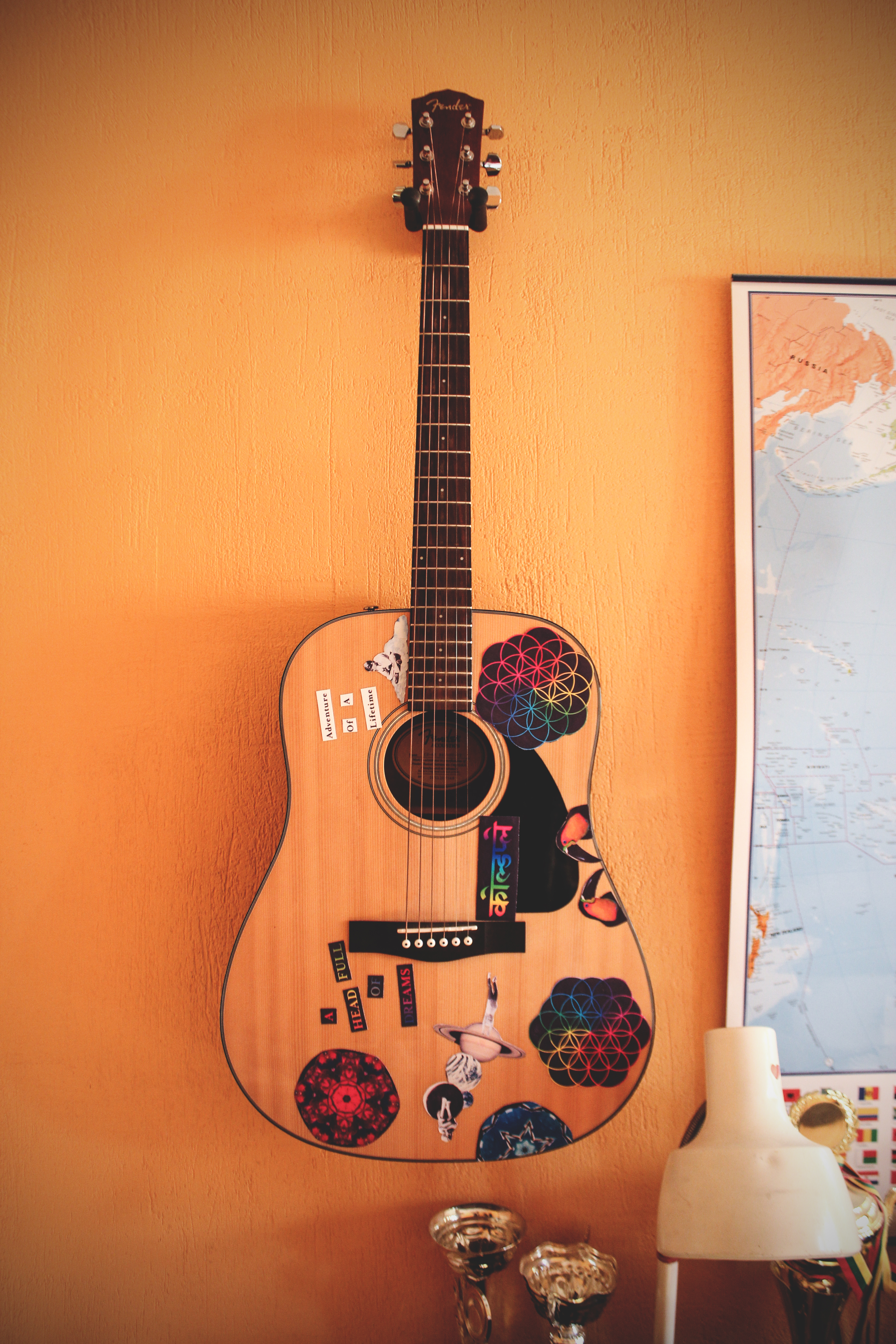
Another's Arms?Sounds accurate and great!I found this very high resolution cover and cut them out with photoshop, adjusted the size approx. to match the 10x15 cm photo paper I had and then printed. I found the song art on Coldplays instagram page, I zoomed in quite a bit and took a screenshot. I'm adding the cover photo, if you like pm me and I'll cut some of the parts out for you :)
 Questions of science Science and progress Do not speak as loud as my heartHey guys, I just returned home after a crazy Coldplay concert in Warsaw, Poland and I decided to make a similar instrument to what Coldplay had, so I took a high resolution cover of the AHFOD album and cut out pieces of art and printed it out on several sheets of photo paper, cut it out and glued onto my Fender guitar. Not entirely sure how accurate this is, I think this is a little older version of CM's guitar, the one Chris played in Warsaw had a new design, what do you guys think about my effort?