



anthamic
Members
-
Joined
-
Last visited
-
Sent a PM already. Thanks in advance!
-
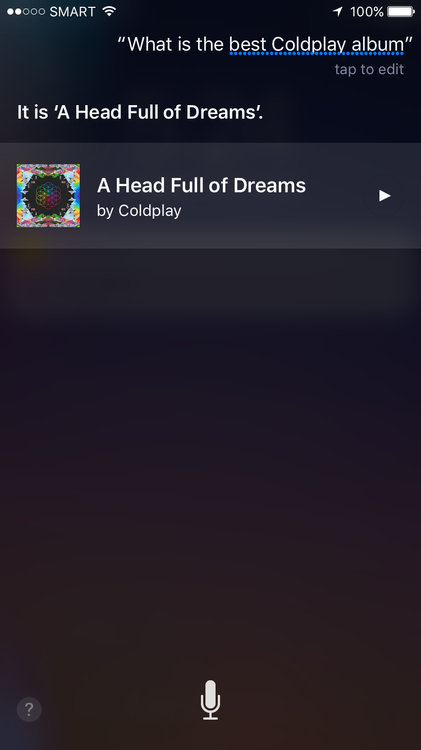
Asked Siri out of curiosity...
-
Good luck! :)
-
I used the .wav file and had no problem. Was great listening to this album after a long time, and now comes the time for me to put it on repeat and get a little sick of it then stop for a while then repeat the cycle!
-
Definitely one of my favourite performances of Clocks, up there with the LeftRightLeftRightLeft recording
-
I prefer the album piano outro to Paradise than the live one, but I guess it was changed to have the crowd sing the "oohhh" part. "You're f– incredible!"
-
To me, it sounds like Guy's about to cry
-
I really like the sound of that little guitar part Jonny plays throughout the song
-
I really really like these interludes. I could just imagine an album full of super stripped back versions of Coldplay songs.
-
Even as an oldplayer, I admit Princess of China has grown on me a bit lately
-
Love this version of God Put a Smile although I didn't really like those parts where Chris switched the lyrics to "all the girls/boys scream..." etc
-
I actually almost forgot Violet Hill was recorded, even with my amazing ability to memorise Coldplay setlists very quickly
-
Sure thing, thanks! :)
-
This probably my favourite version of Yellow officially released
-
The singalong! I'm getting flashbacks from my show last April 4.


