foolsgoldthunder
Members
-
Joined
-
Last visited
-
I'm going on a lil holiday to Wales over the New Year and won't be able to come on the forums, so I'll wish you all a happy New Year now!! may your 2017 be full of joy, health and, of course, Coldplay. thank you for such a warm welcome into the Coldplay community, you're all so lovely and it was very fun to be a part of Secret Santa this year! lots of love to you all X
-
aw, I hope you enjoy the treats and I'm glad it all got to you in time! after seeing everybody else's wonderful gifts, I'm so sorry mine wasn't anywhere near as good/Coldplay-related. hope you had a brilliant Christmas, and here's to a great New Year!
-
Elif is my name! it's a Turkish name since I'm half Turkish :)
-
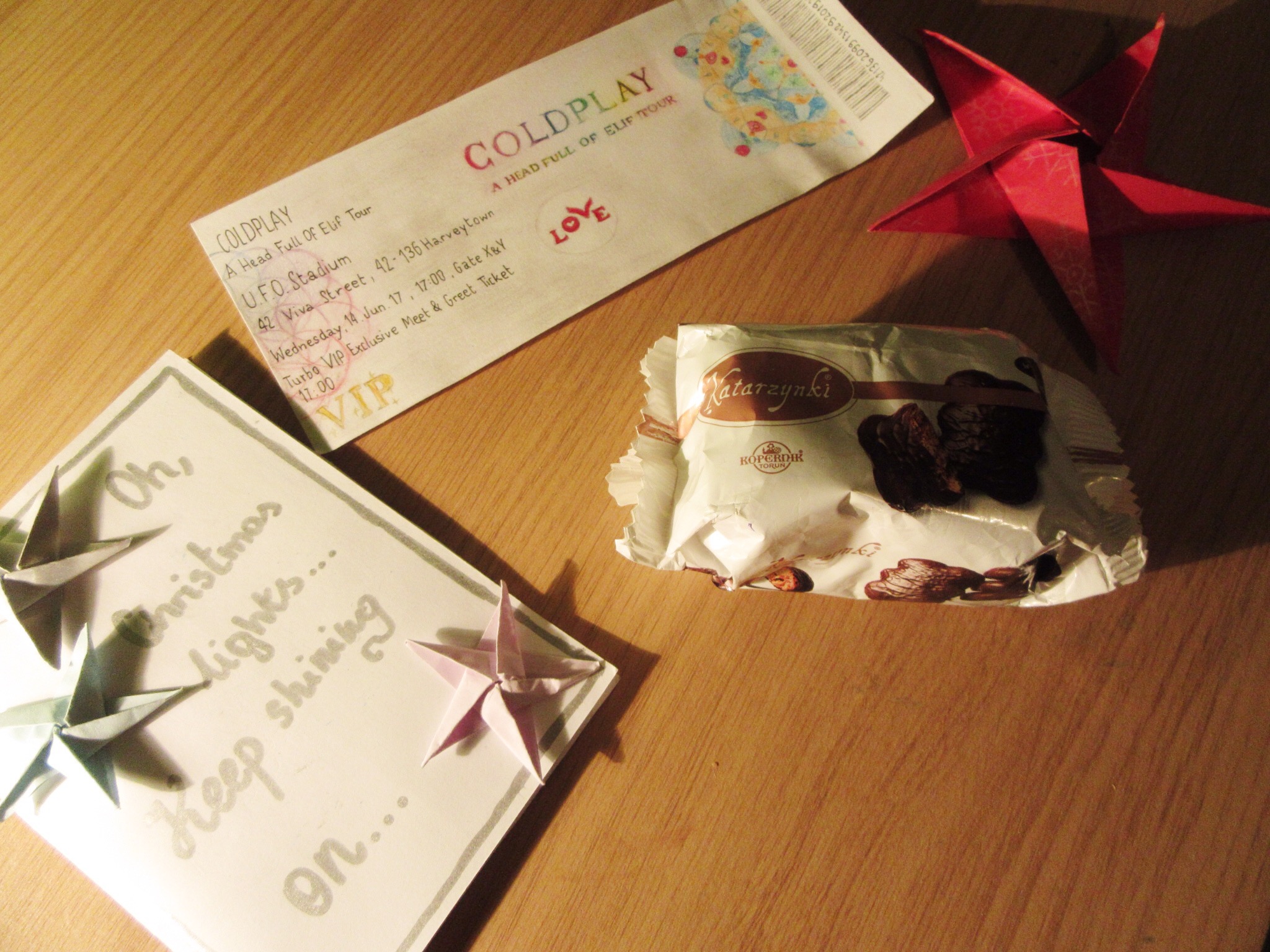
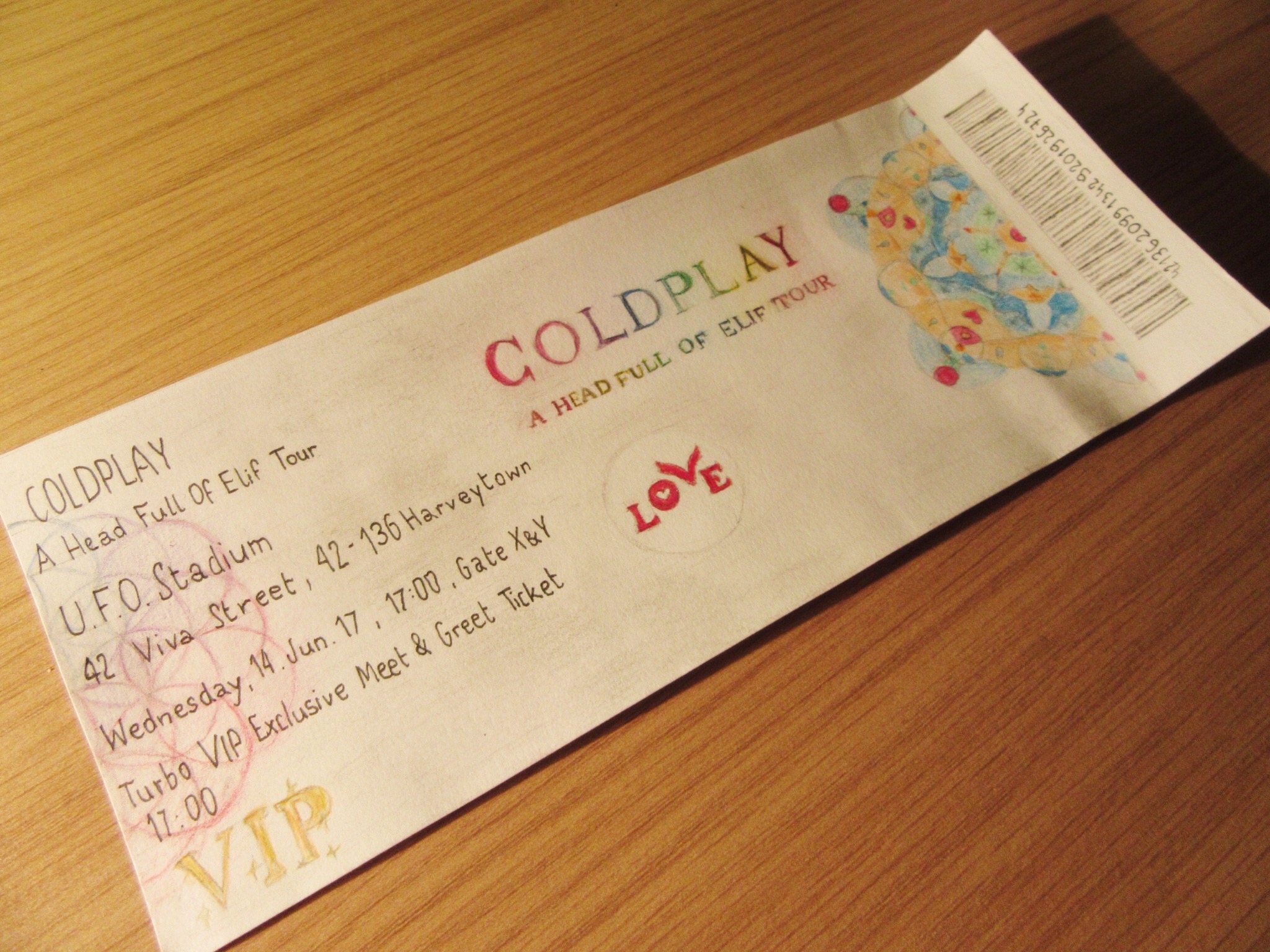
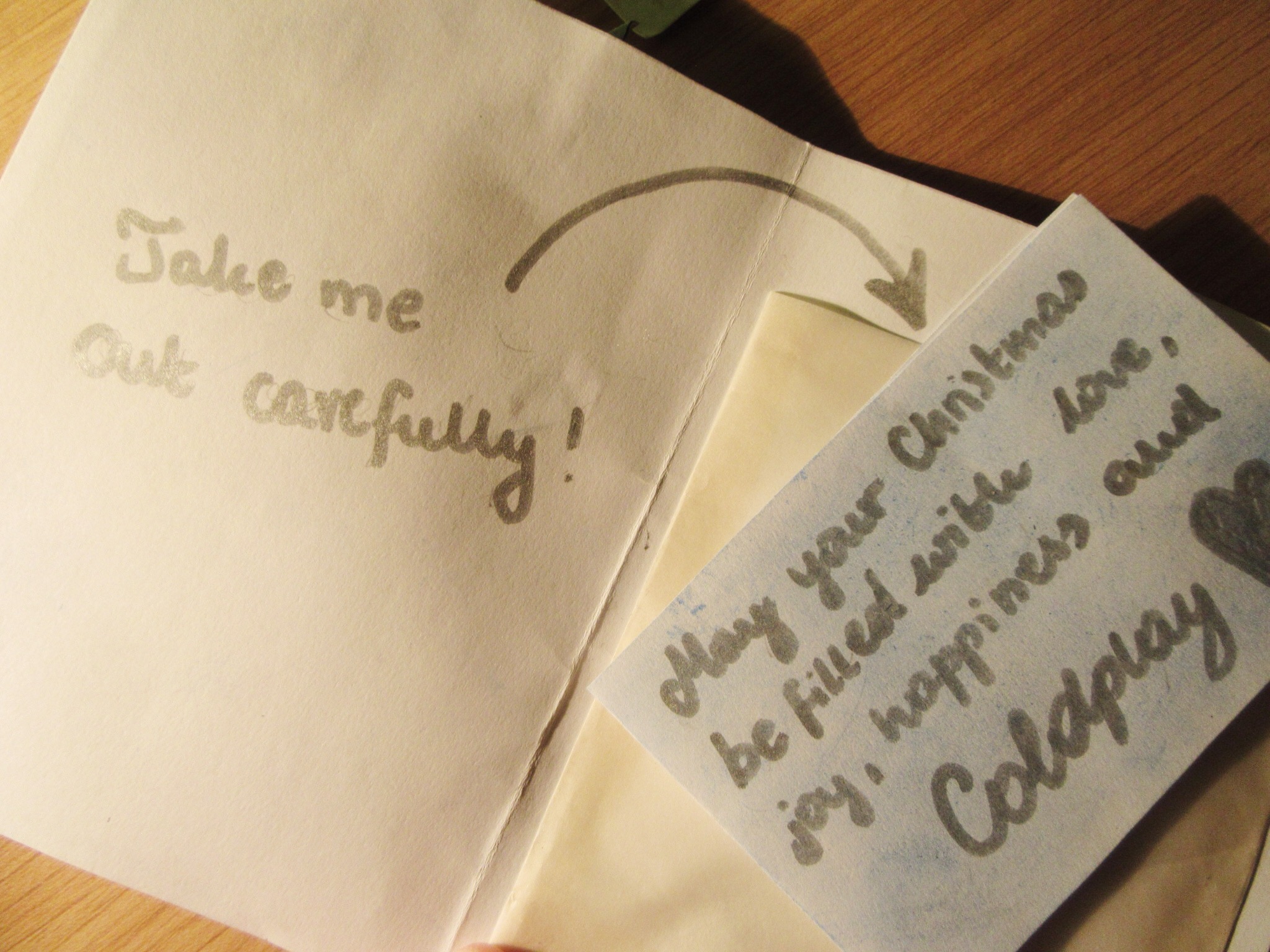
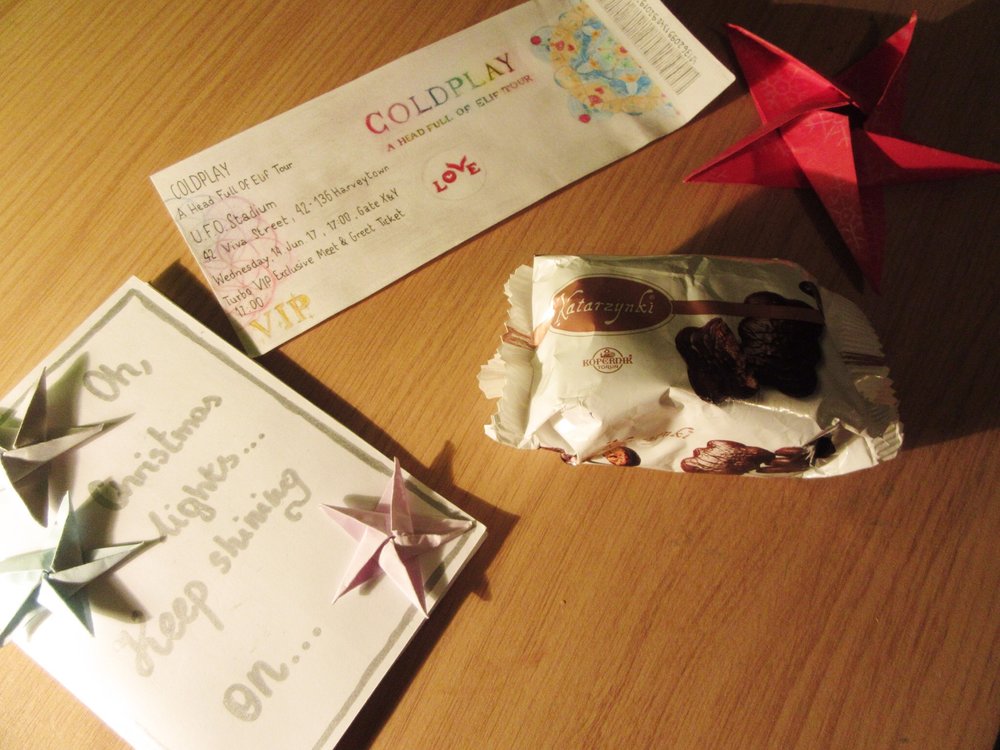
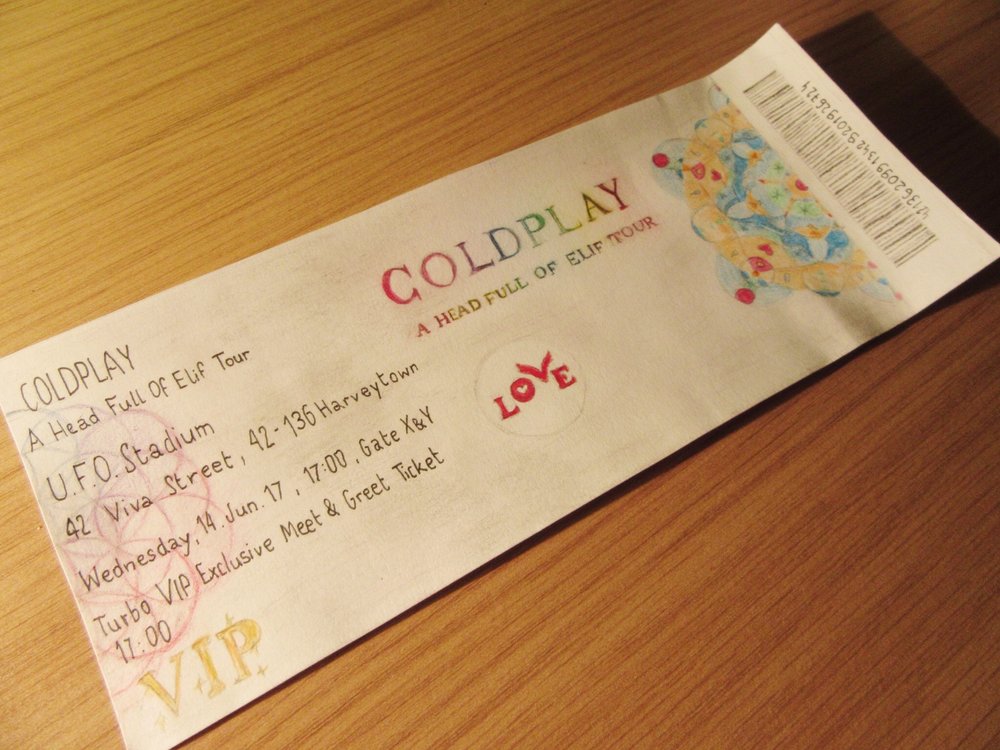
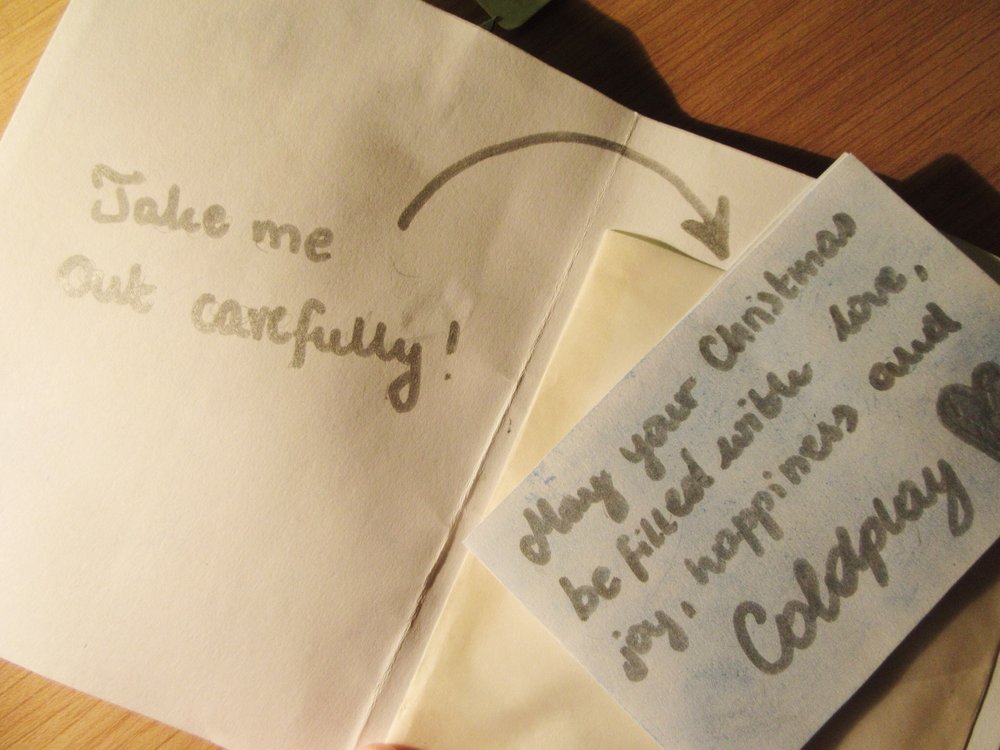
@alicjanna: thank you SO much for your wonderful gift. we picked it up from the post office on Saturday and I opened it in the car on the way home- and I couldn't stop smiling for the whole car journey!! it made me so so happy and I'm extremely grateful! this is what I got: - the gingerbread biscuits were delicious, I had some last night with a hot chocolate and I'm going to have the rest for lunch at school tomorrow :) - the handmade card was so lovely, and I'm glad you enjoyed your stay over here in the summer- where abouts did you go and which coldplayer did you meet from the forum?! - inside that red star is a lil secret message, how sweet! I'll be sure to follow @ASFOLProject on Twitter, it's such a nice idea for coldplayers to come together to spread positivity. - and last but certainly not least was a beautiful "concert ticket"!!! I absolutely love all the littleness references and details on it (there was even 42 and 136 at the start of the bar code!) you're so talented! I can't decide whether to use it as a bookmark or put it on my wall but regardless, I love it!! I can't thank you enough for the time and effort you've put into this lovely gift. hopefully I can send you something back to say thank you! may your Christmas (and everyone else's of course) be filled with love, joy, happiness and Coldplay xx
-
ah, so glad it got to you!! I'm sorry it wasn't much compared to what everybody else here has sent, but I hope you enjoy them. (and oops, sorry about those stars and snowflakes in the card haha!) x
-
everybody's gifts are so wonderful! i haven't been able to send mine off yet, but hopefully i can post it today. (:
-
really sorry for your loss, i hope you're feeling okay. and @YeahWeDo_YeahWeDo, i love your gift!! x
-
got my match, woohoo!! time to start brainstorming ideas, I don't know what to get/make!
-
-
-
ah, no worries. thank you so much!
-
oops, I'm slightly late but thank you so much for the lovely welcome !
-
hmm, I haven't got my match yet and I'm not on the participants list either, just wondered if I've actually been entered or not? I'm super excited about it though !!
-
-