coldplaymakesmyday
Members
-
Joined
-
Last visited
Everything posted by coldplaymakesmyday
-
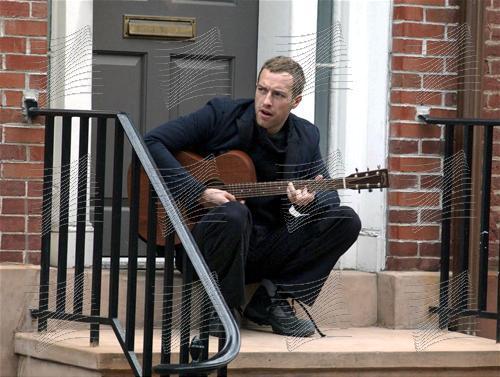
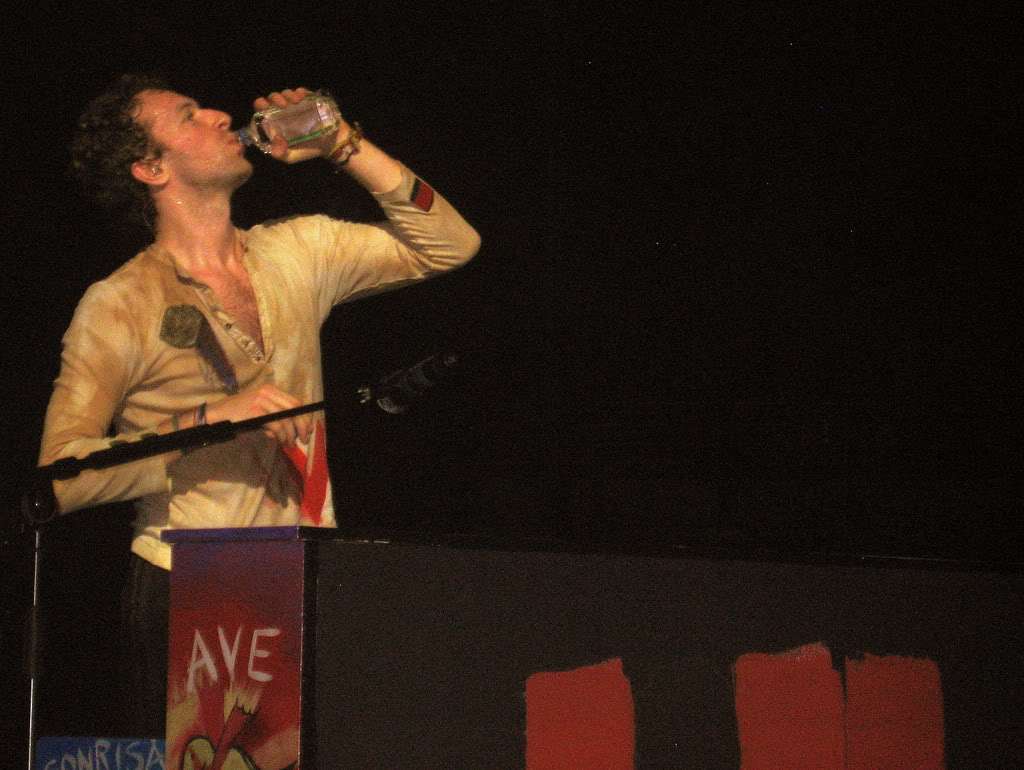
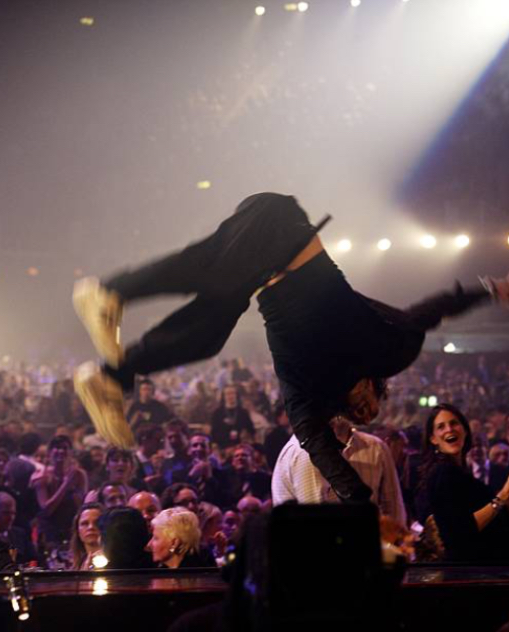
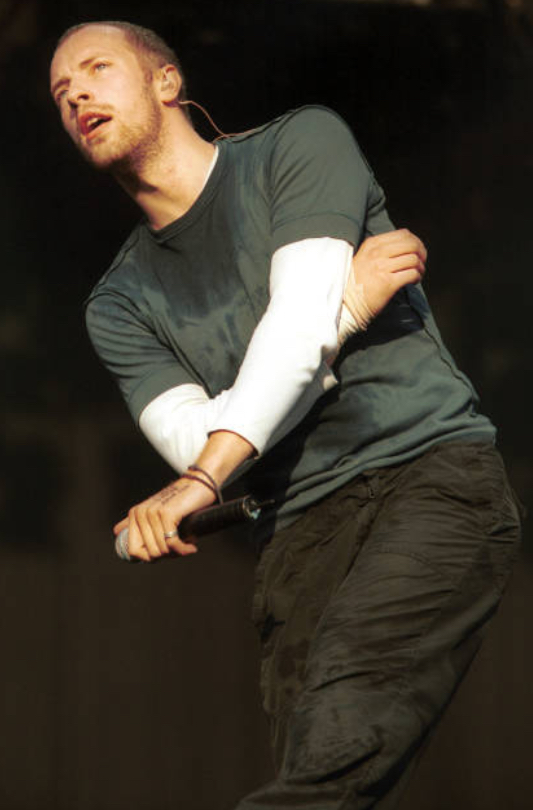
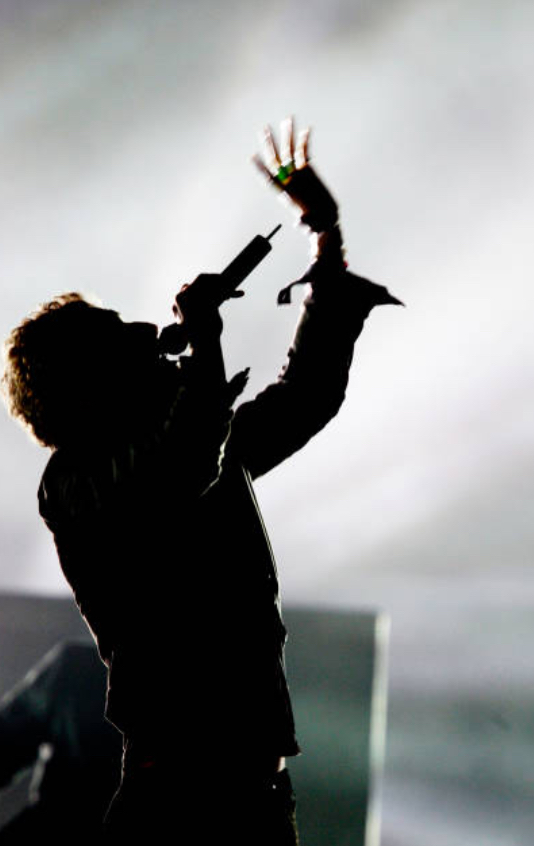
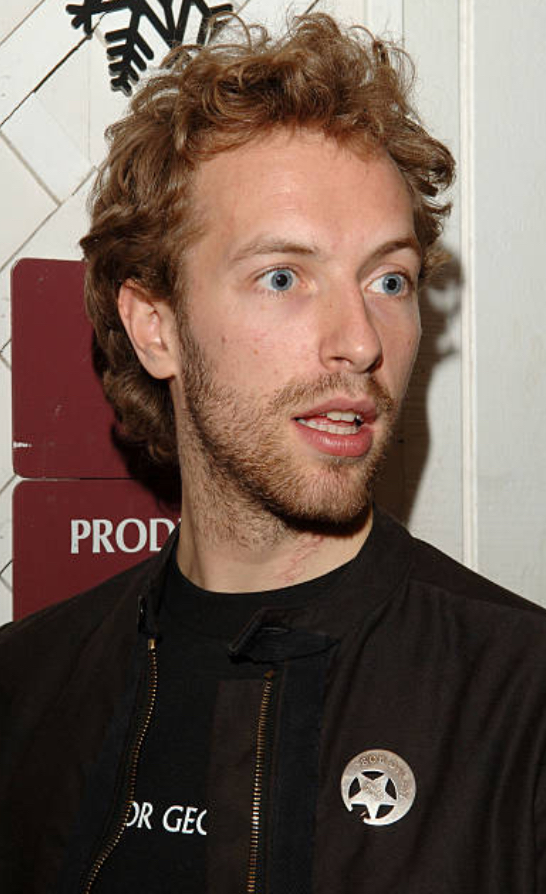
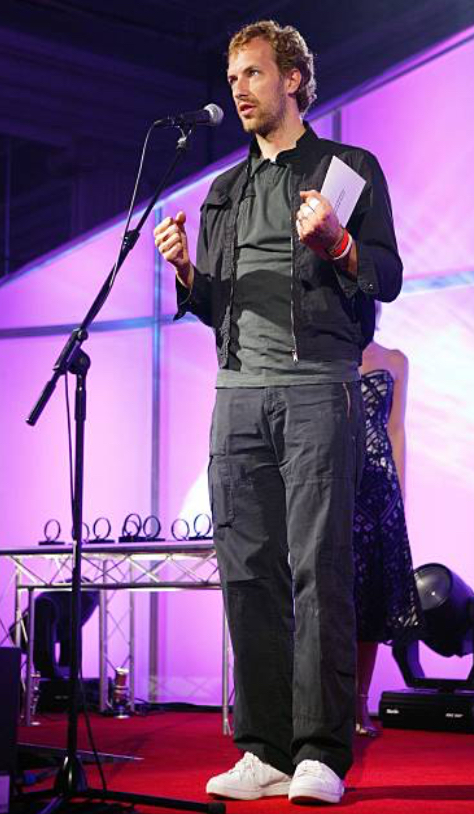
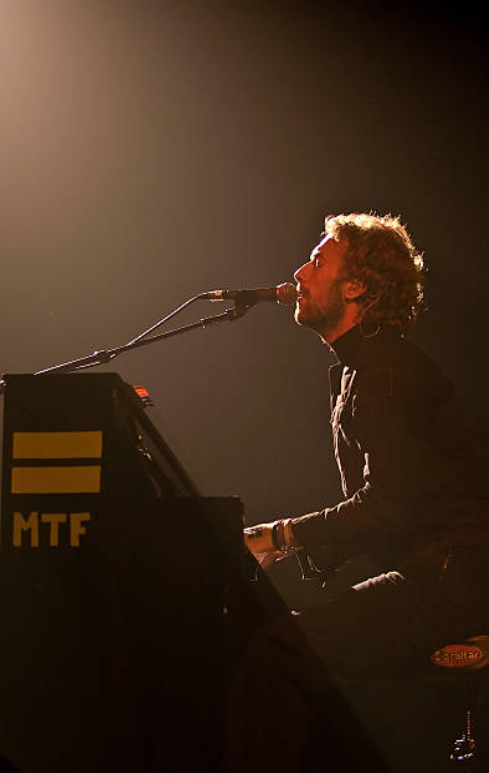
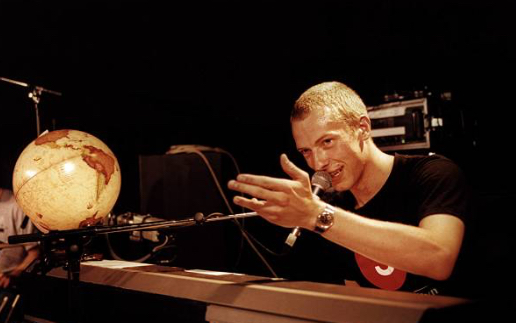
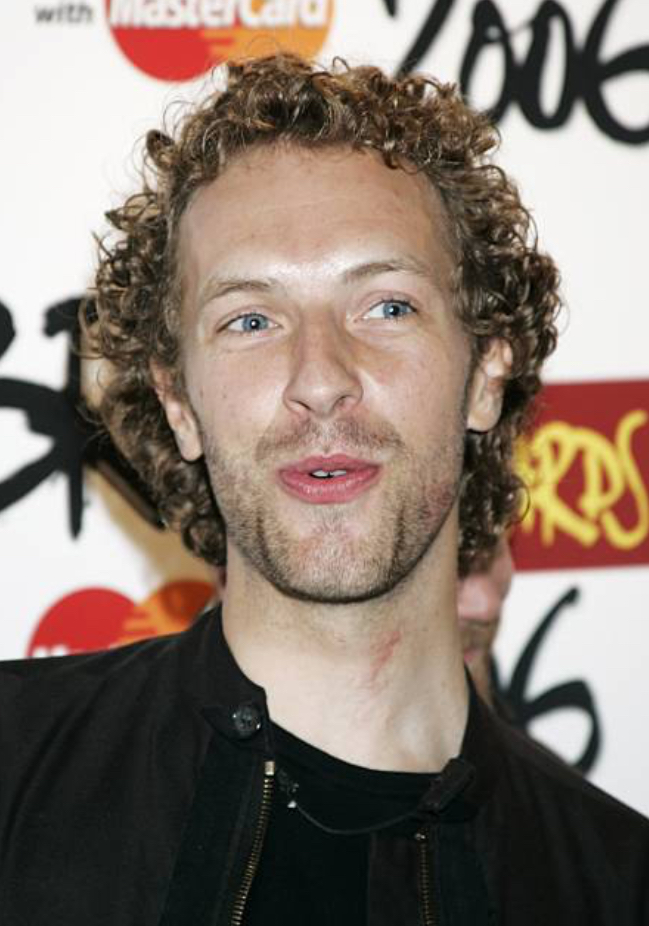
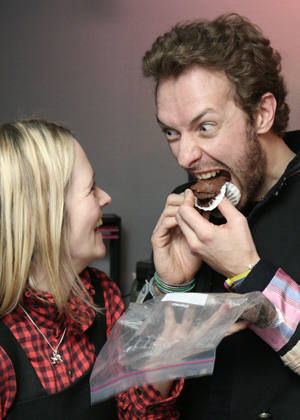
Beds have mattresses. The word mattress has an Arabic origin. The word Arabesque originated from a phrase that means "In the Arabic style". GobbledygookYeah, pretty much all my Coldplay pictures are older ones, especially ones from the AROBTTH and X&Y eras. I like how creative the old pictures are.#540 I finally passed the delicious number 500... But clearly not as delicious as whatever Chris is eating here! :tongue2:
Account
Navigation
Search
Configure browser push notifications
Chrome (Android)
- Tap the lock icon next to the address bar.
- Tap Permissions → Notifications.
- Adjust your preference.
Chrome (Desktop)
- Click the padlock icon in the address bar.
- Select Site settings.
- Find Notifications and adjust your preference.
Safari (iOS 16.4+)
- Ensure the site is installed via Add to Home Screen.
- Open Settings App → Notifications.
- Find your app name and adjust your preference.
Safari (macOS)
- Go to Safari → Preferences.
- Click the Websites tab.
- Select Notifications in the sidebar.
- Find this website and adjust your preference.
Edge (Android)
- Tap the lock icon next to the address bar.
- Tap Permissions.
- Find Notifications and adjust your preference.
Edge (Desktop)
- Click the padlock icon in the address bar.
- Click Permissions for this site.
- Find Notifications and adjust your preference.
Firefox (Android)
- Go to Settings → Site permissions.
- Tap Notifications.
- Find this site in the list and adjust your preference.
Firefox (Desktop)
- Open Firefox Settings.
- Search for Notifications.
- Find this site in the list and adjust your preference.