Skip to content
View in the app

A better way to browse. Learn more.

Coldplaying

A full-screen app on your home screen with push notifications, badges and more.

To install this app on iOS and iPadOS
  1. Tap the Share icon in Safari
  2. Scroll the menu and tap Add to Home Screen.
  3. Tap Add in the top-right corner.
To install this app on Android
  1. Tap the 3-dot menu (⋮) in the top-right corner of the browser.
  2. Tap Add to Home screen or Install app.
  3. Confirm by tapping Install.

JasperJS

Members
  • Joined

  • Last visited

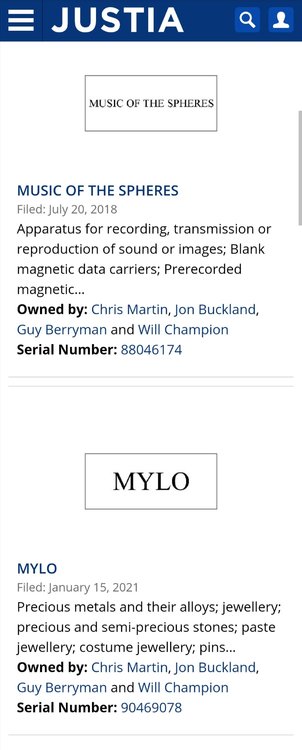
  1. Talking about trademarks, what would the lower one be or what would it mean?
  2. I heard him say that the album is not an album to go on tour with. He also said they do have some surprises and shows planned, but I think it's save to conclude there won't be a tour any time soon.
  3. Will. Some guys here thought he might be the lead singer on that song, but he confirmed he is not
  4. And he is only doing backing vocals on Champion of the World
  5. Will also just said that there are more suprises yet to come!
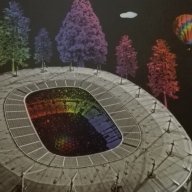
  6. Yes it's a picture of the poster I bought in Paris in 2017. So glad I bought it, it's wonderful
  7. According to their Facebook page, the band is formed in 1919. I'm really curious what is all going on with this 1919 stuff
Account

Navigation

Search

Search

Configure browser push notifications

Chrome (Android)
  1. Tap the lock icon next to the address bar.
  2. Tap Permissions → Notifications.
  3. Adjust your preference.
Chrome (Desktop)
  1. Click the padlock icon in the address bar.
  2. Select Site settings.
  3. Find Notifications and adjust your preference.