typicalcitrus
Members
-
Joined
-
Last visited
Everything posted by typicalcitrus
-
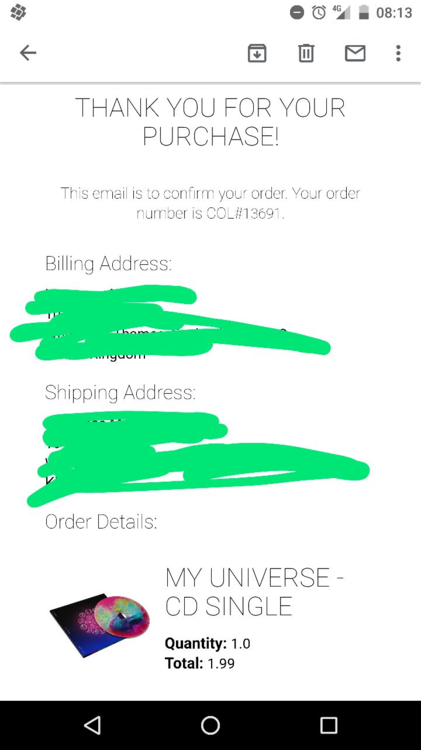
Hi, I've got a couple questions about the My Universe CDs. 1. Has the original version shipped anywhere yet? The website claims that they won't ship until October, but some people have them in hand (see the Discogs listing) 2. Is there any way to get free postage if I order the epiphane version??
-
pog
-
Tomorrow BTS is releasing an interview with Chris and some kind of a YouTube challenge, so that seems like an announcement or release coming.
-
Also, seems like a missed opportunity to have not dropped this as an RSD release.
-
POTP (not the EL one) sounds dope
-
i bought mine on tuesday and I didn't need to do that. That might come up if you try to use honey?
-
£20 to watch a livestream? guess i'm heading to the downloads section afterwards lol
-
Hello, I'm looking for the instrumentals at the start of Politik and Yellow on the Live 2003 album. If anyone can link these, it would be greatly appreciated.
-
the link is dead ?