Su_Xyloto
Members
-
Joined
-
Last visited
Everything posted by Su_Xyloto
-
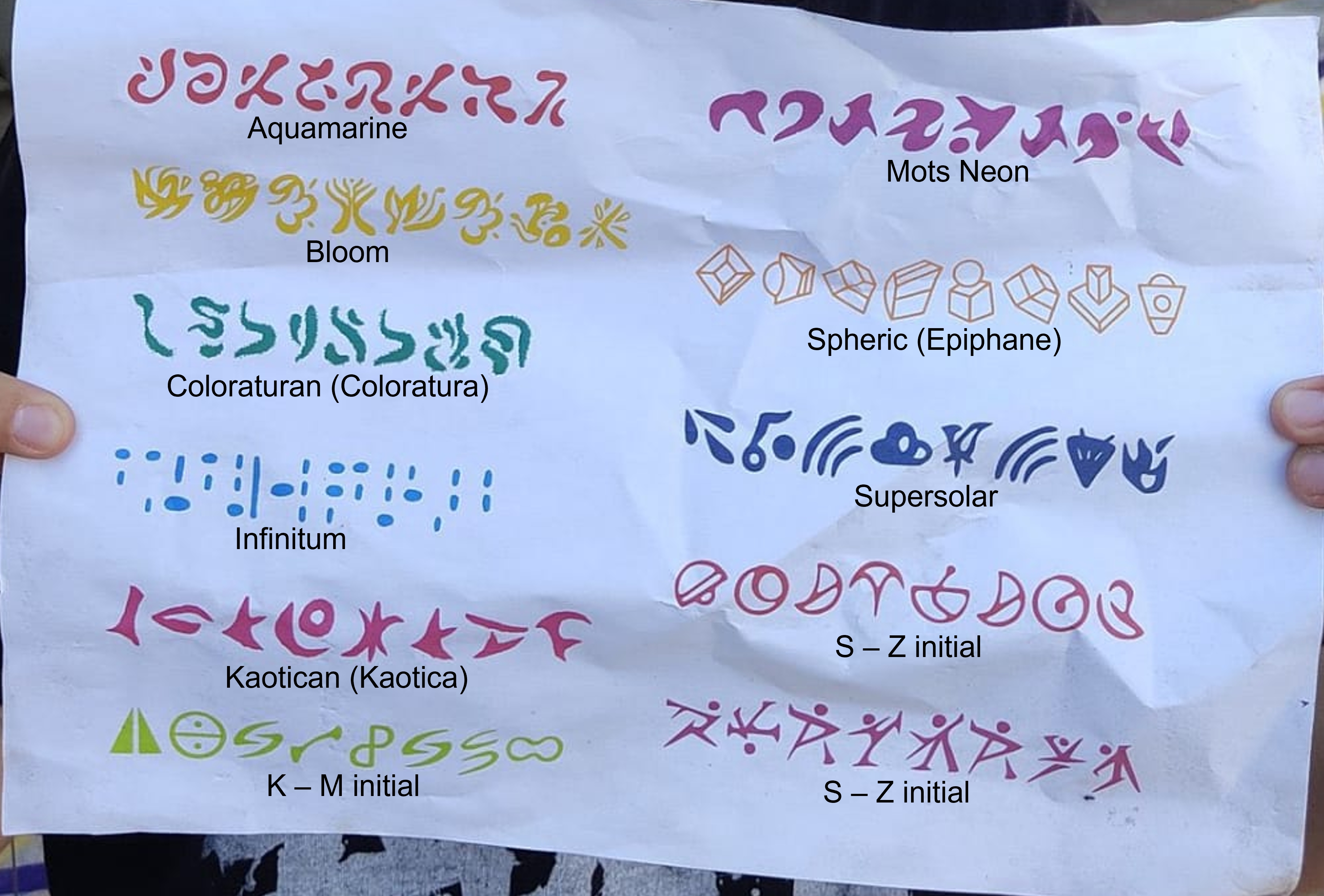
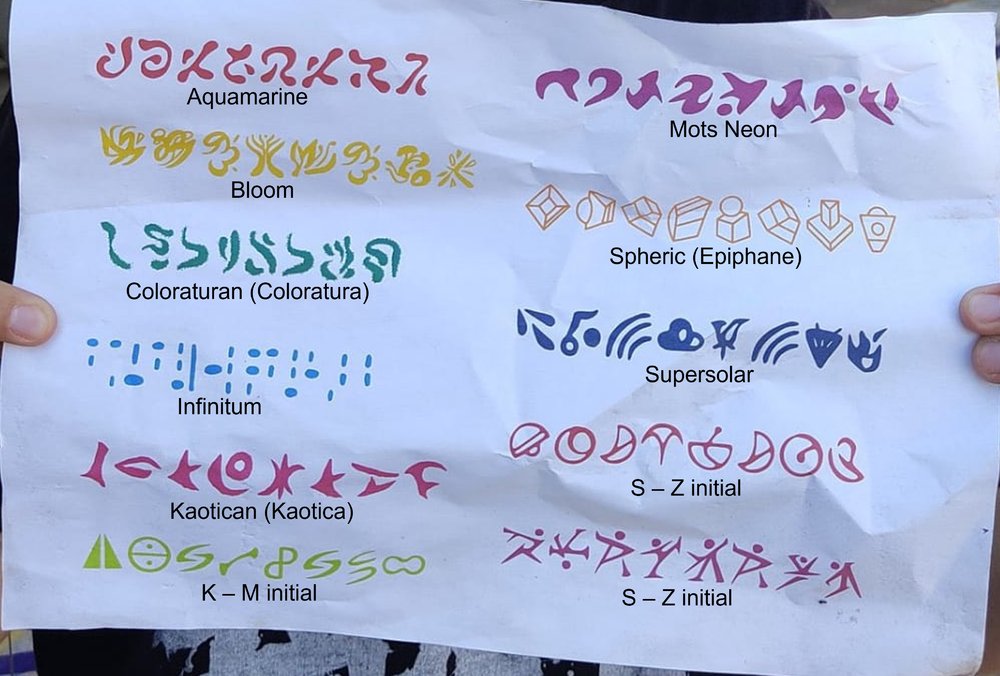
The K-M is because the alphabets seem to be displayed in alphabetical order so the first one is Aquamarine and the one that we don't know the name yet in light green must be between "K" (Kaotican) and "M" (MOTS Neon). The same applies for the ones after Supersolar, they must start with any letter between S and Z. Just my theory but it looks right for me. For example the Spheric one I didn't see it anywhere. But I assumed it's this one because "Spheric" is alphabetically between "Mots Neon" and "Supersolar" that we know are those in the picture from the papers found in Barcelona.
-
So we are very close to getting the names of all alphabets (11 alphabets although I still think there will be 12 songs in MOTS). Check below:
-
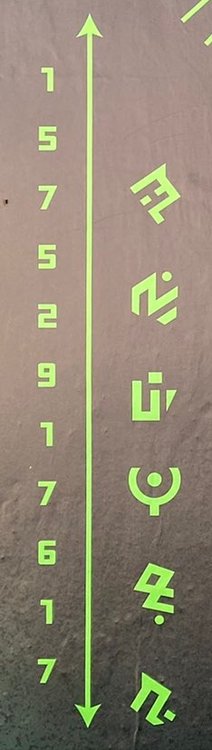
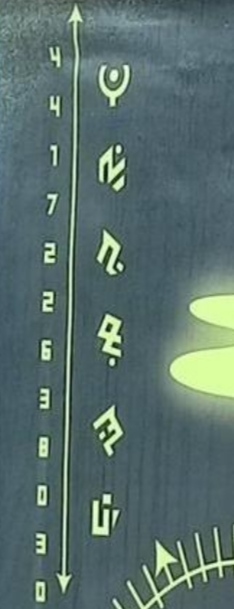
There is also a moment where we see "H4", "Paladium" and "28/10". I don't understand the first 2 things, but the third could be a date? Finally there is another thing that I don't understand on the images we have seen of "they are coming". The order of the "letters" changes so it's not really a word. What do you think? Check it below:
-
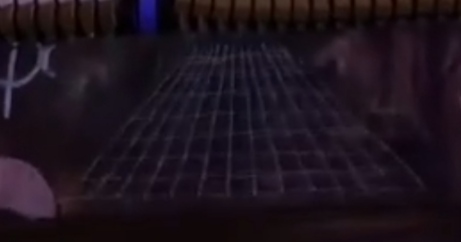
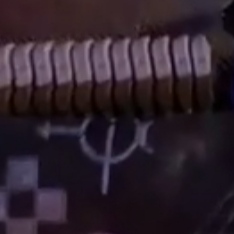
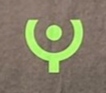
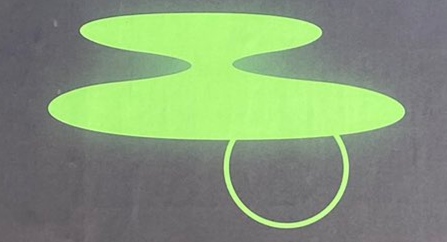
After reading this, I was like, "of course there must be something behind this behind the scenes thing... how come I didn't think about it before?" Ahaha anyways, I went to check and there are 2 additional things that caught my attention: 1. Phil points the camera at everything that is fluorescent green with special attention to the reflective vest. Why would he do it? The postcards are fluorescent green... 2. He focused a lot on the piano on the backstage and I took some prints. There are 3 symbols that could be the same as the ones on the postcards. Check it below:
-
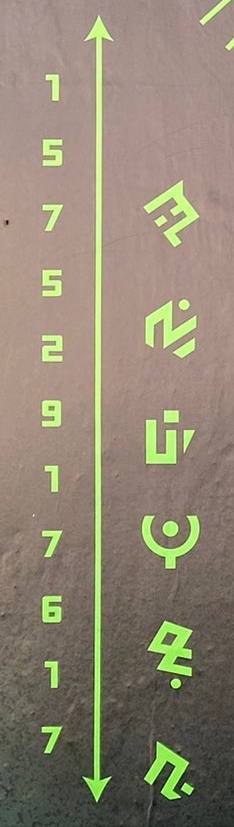
Some of the postcards look a bit like the symbols that I posted here a while ago...the star, the triangle and specially the on that looks like an ellipse. And last but not least, do you remember how many they were? 12! There were 12 numbers on the phone number...I really want to believe this is related to Coldplay!
-
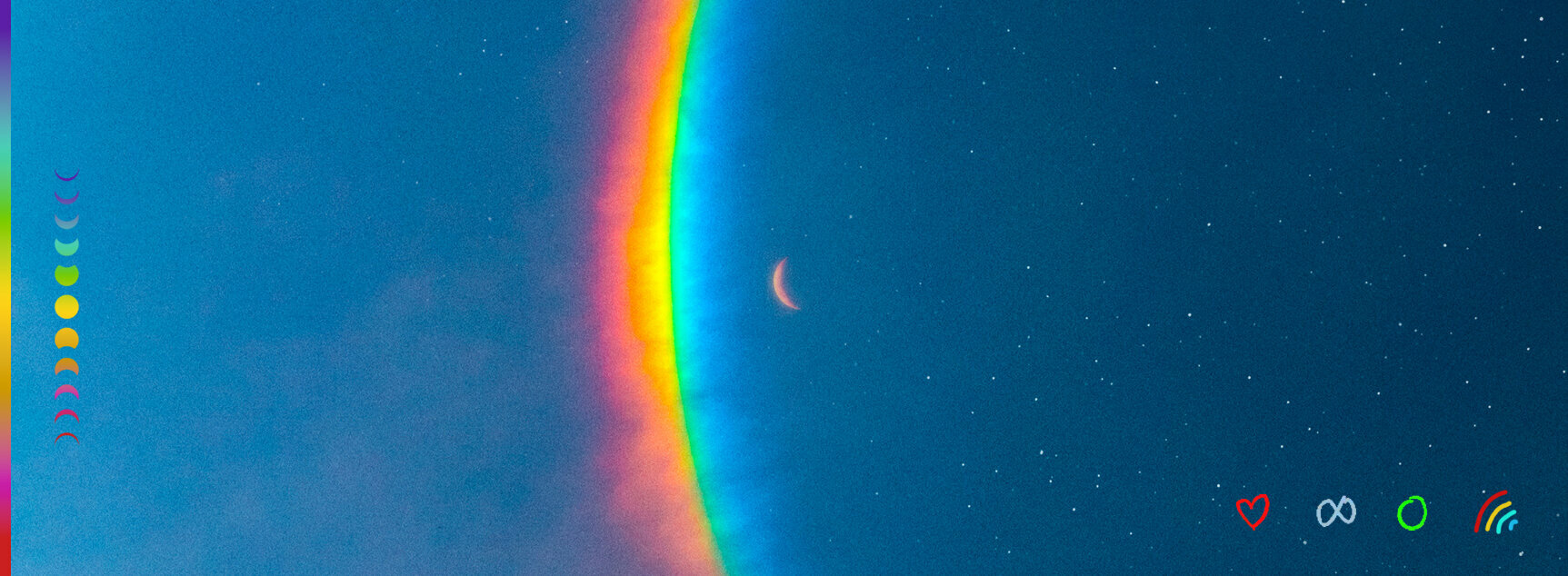
It seems a good theory. A week ago I counted 12 symbols and a new theory could be that maybe higher power has the infinite symbol associated to it instead of the triangle or the spiral as someone theorised in this thread before. But we never know ahaha Edit: I just rechecked and in fact there are 10 planets (one of them looks pretty much the same as higher power sphere), 1 moon and the infinite symbol. So it's still 12 'things' so I keep my theory of the 12 songs but I keep my idea that the triangle is the symbol associated to HP. Just doesn't make much sense for me to have the infinite symbol in the same system as the spheres. It could mean "Universe"(?), Maybe the last song of the album(?),I don't know. Also, the moon for me looks a lot like a prelude/interlude before/after the song associated to the red sphere. Anyways, so curious to discover more!
-
I think the same wy as you! But this would mean that we have all the symbols to start working on decipher the 12 songs of the album!
-
Took these (sorry for the bad image quality, these are only printscreens) from the videos from O2 shootings. It seems that the symbols are not only those 5 that we knew until now. My guesses is that in fact it's like MX era where each symbol is associated to one track of the album. So I think we are faced here with 'Music of the Spheres' album, with 12 tracks! Thoughts on this?