.jpg.84f37a9d4f93fc5440d4662683ddc593.jpg)

yzachris
Members
-
Joined
-
Last visited
Everything posted by yzachris
-
[MEDIA=soundcloud]id=cornershop%2Fst-marie-under-canon;track_id=742200292[/MEDIA] View: https://soundcloud.com/cornershop/st-marie-under-canon[MEDIA=spotify]track/2HKN6Lh4VJnfHfvk0Ukx8a[/MEDIA] feat. ChrisI really like one pic ;)
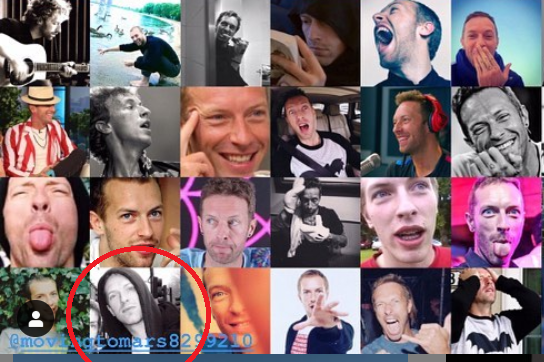 it’s 2 pictures taken at a birthday partyhttps://www.instagram.com/p/B02nOJRhjiW/?utm_source=ig_web_copy_link
 [MEDIA=twitter]1121504167405682688[/MEDIA] Mobile Link: https://twitter.com/TheRhythmStudio/status/1121504167405682688[MEDIA=instagram]BrugpXPH78c[/MEDIA] Mobile Link: https://www.instagram.com/p/BrugpXPH78c/?utm_source=ig_web_options_share_sheetLuzukō @Luzukokoti 3 hil y a 3 heures Chris Martin of @Coldplay and I finalizing the plans for the globalcitizenfest2018 #Mandela100 #BeTheLegacy
Account
Navigation
Search
Configure browser push notifications
Chrome (Android)
- Tap the lock icon next to the address bar.
- Tap Permissions → Notifications.
- Adjust your preference.
Chrome (Desktop)
- Click the padlock icon in the address bar.
- Select Site settings.
- Find Notifications and adjust your preference.
Safari (iOS 16.4+)
- Ensure the site is installed via Add to Home Screen.
- Open Settings App → Notifications.
- Find your app name and adjust your preference.
Safari (macOS)
- Go to Safari → Preferences.
- Click the Websites tab.
- Select Notifications in the sidebar.
- Find this website and adjust your preference.
Edge (Android)
- Tap the lock icon next to the address bar.
- Tap Permissions.
- Find Notifications and adjust your preference.
Edge (Desktop)
- Click the padlock icon in the address bar.
- Click Permissions for this site.
- Find Notifications and adjust your preference.
Firefox (Android)
- Go to Settings → Site permissions.
- Tap Notifications.
- Find this site in the list and adjust your preference.
Firefox (Desktop)
- Open Firefox Settings.
- Search for Notifications.
- Find this site in the list and adjust your preference.