.jpg.ba040c6fa48764ba04d28bab3a8eb82e.jpg)
clark595
Members
-
Joined
-
Last visited
-
https://benmor.net/portfolio/coldplay-feelslikeimfallinginlove-directors-cut
-
I second this! I’m from France and received the email from the store right after my purchase of the Tour edition… Just ask for a refund and waiting. 🤷🏻♂️
-
For the better?
-
Shine On with All My Love EP (both MV recorded in Vegas seems to tied them)
-
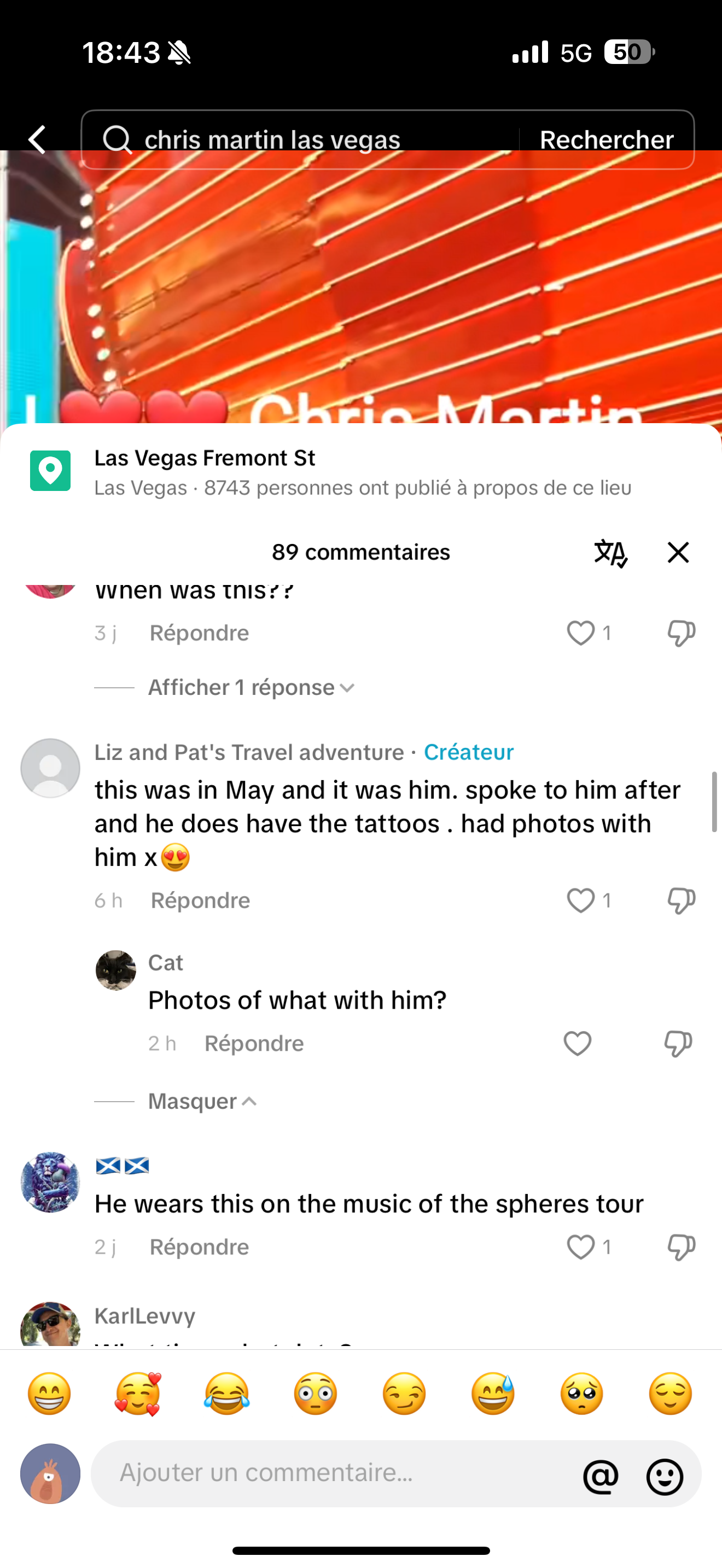
Apparently the video of Chris in Vegas is from May of this year… the song that he played may not be on the album…I really like what we have heard so far from MM! It sounds like their most coherent album from a while!I have a feeling that MOTS 3 is gonna be an EP which his concept is based around the Stars. The Musical will be LP11 and LP12 is the self titled album.CD and Vinyl will be shipped early next week! So I expect it to leak before next Wednesday.It will definitely leak in the next 3-4 days…I’m starting to think that the Only One will be part of Moon Music opening song… The only reason that we didn’t hear anything from it is because it’s demo leaked like Jupiter and Good Feelings…. Maybe that’s why we didn’t have an Overtura IIYOU.ARE.NOT.ALONE!Moon Music title track being an actual song is a good thing! Would be cool if the Band drop an Overtura like video!Yeah seems like a rough demo! Without W,J and G on it!Unfortunately yes! 😢
.thumb.jpg.1837e42f6fa1d9ff68d64d0fc548d751.jpg)