Nie
Members
-
Joined
Everything posted by Nie
-
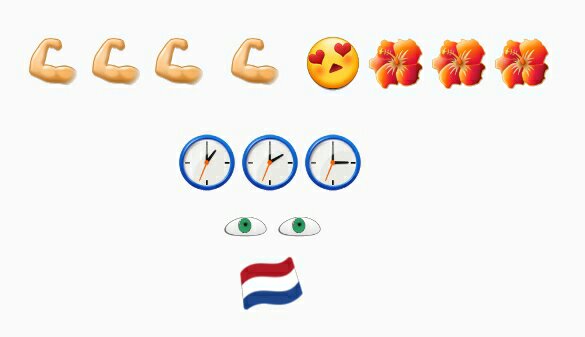
No. Ok here is my final hint:
-
I came here with a load And it feels so much lighter
-
All the highs all the lows, as the room a-spinning goes
-
-
[emoji1] It will all make sense when you know the answer and you will kick your head for not seeing it. [emoji14]
-
Fly into the sunset and away they go
-
OMG, what have I made of it. I'll retry [emoji1]
-
Fly into the sunset and away they blow
-
Daylight
-
-
Come on!!! Maybe it helps when you say out loud what you see. Remember, only the first line is the song. The other 2 lines are tips
-
Brussels, Belgium, where the Ancienne Belgique is and were Coldplay played in 2000
-
-
And this could be my last chance
-
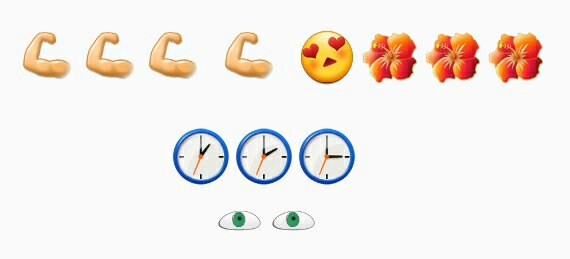
Ok, I think I've had you struggle long enough. [emoji1] I will give you an extra hint:
-
Gonna come back and take you home
-
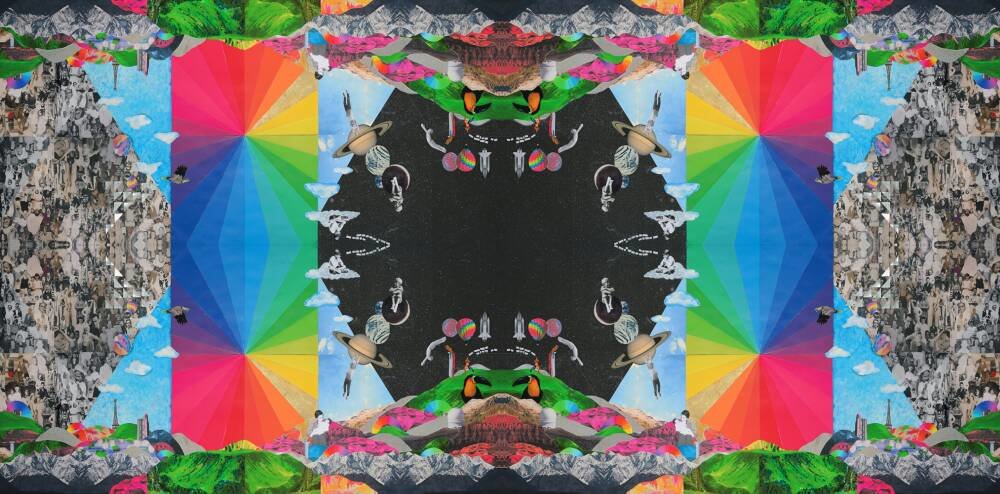
I have just been looking at the extended artwork in order to find some extra hidden stuff. But it's a bit too blurry.
-
LMAO. You're making progress but keep practicing. [emoji14]
-
Nooooooo!
-
Give me real don't give me fake
-
You, For
-
And the view, the whole Milky Way
-
-
Nope
-
Voting for Coldplay for the BRITs