Nie
Members
-
Joined
Everything posted by Nie
-
Yes. It now is 19:38 UK time and 20:38 in Brussels/Berlin...
-
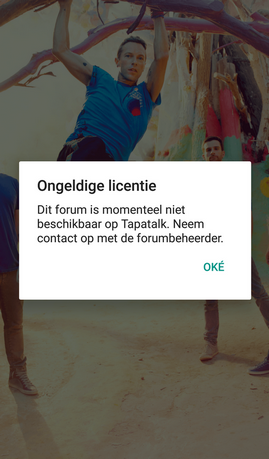
My favorite app seems to have problems: Invalid license :( [uSER=100956]@Stephen[/uSER]
-
GPASUYF? Where do we go to draw the line answer: Ah, when you work out where to draw the line Ah, when you work out where to draw the line :grinning:
-
Yesssssss!
-
The answer is no. But you indeed have to find the connection between Coldplaying and Bruce Springsteen. The song will be clear when you find that. [emoji4]
-
You have cracked line 1. [emoji4] It is indeed 1 of 2 IP addresses of Coldplaying.com. There is also a 104.18 43.236, but I liked the one with 42 more. [emoji16] Now proceed with line 2
-
I got exactly the same. Scary, isn't it? [emoji1]
-
Hey, if I can find a street in a country somewhere in the world based on your hints, you can find this one too. (and it's not a street). Btw, you don't have to know anything about music to solve it. [emoji12]
-
Hint #4: Hint 1, 2 and 3 have to be applied on line 1. When you have solved that you will have to connect it with line 2
-
No one? Hint #3: How can you connect hint 1 with hint 2?
-
No Extra hint: ...
-
Princess Of China
-
To get you started, here is a hint: start with deciphering line 1 and every word is important.
-
Princess Of China
-
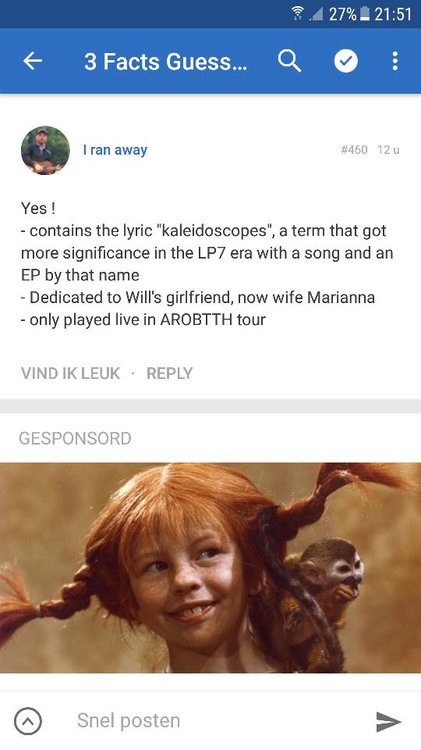
These ads that are now in the middle of my screen are a bit confusing. For a second I was relating this picture with Marianna. [emoji2]
-
New riddle: The connections between 104 18 42 236 and Bruce Springsteen will lead you to the name of the Coldplay song.
-
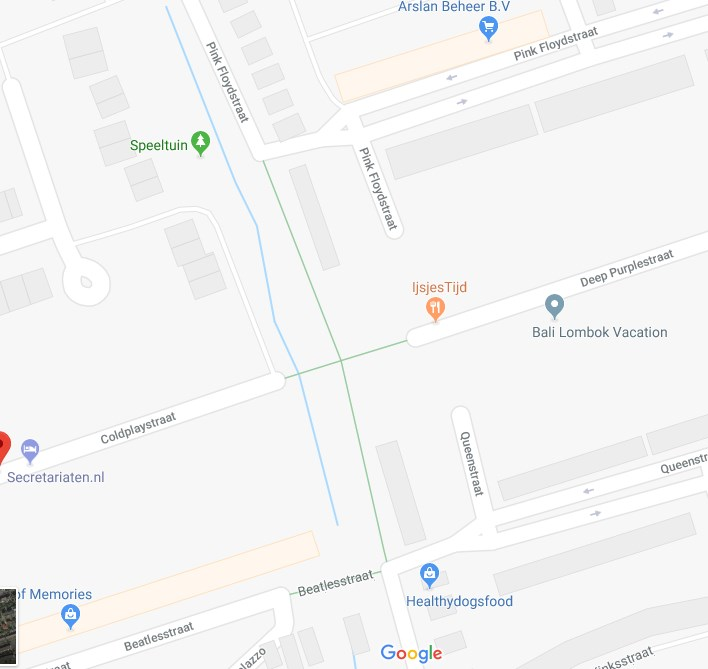
Pfjew... It took me some twisted logic to get there. I still think that Solid Ground perfectly describes the geographic place in between those roads. [emoji14]
-
Coldplay has played a few times in Nijmegen. At the concert on 1/7/2003 "The World Turned Upside Down" was on the setlist, but that is a b-side of Fix You. Since geography was one of the hints... can it be "Your World turns upside down"? Which is an old unreleased song?
-
I give up. I don't see anything possible logical in between those 2 streets. Edit: I have found the perfect unreleased song for this riddle: "Nobody will understand" - performed when they were still called Pectoralz.
-
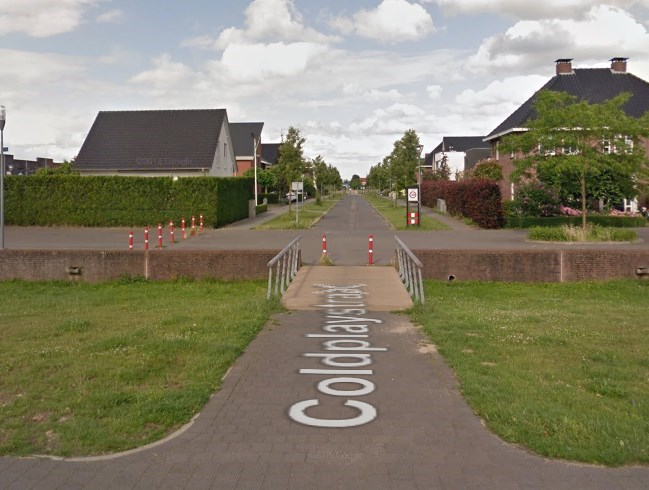
Solid Ground (Until The Water Flows Over) There is a bridge in between the 2 roads (but no water) :grinning:
-
Fun fact: I do have to mention that there is an Coldplaystraat in Nijmegen, The Netherlands. [emoji16] My favorite Dutch song "Mooie Ellebogen" is recorded and released though. [emoji848]
-
I have found > 5 streets with the name of an unreleased song. [emoji48] I could start summing them up but without the connection with the riddle I dont think that's fair.
-
The only connection I see between Coldplay and Deep Purple is Joe Satriani. And also The Beatles occur in a plagiarism story. But if I have to find a street, then I'd guess St Stephen. There is a Stephen street near Camden. :grinning:
-
Spiderwebs - Trouble? I took the initials from "Deep Purple" --> DP --> Don't Panic. The song was released 2x, in 1999 on The Blue Room and in 2000 on Parachutes. In between - geography :p - those 2 DP's there is an unreleased song "Spiderwebs" which was an early version of Trouble.
-
Don't Panic ? Or Panic as it was called first