



Nie
Members
-
Joined
Everything posted by Nie
-
Quick guess Swallowed in the sea
-
so start falling in love, start the riot and come on rage with me
-
No and no
-
No And that's how I feel when trying to solve your latest Guess Coldplay Song riddle. [emoji12] An extra hint: [emoji777][emoji331]
-
No. Try to figure out what each symbol is and look for a song that has those in its lyrics.
-
Atlas?
-
Achilles and Hercules were Greek half gods and heroes. Heroes ? (Although not a Coldplay song but maybe covers do count)
-
No [emoji16] But it is indeed a "baby".
-
This seems to be difficult. It's also hard to find emoji. Here is an other representation of them:
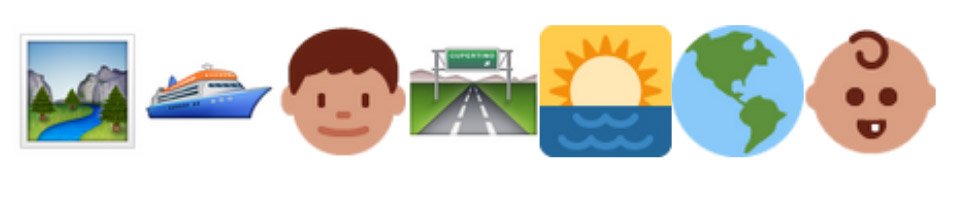 Tudududuuudududuuu Tudududuuudududuuu [emoji14] Mylo XylotoOh ten to the dozenOhohoh ohohoh ohohoooooh Colour SpectrumNah, the more doubles, the sooner I'm done editing. [emoji23] AStargateGod put a smile upon your face, yeahOh ten to the dozen Who does, who doesn't Who chooses who's chosen Who must, who musn't Who rests and who runs out The World Turned Upside Down. [emoji16]? ?ee? ??? ????s??? ??????? ?? ????? ???e ?s ? ????? ??? ???? ???e's ?????? ???? ??? ???????? ??????? ?? ????? ???? ?? ? ????? ??? ???? ????'? ?????Can't we pour some water on?I can only think of "superhero" X Marks The Spot?I had to run for my train because it was on the radio when I just parked my car. I really wanted to hear Jonny's riff. [emoji16]Ask me so sweetly, what do I do And who do I sing for, well honey I sing about you


