diannerozendal
Members
-
Joined
-
Last visited
-
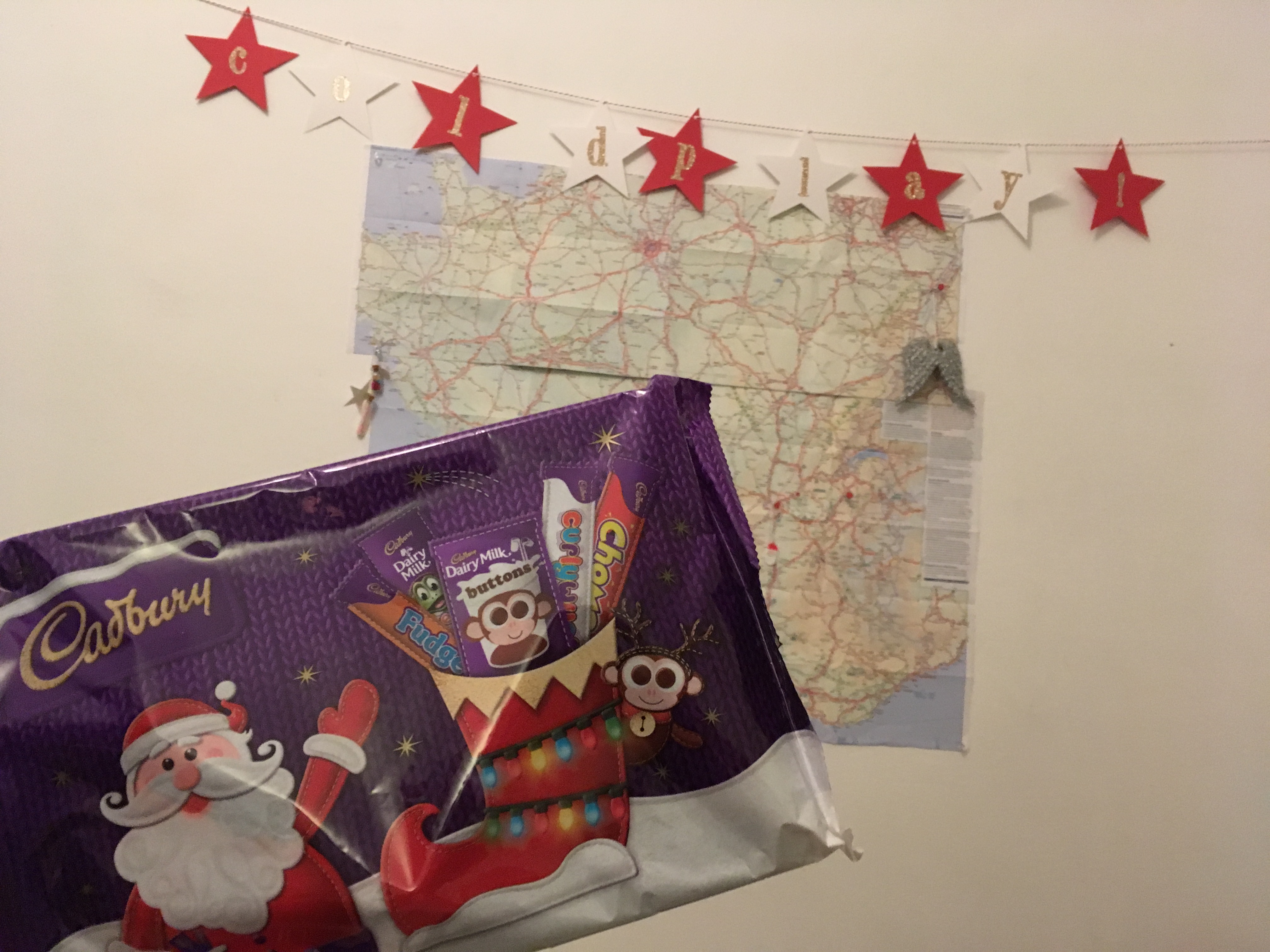
Merry Christmas everyone :party: A delayed message but a while ago I received the most amazing secret santa package. I put the Coldplay garland on my wall immediately, as well as the ghost stories wings and the tiny confetti pieces. I must admit the chocolate didn't last long in my home but I'm glad I took a pic before I ate it all (Cadbury is my most favorite EVER). Not in the picture are the letter and card + amazing rainbow pencils. @oldiefan THANK YOU :heart: I'm so sorry that I didn't post this as soon as I got this but Merry Christmas and I hope 2019 will be amazing for you :heart: LoVe, Dianne
-
Hi everyone! I don't know if I've missed it in this dialogue but could someone send me a download link? :heart::heart:
-
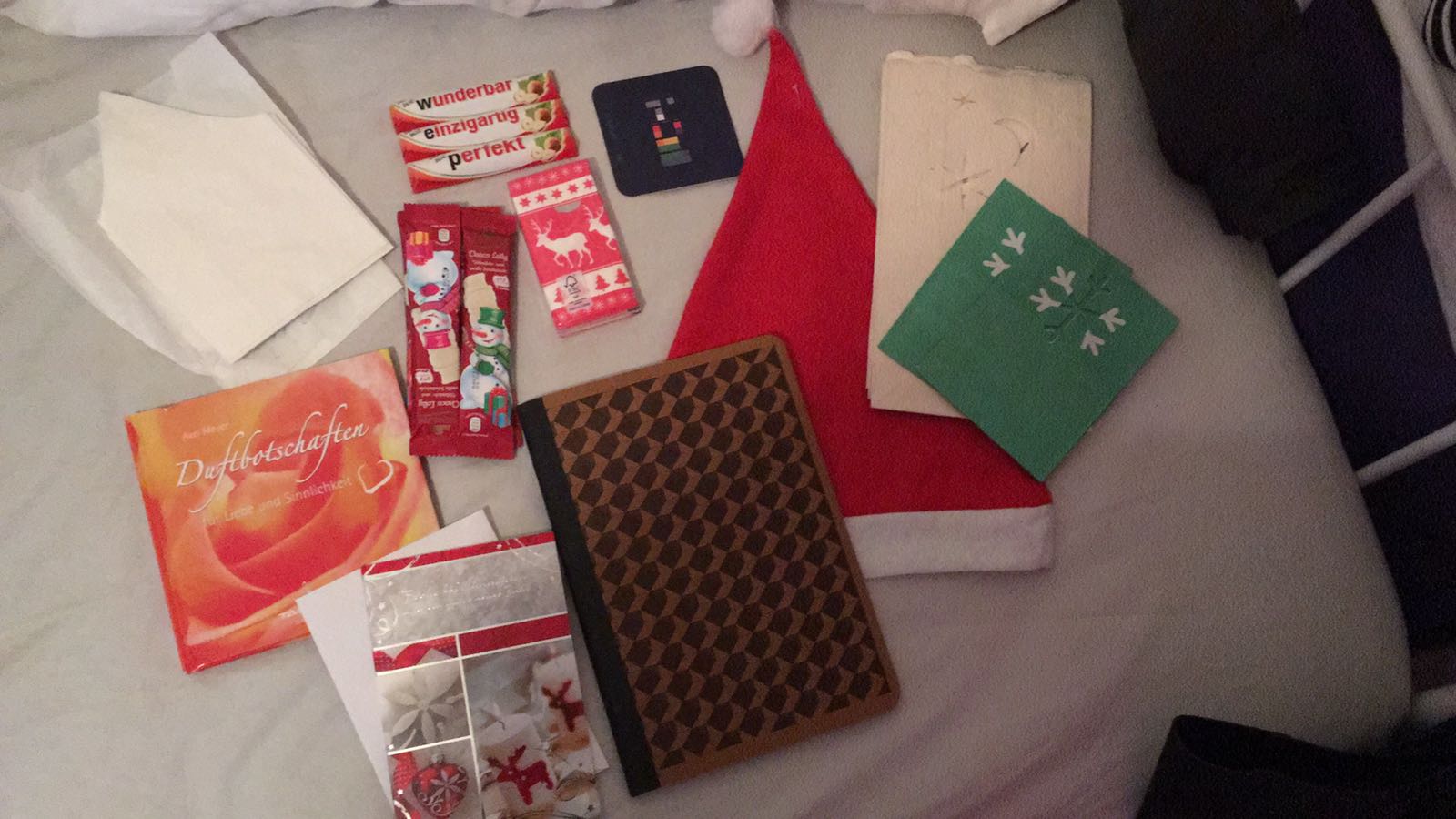
Today I went to the post office because a package arrived. I found out that it was from my lovely secret santa and I am sooooo happy. The gifts are awesome and the chocolate is so good (I ate half of it :$) It also included a journal and I literally was thinking about starting a journal that morning! So thank you Yasmine! :heart::heart::heart::heart: Also: quite a while I send my gift to France, I hope it arrived in time :innocent: LoVe, Dianne
-
Zwolle, The Netherlands Sleeping sun (: xx