danjospri
Members
-
Joined
-
Last visited
-
Really interesting seeing people beg for leaks when the album is so close to release anyway. If you can't find them, that doesn't mean you annoy others for them.
-
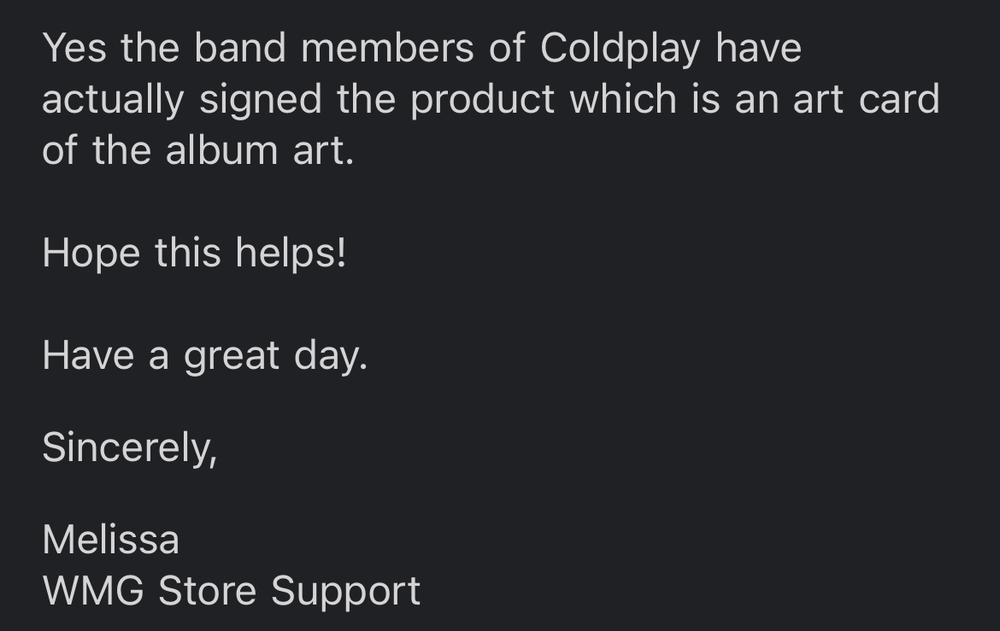
I contacted them and got this response.
-
The real problem is that Flags' lyrics aren't on Coldplay's website.
-
This is exactly how I feel about the sample. Listening to it loud gives me chills, especially when the officer yells "Why don't you shut up?" and the instrumental becomes louder.
-
I really love this track. Would probably push Guns out of my top five (Church, Trouble In Town, Arabesque, Champion Of The World) if it were on the main album.
-
Coldplay apparently sampled the song Los Angeles, Be Kind by Owl John for Champion Of The World. It's an amazing song.
-
I made a post on the Discord.

-
When you call it gives a voicemail from Phil Harvey.
-
Something is definitely possible tomorrow since we got something today.
-
We really can't predict anything about the sound of this album based on all of the information that has come out, though. I mean these three producers could only be on one of the tracks.
-
This sounds like the most plausible thing to happen.
-
You were fantastic! O was an amazing song choice and I'm so happy I got to hear it live (and thanks to you!).