amazingnico
Members
-
Joined
-
Last visited
Everything posted by amazingnico
-
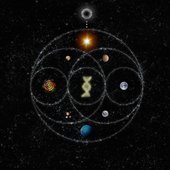
it's obviously fake but what's interesting is the moon phase not being aligned with today's phase so we can guess perhaps it does means something. I know that is from ahfod era but if you go on detail the color spectrum it's not in the same order comparing to ahfod era and the background picture not the same too. Also it's strange for them to go backwards and put the same exactly stylistic from ahfod or any past era.
-
according to all we know the race is coming soon so I believe that's the reason they took them all down .
-
Perhaps we get something on today’s show on bbc
-
coldplay is probably never going to go back to the rock they used to make in the 2000s. I expect them to keep moving forward with their sound like they've always done. they never kept any style for more than one album era. they'll probably keep with a more pop inspired sound just with their own unique style like always.
-
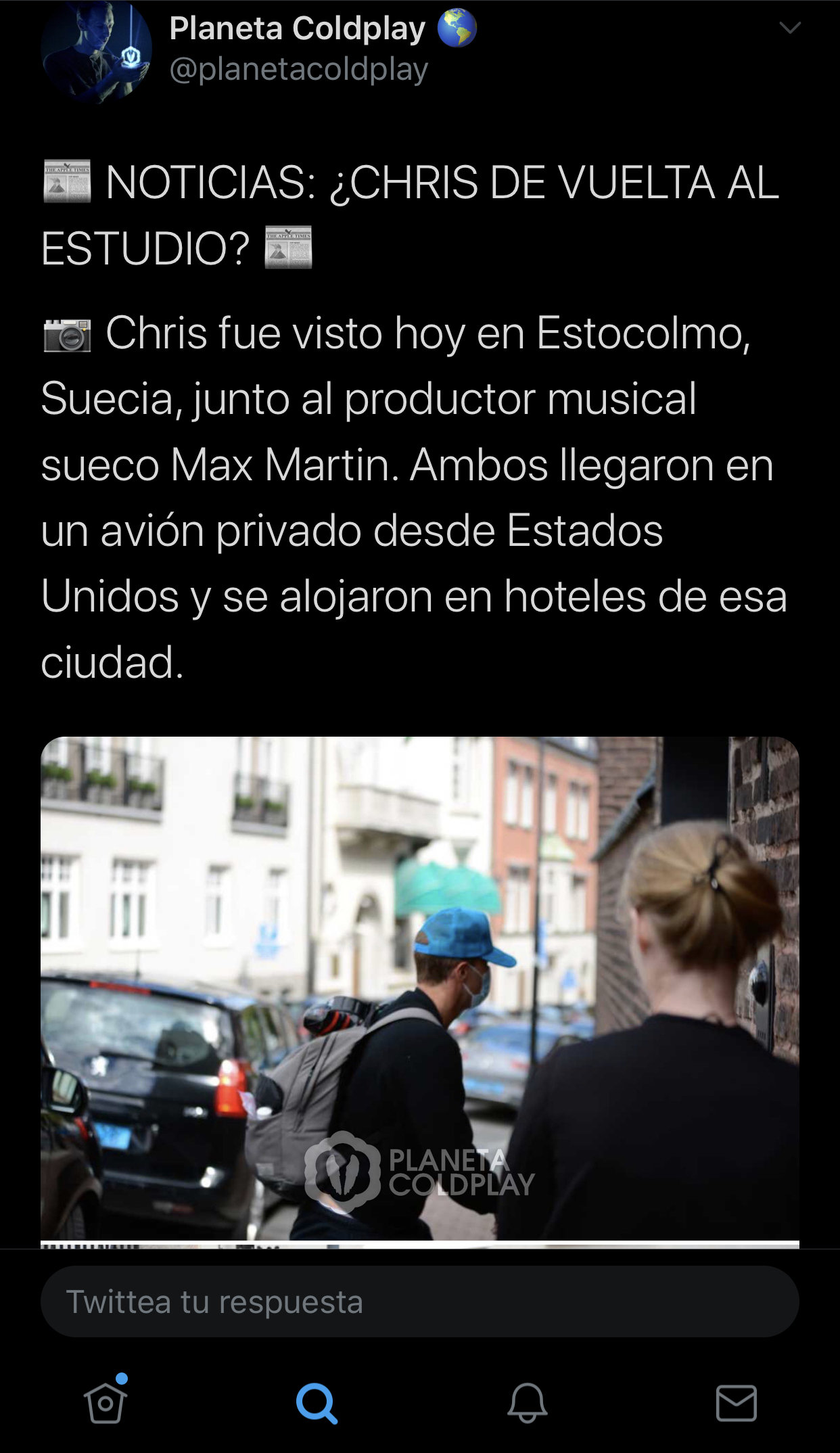
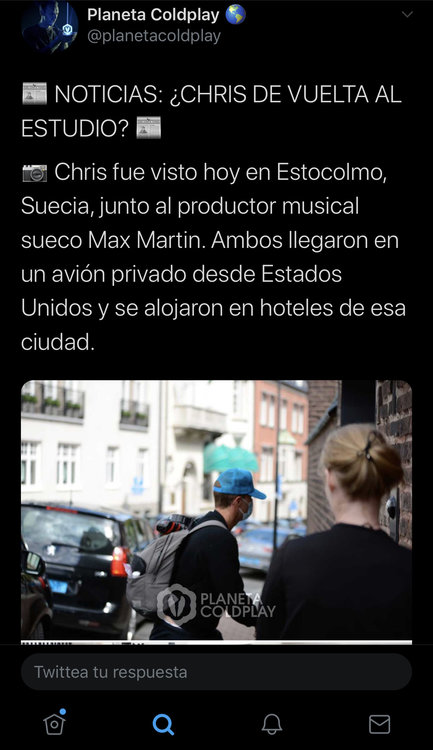
Chris was seen in Stockholm with the producer Max Martin sure something's on the oven
-
yes I think so
-
could be a countdown..... because there is a full moon at the end and in the beginning there`s no full moon. it makes no sense the change because if I`m not wrong today is a full moon