


Skip to content
View in the app

A better way to browse. Learn more.

Coldplaying

A full-screen app on your home screen with push notifications, badges and more.

To install this app on iOS and iPadOS
  1. Tap the Share icon in Safari
  2. Scroll the menu and tap Add to Home Screen.
  3. Tap Add in the top-right corner.
To install this app on Android
  1. Tap the 3-dot menu (⋮) in the top-right corner of the browser.
  2. Tap Add to Home screen or Install app.
  3. Confirm by tapping Install.

blistersoul

Members
  • Joined

  • Last visited

Everything posted by blistersoul

  1. Hey all, I once had a promo from X&Y era. I have it in 320, but cannot find it anywhere in lossless. Does anyone have it and can PM me? It includes: In My Place Politik Daylight Scientist All LIve, Any help would be greatly appreciated.
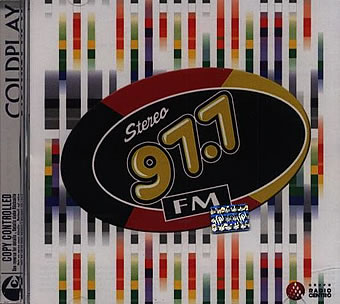
  2. Gotta ask, where does Love in Tokyo pop up? I have not seen it anywhere.
  3. Anyone have a FLAC of Have Yourself a Merry Little Christmas fromKevin & Bean's Fo' Shizzle St Nizzle? Heard it was a better version than on Mince Spies. Dying to hear it. Blistersoul

Account

Navigation

Search

Search

Configure browser push notifications

Chrome (Android)
  1. Tap the lock icon next to the address bar.
  2. Tap Permissions → Notifications.
  3. Adjust your preference.
Chrome (Desktop)
  1. Click the padlock icon in the address bar.
  2. Select Site settings.
  3. Find Notifications and adjust your preference.