Nie
Members
-
Joined
Everything posted by Nie
-
-
Can't get over you
-
-
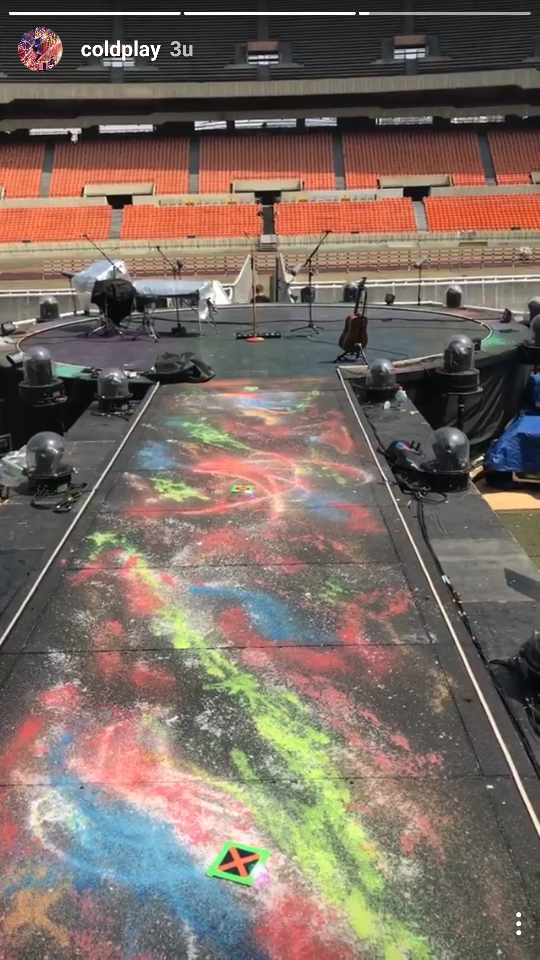
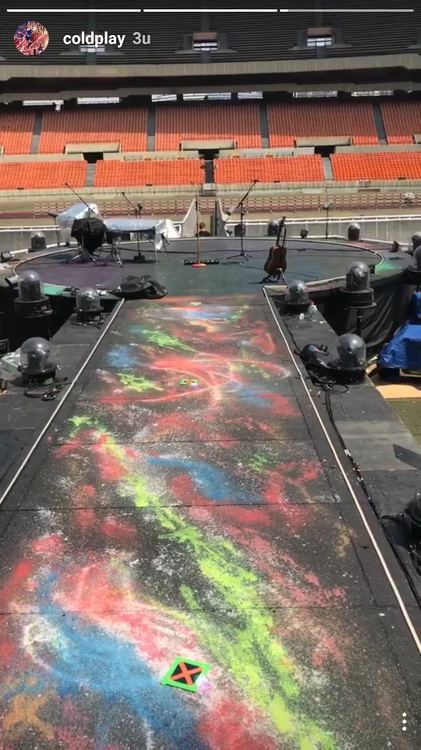
Something I noticed on the Coldplay Instagram live story: X Marks The Spot [emoji4]
-
The call comes on the radio
-
Coldplay Seoul - Cstage: - In my place - Don't Panic - GPASUYF !!!!!!! - no request video - Chris singing impromptu song about South Korea - Followed by an acoustic intro to SJLT which was actually awesome with the crowd singing the doo-doo-doo...
-
Careful where you stand, my love
-
-
??e? ? ?e? ?a?? ?? ????d ?????d ?'? ????a ??a?? ?? ?a? ?? ???
-
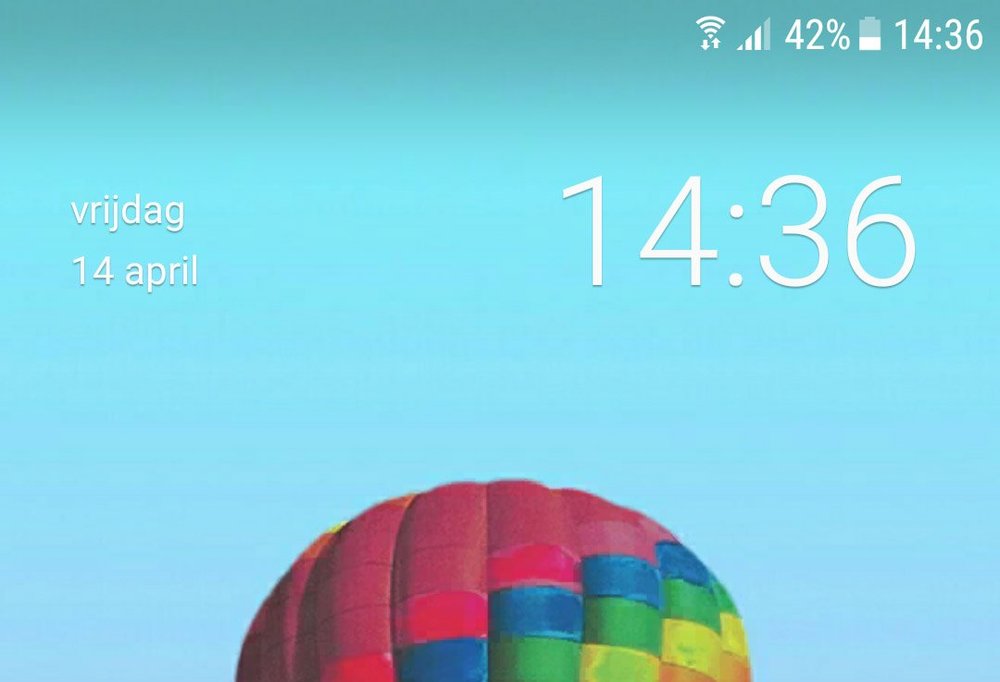
When you ignore the 4 in the hour...
-
??e? ? ?e? ???? ?? ????d ?????d ?'? ????? ????? ?? ??? ?? ???
-
??e? ? ?e? ???? ?? ????? ?????? ?'? ????? ????? ?? ??? ?? ???
-
???? ? ??? ???? ?? ????? ?????? ?'? ????? ????? ?? ??? ?? ???
-
[emoji45] Have you tried to restore the sd card? There are some tools / freeware to do that. It's worth the try.
-
-
Ah don't you worry yourself
-
So then I took my turn
-
Congrats with your 1000 posts, and I think ASFOS fits you since you love stars. [emoji4]
-
Did You really think that I had put that in my profile?!? [emoji12]
-
-
In a telescope lens And when all you want is friends
-
and I put myself into your hands
-
Yep [emoji17] But I managed to fix it.
-
-
And I love it when you come over to the house