




I ran away
Moderators
-
Joined
-
Last visited
Everything posted by I ran away
-
Welcome to Coldplaying !
-
-
At night they would go walking till the breaking of the day
-
Welcome to Coldplaying !
-
Aww thanks, that's very kind of you :blush:
-
They say that darkness always turns into light
-
Strawberry Swing #SaveSpeedOfSound #SaveSquareOne
-
It's my only weapon
-
You are allowed to take any other line from the same song.
-
-
-
-
The needle and thread thing as well :) I was just surprised that the first guess was already the correct one (you know, you have got a different kind of reputation with your riddles here :p)
-
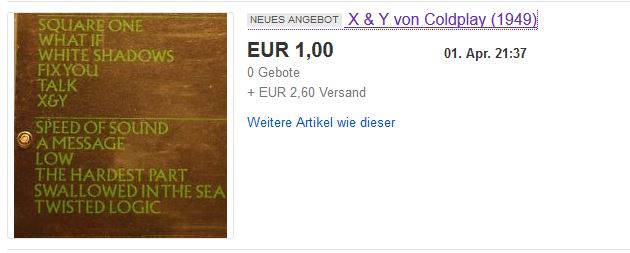
Just seen on ebay: Here you can bid on a very old copy of X&Y. Surely interesting for all the collectors here ! :joy:
-
Yeah yeah yeah yeah yeah yeah yeah
-
So this is really the correct answer ?!?! Damn, then I have to think of a new one ?? :joy:
-
Eagle in the Hypnotised Video
-
Yes, your turn !
-
Oh no, I see
-
Bloodless Revolution ?
-
A?? ? a?k?? c?? ??? ????? ?? ?????? ch??? ca? ?h??? ?? ???ak? ?? ?h? ch??? ?????????
-
But we don't want #AnyRiddle We want #ANieRiddle ;)
-
Ah yes, I had forgotten that it is not well received to utter slightly Coldplay-/Chris-critical opinions in public here. Don't worry y'all, I'll restrict this kind of opinions to the Oldplaying thread from now on. :rolleyes:
-
I agree. Here on the forum it's so much more interactive. Also, watching and typing at the same time always means you miss out on something.
-
??? ? ????? c?? ??? ????? ?? ?????? c???? c?? ???? ?? ?????? ?? ??? c???? ?????????

