
Nikolette
Members
-
Joined
-
Last visited
Everything posted by Nikolette
-
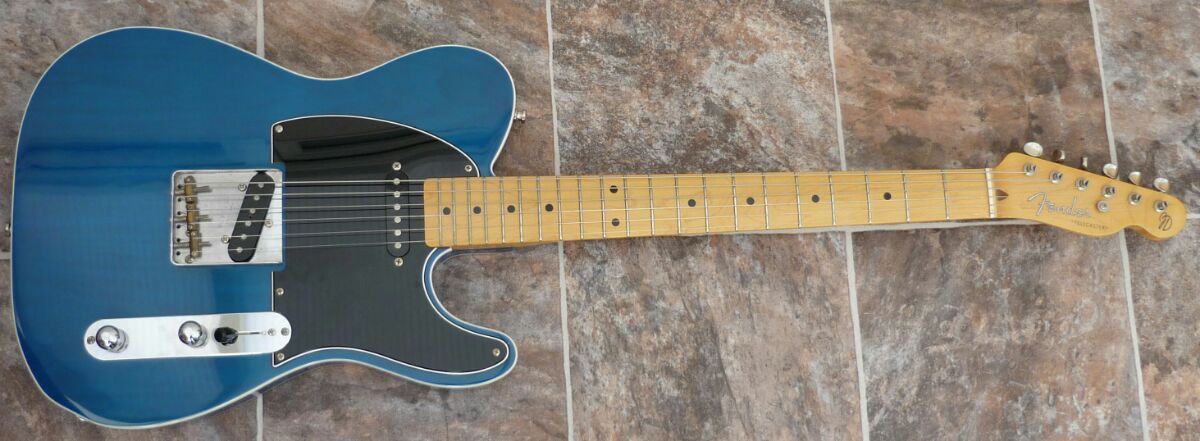
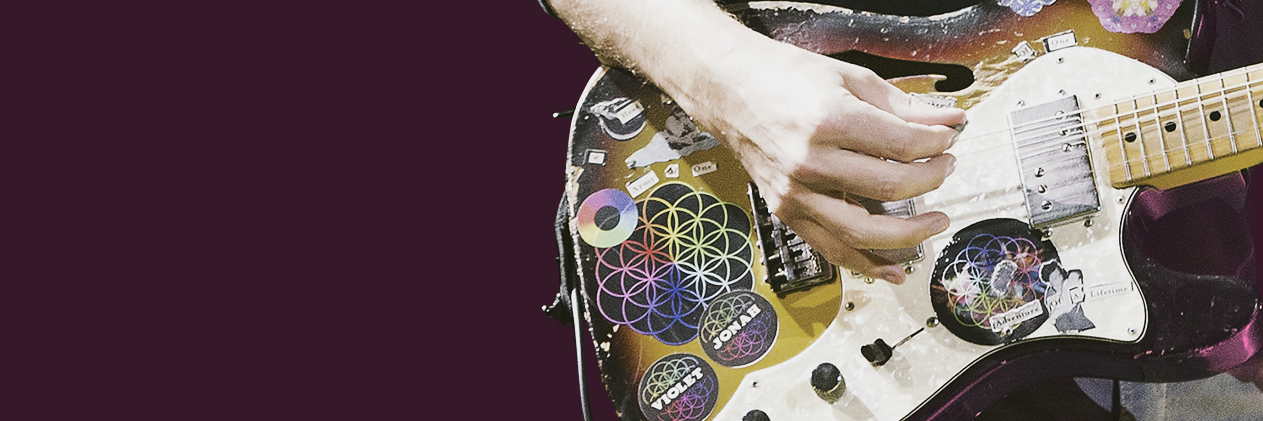
Sorry for chipping in, but this Fender from HH series has way too different humbuckers rather than on the one that Jon has, you can see the guitar better, for example, here (and, surely, he plays her since 1998 or near this time): And it should be Fender Jerry Donahue Signature Telecaster instead and supposedly she's called Bluey: And, actually, he surely owned / owns several JD's during Parachutes and AROBTTH eras because one of them was sold for auction:
.jpg.2bf0d98c58a523bd5515371f262ee07a.jpg)
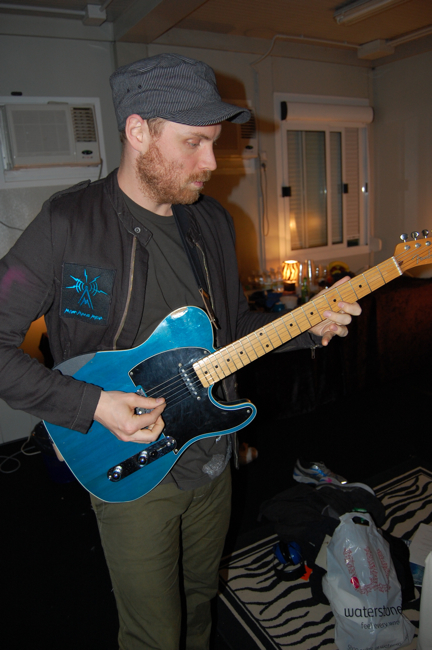
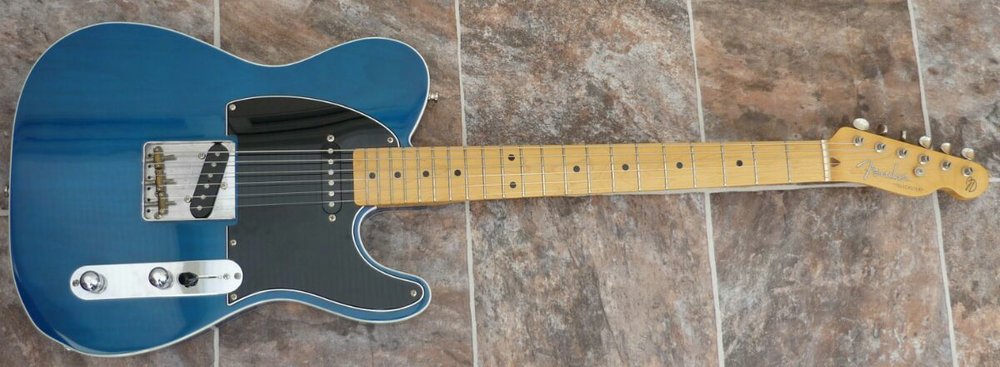
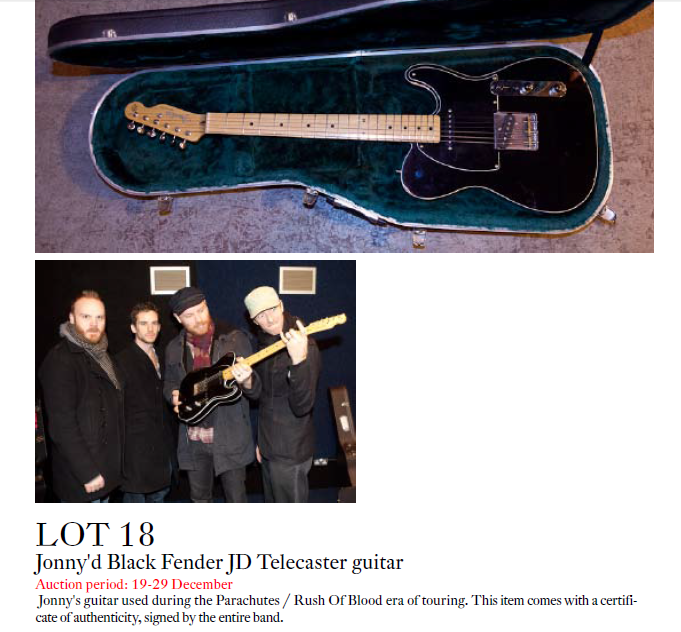
-
It actually is " The Sun On Snow", I was researching all the shirt's writings while making edits xD You can see clearly here, if you enlarge:
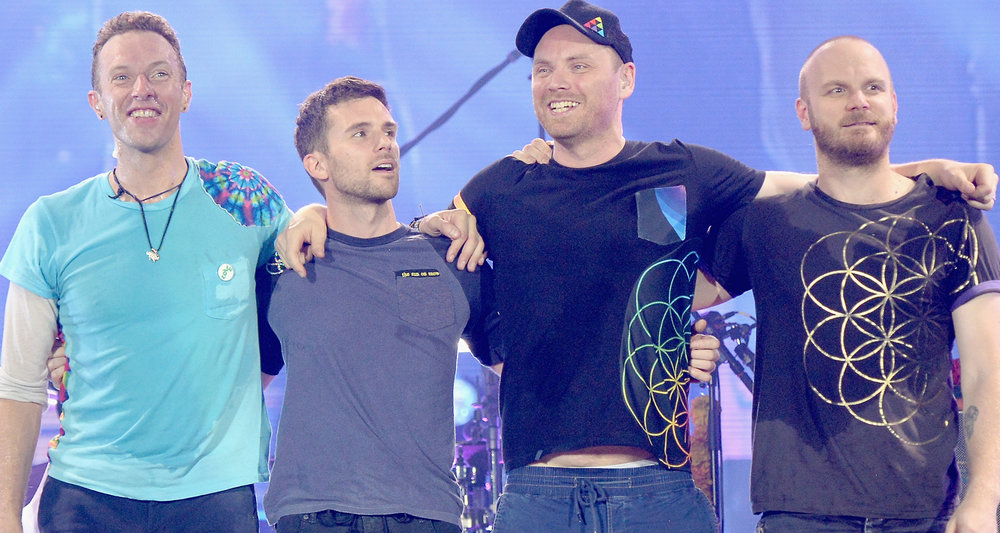
-
And, right, on Instagram that was, too, even twice (the first time someone asked her in Spanish and the second was in English) back in July when Pilar did some sort of q&a for stories