Skip to content
View in the app

A better way to browse. Learn more.

Coldplaying

A full-screen app on your home screen with push notifications, badges and more.

To install this app on iOS and iPadOS
  1. Tap the Share icon in Safari
  2. Scroll the menu and tap Add to Home Screen.
  3. Tap Add in the top-right corner.
To install this app on Android
  1. Tap the 3-dot menu (⋮) in the top-right corner of the browser.
  2. Tap Add to Home screen or Install app.
  3. Confirm by tapping Install.

Yasuko

Members
  • Joined

  • Last visited

Everything posted by Yasuko

  1. Ready to share the link now, how do I DM everybody who requested?
  2. I've recorded the track on Spotify not the best quality but I'll upload it somewhere if anyone interested.
  3. It's on right now! https://www.livenewsmag.com/bbc-news-uk-live-stream/
  4. Would you please upload it again?
  5. Thank you!! I've finally ordered a copy :D
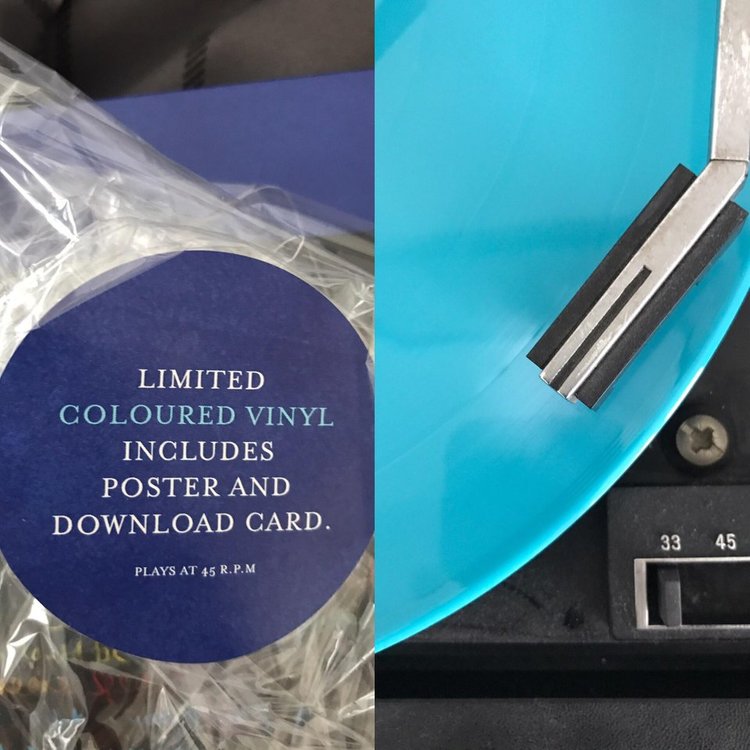
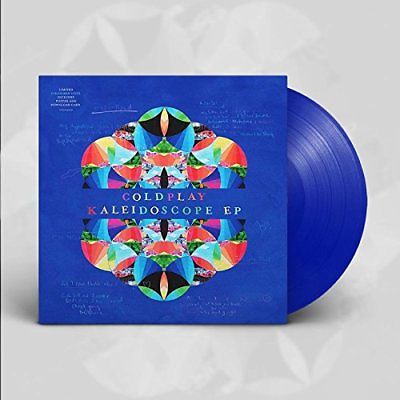
  6. Does the blue Kaleidoscope EP actually exist? How do you know if it's blue or turquise by the package?
  7. Has anyone saved this video by any chance? It looks like it's been removed from the site :(

Account

Navigation

Search

Search

Configure browser push notifications

Chrome (Android)
  1. Tap the lock icon next to the address bar.
  2. Tap Permissions → Notifications.
  3. Adjust your preference.
Chrome (Desktop)
  1. Click the padlock icon in the address bar.
  2. Select Site settings.
  3. Find Notifications and adjust your preference.