aMemeAddict
Members
-
Joined
-
Last visited
Everything posted by aMemeAddict
-
Cadıların olduğu nehir kenarına sürdük, onlar der ki, "Okyanusta hayalet şehirler var"
-
Violet Hill vs All I Can Think About Is You
-
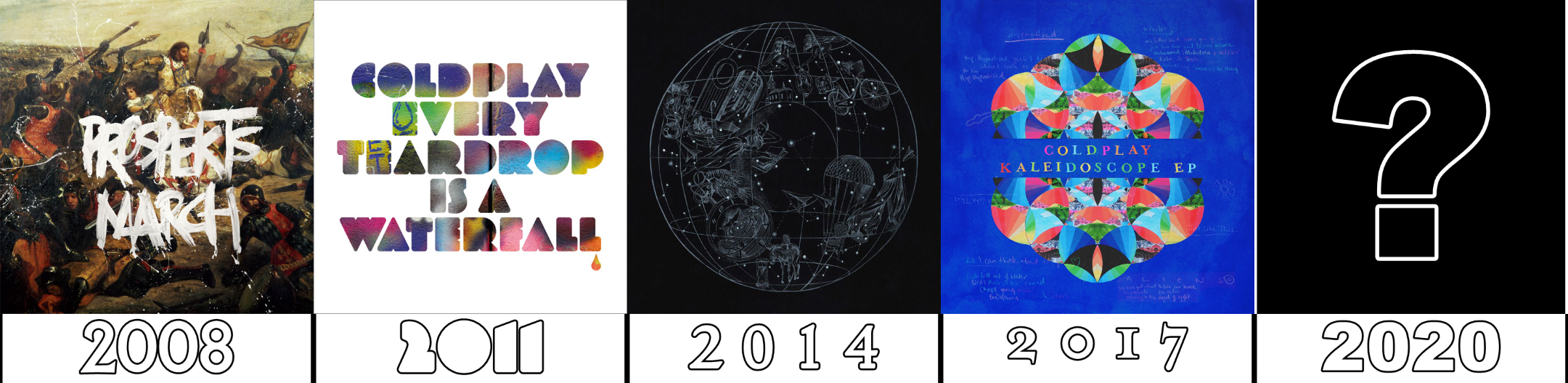
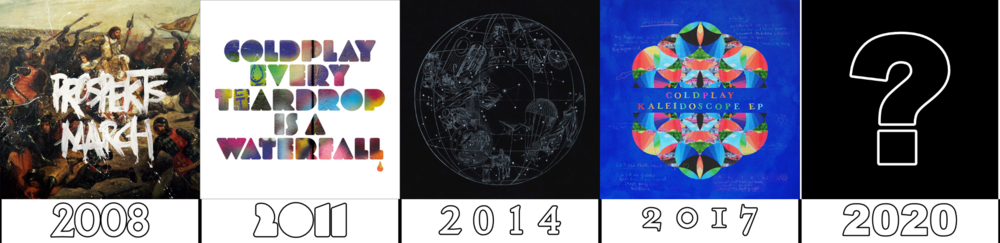
Little chart I made. My speculation is that we will get a new EP in late 2020, and LP8 in early 2021. I'm totally fine with that.
-
(hehe, X&Y b-sides)
-
Caramel Cappucino has enough caffeine to bring the Sleeping Sun up. Globe
-
What is scouse? I don't think I've ever heard that word. It's one of the Things I Don't Understand. Isaac Newton
-
GPASUYF vs True Love
-
Hey, we don't know if it's correct, hehe
-
Time came creeping And time's a loaded gun Every road is a ray of light? pistool and licht, tijd is repeated
-
Avocado is a fruit. Apple is also a fruit. Apple is the name of Chris Martin's daughter. Brotherhood
-
Thanks, yeah it is Turkish
-
It's a cloudless day, so sadly it won't be a Rainy Day Smoke
-
Yeah that's the one
-
Close, but not correct
-
Alright, thanks, what about Life in Technicolor
-
Oh nice, uhh Beni sevdiğini söyle, sevmiyorsan bana yalan söyle
-
X Marks the Spot
-
does Voodoo count?
-
Chris widens his body and stars in the True Love music video Tea
-
Sometimes the stars decide to reflect in puddles in the dirt? I know a little bit of German but oh boy those are a lotta words I don't know
-
Low vs Atlas
-
Edinburgh, Scotland
-
Spies vs Sleeping Sun