yoyo2000
Members
-
Joined
-
Last visited
-
Sunrise
-
WOTW/POTP It had a lot of potential, but it's VERY short and it doesn't have the quality of Parachutes.
-
WOTW/POTP
-
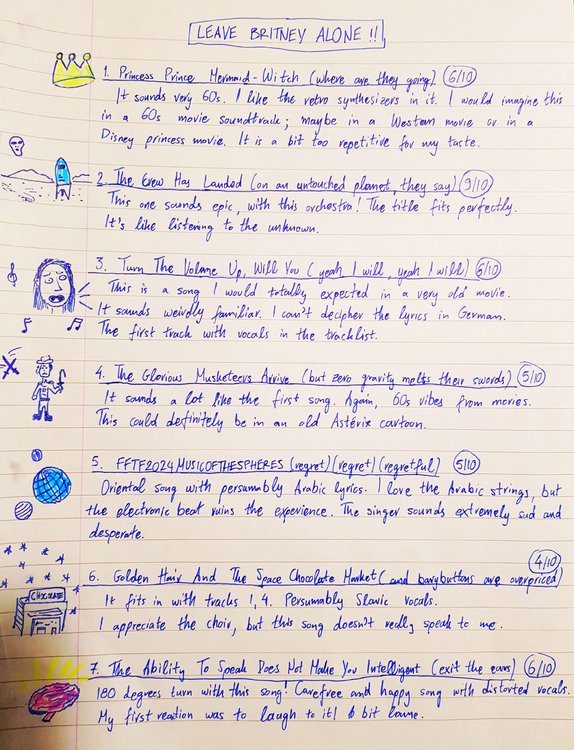
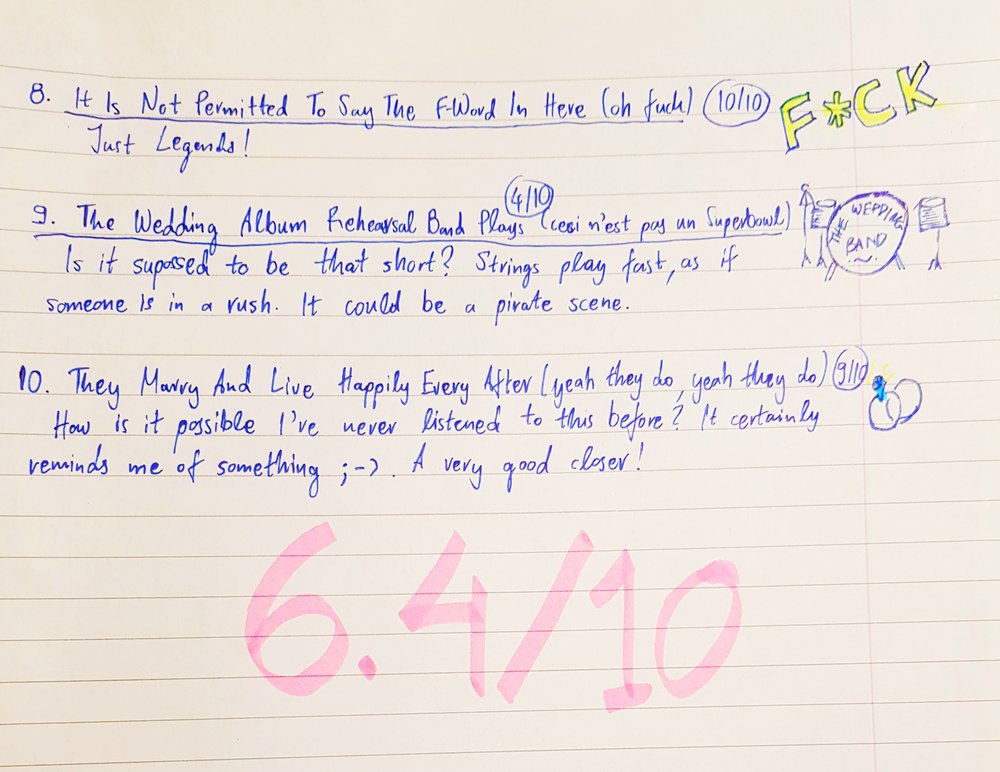
[spoiler=Review of "LEAVE BRITNEY ALONE!"] This is my review of the mixtape I've been given. I've tried to keep up with @The Jordanator's review style! Orchestral instrumentals are the main theme of the mixtape. This gives the feeling of a fairytale-like journey. I would point out that tracks 7 and 8 don't really fit in with the others and that's why I don't give any bonus points. I was impressed though by the creative way you chose the tracks' titles!
-
Nicosia, Cyprus
-
The boy on the SJLT artwork wears a mask Marmite
-
ΗΙΝΤ #2: A natural satellite is named after the fourth word
-
Same for me hahahaha

-
HINT: The fourth word is used in English for complex words
-
Δε θέλω να φοβόμαστε αυτά που δεν ξέρουμε De thélo na fovómaste aftá pou den xéroume.
-
Definitely, the unreleased song from the early MX accoustic sessions. It has references to a wedding. It sounds a bit like Wedding Bells and Lukas.
-
WHAT? Did he say that in the interview?
-
Parachutes: Trouble AROBTTH: Clocks X&Y: Square One VLVODAAHF: Yes MX: MX/Hurts Like Heaven Ghost Stories: Oceans AHFOD: Birds Everyday Life: Arabesque
-
Wow! I wish I was in London with some other Coldplay fans!!! Have a good time!
-
I guess "voorzichtig" is careful like "vorsichtig" in German. Be careful where you stand?