



harrisonrules
Members
-
Joined
-
Last visited
Everything posted by harrisonrules
-
Yes
-
DLIBYHKinda reminds me if this
 Hurts Like Heaven or DLIBYH?Star Wars vibes from that posterSquare One@IcebatofvalikinRRBZ8you are nextGood job you are probably correctAHFOD?Gaga gets a lot of flack but she's very talentedThis is the full screenshot I took and yes I'm pretty sure its the scientist
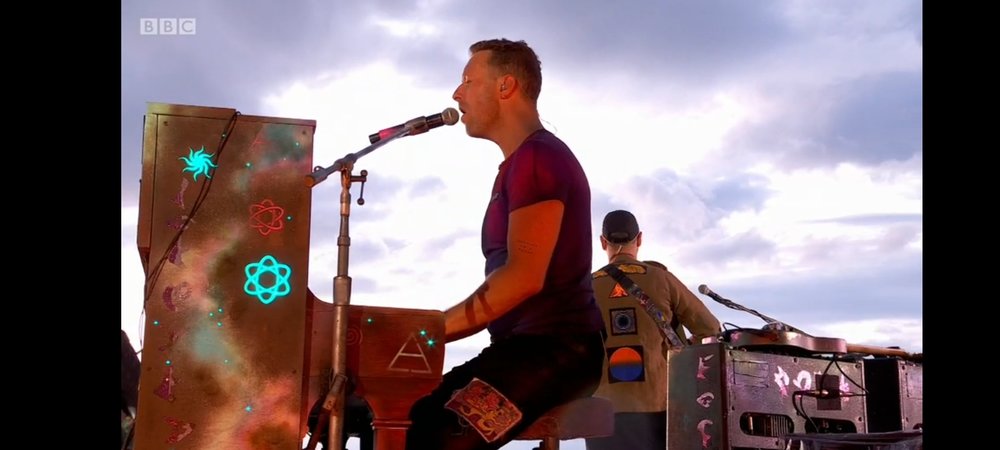 All Your Friends vs Glass of WaterYes universe girl I also saw connected on that same pictureIts definitely Girl There will probably be song mentioning a girl sort of How HP says the Boy is Electric
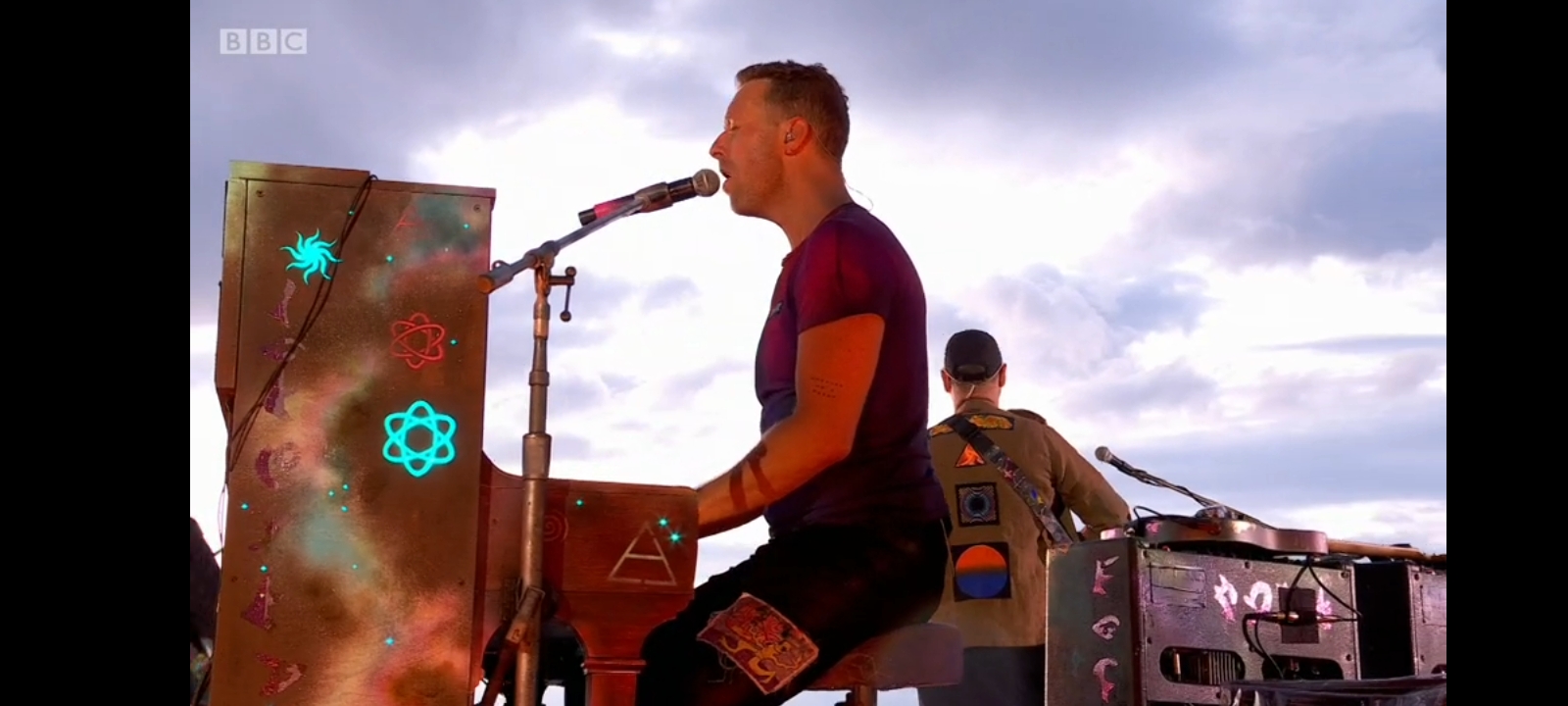
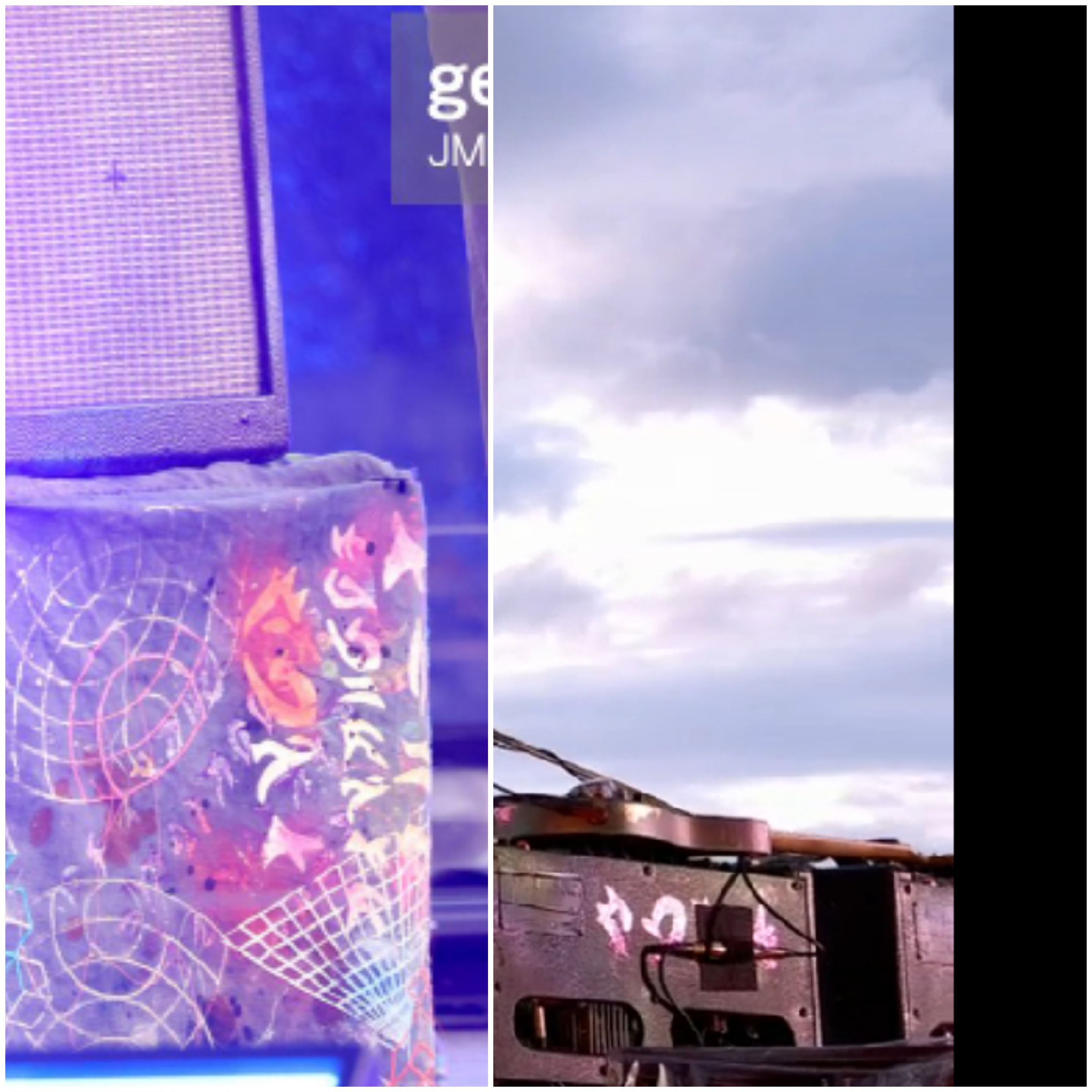
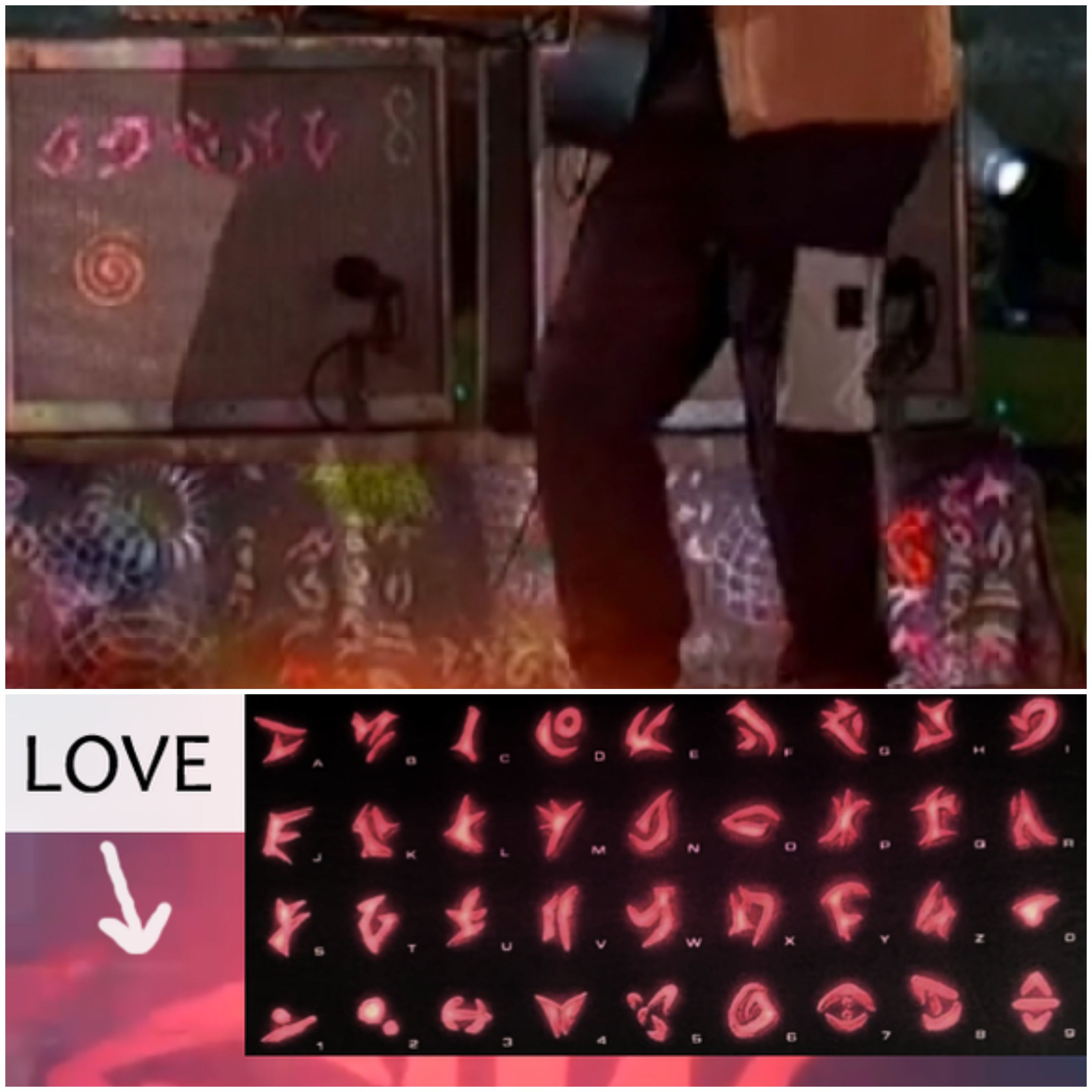
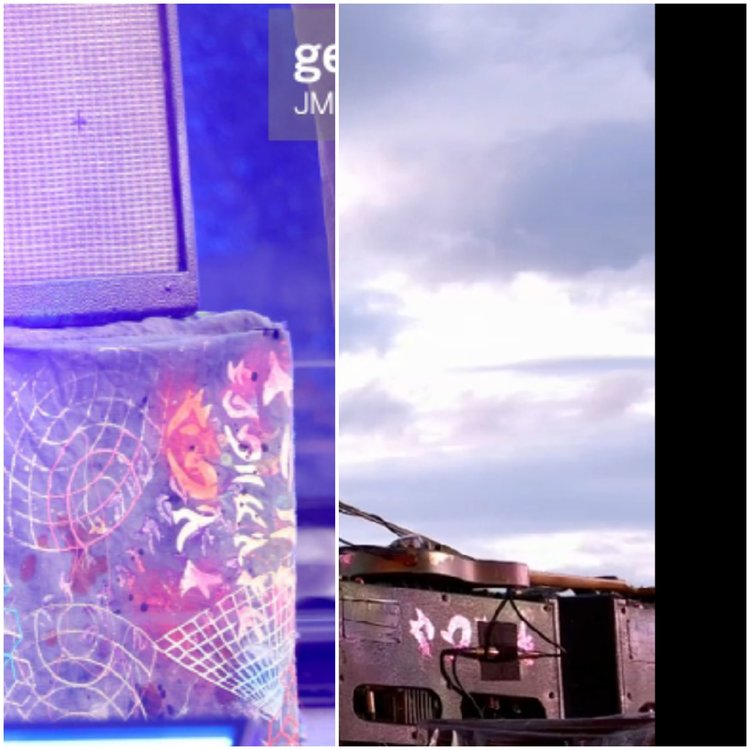 Trying to look hard 1st letter looks like G and last possibly L I'm guessing GirlJOY on side Can't make out 1st letter on back of amp but 2nd is I and its 4 letters
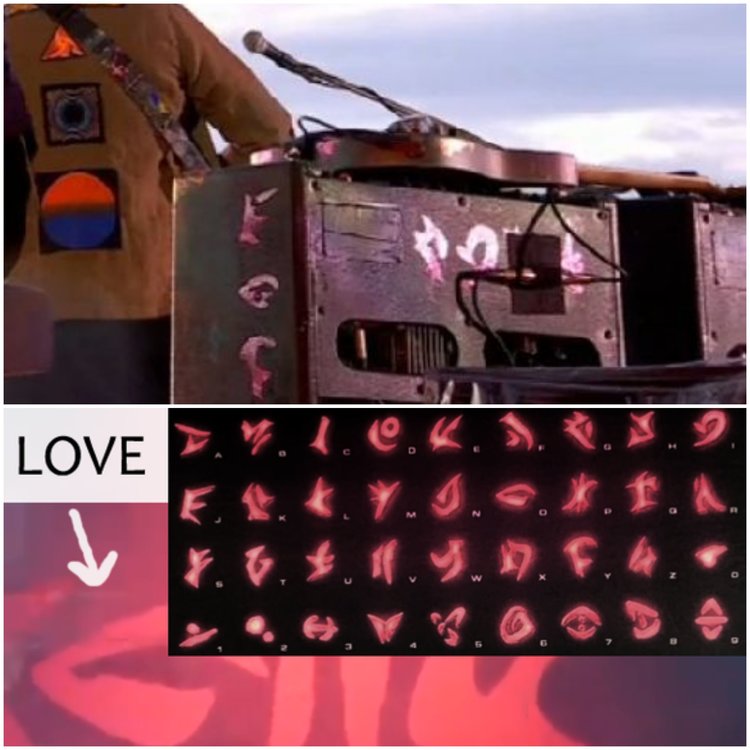 Lets decode Kaotica alphabet Looks like amp says Night in back
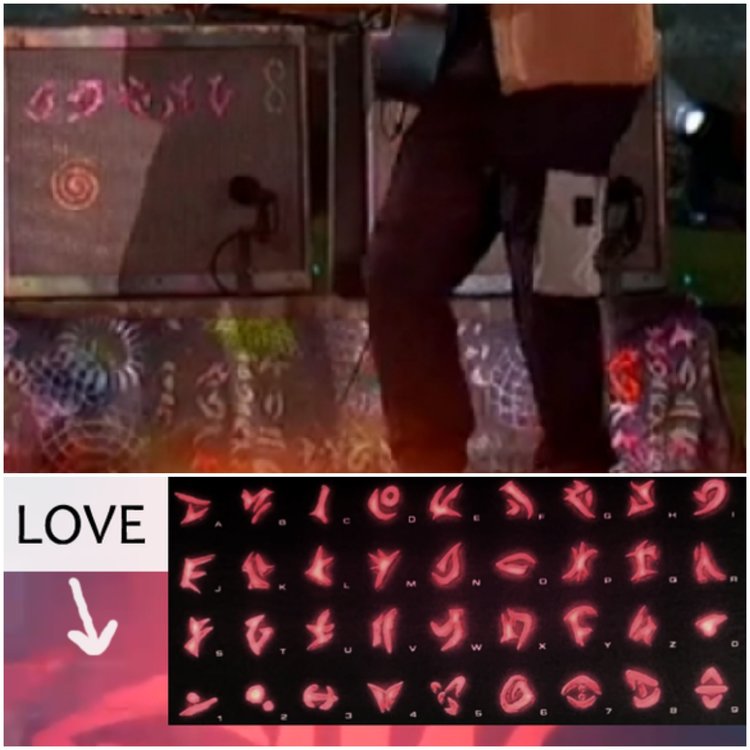 Scientist? Honestly I have no ideaYes?Clocks?Human Heart vs GravityETIAW




Account
Navigation
Search
Configure browser push notifications
Chrome (Android)
- Tap the lock icon next to the address bar.
- Tap Permissions → Notifications.
- Adjust your preference.
Chrome (Desktop)
- Click the padlock icon in the address bar.
- Select Site settings.
- Find Notifications and adjust your preference.
Safari (iOS 16.4+)
- Ensure the site is installed via Add to Home Screen.
- Open Settings App → Notifications.
- Find your app name and adjust your preference.
Safari (macOS)
- Go to Safari → Preferences.
- Click the Websites tab.
- Select Notifications in the sidebar.
- Find this website and adjust your preference.
Edge (Android)
- Tap the lock icon next to the address bar.
- Tap Permissions.
- Find Notifications and adjust your preference.
Edge (Desktop)
- Click the padlock icon in the address bar.
- Click Permissions for this site.
- Find Notifications and adjust your preference.
Firefox (Android)
- Go to Settings → Site permissions.
- Tap Notifications.
- Find this site in the list and adjust your preference.
Firefox (Desktop)
- Open Firefox Settings.
- Search for Notifications.
- Find this site in the list and adjust your preference.