



harrisonrules
Members
-
Joined
-
Last visited
Everything posted by harrisonrules
-
guess a letter
-
A / _ _ _ _ _ _ / _ _ _ _ _ _ _ / _ / _ _ _ _ / _ _ _ / _ A _ _ _ _ _ / _ _ _ _ _ _ / A _ _ / _ _ _ _ _ _ / _ _ _ / _ A _ /
-
@Famous_Old_Painter @IcebatofvalikinRRBZ8 @WhiteShadow7 Care to take a guess?
-
X on right

-
Angel Moon again I think this is the 2nd single

-
This video is gonna have so much Kaotica Alphabet in background I hope they give clues to future songs and not just HP lyrics
-
What does the kaotica say on 2nd one
-
I'm at work so can't decode what does left say

-
Looks awesome
-
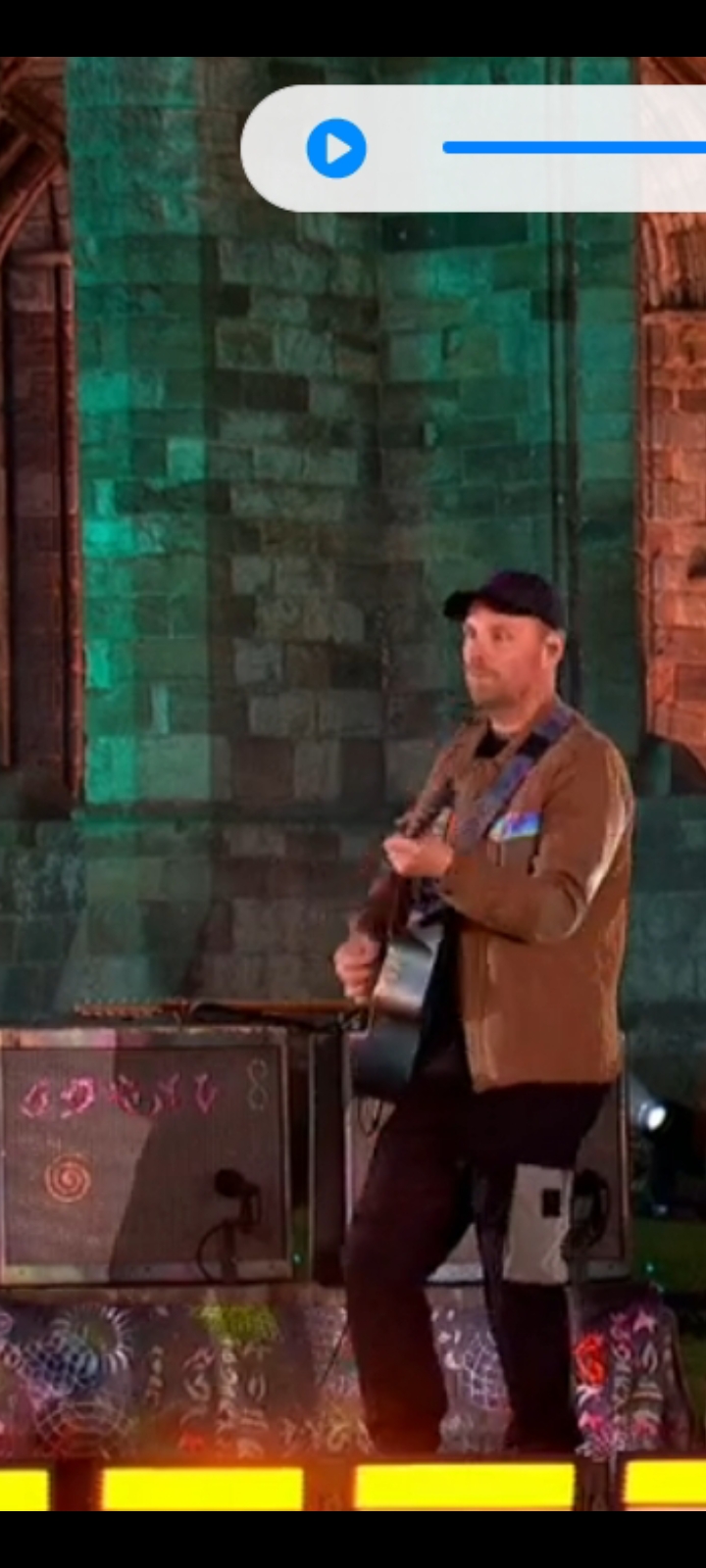
8 on amp


-
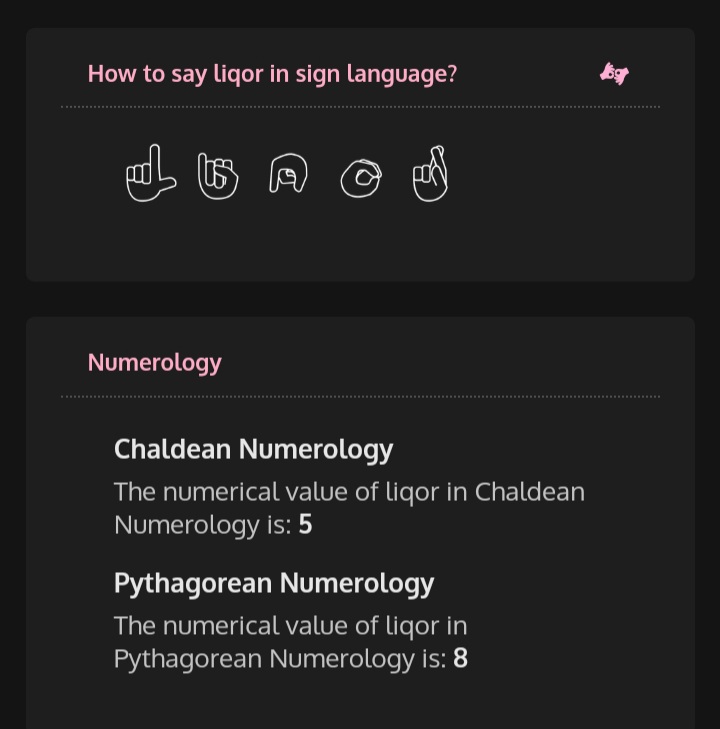
What part would you like me to explainGuys im FREAKING out guess what I discovered... One of the decoded messages said Liqor Seems similar to Liquor right? I looked it up and look at what I found Pythagorean Numerology is 8 Maybe its not infinite on shirt but number 8
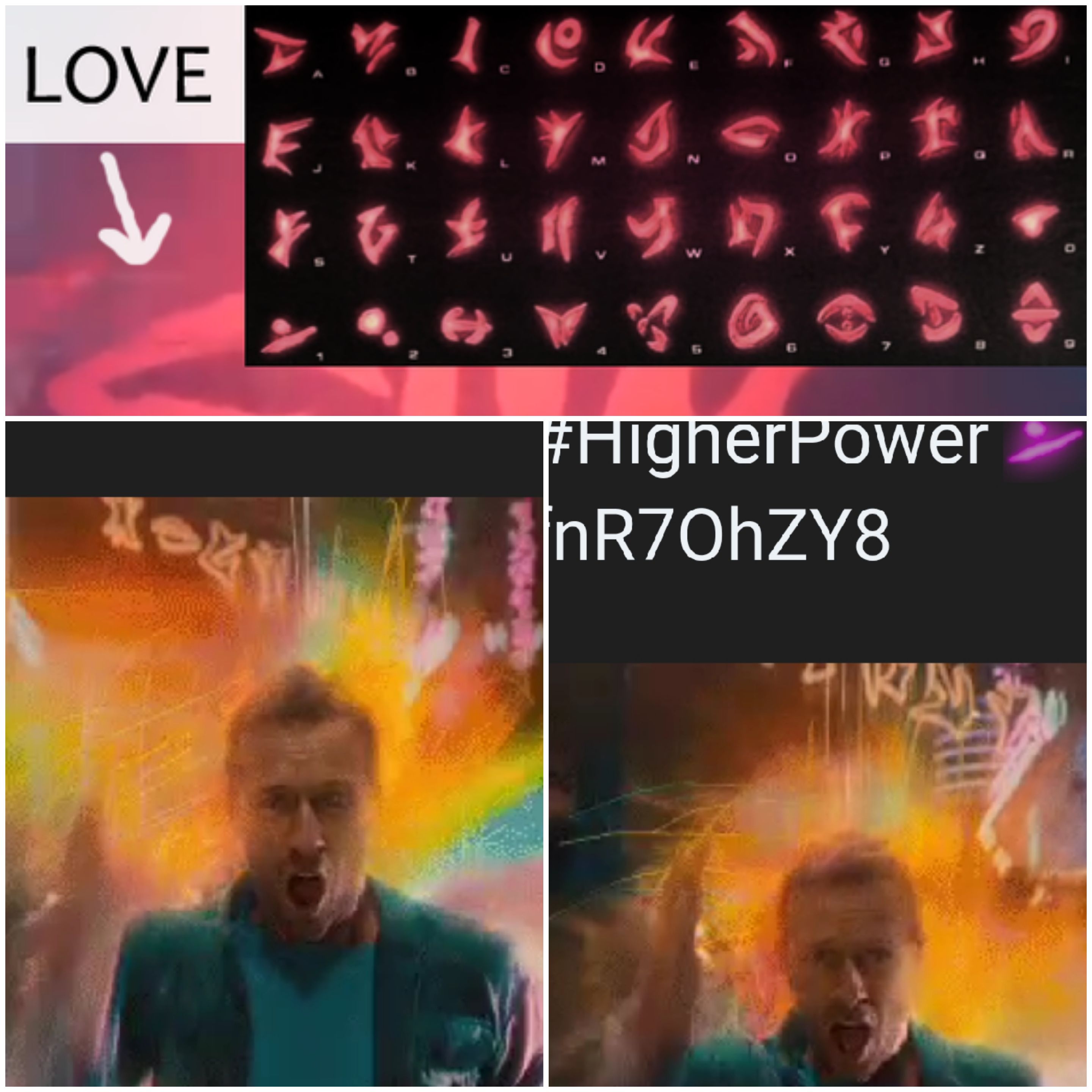
Wonder if this means Sex and Violence will make a returnI'm about to blow your mind... I decoded one of the Gifs for HP music video and it spells out POHSXES Thats Sex Shop backwardsWasn't a rumored song Neon Moon?Props for catching it firstHow about this?
 You can use lyrics or whatever Coldplay related Name a letter and ill take care of the rest _ / _ _ _ _ _ _ / _ _ _ _ _ _ _ / _ / _ _ _ _ / _ _ _ / _ _ _ _ _ _ _ / _ _ _ _ _ _ / _ _ _ / _ _ _ _ _ _ / _ _ _ / _ _ _ / Head Body Left Leg Left Arm Right Leg Right Arm Hands FeetETIAW vs Glass of Water










Account
Navigation
Search
Configure browser push notifications
Chrome (Android)
- Tap the lock icon next to the address bar.
- Tap Permissions → Notifications.
- Adjust your preference.
Chrome (Desktop)
- Click the padlock icon in the address bar.
- Select Site settings.
- Find Notifications and adjust your preference.
Safari (iOS 16.4+)
- Ensure the site is installed via Add to Home Screen.
- Open Settings App → Notifications.
- Find your app name and adjust your preference.
Safari (macOS)
- Go to Safari → Preferences.
- Click the Websites tab.
- Select Notifications in the sidebar.
- Find this website and adjust your preference.
Edge (Android)
- Tap the lock icon next to the address bar.
- Tap Permissions.
- Find Notifications and adjust your preference.
Edge (Desktop)
- Click the padlock icon in the address bar.
- Click Permissions for this site.
- Find Notifications and adjust your preference.
Firefox (Android)
- Go to Settings → Site permissions.
- Tap Notifications.
- Find this site in the list and adjust your preference.
Firefox (Desktop)
- Open Firefox Settings.
- Search for Notifications.
- Find this site in the list and adjust your preference.