harrisonrules
Members
-
Joined
-
Last visited
Everything posted by harrisonrules
-
I love the vibrant upbeat style of it
-
I like it but it's certainly not their best
-
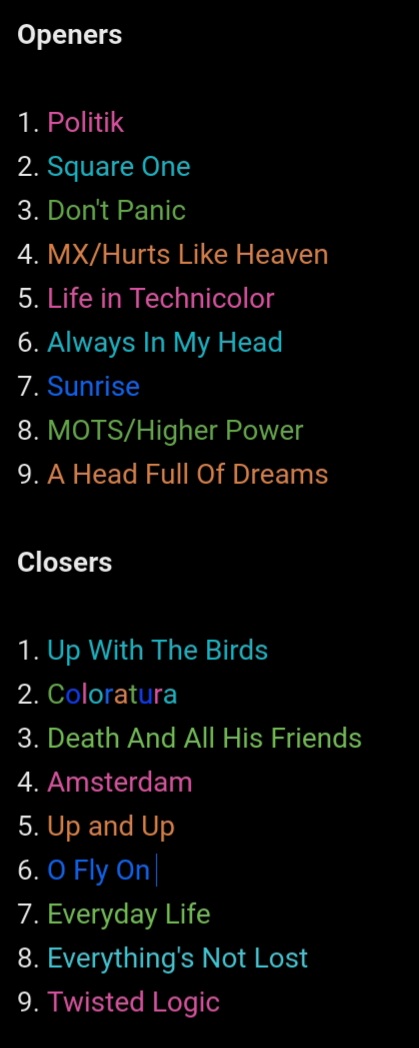
Technically the closer would be Twisted LogicApparently a new POTP snippet was released and before anybody asks no I don't have itUp With The Birds is the bestGood job throwing 42 in thereJordanator said got it on social media can't remember which one someone DMd Victoria and she gave that answer They are definitely working together though on something...
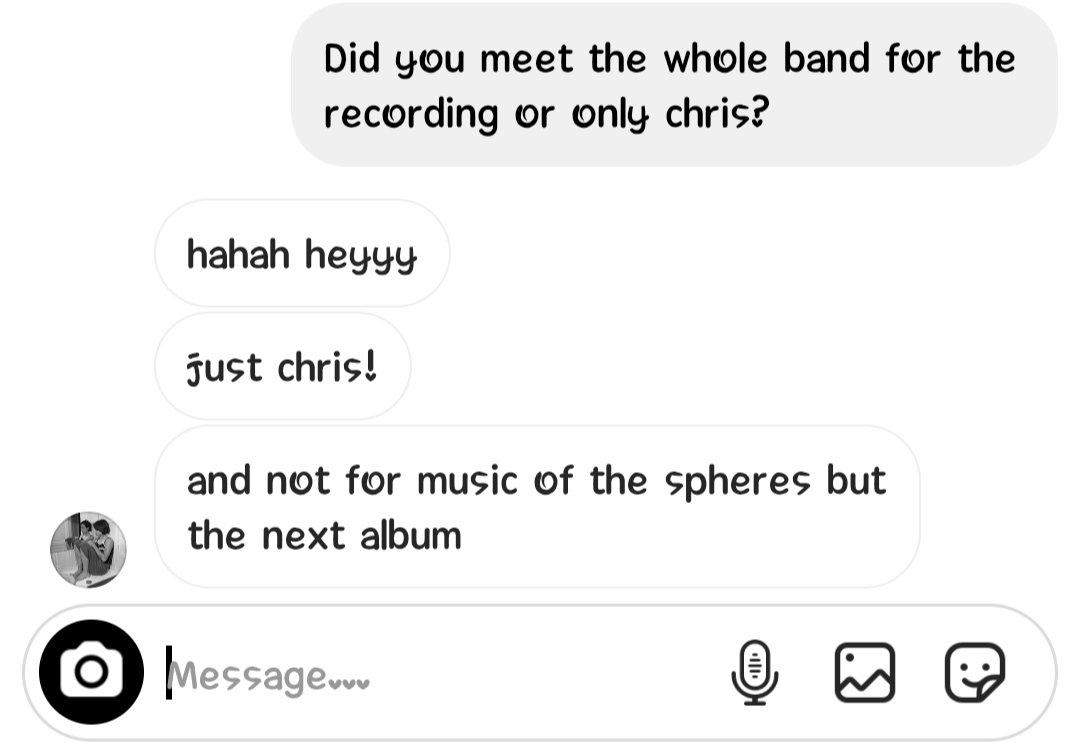
 ...This song gives me strong Muse vibesVery much looking forward to this oneColoratura is a lot better than ASFOSThe bit at 9m19s is so peaceful I always feel so relaxed listening to itVictoria Canal confirming she will be on next album Thanks @The Jordanator
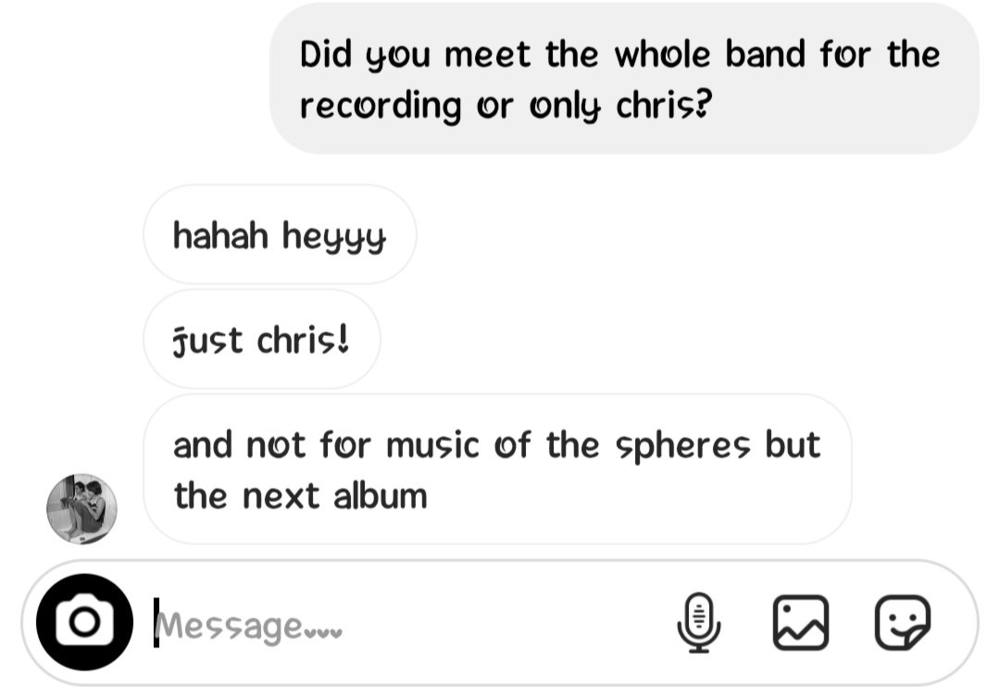 Several others songs on MOTS that should be greatWill Champion of the WorldReally wish they'd release a song where Will sings the whole songKnowing what we know so far im not sure how Orphans would fit in the context of the album. Ill have a more complete answer once I hear the entire album in full.Check out my reaction videoThat seems to be a popular thinking hereI've loved Coldplay from the start and will continue to do so No band has ever made me feel so alive while listeningThat makes sense thanksWhat do you mean it won't be on the album? Its already been announced.I'm still in awe at how incredible this song is from top to bottomWhen you are listening on YouTube and the ad kicks in seconds before the solo...