



harrisonrules
Members
-
Joined
-
Last visited
Everything posted by harrisonrules
-
I just read this on Discord Perhaps Coldplay originally intended to release information today because The first man landed on the moon July 20th
-
it will be popular regardless of when it comes out
-
I spelled it wrong but predicted beautiful

-
Im fairly certain thats an interlude
-
I wonder if it will be like 42 and UWTB same song but totally different if you catch my drift
-
Where did you get that from
-
I'll ask again I'm psyched about Pride of the People! And Coloratura!
-
Yes
-
There's a bit around 1m that sounds like Violet Hill
-
Not on album
-
https://www.instagram.com/p/CRjrc9XqPRx/?hl=en
-
What songs are yall most excited about
-
Where did you find that out
-
Is that legitHoly crap it does My apologiesAre we talking about the one where Chris says in this crazy world or something elseMessing around with filters

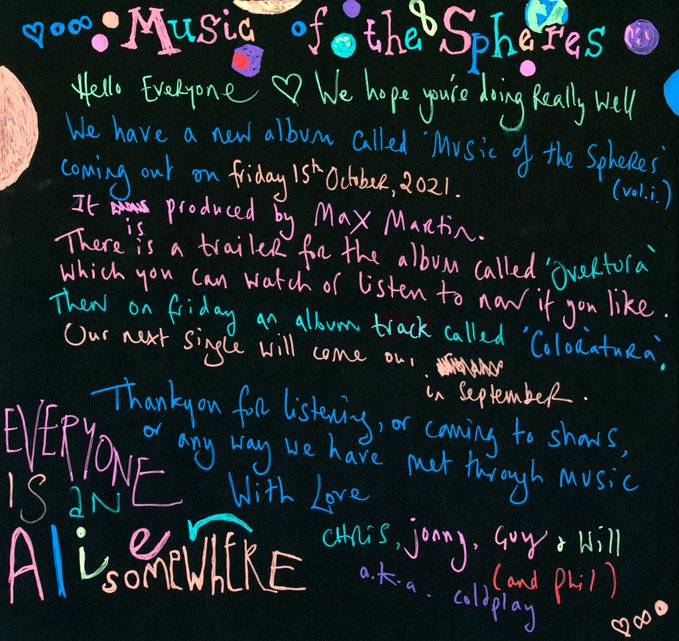
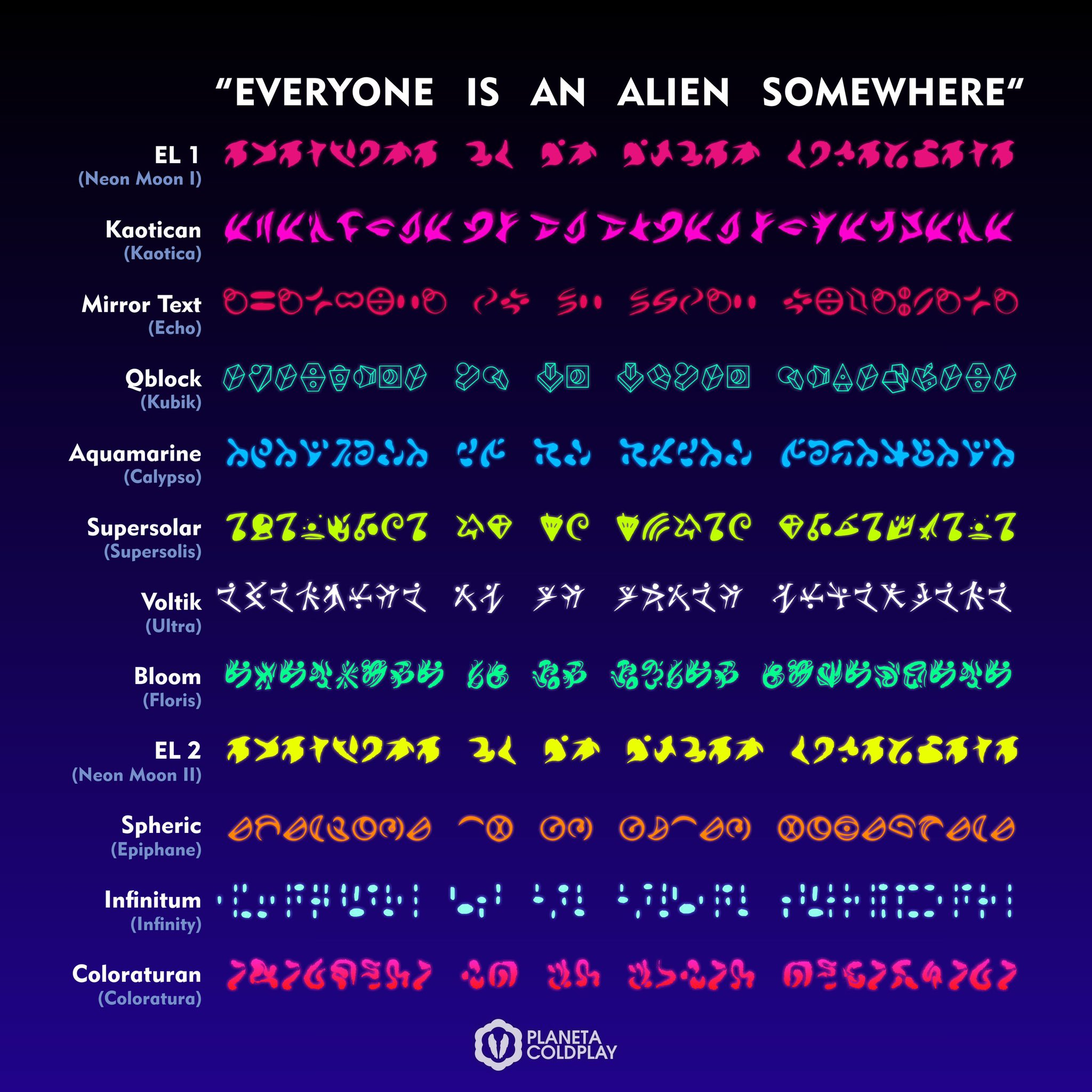
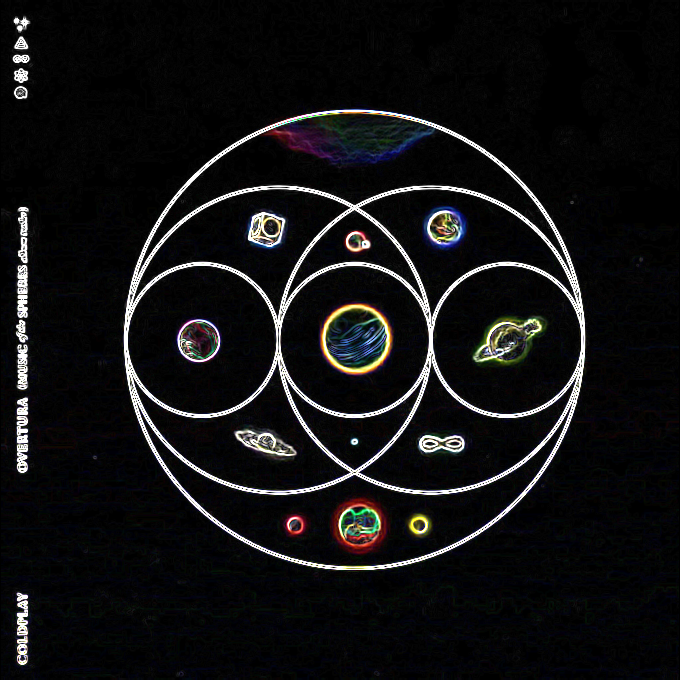 Track 11 sounds nothing like Life is Beautiful unless its just brand new songWhere did you see My Universe being 3m 40s cause I'm fairly sure its over 4mYes that tracklist is fakeNevermind i found itOn the video when did you screenshot it






Account
Navigation
Search
Configure browser push notifications
Chrome (Android)
- Tap the lock icon next to the address bar.
- Tap Permissions → Notifications.
- Adjust your preference.
Chrome (Desktop)
- Click the padlock icon in the address bar.
- Select Site settings.
- Find Notifications and adjust your preference.
Safari (iOS 16.4+)
- Ensure the site is installed via Add to Home Screen.
- Open Settings App → Notifications.
- Find your app name and adjust your preference.
Safari (macOS)
- Go to Safari → Preferences.
- Click the Websites tab.
- Select Notifications in the sidebar.
- Find this website and adjust your preference.
Edge (Android)
- Tap the lock icon next to the address bar.
- Tap Permissions.
- Find Notifications and adjust your preference.
Edge (Desktop)
- Click the padlock icon in the address bar.
- Click Permissions for this site.
- Find Notifications and adjust your preference.
Firefox (Android)
- Go to Settings → Site permissions.
- Tap Notifications.
- Find this site in the list and adjust your preference.
Firefox (Desktop)
- Open Firefox Settings.
- Search for Notifications.
- Find this site in the list and adjust your preference.