Nie
Members
-
Joined
Everything posted by Nie
-
2000 Miles this is one of my favorite Coldplay covers :heart:
-
beautiful version
-
if there is a video, i really want to see that!!!
-
What's this??? Jingle Bells on speed :D
-
wow, he didn't mess this one up
-
I love that crack in his voice :)
-
oh dear, what did Wham think of this version?
-
hmm, I think I prefer the other version
-
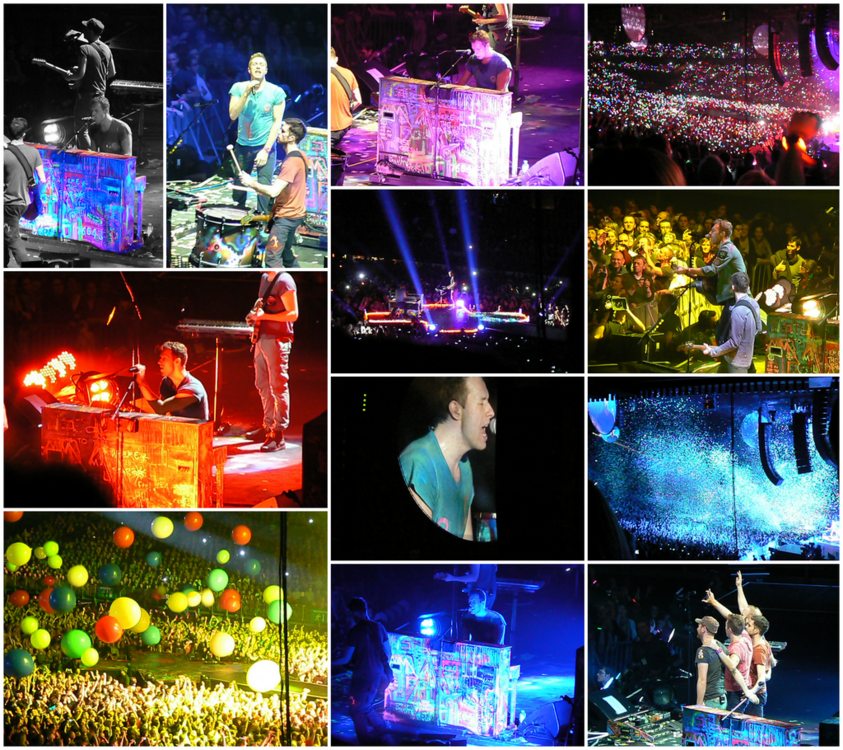
In celebration of Coldplay @ Sportpaleis Antwerpen - 18 december 2011
-
Oh, I know this one!!!! ;) Coldplay at Sportpaleis Antwerpen - today exactly 5 years ago. And I was there :):):):)
-
sounds like Elvis out of tune
-
what the heck? I've never heard that before, are they drunk? :grinning: does it have a name?
-
This is an example of the singing qualities of mr. Chris Martin :heart:
-
that last "Oh" :)
-
Oh Christmas lights light up the street Light up the fireworks in me
-
Ok, @I ran away, which version is this?
-
And like some drunken Elvis singing I go singing out of tune
-
I'm present, just in time :)
-
Oh dear, I'll never understand those timezones. So 4 pm CET+1 is 16:00 in Belgium -Germany - France - The Netherlands?
-
Z YAJ - the one who is featuring in Lost+
-
Just found out that there was a Coldplaying livestream of the BBC december 2014 concert on Facebook. Why aren't those things announced on the forums? [emoji53]
-
Xylobands
-
I'll find out tomorrow. [emoji6]
-
Yes. And I accidentally clicked on the file and it started to play. Just heard the first note of the first song. (but that was all I needed [emoji1])
-