Nie
Members
-
Joined
Everything posted by Nie
-
Ah! That's why I'm getting advertising to install the app. [emoji4] Glad that it is available again (for other users). I'm a fan from the first hour so I still have it and it is still up to date it seems. [emoji4]
-
Get well soon!
-
Haha, sounds interesting. And I think I might have an idea of who that can be. :)
-
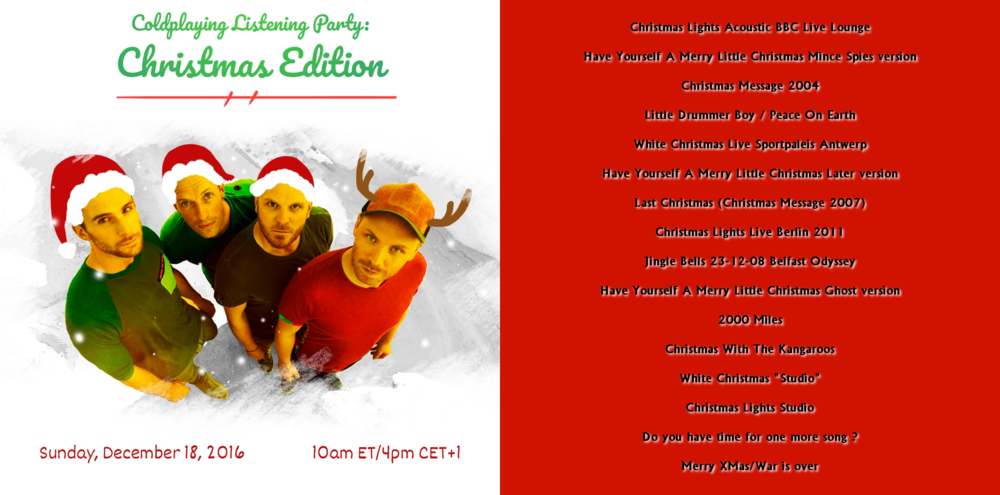
I have made my setlist, if anyone wants it:
-
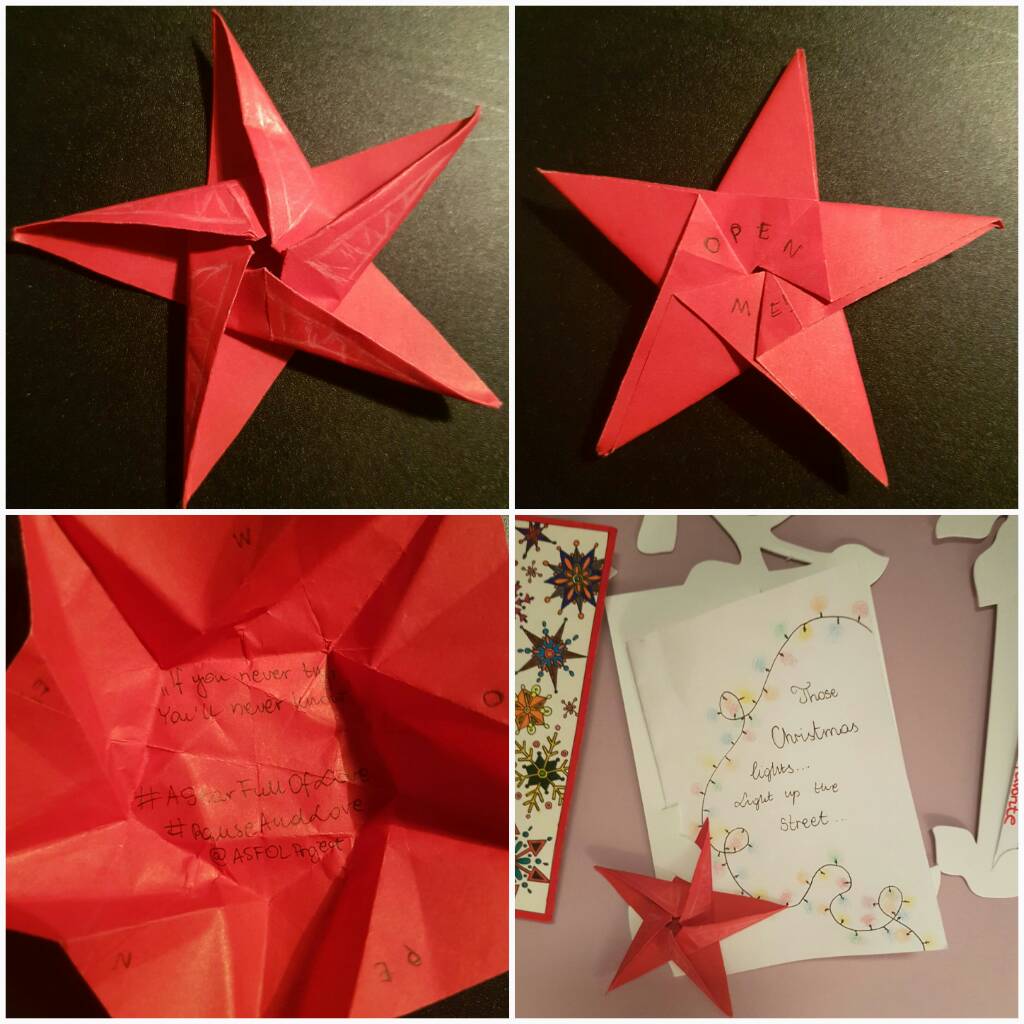
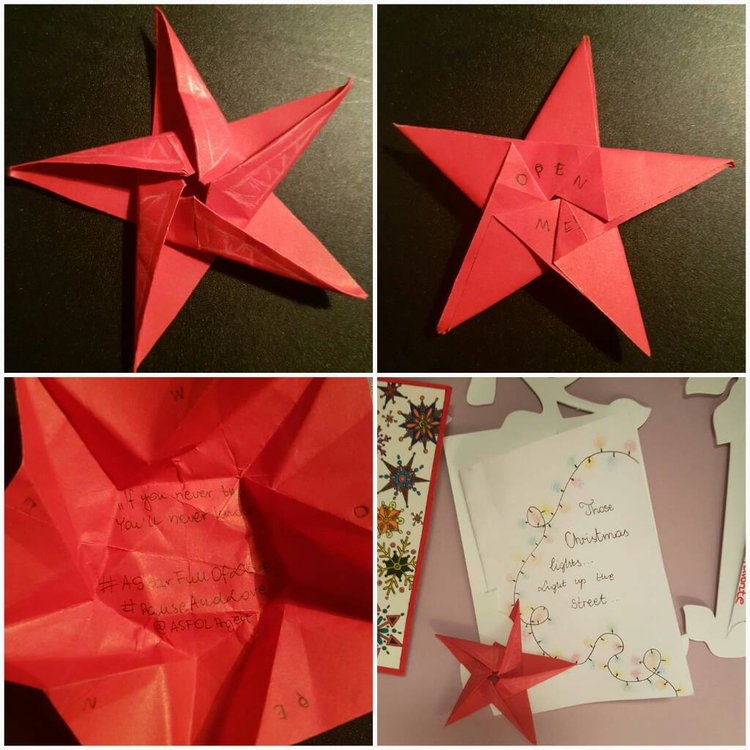
One of the project stars has reached Belgium [emoji4] Thanks to Alicjanna
-
Thanks for announcing it on the forums too. [emoji6] I wasn't home on time for this one, hopefully I can watch one on the next days. [emoji4]
-
Wasn't there something around 20 December? Notifying the winning videos or something like that?
-
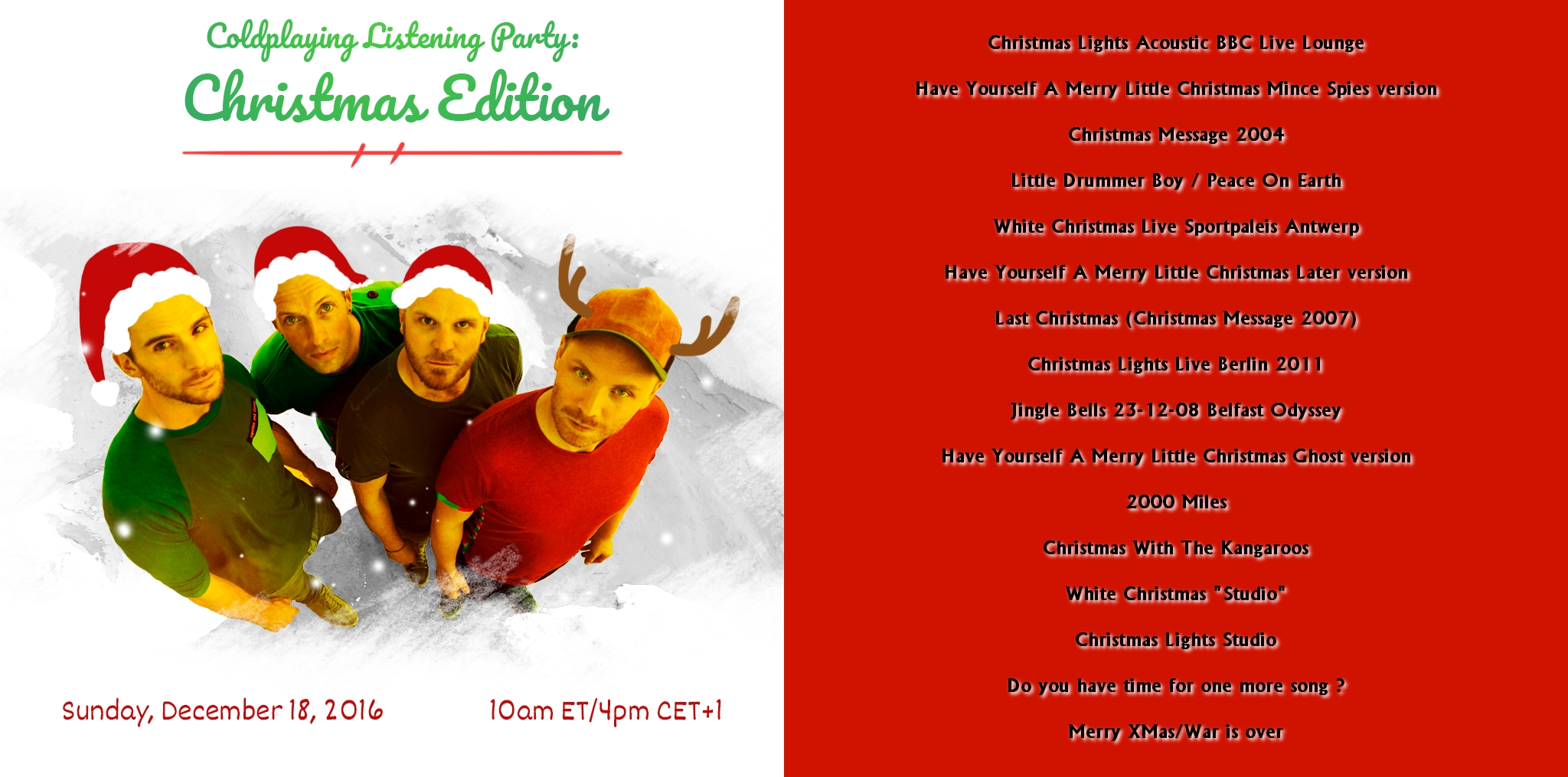
Thanks for this party, it was fun. @I ran away, is it possible to give a list of the different songs - versions. I really want to look up some of them.
-
haha, my player starts all over. :D
-
Wow, it's over already?
-
ooohhhhhhhhhhh
-
I hope you have fun --> I did
-
So this is Christmas another beauty
-
oops, that fireworks was loud
-
That must have been such an adventure to be able on that boat as a fan
-
thoossssssee Chrismas liiggghhtttss
-
Singing how I've always loved you darling and I always will
-
LOL, so Jonny is the xylophone player
-
is that a xylophone?
-
oh, that's some intro...
-
Loads of laughter, loads of booze That's Christmas with the kangaroos
-
Christmas with the kangaroos :grinning:
-
those backings ...
-
2000 miles Is very far through the snow I'll think of you Wherever you go
-
In these frozen and silent nights Sometimes in a dream you appear