Nie
Members
-
Joined
Everything posted by Nie
-
And we will have some loop pedal fun too [emoji4] If it works [emoji39]
-
-
Poor Guy, if I was him I would kick Chris against the leg
-
Haha, yes the banana story [emoji23]
-
Lol, I really started to type that before the song started.[emoji1]
-
Let's guess: imp
-
Maybe try it out first on an old Cd that you don't really need anymore. Scratch that up and see what the toothpaste does.
-
Ok, now we get to the most interesting part of the concert [emoji4]
-
-
It's on again - Heroes
-
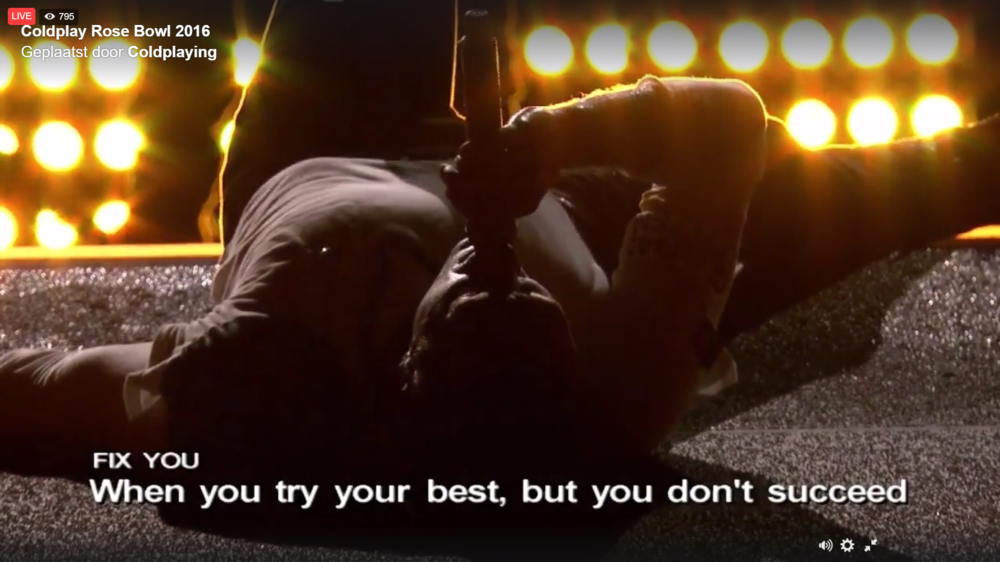
lol, now it froze at this point :
-
The webstream is asking a lot of bandwidth. I have my phone on a 2.4 connection and that is really slow. Laptop is on 5 ghz frequency so that works fine
-
The forums are really slow in refreshing for me
-
Does anyone knows what name this one has?
-
Yes. I really liked the build up and then the sudden stop.
-
No, it's works fine. I'm logged on to Facebook on my laptop.
-
Yeah, we made it past The Scientist. [emoji4] Edit: At least now we have. Birds[emoji173]
-
But thanks to the subtitles we can practise the lyrics! Oh wait, those don't match with Chris' freedom of lyrics usage
-
We are just joking, the effort is very much appreciated.
-
You only missed 1 song until now.[emoji4]
-
That's very nice of you because I missed the first 20 minutes or so [emoji39]
-
He really doesn't sound good
-
Ooooh, let's go back to the start
-
[uSER=100956]@Stephen[/uSER] is keeping us in suspense today. [emoji16] Or is it the "Guess the concert quiz"?
-
I hope you don't have that many interruptions [emoji16]